Introduction
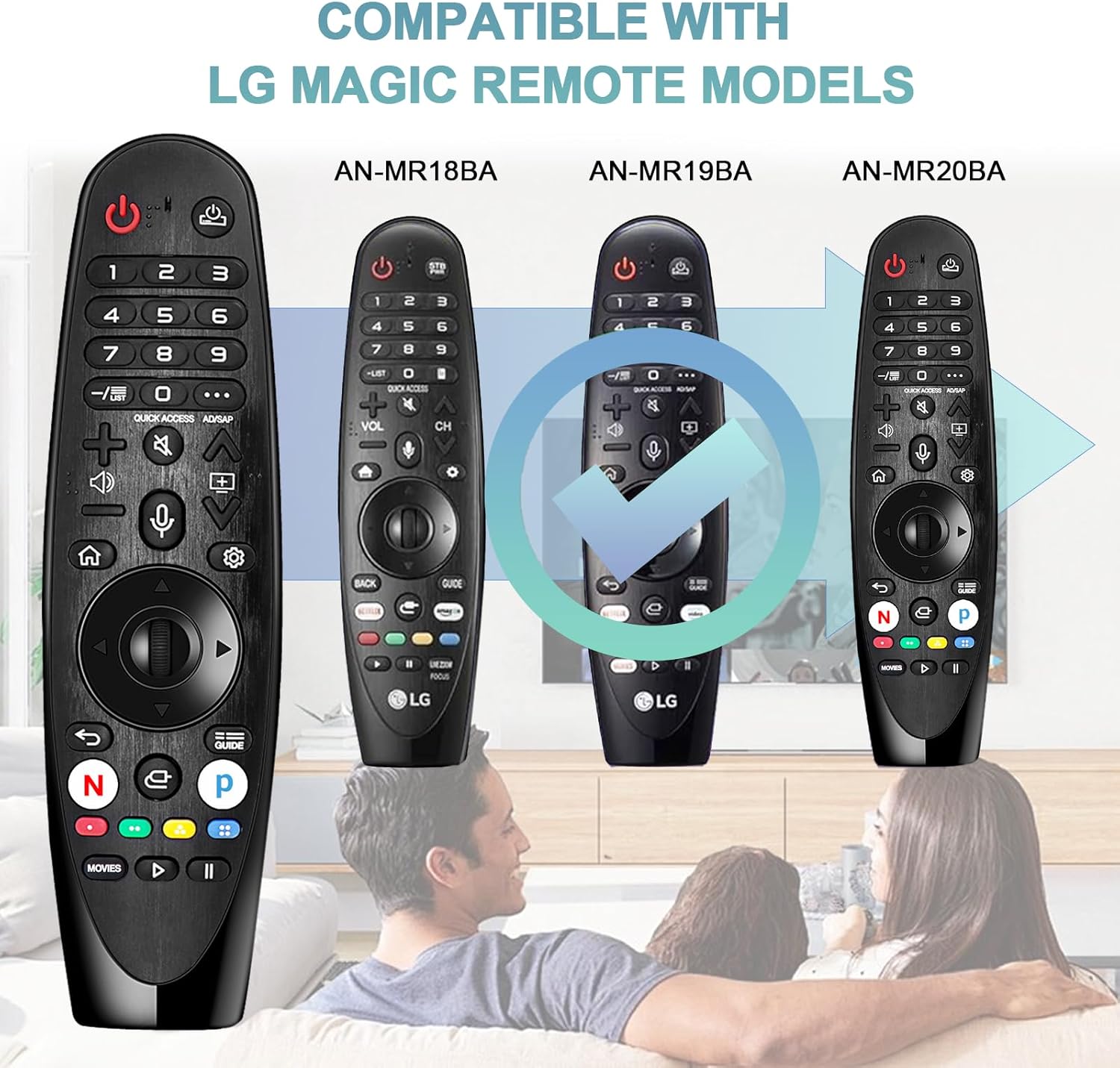
This manual provides detailed instructions for the Daloben AN-MR18BA AN-MR20 AKB75855501 Voice Magic Remote Control. This remote is designed to enhance your viewing experience with LG 4K UHD Smart TVs, offering intuitive mouse-like pointing, a scroll wheel, and voice recognition capabilities.

Compatibility
This remote control is compatible with various 2018 LG 4K UHD Smart TV models. Please verify your TV model against the list below:
2018 LG OLED Smart TV Models:
- B8 Series: OLED43B8, OLED49B8, OLED50B8, OLED55B8, OLED65B8, OLED75B8, OLED77B8, OLED86B8
- C8 Series: OLED43C8PUA, OLED49C8PUA, OLED50C8PUA, OLED55C8PUA, OLED65C8PUA, OLED75C8PUA, OLED77C8PUA, OLED86C8PUA
- E8 Series: OLED43E8PUA, OLED49E8PUA, OLED50E8PUA, OLED55E8PUA, OLED65E8PUA, OLED75E8PUA, OLED77E8PUA, OLED86E8PUA
- W8 Series: OLED75W8PUA, OLED86W8PUA
2018 LG Super UHD TV Models:
- SK8000 Series: 43SK8000PUA, 49SK8000PUA, 50SK8000PUA, 55SK8000PUA, 65SK8000PUA, 75SK8000PUA, 77SK8000PUA, 86SK8000PUA
- SK8070 Series: 75SK8070PUA
- SK9000 Series: 43SK9000PUA, 49SK9000PUA, 50SK9000PUA, 55SK9000PUA, 65SK9000PUA, 75SK9000PUA, 77SK9000PUA, 86SK9000PUA
- SK9500 Series: 65SK9500PUA
2018 LG UHD 4K TV Models:
- UK6300 Series: 43UK6300, 49UK6300, 50UK6300, 55UK6300, 65UK6300, 75UK6300, 77UK6300, 86UK6300
- UK6500 Series: 43UK6500AUA, 50UK6500AUA, 55UK6500AUA, 65UK6500AUA
- UK6570 Series: 70UK6570AUA, 75UK6570AUA, 86UK6570AUA
- UK7700 Series: 55UK7700AUB, 65UK7700AUB
Setup
Battery Installation
The remote control includes a built-in battery. Before first use, locate the protective film on the back of the remote control. Remove this film to reveal a gasket at the battery compartment. Please remove this gasket to activate the battery.
Pairing the Remote
To pair the remote control with your LG Smart TV, follow these steps:
- Press and hold the Home button (
 ) and the Back button () simultaneously for 5 seconds to initialize the Magic Remote Control.
 - Point the Magic Remote Control directly at your Smart TV.
- Press the Scroll Wheel (OK) button on the remote control.
- A message confirming successful connection will appear on your TV screen.
Note: Only one Magic Remote can be paired with your TV at a time. If the TV fails to register the Magic Remote, try again after turning the TV off and then back on.
Operating Instructions
Pointer and Scroll Wheel Function
The central wheel button functions as both a select button and an Air Mouse. To use the pointer, move the remote in the air to guide the cursor on your TV screen. Press the Wheel (OK) button to select items or execute functions. The scroll wheel also allows for easy navigation through menus and web pages.

Voice Recognition
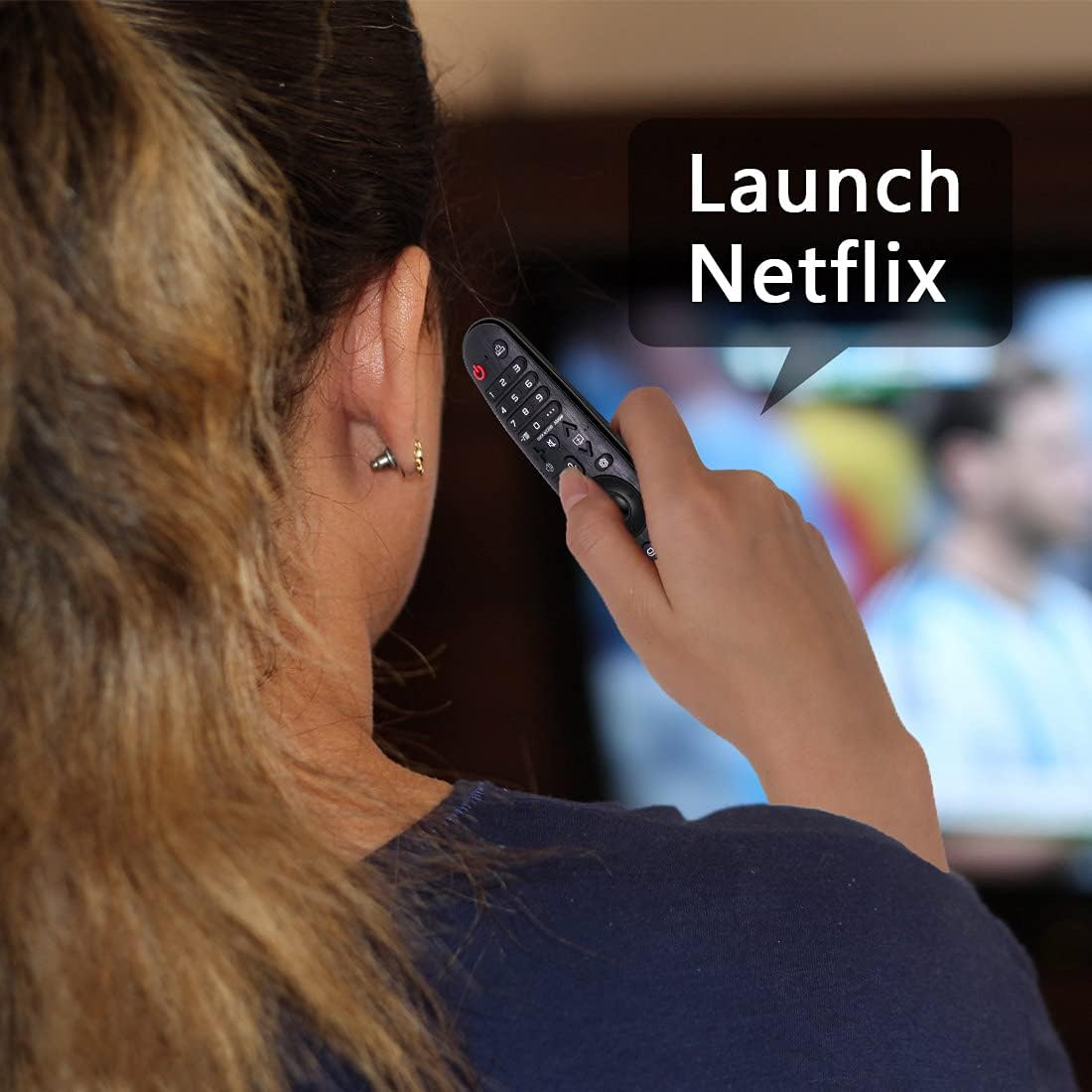
This remote control features voice search capabilities. Press the dedicated voice button (often indicated by a microphone icon) and speak your commands or search queries into the remote. The TV will process your voice input for navigation, content search, or other functions.
Maintenance
To ensure the longevity and optimal performance of your remote control, follow these maintenance guidelines:
- Keep the remote control clean by wiping it with a soft, dry cloth. Avoid using liquid cleaners or abrasive materials.
- Do not expose the remote to extreme temperatures, direct sunlight, or high humidity.
- If the remote will not be used for an extended period, consider removing the batteries to prevent leakage.
- Handle the remote with care to prevent drops or impacts that could damage internal components.
Troubleshooting
If you encounter issues with your remote control, refer to the following common problems and solutions:
- Remote Not Responding:
- Ensure the battery gasket has been removed and the battery is properly seated.
- Re-attempt the pairing process as described in the "Pairing the Remote" section.
- Turn your TV off and then back on, then try pairing again.
- Pointer Not Appearing or Moving:
- Ensure the remote is pointed directly at the TV.
- Check for any obstructions between the remote and the TV.
- Re-pair the remote control.
- Voice Recognition Not Working:
- Ensure you are pressing the voice button while speaking.
- Speak clearly and at a normal volume.
- Check your TV's settings to ensure voice recognition is enabled.
Specifications
| Feature | Detail |
|---|---|
| Model Number | AN-MR18BA AN-MR20 AKB75855501 |
| Product Dimensions | 7.4 x 2.1 x 0.01 inches |
| Item Weight | 5 ounces |
| Batteries | 2 A batteries (included) |
| Special Feature | Voice Search, Pointer Function, Scroll Wheel |
| Max Number of Supported Devices | 1 |
Warranty and Support
Daloben offers a 180-day after-sale service for this product. If you have any questions or require assistance with your order, please contact customer support directly. Inquiries will typically receive a response within 12 hours.