1. Introduction
Welcome to the BOAVISION VB608 Video Baby Monitor user guide. This manual provides detailed instructions on how to set up, operate, and maintain your baby monitor. Please read through this guide carefully before first use to ensure proper functionality and safety.
Important Safety Instructions
- Adult assembly is required. Keep small parts away from children when assembling.
- This product is not a toy. Do not allow children to play with it.
- This baby monitor is not a substitute for responsible adult supervision.
- Do not place the baby unit or cables in the cot or within arm's reach of the baby (at least 1 meter away).
- Keep the cords out of reach of children.
- Do not use the baby monitor near water or a heat source.
- Only use the power adapters provided.
- Do not block the ventilation openings.
2. Package Contents
Please check the box for the following items:
- 1x Parent Unit (Monitor)
- 1x Baby Unit (Camera)
- 2x Power Adapters
- 1x User Manual

Figure 2.1: Parent Unit (left) and Baby Unit (right) of the BOAVISION VB608 Baby Monitor.
3. Product Overview
The BOAVISION VB608 Baby Monitor system consists of two main units: the Parent Unit (monitor) and the Baby Unit (camera).
3.1 Parent Unit (Monitor)
The Parent Unit features a 4.3-inch IPS full-color display for clear viewing of your baby. It includes various buttons for control and indicators for status.
- LCD Screen: Displays video feed and menu options.
- Microphone: For two-way talk function.
- Power Indicator: Shows power status.
- Signal Indicator: Displays wireless signal strength.
- PTT Key: Push-to-talk button for two-way communication.
- Music Play Control Key: Activates lullaby playback.
- Backlight Key / Right Key: Adjusts screen backlight and navigates menus.
- VOX Key / Return Key: Activates VOX mode and returns to previous menu.
- Volume - Key / Down Key: Decreases volume and navigates menus.
- Menu / OK Key: Accesses menu and confirms selections.
- Volume + Key / Up Key: Increases volume and navigates menus.
- Power Adapter Port: For charging and continuous power.
- Speaker: For audio output.
3.2 Baby Unit (Camera)
The Baby Unit captures video and audio from your baby's room. It is equipped with infrared LEDs for night vision and a temperature sensor.
- Light Sensor: Detects ambient light for automatic night vision activation.
- Camera Lens: Captures video feed.
- Infrared LEDs: 4 high-intensity infrared LEDs for clear night vision up to 15 feet (5 meters).
- Power LED: Indicates power status.
- Microphone: Captures audio from the baby's room.
- Temperature Sensor: Monitors room temperature.
- Power Adapter Port: For continuous power.
- Pair Key: Used for pairing the units if needed.
- Speaker: For lullaby playback and two-way talk audio.

Figure 3.1: Detailed overview of Parent Unit and Baby Unit components.
4. Setup
4.1 Powering the Baby Unit (Camera)
The Baby Unit does not contain a built-in battery and requires continuous power. Plug the small end of one power adapter into the Baby Unit's power adapter port and the other end into a power outlet. A blue indicator will illuminate on the Baby Unit when it is working (except in Night Vision mode).
4.2 Charging the Parent Unit (Monitor)
The Parent Unit has a built-in 1760mAh lithium-ion battery. For optimal performance, fully charge the Parent Unit before first use. Plug the small end of the second power adapter into the Parent Unit's power adapter port and the other end into a power outlet. The charging indicator will turn on. Once fully charged, the battery can provide up to 24 hours of continuous use in VOX mode.

Figure 4.1: The monitor's battery life in VOX mode.
4.3 Placement and Pairing
Place the Baby Unit in a convenient location that provides a clear view of your baby. Ensure it is at least 1 meter away from the baby. The Parent Unit and Baby Unit are pre-paired at the factory. If pairing is lost, refer to the 'Camera Registration' section in the menu options to re-pair the units. The monitor uses 2.4GHz wireless technology for a secure and interference-free connection, with an obstacle-free range of up to 853 feet (260 meters).

Figure 4.2: The monitor offers a long transmission range for flexible placement.
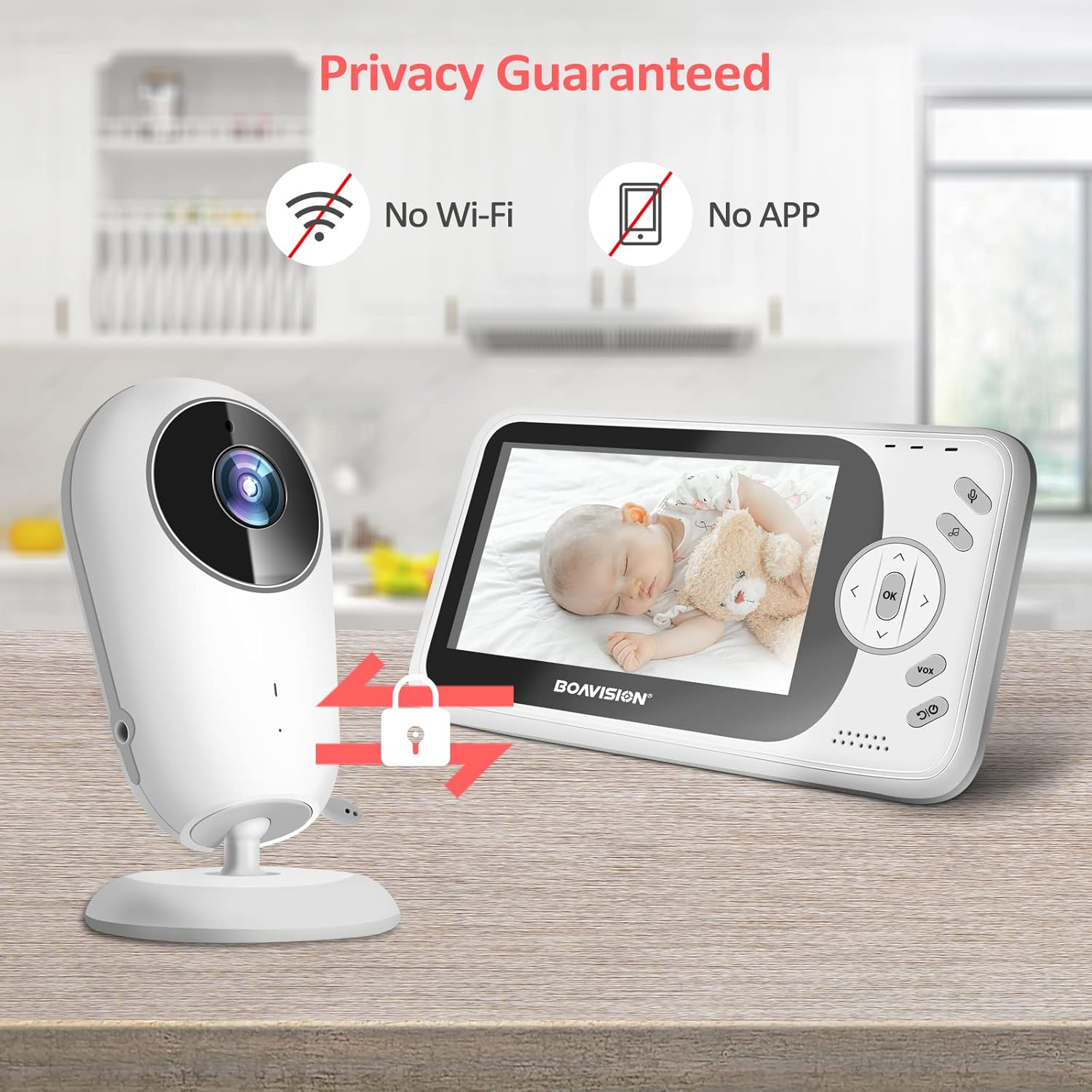
Figure 4.3: The system operates without Wi-Fi or external apps, ensuring privacy.
5. Operating Instructions
5.1 Basic Operation
To turn on the Parent Unit, press and hold the Power/OK key for approximately 3 seconds. To turn off, repeat the process. The Baby Unit powers on automatically when connected to a power source.
5.2 Night Vision
The Baby Unit is equipped with 4 high-intensity infrared LEDs that automatically activate in low-light conditions, providing clear black and white images of your baby even in complete darkness.

Figure 5.1: Clear image day and night with automatic infrared night vision.
5.3 Music Player (Lullabies)
The monitor includes 8 pre-programmed lullabies to soothe your baby. Press the Music Play Control Key on the Parent Unit to turn on the music player. Press it again to turn it off.
5.4 Two-Way Talk Function
To speak to your baby through the Baby Unit's speaker, press and hold the PTT (Push-to-Talk) key on the Parent Unit. Release the button to hear your baby's response.

Figure 5.2: Two-way talk back feature allows communication with your baby.
5.5 Adjusting Volume and Backlight
- Volume: While video is playing, use the 'Volume +' or 'Volume -' keys to adjust the audio level. The current volume icon will be displayed for 5 seconds.
- Backlight: Use the 'Backlight Key / Right Key' or 'Left Key' to adjust the screen brightness. The display will show the current backlight icon for 3 seconds.
5.6 VOX Function (Voice Operated Exchange)
In VOX mode, the screen will automatically turn off to save power when no sound is detected. When the baby unit detects sound in the baby's room, the screen will reactivate automatically. Press the VOX key again to return to Normal mode. You can adjust VOX sensitivity (Low, Medium, High) in the settings menu.
5.7 Temperature Monitoring
The Baby Unit continuously monitors the room temperature and displays it on the Parent Unit's screen. This helps you ensure your baby's environment is comfortable.
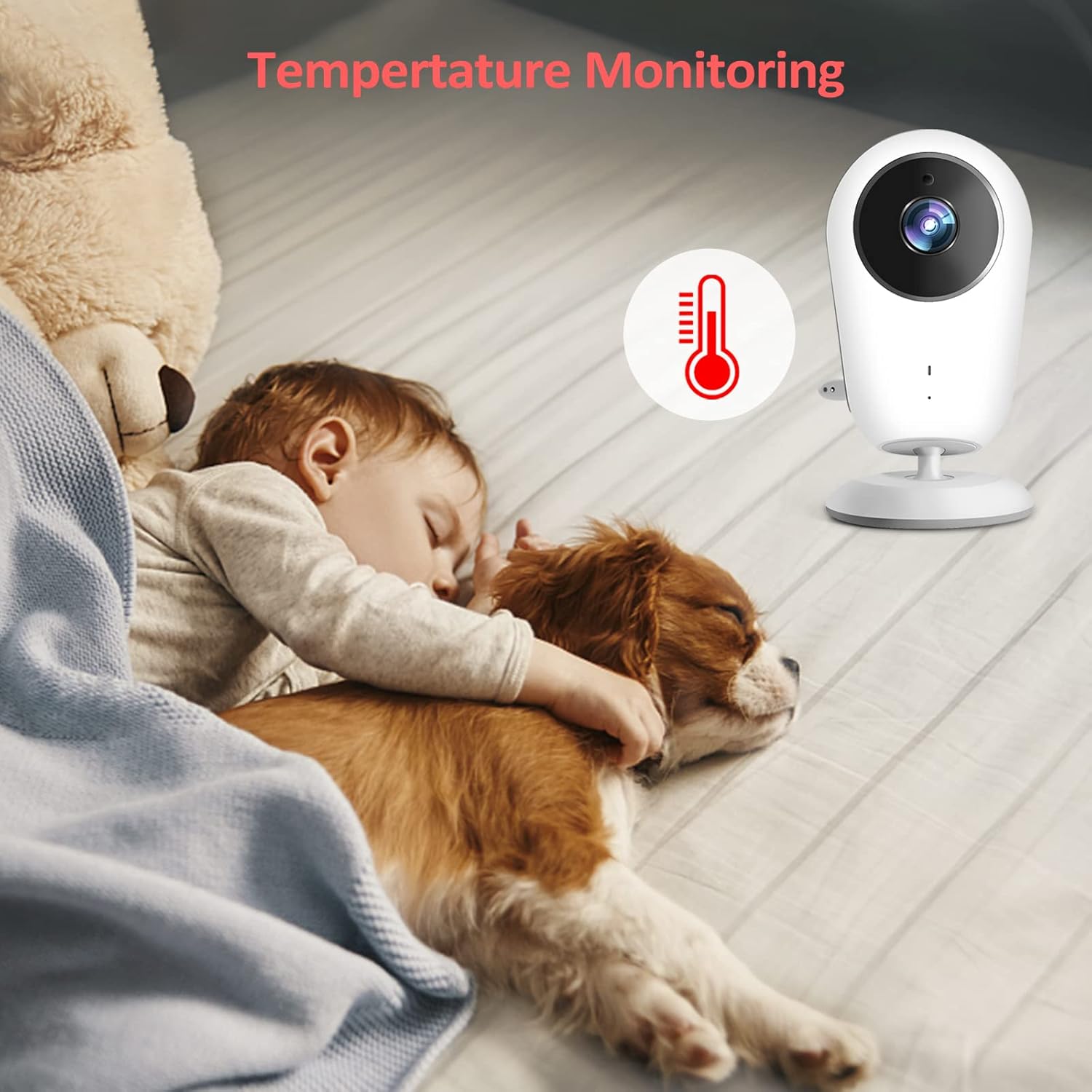
Figure 5.3: The monitor displays the room temperature.
5.8 Feeding Alarm
You can set a feeding alarm to remind you of feeding times. Access the 'Alarm' option in the settings menu to configure reminders for 2H, 4H, or 6H intervals.
6. Troubleshooting
If you encounter any issues with your BOAVISION VB608 Baby Monitor, please refer to the following common problems and solutions:
| Problem | Possible Cause | Solution |
|---|---|---|
| No image/sound on Parent Unit | Baby Unit is not powered on or connected. Parent Unit battery is low. Units are out of range. | Ensure Baby Unit is plugged in. Charge Parent Unit. Move units closer to each other. |
| Screen freezes or unresponsive buttons | Temporary software glitch. | Turn off the Parent Unit, then turn it back on. |
| Poor image quality or flickering | Low light conditions (if not in night vision). Interference from other devices. Incorrect anti-flicker setting. | Ensure adequate lighting or check night vision. Move away from other electronics. Adjust 'Anti-flicker' setting in menu (50Hz/60Hz). |
| No sound or distorted sound | Volume too low. Units too close (echo). | Increase volume on Parent Unit. Move units further apart. |
| VOX mode not working as expected | VOX sensitivity setting is too low. | Increase VOX sensitivity in the settings menu. |
7. Maintenance
To ensure the longevity and optimal performance of your baby monitor, follow these maintenance guidelines:
- Cleaning: Use a soft, dry cloth to clean the surfaces of both units. Do not use abrasive cleaners or solvents.
- Storage: If storing the monitor for an extended period, ensure both units are fully charged. Store in a cool, dry place away from direct sunlight and extreme temperatures.
- Battery Care: For the Parent Unit's built-in battery, avoid fully discharging it frequently. Charge it regularly to maintain battery health.
- Environment: Keep the units away from dust, moisture, and extreme temperatures.
8. Specifications
| Feature | Detail |
|---|---|
| Model Number | VB608 |
| Connectivity Technology | Wireless 2.4GHz GFSK |
| Screen Size | 4.3 inch TFT LCD |
| Display Resolution | 480 x 272 pixels |
| Monitor Battery | 1760mAh Lithium Polymer (included) |
| Camera Power Source | Wall Plug-In |
| Night Vision Distance | 15 ft (5 m) |
| Operating Temperature | -10°C to +45°C |
| Operating Humidity | <85% |
| Wireless Range | Up to 853 ft (260 m) in open field |
| Camera Dimensions (W x H x D) | 62.5 x 115 x 62.5 mm |
| Monitor Dimensions (W x H x D) | 82.5 x 151.6 x 19.5 mm |
9. Warranty and Support
BOAVISION stands behind the quality of its products. The VB608 Video Baby Monitor comes with the following:
- 1-Year Replacement Warranty: Enjoy peace of mind with a 1-year no-questions-asked replacement warranty.
- 60-Day Money-Back Guarantee: If you are not satisfied with your purchase, you may return it within 60 days for a full refund.
For any questions, technical support, or warranty claims, please contact BOAVISION customer service through the retailer's platform where you purchased the product.