
Bosch EasyDrill 18V-40 Cordless Drill Driver User Manual
Model: 06039D8005 | Brand: BOSCH
1. Introduction
The Bosch EasyDrill 18V-40 is a versatile cordless drill driver designed for various drilling and screwdriving applications. It features a 2-speed gearbox and 20 torque settings, ensuring optimal performance for tasks in wood, metal, and plastic. The 13 mm keyless chuck allows for quick and easy bit changes. Its ergonomic design and integrated LED work light enhance usability in diverse working conditions.
2. Safety Instructions
Always observe general power tool safety warnings and instructions provided in the separate safety manual. Keep the work area clean and well-lit. Do not operate power tools in explosive atmospheres. Wear appropriate personal protective equipment.
- Ensure the battery is fully charged before use.
- Always remove the battery pack before making any adjustments, changing accessories, or storing the power tool.
- Secure the workpiece. A workpiece clamped by clamping devices or in a vice is held more securely than by hand.
- Wear hearing protection when drilling for extended periods.
- Do not use the tool for applications it is not designed for.
3. Product Components
Familiarize yourself with the main components of your Bosch EasyDrill 18V-40.

Figure 1: Bosch EasyDrill 18V-40 Cordless Drill Driver, including two 2.0 Ah batteries, charger, and a green carrying case.
- Drill Chuck: 13 mm keyless chuck for easy bit changes.
- Torque Setting Ring: Adjusts torque for screwdriving applications.
- Gear Selector: Switches between two speed settings (drilling/screwdriving).
- Trigger Switch: Activates the tool and controls speed.
- Forward/Reverse Switch: Changes rotation direction.
- Battery Pack: 18V Lithium-Ion battery.
- LED Work Light: Illuminates the work area.
4. Setup
4.1 Charging the Battery
- Connect the charger (AL 18V-20) to a power outlet.
- Insert the battery pack into the charger.
- The charging indicator light will show the charging status. A full charge is indicated when the light turns solid green.
- Remove the battery once fully charged.
4.2 Installing/Removing the Battery Pack
- Installation: Slide the charged battery pack into the base of the drill until it clicks securely into place.
- Removal: Press the battery release button and slide the battery pack out.
4.3 Inserting/Removing Drill Bits or Screwdriver Bits
- Rotate the drill chuck counter-clockwise until the jaws are wide enough to insert the bit.
- Insert the drill bit or screwdriver bit fully into the chuck.
- Rotate the drill chuck clockwise to tighten the jaws securely around the bit. Ensure the bit is centered and firmly held.
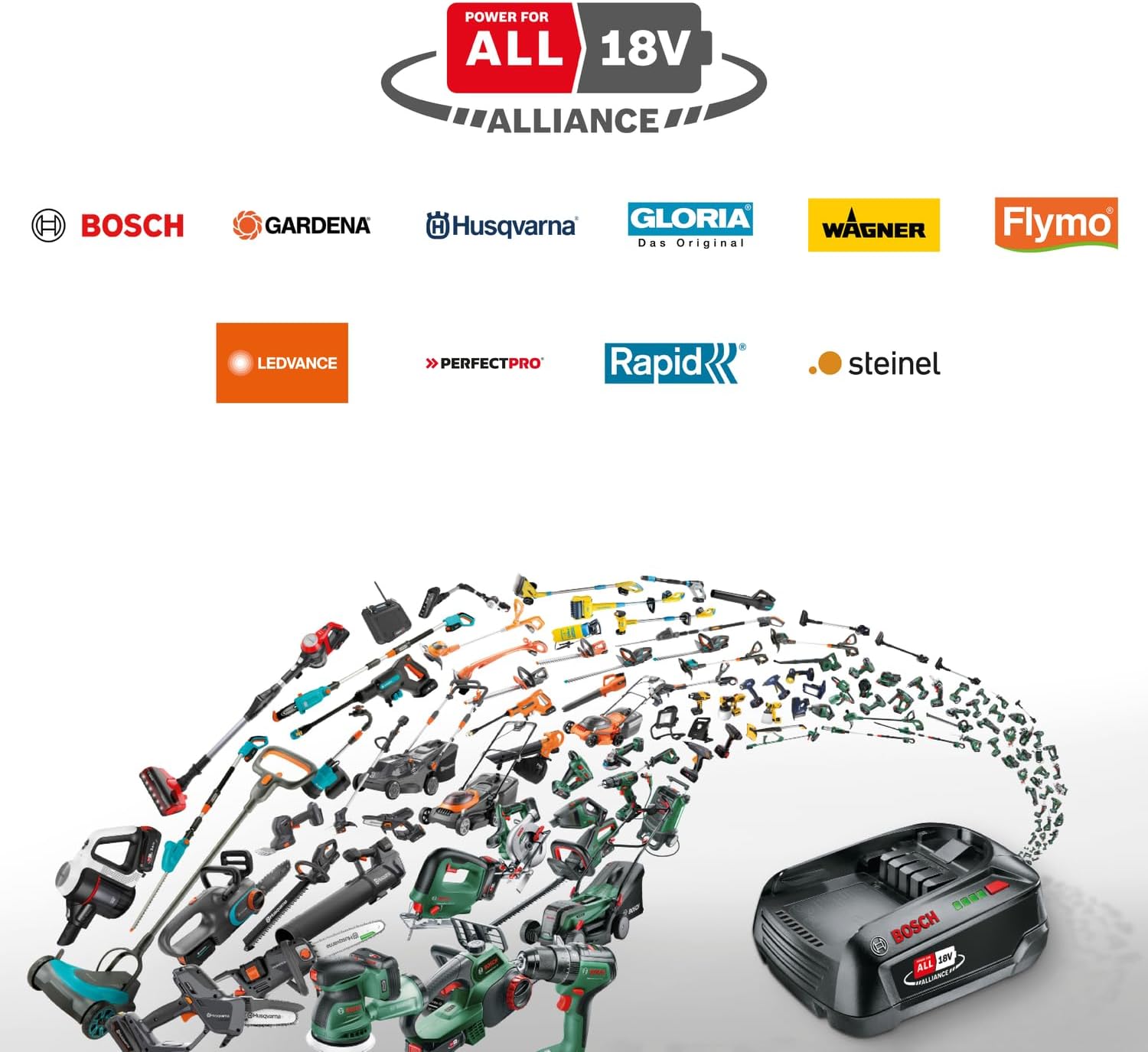
Figure 2: The 13mm keyless chuck allows for quick and easy bit changes.
5. Operating Instructions
5.1 Selecting Gear Speed
The drill driver has two speed settings:
- Gear 1 (Low Speed): For screwdriving and drilling large diameters. Provides higher torque.
- Gear 2 (High Speed): For drilling small diameters and faster operation.
Use the gear selector switch on top of the tool to choose the desired speed. Ensure the tool is stopped before changing gears.
5.2 Setting Torque for Screwdriving
The torque setting ring allows you to pre-select the torque for screwdriving applications. There are 20 torque steps available. Select a lower setting for smaller screws or softer materials and a higher setting for larger screws or harder materials. The drill mode (indicated by a drill bit icon) bypasses the clutch for maximum power when drilling.
5.3 Drilling and Screwdriving
- Select the appropriate gear speed and torque setting (or drill mode).
- Set the forward/reverse switch to the desired rotation direction (forward for drilling/screwdriving, reverse for unscrewing).
- Position the tool firmly against the workpiece.
- Press the trigger switch to start the tool. The speed is variable depending on how far the trigger is pressed.
- Apply steady, even pressure. Avoid excessive force.

Figure 3: The EasyDrill 18V-40 is suitable for drilling into wood.

Figure 4: The tool is effective for various screwdriving tasks.
5.4 LED Work Light
The integrated LED work light illuminates the immediate work area when the trigger is pressed, improving visibility in dimly lit conditions.

Figure 5: The LED light provides illumination for working in dark spaces.
6. Maintenance
- Cleaning: Keep the ventilation openings clean to prevent overheating. Use a soft, damp cloth to clean the tool casing. Do not use solvents.
- Storage: Store the tool and batteries in a dry, cool place, away from direct sunlight and moisture.
- Battery Care: For optimal battery life, avoid fully discharging the battery. Charge it regularly, even if not in use for extended periods.
- Accessory Inspection: Regularly inspect drill bits and screwdriver bits for wear and replace them as needed.
7. Troubleshooting
| Problem | Possible Cause | Solution |
|---|---|---|
| Tool does not start. | Battery not charged or not inserted correctly. | Charge battery. Ensure battery is fully inserted until it clicks. |
| Reduced power/speed. | Battery low or incorrect gear/torque setting. | Recharge battery. Select appropriate gear and torque. |
| Bit slips in chuck. | Chuck not tightened sufficiently or bit shank is damaged. | Tighten chuck firmly. Replace damaged bits. |
8. Specifications
| Feature | Specification |
|---|---|
| Model Number | 06039D8005 |
| Battery Voltage | 18 V |
| Battery Capacity | 2.0 Ah |
| No-load Speed (1st Gear) | 0-430 RPM |
| No-load Speed (2nd Gear) | 0-1630 RPM |
| Max. Torque | 40 Nm |
| Chuck Type | 13 mm Keyless Metal Chuck |
| Weight (with battery) | 1.3 kg (2.87 lbs) |
| Drilling Capacity Wood | 13 mm |
| Drilling Capacity Metal | 13 mm |
| Included Components | 2x 2.0Ah Batteries, Charger (AL 18V-20), Case |
9. Warranty and Support
This Bosch product comes with a manufacturer's warranty. Please refer to the warranty card included with your product for specific terms and conditions. For technical support, spare parts, or service inquiries, please visit the official Bosch website or contact your local Bosch service center.
EU Spare Part Availability Duration: 1 Year (as per provided data).
For further assistance, you may visit the BOSCH Store on Amazon.