
1. Introduction
This manual provides instructions for the proper use and maintenance of your IKALL W3 Smart Watch. Please read this manual thoroughly before operating the device to ensure optimal performance and longevity.
The IKALL W3 Smart Watch features a 1.72-inch HD display, Bluetooth calling capabilities, and various health monitoring functions including SpO2, heart rate, blood pressure, and sleep tracking. It also supports multiple sports modes and is IP67 waterproof.

Image: Front view of the IKALL W3 Smart Watch, displaying time, date, weather, and various app icons.
2. Package Contents
Verify that all items are present in the package:
- IKALL W3 Smart Watch
- Charging Cable
- User Manual (this document)
3. Setup
3.1 Initial Charging
Before first use, fully charge your smartwatch. Connect the charging cable to the charging port on the back of the watch and plug the USB end into a standard USB power adapter (not included) or a computer USB port. The watch display will indicate charging status.
3.2 Power On/Off
- To Power On: Press and hold the side button until the screen lights up.
- To Power Off: Press and hold the side button, then select the 'Power Off' option on the screen.
3.3 App Installation and Bluetooth Pairing
To access all features, download the companion application on your mobile phone. Search for the app name (usually mentioned in the watch's initial setup screen or packaging) in your phone's app store (Google Play Store or Apple App Store).
- Ensure Bluetooth is enabled on your mobile phone.
- Open the companion app and follow the on-screen instructions to create an account or log in.
- In the app, navigate to 'Add Device' or 'Pair Device'.
- Select 'IKALL W3' from the list of available devices.
- Confirm the pairing request on both your phone and the smartwatch.
Once paired, the watch will synchronize data with your phone, and you can manage settings and view detailed health data through the app.
4. Operating Instructions
4.1 Display Navigation
The IKALL W3 features a full-touch 1.72-inch HD display for intuitive navigation.
- Swipe Up/Down: Scroll through menus or notifications.
- Swipe Left/Right: Access different widgets or quick settings.
- Tap: Select an item or open an application.
- Press Side Button: Return to the home screen or wake the display.
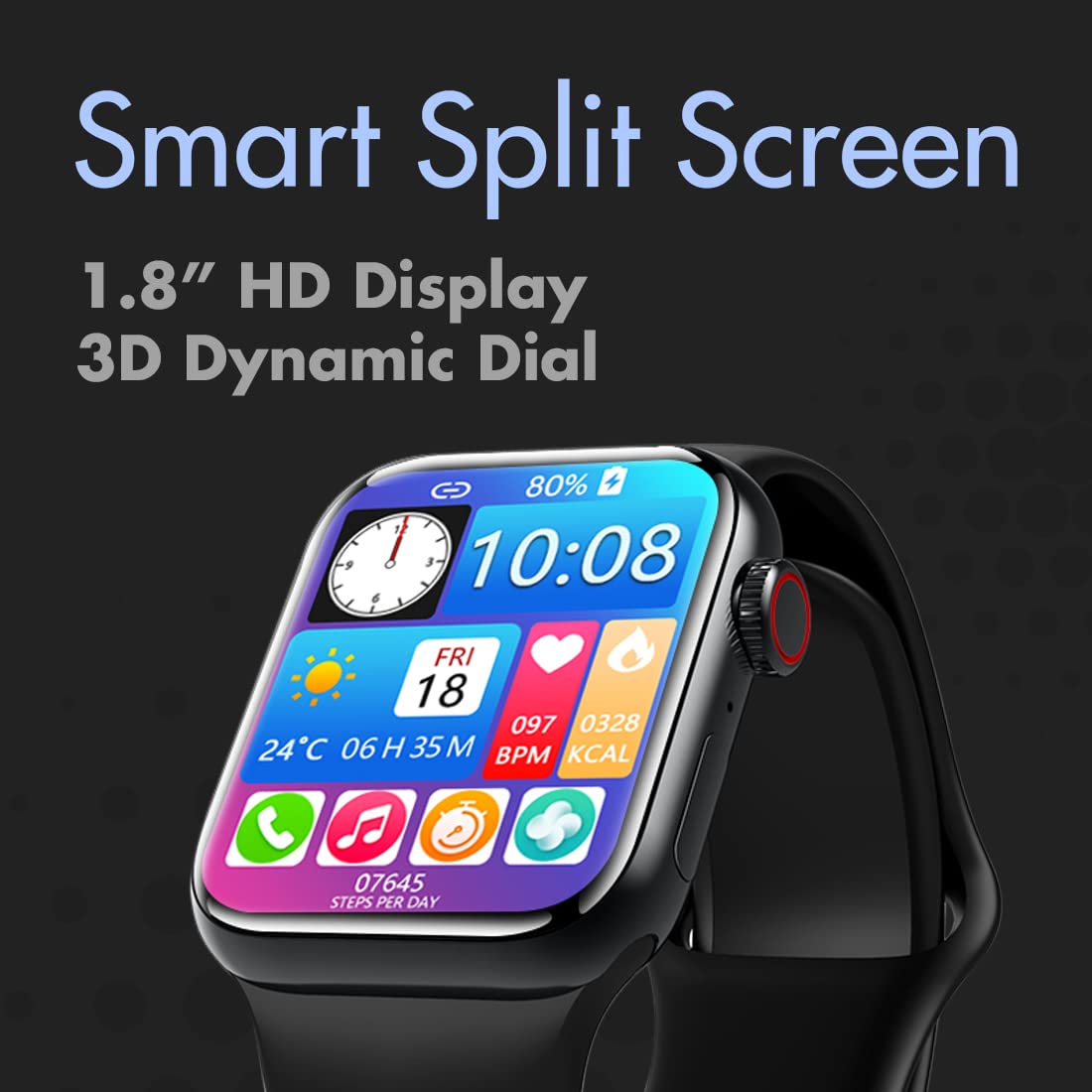
Image: The IKALL W3 Smart Watch displaying a 'Smart Split Screen' interface, showing multiple apps and information simultaneously.
4.2 Bluetooth Calling
Once paired with your mobile phone, the watch supports Bluetooth calling.
- Answering Calls: When a call comes in, tap the green answer icon on the watch screen.
- Making Calls: Access the dialer or contact list on the watch to initiate a call.
4.3 Watch Faces
Customize your watch's appearance with various watch faces. The device supports unlimited cloud-based watch faces, accessible through the companion app.
- On Watch: Long-press the home screen to quickly change between pre-loaded watch faces.
- Via App: Open the companion app, navigate to the watch face section, and browse/download additional designs.

Image: Four IKALL W3 Smart Watches, each displaying a different watch face design, illustrating the variety of cloud-based options.
5. Health Monitoring
The IKALL W3 Smart Watch includes several health monitoring features. For accurate readings, ensure the watch is worn snugly on your wrist, about one finger's width from your wrist bone.
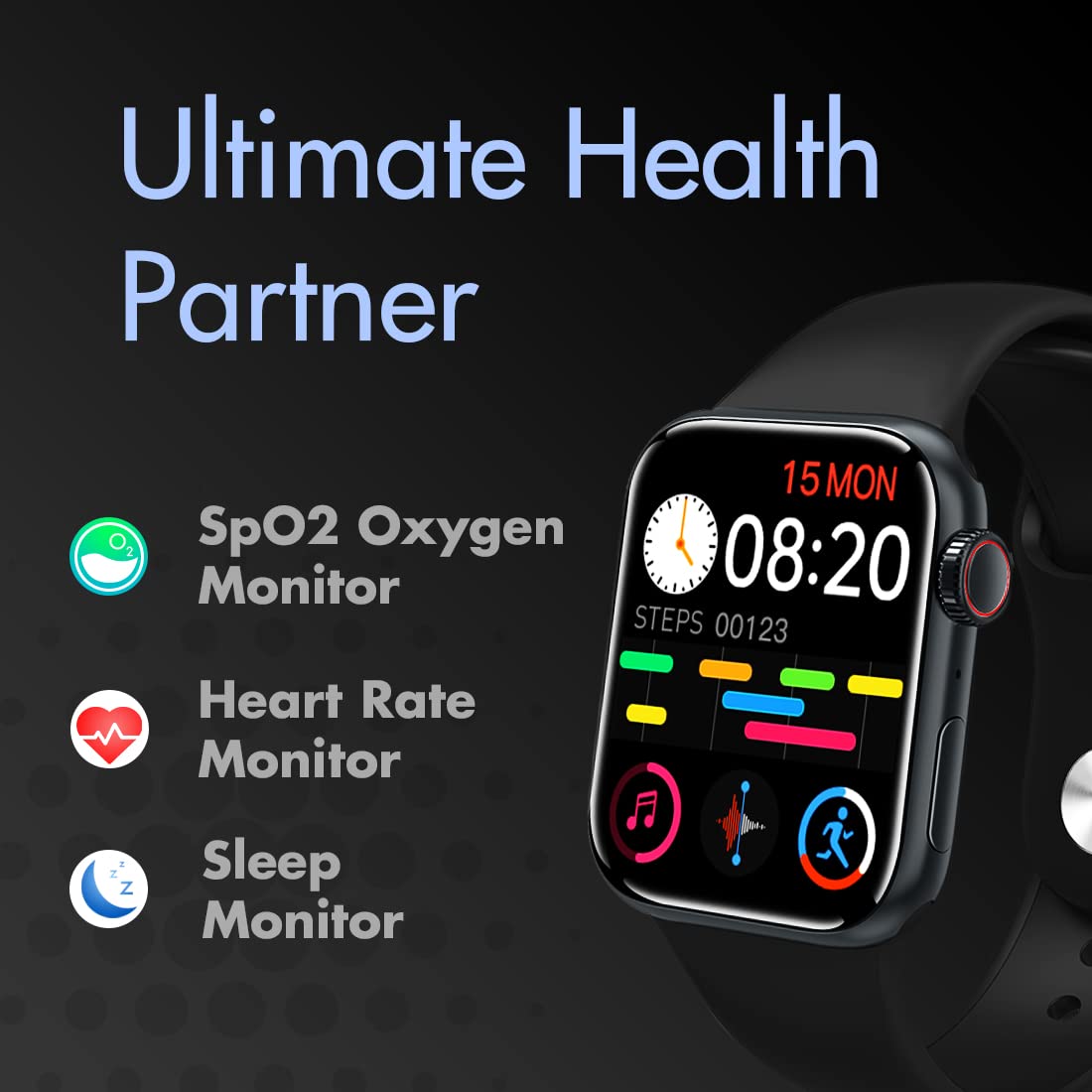
Image: The IKALL W3 Smart Watch highlighting its health monitoring capabilities, including SpO2 Oxygen Monitor, Heart Rate Monitor, and Sleep Monitor icons.
5.1 Heart Rate Monitoring
Access the heart rate function on the watch or through the app to measure your current heart rate. The watch can also be set to monitor heart rate continuously.
5.2 Blood Oxygen (SpO2) Monitoring
Navigate to the SpO2 function on your watch to take a blood oxygen reading. Remain still during the measurement for best results.
5.3 Blood Pressure Monitoring
The watch can estimate blood pressure. For accurate medical readings, consult a professional medical device.
5.4 Sleep Monitoring
Wear the watch while sleeping to track your sleep patterns. Data on sleep duration and quality will be available in the companion app.
6. Sports Modes
The IKALL W3 Smart Watch supports multiple sports modes to track your physical activities. Select the desired mode before starting your workout to record relevant data such as steps, calories burned, and distance.
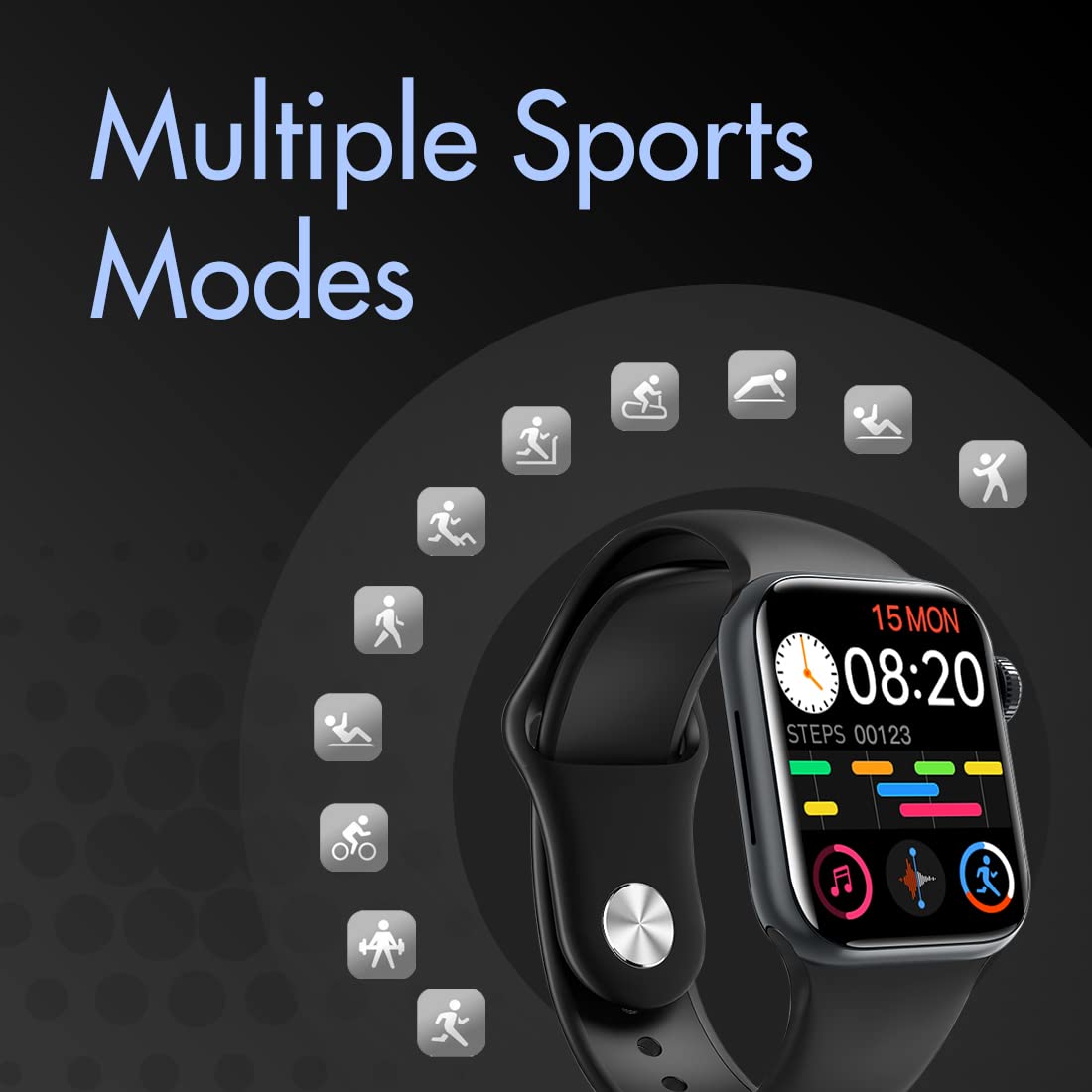
Image: The IKALL W3 Smart Watch screen surrounded by icons representing various sports activities, indicating its multi-sports mode functionality.
7. Battery Management
The IKALL W3 Smart Watch is equipped with a Lithium Polymer battery.
- Average Usage: Up to 4-7 days.
- Standby Time: Up to 7-10 days.
Battery life may vary based on usage patterns, enabled features, and environmental factors.

Image: The IKALL W3 Smart Watch displaying '7 Days' for battery life and '10 Days Standby', indicating its power efficiency.
8. Water Resistance
The IKALL W3 Smart Watch has an IP67 waterproof rating. This means it is protected from dust and can withstand immersion in water up to 1 meter for up to 30 minutes. It is suitable for daily use, such as washing hands or light rain exposure.
Important: The IP67 rating does not mean the watch is suitable for swimming, diving, or exposure to high-pressure water jets. Avoid using the watch in hot water, saunas, or steam rooms, as this may compromise the water resistance.
9. Troubleshooting
If you encounter issues with your IKALL W3 Smart Watch, refer to the following common solutions:
- Watch not turning on: Ensure the watch is fully charged. Connect it to the charger for at least 30 minutes.
- Cannot pair with phone:
- Ensure Bluetooth is enabled on your phone.
- Make sure the watch is within Bluetooth range (typically 10 meters).
- Restart both the watch and your phone.
- Clear existing Bluetooth pairings on your phone and try again.
- Inaccurate health data: Ensure the watch is worn correctly (snugly, not too tight or loose) and that the sensors are clean. Avoid sudden movements during measurements.
- Notifications not received: Check app permissions on your phone to ensure the companion app has access to notifications. Verify notification settings within the app.
- Short battery life: Reduce screen brightness, disable continuous heart rate monitoring, or limit background app refresh.
10. Specifications
| Feature | Specification |
|---|---|
| Brand | IKALL |
| Model | W3 |
| Display Size | 1.72 Inches |
| Display Type | LCD |
| Resolution | 240 x 230 |
| Operating System | watchOS |
| Compatible Devices | Mobile Phone |
| Connectivity | Bluetooth |
| Special Features | Blood Pressure Monitor, Email, Heart Rate Monitor, SPO2 (Blood Oxygen Monitoring) |
| Water Resistance | IP67 Standard |
| Battery Type | Lithium Polymer |
| Battery Life (Average) | 4-7 Days (usage), 7-10 Days (standby) |
| Material | Metal |
| Item Weight | 150 g |
| Product Dimensions | 5.2 x 4.4 x 1.2 cm |
11. Warranty and Support
The IKALL W3 Smart Watch comes with a 1-year manufacturing warranty from the date of purchase. This warranty covers manufacturing defects under normal use.
The warranty does not cover damage caused by misuse, accidents, unauthorized repairs, or normal wear and tear. For warranty claims or technical support, please refer to the contact information provided on your product packaging or the official IKALL website.