
PARTPHONER PA1201
PARTPHONER Triple Head Dusk to Dawn Lamp Post (Model PA1201) User Manual
Comprehensive guide for installation, operation, and maintenance.
1. Important Safety Instructions
Please read and understand all instructions before beginning installation. Failure to follow these instructions may result in electric shock, fire, or other hazards that can cause property damage or personal injury.
- Always disconnect power at the circuit breaker or fuse box before installation or servicing.
- Consult a qualified electrician if you are unsure about the electrical wiring.
- Ensure all electrical connections are secure and comply with local codes and ordinances.
- Do not install near flammable materials or in areas with explosive atmospheres.
- Wear appropriate safety gear, including gloves and eye protection, during installation.
- This product is designed for outdoor use and is weather-resistant. However, ensure proper sealing of all connections to prevent water ingress.
2. Package Contents
Verify that all components are present and undamaged before beginning assembly.
- Lamp Post Sections (Upper, Middle, Lower)
- Lantern Heads (x3)
- LED Bulbs (x3, E26 base)
- Mounting Hardware (Anchor bolts, nuts, washers, base plate)
- Photocell Sensor (Integrated)
- Wiring Connectors
- Small Wrench for Assembly
3. Specifications
| Feature | Detail |
|---|---|
| Brand | PARTPHONER |
| Model Number | PA1201 |
| Material | Cast Aluminum, Glass |
| Light Source | LED (3 bulbs included) |
| Bulb Base | E26 |
| Max Wattage | 100 Watts per bulb |
| Brightness | 12000 Lumen (total) |
| Switch Type | Dusk to Dawn Sensor |
| Water Resistance Level | Water Resistant |
| Mounting Type | Pole Mount (Hardwired) |
| Dimensions (W x H) | 1.8 x 6.5 feet (approx.) |
| Item Weight | 8.8 Kilograms |
4. Installation Guide
This lamp post requires hardwired electrical installation. It is recommended to hire a qualified electrician for this process. Ensure power is disconnected before starting.
4.1 Site Preparation and Concrete Base
Prepare the installation site by digging a hole for the concrete base. Ensure proper depth and width for stability. Run the electrical conduit from your power source to the base location. The concrete base should be level and allow for the anchor bolts to protrude approximately 0.25 inches for secure mounting of the lamp post base.

Image: The PARTPHONER lamp post installed, illustrating its appearance during both daytime and nighttime operation with the dusk-to-dawn sensor.
For a visual guide on preparing the concrete base and conduit, refer to the initial segments of the official installation video below.
Video: Official PARTPHONER installation guide. This segment covers site preparation, digging the hole, installing the cardboard tube for concrete, and running the electrical conduit. (Relevant sections: 0:00 - 2:18, 2:40 - 3:37)
4.2 Assembling Lantern Heads and Wiring
Before attaching the lantern heads to the main finial, connect the individual lantern wires. Ensure white wires are connected to white, and black wires are connected to black. The red wire from the photocell should be connected to the black wires of the lanterns. Secure all connections with wire nuts and electrical tape for insulation and safety.

Image: Detail of the lamp post construction, highlighting the high-quality die-cast aluminum material used for durability.
The installation video provides detailed steps for wiring the lantern heads and connecting them to the main finial assembly.
Video: Official PARTPHONER installation guide. This segment demonstrates the wiring of the lantern heads and their attachment to the main finial. (Relevant sections: 3:57 - 5:28, 5:28 - 6:20, 7:14 - 7:28, 9:07 - 9:16)
4.3 Assembling Post Sections and Mounting
Feed the main electrical wires through the lamp post sections. It is recommended to keep the post sections disconnected while feeding the wires to avoid tangles. Once wires are fed, screw the post sections together securely. Then, carefully lift and mount the assembled lamp post onto the anchor bolts of the concrete base. Secure it with the provided nuts and washers, ensuring the post is plumb and level.

Image: Technical drawing illustrating the approximate dimensions of the lamp post, including its height and the spread of the lantern arms.
The installation video provides further guidance on assembling the post sections and mounting the lamp post.
Video: Official PARTPHONER installation guide. This segment covers feeding wires through the post sections, assembling the post, and mounting it to the concrete base. (Relevant sections: 8:34 - 9:06, 10:20 - 10:46)
4.4 Final Electrical Connections
At the base of the lamp post, connect the main power supply wires to the corresponding wires from the lamp post. Ensure the ground wire from the lamp post is securely connected to the ground wire from your electrical supply. Use appropriate wire nuts and electrical tape for all connections. Once all connections are made, install the decorative finials on top of each lantern arm.
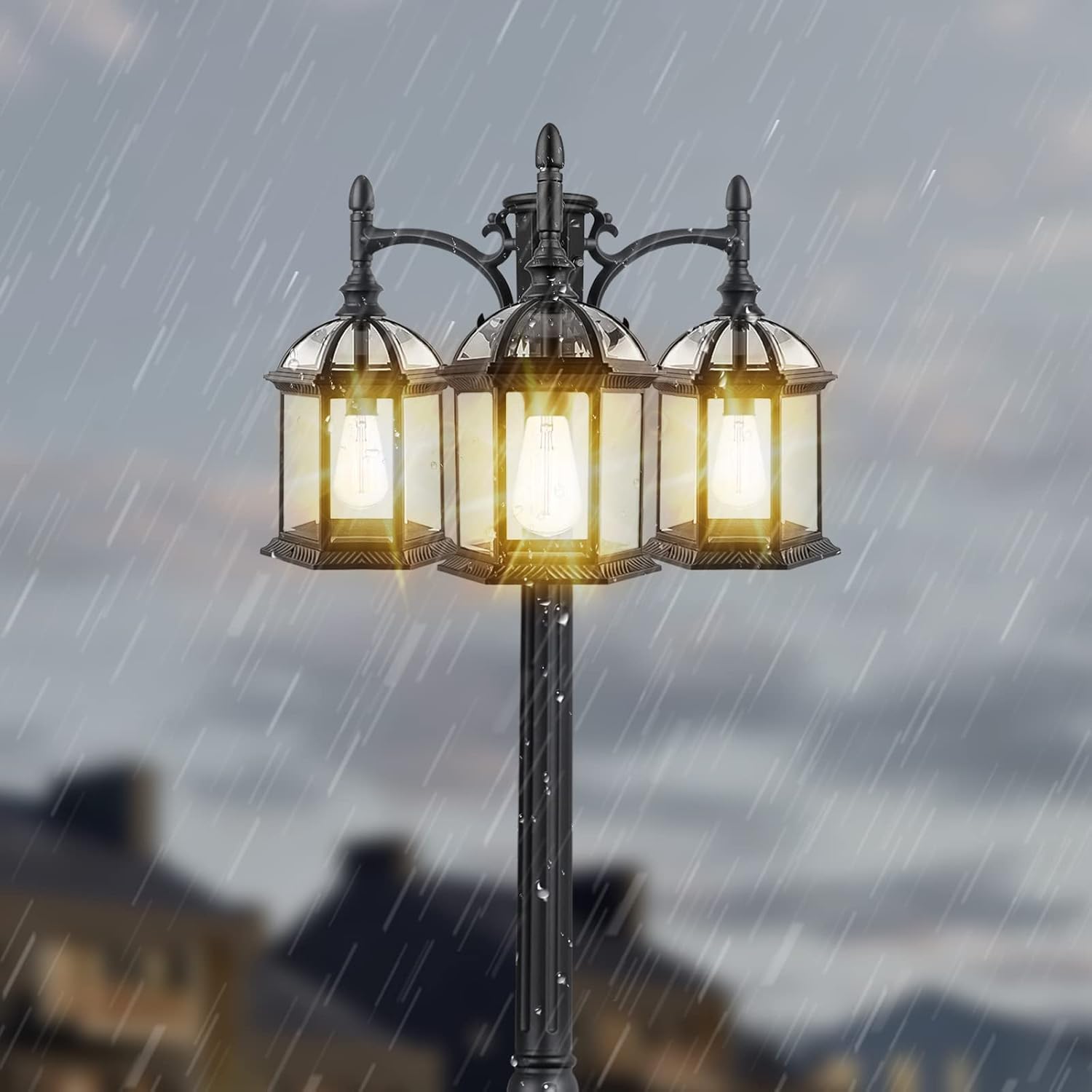
Image: The lamp post enduring rainfall, showcasing its weather-resistant and waterproof construction.
The installation video provides a comprehensive overview of the final electrical connections and finial installation.
Video: Official PARTPHONER installation guide. This segment details the final electrical connections at the base and the attachment of the decorative finials. (Relevant sections: 9:45 - 10:00, 10:05 - 10:19, 10:51 - 10:59)
5. Operating Instructions
This lamp post features an advanced photocell sensor for automatic operation.
- Dusk to Dawn Function: The integrated photocell sensor detects ambient light levels. The lamp post will automatically turn on at dusk when it gets dark enough and turn off at dawn when sufficient daylight is detected.
- Manual Override (if applicable): Some models may include a push-button controller for manual override. Refer to your specific model's detailed instructions for manual control options.

Image: The lamp post demonstrating its automatic operation, illuminating at night and turning off during daylight hours.
6. Maintenance
Regular maintenance ensures the longevity and optimal performance of your lamp post.
- Cleaning: Periodically clean the glass panels and metal frame with a soft, damp cloth. Avoid abrasive cleaners that could damage the finish.
- Bulb Replacement: Ensure power is disconnected before replacing bulbs. Use E26 base LED bulbs, up to 100 watts maximum per socket.
- Inspection: Annually inspect all wiring and connections for signs of wear or damage. Ensure the base is still securely mounted.
7. Troubleshooting
If your lamp post is not functioning as expected, refer to the following common issues:
| Problem | Possible Cause | Solution |
|---|---|---|
| Light does not turn on at night. | Power supply issue, faulty bulb, photocell obstructed. | Check circuit breaker. Replace bulbs. Ensure photocell is not blocked by debris or light from other sources. |
| Light stays on during the day. | Photocell malfunction or insufficient light reaching the sensor. | Clean the photocell sensor. Ensure no artificial light source is shining directly onto the sensor during the day. |
| Light flickers. | Loose wiring connection, incompatible bulb, power fluctuations. | Check all wiring connections (ensure power is off). Try a different bulb. Consult an electrician if power fluctuations are suspected. |
8. Warranty and Support
PARTPHONER is committed to customer satisfaction. If you encounter any problems with your product, please feel free to contact us. We aim to provide solutions within 24 hours.
For support, visit the official PARTPHONER store on Amazon: PARTPHONER Store
Ask a question about this manual
Ask about setup, troubleshooting, compatibility, parts, safety, or missing instructions. Manuals+ will review the question and use this page’s manual context to help answer it.