
Hongmed Q15Pro-Red
Hongmed Smart Watch User Manual
Model: Q15Pro-Red
1. Introduction
Thank you for choosing the Hongmed Smart Watch. This device is designed to help you monitor your health, track your fitness activities, and stay connected. Please read this manual carefully to understand the watch's functions and ensure proper use.
2. Package Contents
- Hongmed Smart Watch (Q15Pro-Red)
- Magnetic Charging Cable
- User Manual
3. Product Overview

The Hongmed Smart Watch Q15Pro-Red, featuring a rectangular display and a red silicone strap.

The 1.69-inch HD full touch screen of the Hongmed Smart Watch, showcasing various customizable watch faces.
Key Features:
- 1.69-inch HD Full Touch Screen: Offers clear visuals with 6 levels of adjustable brightness and customizable watch faces via the 'Keep Health' APP.
- 24/7 Health Monitoring: Continuously tracks body temperature, heart rate, blood pressure, and blood oxygen levels.
- Sleep Tracking: Automatically monitors sleep patterns to help improve sleep habits.
- Smart Notifications: Receives alerts for incoming calls and messages from various social media platforms (Facebook, Twitter, WhatsApp, etc.).
- Multi-Sport Modes: Supports 25 different sports modes for comprehensive activity tracking.
- IP67 Waterproof: Suitable for daily activities like hand washing, swimming, and surfing (not recommended for deep-sea diving or hot baths).
- Health Reminders: Includes sedentary and drink water reminders, breathing training, and female menstrual cycle tracking.
4. Setup Guide
4.1 Charging the Device
Before first use, fully charge your smart watch. Connect the magnetic charging cable to the charging points on the back of the watch and plug the USB end into a standard USB power adapter (5V/1A recommended). The watch screen will display the charging status.
4.2 App Download and Installation
Search for the "Keep Health" APP in your smartphone's app store (App Store for iOS, Google Play Store for Android) or scan the QR code provided in the watch's packaging. Install the application on your phone.
4.3 Device Pairing
- Ensure your watch is charged and powered on.
- Enable Bluetooth on your smartphone.
- Open the "Keep Health" APP.
- Follow the on-screen instructions to add a new device. The app will search for available devices.
- Select "Q15Pro-Red" or the corresponding device ID from the list to pair.
- Once paired, the watch's time and date will automatically synchronize with your phone.
5. Operating Instructions
5.1 Basic Operations
- Power On/Off: Press and hold the side button to power on or off.
- Screen Wake: Raise your wrist or press the side button to wake the screen.
- Navigation: Swipe left/right or up/down on the touch screen to navigate through menus and functions. Tap to select.
- Return: Press the side button to return to the previous screen or the main watch face.
5.2 Customizing Watch Face
You can change the watch face directly on the device or through the "Keep Health" APP. The app offers a variety of styles and allows you to upload your own photos for a personalized dial.
Customize your watch menu: Swipe up, click 'More' button, then edit function cards to add or remove from 16 available menus.
6. Health Monitoring Features

The watch provides 24-hour body temperature, heart rate, blood pressure, and blood oxygen monitoring.
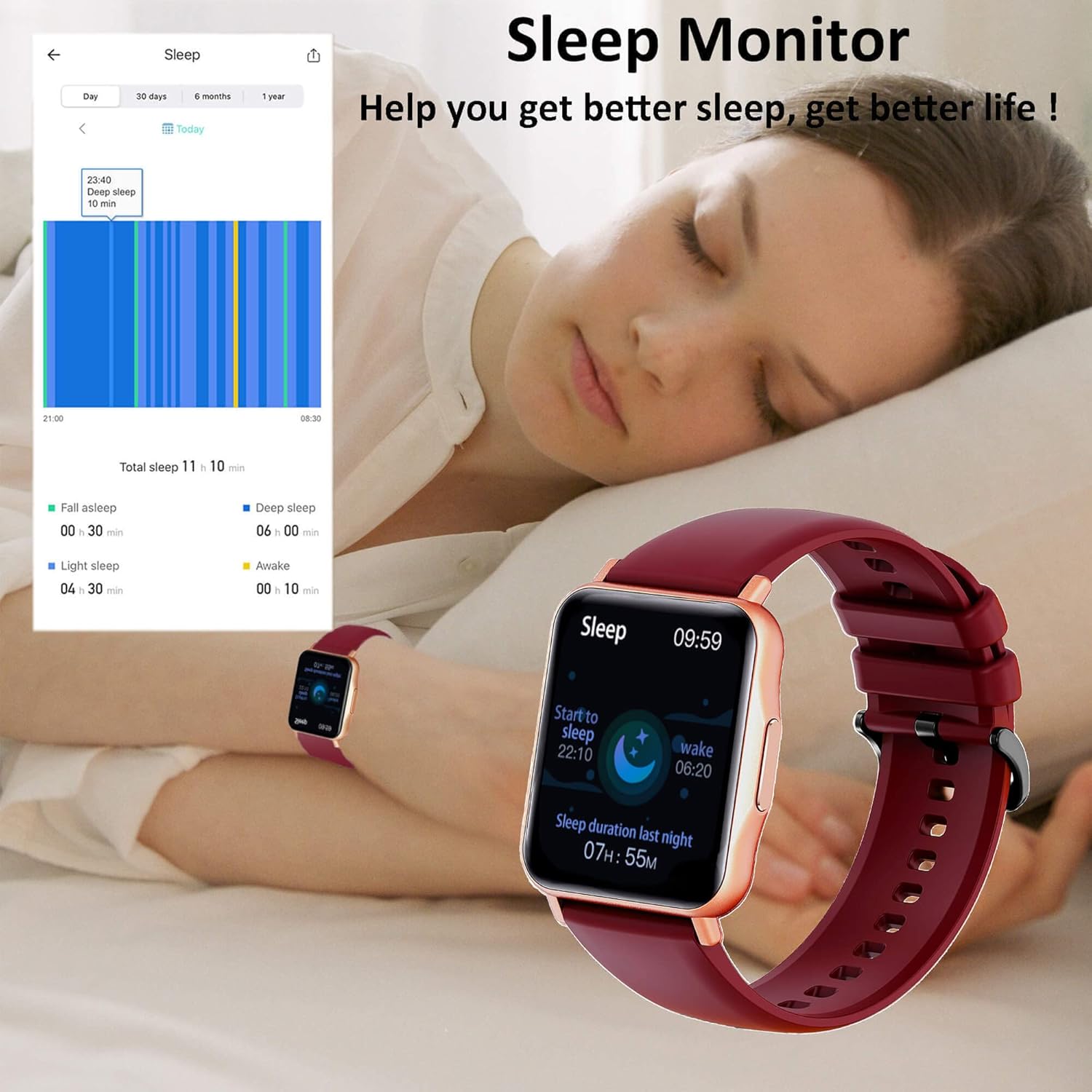
The watch's sleep monitor helps analyze sleep patterns for better rest.
- Body Temperature: Monitors your body temperature continuously.
- Heart Rate: Provides 24/7 heart rate tracking.
- Blood Pressure: Measures your blood pressure levels.
- Blood Oxygen (SpO2): Tracks your blood oxygen saturation.
- Sleep Monitor: Automatically records your sleep duration and quality (deep sleep, light sleep, awake time).
- Female Health Tracking: Allows female users to set reminders for menstrual cycles, ovulation, and pregnancy periods.
Note: This device is not a medical device. The health data provided is for reference only and should not be used for medical diagnosis or treatment. Consult a healthcare professional for any health concerns.
7. Sports Modes

The Hongmed Smart Watch supports 25 different sport modes for comprehensive fitness tracking.
The smart watch supports 25 professional sports modes, including walking, running, cycling, mountaineering, basketball, badminton, football, yoga, and more. Select the desired mode before starting your activity to track relevant metrics such as steps, distance, calories burned, and heart rate during exercise.
8. Smart Notifications

Receive real-time notifications for incoming calls and messages from various social media applications directly on your watch.
Once paired with your smartphone, the watch will vibrate and display notifications for incoming calls, SMS messages, and alerts from popular apps like Facebook, Twitter, WhatsApp, Line, Skype, Instagram, LinkedIn, and VK. Ensure notification permissions are enabled in both your phone settings and the "Keep Health" APP.
9. Other Functions
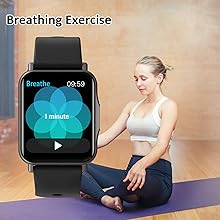
Breathing Exercise: Guides you through breathing exercises to help relax and de-stress.
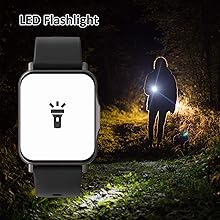
LED Flashlight: Turns the screen into a bright light source for convenience in dark environments.
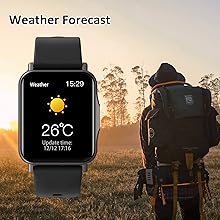
Weather Forecast: Displays real-time weather information when connected to your phone.
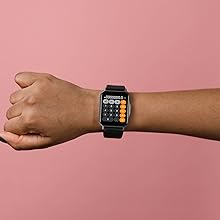
Calculator: A basic calculator function for quick computations.
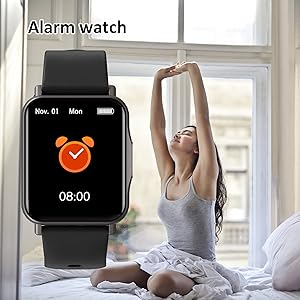
Alarm Clock: Set multiple alarms to wake you up or remind you of important tasks.
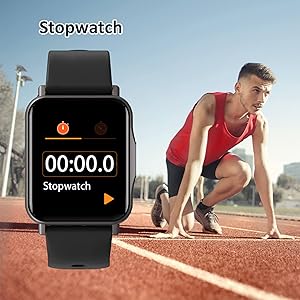
Stopwatch: Use for timing activities or workouts.
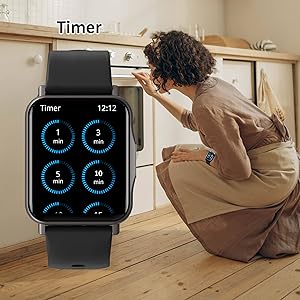
Timer: Set countdown timers for various purposes.
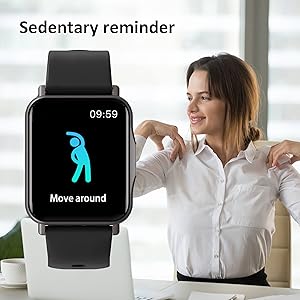
Sedentary Reminder: Prompts you to move if you've been inactive for too long.
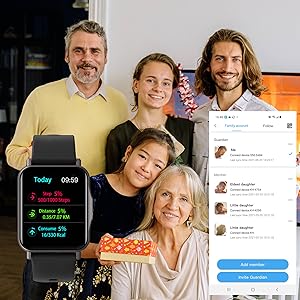
Family Account: Allows you to connect and monitor health data of family members within the app.
10. Maintenance
- Cleaning: Regularly clean the watch screen and strap with a soft, dry cloth. If necessary, use a slightly damp cloth and dry thoroughly.
- Water Resistance: The watch is IP67 waterproof, meaning it can withstand splashes, rain, and brief immersion in water (up to 1 meter for 30 minutes). Avoid wearing it in hot showers, saunas, or for deep-sea diving as steam and high temperatures can damage the seals.
- Charging: Ensure the charging contacts on the watch and cable are clean and dry before charging to prevent corrosion.
- Storage: Store the watch in a cool, dry place when not in use. Avoid extreme temperatures.
11. Troubleshooting
| Problem | Possible Cause | Solution |
|---|---|---|
| Watch won't turn on | Low battery; device malfunction. | Charge the watch for at least 30 minutes. If it still doesn't turn on, contact support. |
| Cannot pair with phone | Bluetooth off; app not running; watch not discoverable; interference. | Ensure Bluetooth is on. Restart both watch and phone. Reinstall 'Keep Health' app. Check app permissions. |
| Inaccurate health readings | Watch not worn correctly; sensor dirty; movement during measurement. | Ensure watch is snug on wrist. Clean sensor. Remain still during measurement. Remember, data is for reference only. |
| Notifications not received | App permissions; phone settings; app not running in background. | Check notification permissions for 'Keep Health' app in phone settings. Ensure app is running in background. |
| Charger not working | Cable damage; poor connection; faulty power adapter. | Check cable for damage. Ensure magnetic connection is secure. Try a different USB power adapter. |
12. Specifications
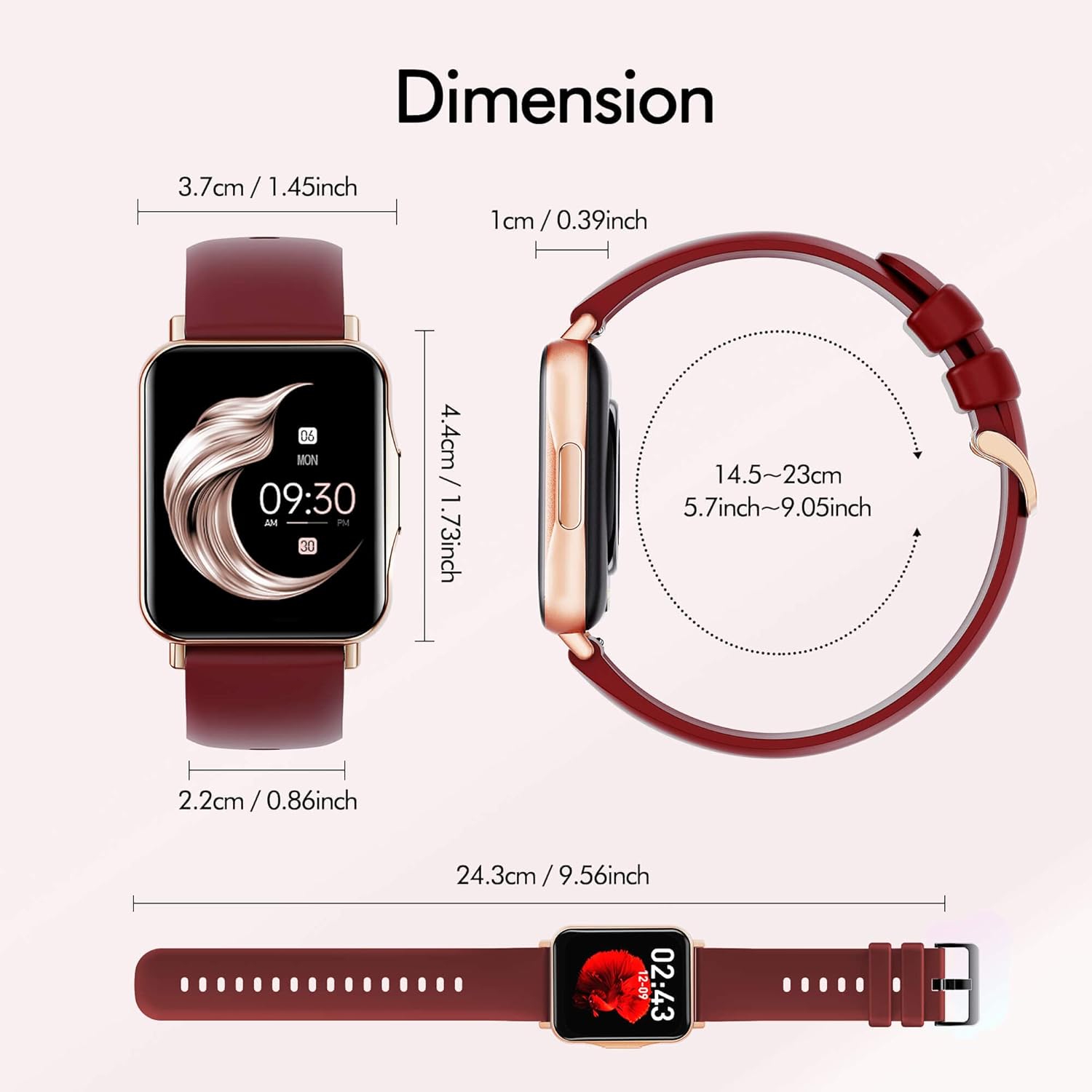
Detailed dimensions of the Hongmed Smart Watch Q15Pro-Red.
| Specification | Detail |
|---|---|
| Brand | Hongmed |
| Model Number | Q15Pro-Red |
| Screen Size | 1.69 Inches |
| Compatible Devices | Smartphones (iOS 9.0+ / Android 4.4+) |
| Sensor Type | Temperature, Heart Rate, Blood Pressure, Blood Oxygen |
| Battery Type | Lithium-Ion (1 required) |
| Water Resistance | IP67 |
| Product Dimensions | 9.56 x 1.45 x 0.39 inches |
| Item Weight | 4.2 ounces |
13. Warranty and Support
Hongmed products come with a standard manufacturer's warranty. For warranty claims, technical support, or any questions regarding your smart watch, please refer to the contact information provided on the product packaging or the official Hongmed website. Please have your model number (Q15Pro-Red) and purchase details ready when contacting support.
Ask a question about this manual
Ask about setup, troubleshooting, compatibility, parts, safety, or missing instructions. Manuals+ will review the question and use this page’s manual context to help answer it.