
1. Introduction and Overview
The S&O by MIFO S True Wireless Earbuds offer a premium audio experience with advanced features designed for active lifestyles. These earbuds combine high-fidelity sound with robust noise cancellation and a durable, waterproof design.
- Active Noise Canceling and Transparency Mode: Features 6-Mic ANC+ENC noise reduction for clear calls and an ambient sound mode for situational awareness.
- Excellent Sound Quality: Utilizes Bluetooth 5.2 and moving-iron technology for stable connection and deep bass.
- Easy to Connect and Comfortable to Wear: Automatic pairing upon opening the case and a small, ergonomic design for extended comfortable wear.
- Long-Lasting Battery: Provides 6 hours of playtime per charge, with an additional 34 hours from the charging case.
- Suitable For Everywhere: IPX7 water-resistant and IPX6 dust-proof, ideal for various activities including sports and travel.

Figure 1.1: S&O by MIFO S True Wireless Earbuds and Charging Case.
2. Package Contents
Your MIFO S Earbuds package includes the following items:
- MIFO S True Wireless Earbuds (Left and Right)
- Charging Case
- USB-A to USB-C Charging Cable
- Multiple sizes of silicone ear tips (S, M, L)
- User Manual

Figure 2.1: Earbuds securely placed within the charging case.
3. Setup
3.1 Charging the Earbuds and Case
Before first use, fully charge the earbuds and the charging case. Connect the provided USB-A to USB-C cable to the charging port on the back of the case and plug the other end into a compatible USB power source. The LED indicators inside the case will show the charging status.
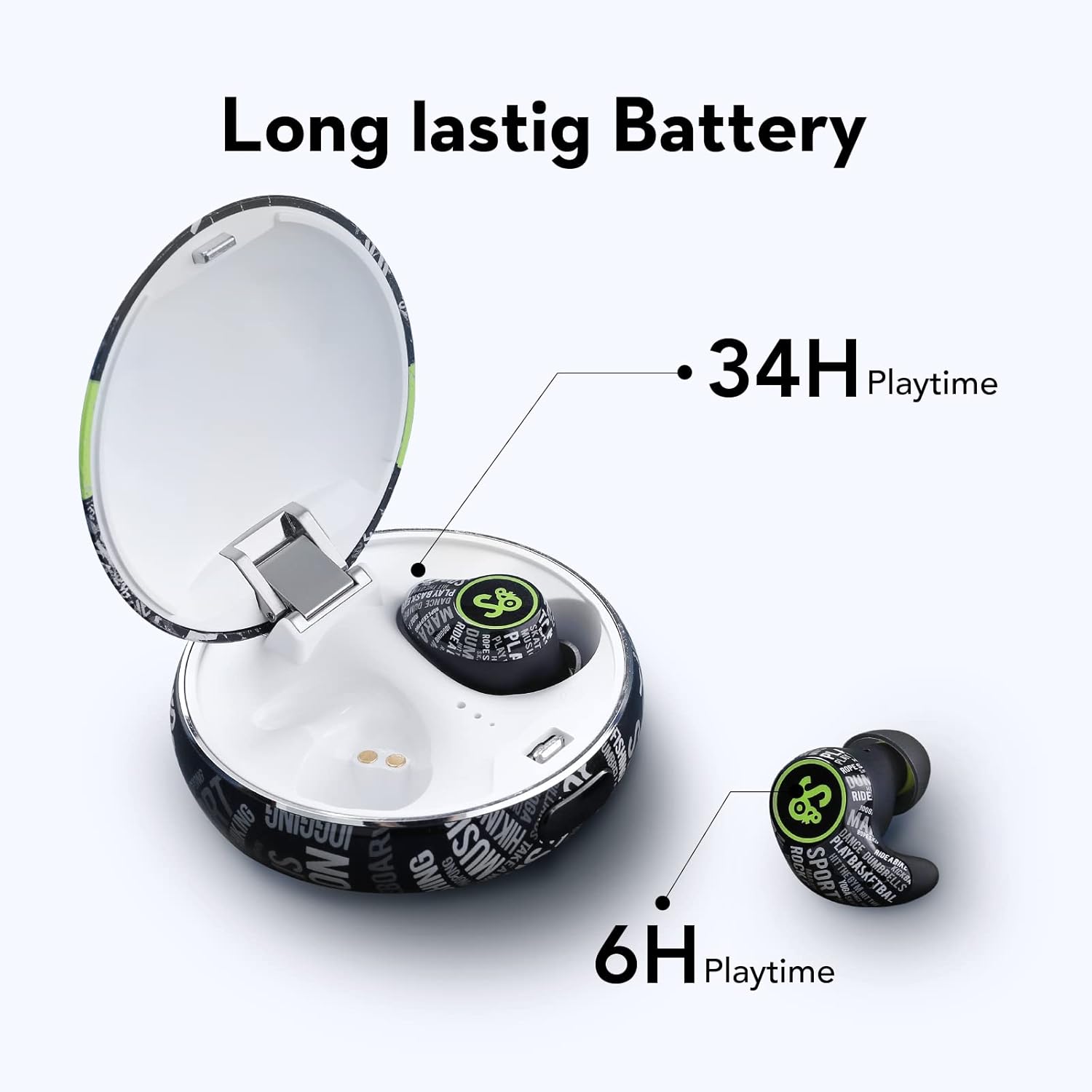
Figure 3.1: Battery life indicators on the charging case.
3.2 Pairing with Your Device
The earbuds will automatically enter pairing mode when the charging case is opened. Follow these steps to connect:
- Open the charging case and take out the earbuds.
- On your device (smartphone, tablet, etc.), go to Bluetooth settings.
- Search for