
Introduction
Thank you for choosing the Adamson A27 Analog Mechanical Bathroom Scale. This manual provides essential information for the safe and effective use of your scale. Please read these instructions carefully before use and retain them for future reference.
The Adamson A27 is designed for personal weight measurement, offering a simple, battery-free, and reliable way to monitor your weight. Its large, easy-to-read dial and non-slip rubber surface ensure a comfortable and secure experience.
Important Safety Information
- Place the scale on a hard, flat, and stable surface for accurate readings. Avoid carpets or uneven floors.
- The maximum weight capacity for this scale is 160 kg (approximately 352 lbs). Do not exceed this limit.
- The scale surface is designed with anti-slip rubber. However, always step onto and off the scale carefully, especially if the surface is wet.
- Do not use the scale in extremely humid environments or immerse it in water.
- Keep the scale away from direct sunlight and heat sources.
- This scale is for personal use only and not intended for medical or commercial purposes.
Setup and Calibration
Before using your Adamson A27 scale for the first time, or if it has been moved, calibration is necessary to ensure accurate measurements.
- Place the Scale: Position the scale on a firm, flat, and level surface. Avoid soft surfaces like carpets, which can affect accuracy.
- Check the Pointer: Observe the scale's dial. The pointer should be aligned precisely with the "0" mark.
- Adjust if Necessary: If the pointer is not at "0", locate the small adjustment wheel, usually found underneath or on the side of the scale. Gently turn this wheel until the pointer aligns perfectly with "0".

Figure 1: Quick Calibration Steps. This image illustrates the three steps for calibrating the Adamson A27 scale: first, checking that the pointer is at zero; second, using the adjustment wheel to correct it if necessary; and third, confirming the scale is ready for use.
Your scale is now calibrated and ready for use.
Operating Instructions
For consistent and accurate weight measurements, follow these steps:
- Ensure Calibration: Always verify that the scale's pointer is at "0" before each use. Recalibrate if needed (refer to the "Setup and Calibration" section).
- Step On: Carefully step onto the center of the scale with both feet. Stand still and distribute your weight evenly.
- Read Your Weight: Wait for the pointer to stabilize. Read the measurement indicated by the pointer on the large, easy-to-read dial.
- Step Off: Carefully step off the scale. The pointer will return to "0".
For best results, measure your weight at the same time each day, preferably in the morning before breakfast and after using the restroom, and with minimal clothing.

Figure 2: Using the Adamson A27 Scale. This image shows a person standing near the scale, emphasizing its role in personal weight management.
Care and Maintenance
- Cleaning: Wipe the scale surface with a damp cloth and mild detergent. Do not use abrasive cleaners or immerse the scale in water.
- Storage: Store the scale in a dry place at room temperature. Avoid extreme temperatures and humidity.
- Inspection: Periodically check the scale for any signs of damage or wear. If any issues are found, contact customer support.
- Battery-Free Design: This scale operates mechanically and does not require batteries, eliminating the need for battery replacement.
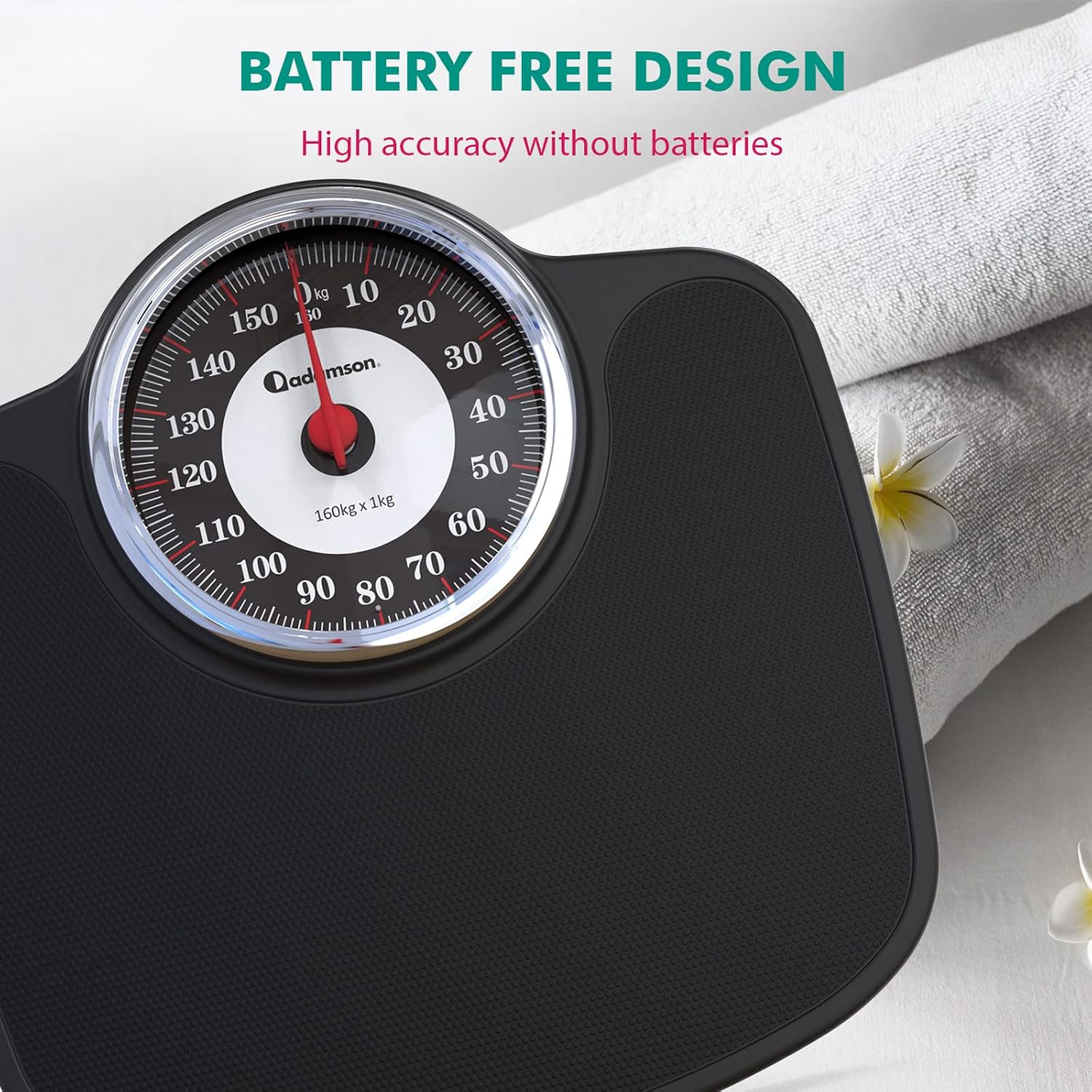
Figure 3: Battery-Free Design. This image focuses on the scale's dial, illustrating its mechanical, battery-free operation for high accuracy.
Troubleshooting
| Problem | Possible Cause | Solution |
|---|---|---|
| Inaccurate readings |
|
|
| Pointer does not return to "0" |
|
|
If you encounter any problems not listed here, or if the suggested solutions do not resolve the issue, please contact Adamson customer support.
Specifications
- Model: A27
- Type: Analog Mechanical Bathroom Scale
- Maximum Weight Capacity: 160 kg (352 lbs)
- Dimensions (L x W x H): 36.5 cm x 36.1 cm x 7 cm (approximately 14.4 x 14.2 x 2.8 inches)
- Item Weight: 3.02 kg (approximately 6.66 lbs)
- Display Type: Analog Dial with Oversize Numbers
- Material: Rubber (surface)
- Power Source: Battery-Free (Mechanical)
- Precision: High precision
Warranty and Support
Adamson offers a 20-year warranty on the A27 Analog Mechanical Bathroom Scale. This warranty covers manufacturing defects and ensures the longevity of your product.
For any questions, concerns, or warranty claims, please contact Adamson customer support. You can typically reach our support team through the "Contact Seller" option on the platform where you purchased the product, or via the official Adamson website. Our team aims to respond within 24 hours.
Please retain your proof of purchase for warranty purposes.