
1. Introduction
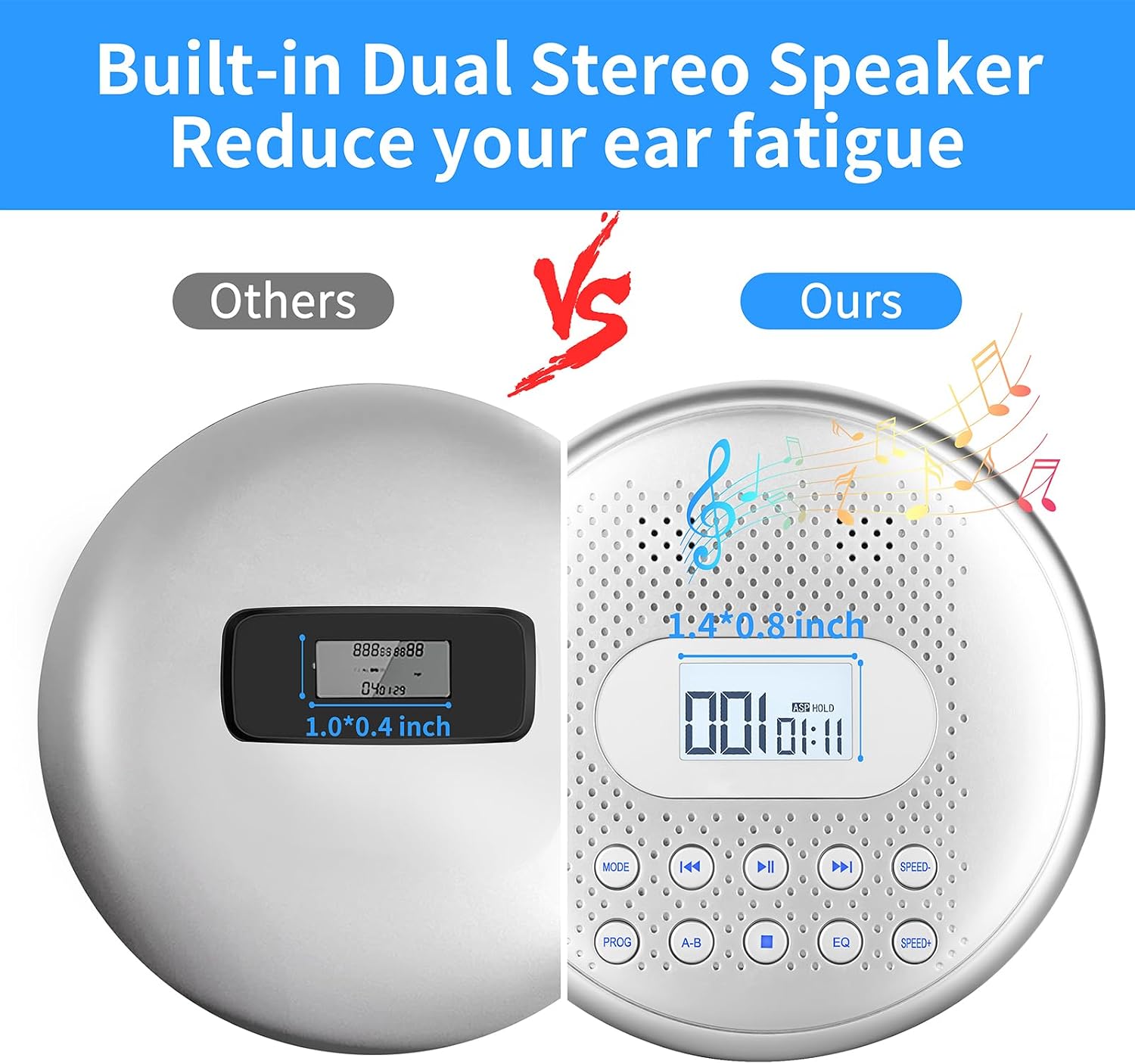
This Arafuna portable CD player (Model CD5189S) is designed for versatile audio playback, featuring built-in stereo speakers and a rechargeable battery for extended use. It supports various CD formats including CD, CD-R, HDCD, MP3 discs, WMA audio files, and TF card files. Key features include anti-skip protection, A-B repeat function for learning, and last memory playback. It offers flexible connectivity options via a 3.5mm AUX port for car audio systems or external speakers, and also includes a headphone jack for private listening.
2. What's in the Box
- 1 x Portable CD player
- 1 x 3.5 to 3.5mm AUX cable
- 1 x Wire-controlled earphones
- 1 x USB charging cable
- 1 x User manual

3. Product Overview

4. Setup
4.1 Charging the Device
The player has a built-in 1400mAh rechargeable Li-ion battery. Connect the included USB charging cable to the 'CHARGE' port on the device and a suitable USB power adapter (not included). A full charge takes approximately 4 hours and provides over 15 hours of playback at medium volume.

4.2 Inserting a CD
- Gently open the CD compartment cover.
- Place the CD with the label side facing up onto the spindle.
- Close the cover firmly until it clicks.
4.3 Inserting a TF Card
Locate the TF card slot. Insert the TF card gently until it clicks into place. Ensure the card is inserted in the correct orientation.
5. Operating Instructions
5.1 Power On/Off
Slide the POWER ON/OFF switch to the ON position to turn on the player. Slide to OFF to power down.
5.2 Basic Playback
Press the PLAY/PAUSE button to start or pause playback. Use the PREVIOUS and NEXT buttons to skip tracks. Press and hold these buttons to fast-forward or rewind within a track.
5.3 Volume Control
Adjust the volume using the VOLUME dial on the side of the device.
5.4 Mode Selection
Press the MODE button to cycle through different playback modes: Repeat a track, Repeat All, Play in random order, Play first 10s of file, Play in order.

5.5 A-B Repeat and Speed Adjustment
Press the A-B button at the desired starting point (A). Press it again at the desired ending point (B) to repeat that section. Press A-B a third time to cancel the repeat. Use the SPEED+ and SPEED- buttons to adjust the playback speed. This feature is particularly useful for language learning or transcribing audio.

5.6 Last Memory Function
The player automatically remembers the last playback position. When powered on again, it will resume from where it stopped.
5.7 Hold Function
Slide the HOLD switch to the ON position to lock all buttons and prevent accidental presses during transport or use.

5.8 Connecting to Car/External Speakers
Connect the included 3.5mm AUX cable from the player's headphone jack to your car's 3.5mm AUX input port or an external speaker. (Note: USB ports are not supported for audio connection).

5.9 Using with Headphones
Plug the wire-controlled earphones (or your own 3.5mm headphones) into the headphone jack for private listening.

Video 5.1: Portable CD Player with Speakers. This video demonstrates the Arafuna portable CD player in various settings, highlighting its built-in speakers and portability for different listening experiences.
6. Maintenance
Keep the CD player clean and free from dust. Use a soft, dry cloth to wipe the exterior. For the lens, use a specialized CD lens cleaner. Avoid exposing the device to extreme temperatures, humidity, or direct sunlight. Do not disassemble the unit.
7. Troubleshooting
7.1 No Power
- Ensure the battery is charged. Connect the USB charging cable and allow it to charge for at least 30 minutes before attempting to power on.
7.2 Disc Not Playing/Skipping
- Check if the CD is inserted correctly with the label side up.
- Ensure the CD is clean and free from scratches or smudges.
- Try a different CD to rule out disc issues.
- Verify the 'HOLD' switch is in the OFF position.
7.3 No Sound
- Check the volume level.
- Ensure headphones or external speakers are properly connected.
- If using headphones, try a different pair.
- If using built-in speakers, ensure the volume is turned up.
7.4 A-B Repeat Not Working
- Ensure you have pressed the A-B button twice to set both the start (A) and end (B) points.
7.5 Cannot Connect to Car Audio
- Confirm your car has a 3.5mm AUX input.
- Ensure the AUX cable is securely connected to both the CD player's headphone jack and the car's AUX input.
- USB ports are not supported for audio output.
8. Specifications
| Product Dimensions | 5.5 x 5.5 x 1.1 inches |
| Item Weight | 14.9 ounces |
| Model Number | CD5189S |
| Batteries | 1 Lithium Polymer batteries required (included) |
| Connectivity Technology | Auxiliary |
| Special Feature | Portable |
| Compatible Formats | CD, CD-R, HDCD, MP3 discs, WMA audio files, TF card files |
9. Warranty & Support
For warranty information and customer support, please refer to the contact details provided in the packaging or visit the official Arafuna website.

