
Introduction
Thank you for choosing the Stone Harbor Hardware Shelf Bracket. This manual provides essential information for the safe and correct installation, operation, and maintenance of your new shelf bracket. Please read these instructions thoroughly before installation and retain them for future reference.
Safety Information
Always observe the following safety precautions:
- Ensure the mounting surface is structurally sound and capable of supporting the bracket and intended shelf load.
- Use appropriate fasteners for your wall type (e.g., wood studs, drywall anchors, masonry anchors). Screws are not included with this product.
- Wear appropriate safety gear, such as eye protection, during installation.
- Keep small parts away from children.
- Do not overload the shelf bracket beyond its recommended weight capacity.
Package Contents
Verify that all components are present before beginning installation:
- 1 x Stone Harbor Hardware Shelf Bracket (10" x 12", White)
- Note: Mounting screws are not included and must be purchased separately based on your specific wall material.
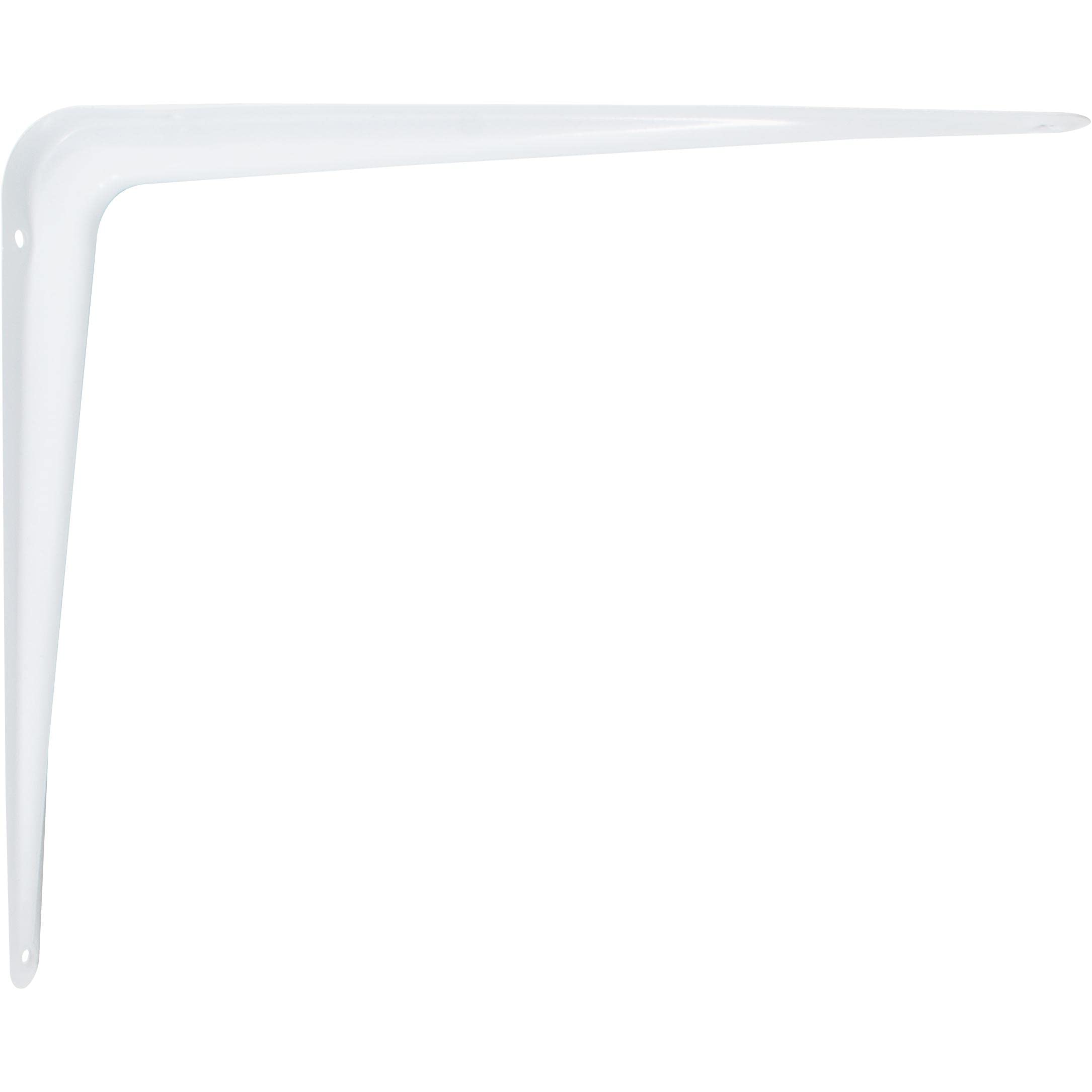
Image: A single white L-shaped shelf bracket, measuring 10 inches by 12 inches, designed for wall mounting. This bracket is made of durable material and features a clean white finish.
Tools Required (Not Included)
- Pencil
- Measuring Tape
- Level
- Drill with appropriate drill bits
- Screwdriver (Phillips or Flathead, depending on screw type)
- Stud finder (if mounting into wood studs)
- Safety Glasses
Installation Instructions
- Plan Placement: Determine the desired location for your shelf. Use a pencil and measuring tape to mark the positions for your brackets. Ensure marks are level.
- Identify Mounting Points: If mounting into wood studs, use a stud finder to locate and mark the center of the studs. If mounting into drywall without studs or into masonry, plan to use appropriate wall anchors.
- Mark Pilot Holes: Hold the bracket against the wall at your marked position. Use a pencil to mark the locations for the mounting screws through the bracket's screw holes.
- Drill Pilot Holes: Using a drill with a bit slightly smaller than your chosen mounting screws, drill pilot holes at the marked locations. For drywall anchors or masonry anchors, follow the anchor manufacturer's instructions for drilling hole size.
- Attach Bracket: Align the bracket with the pilot holes. Insert your chosen mounting screws (not included) through the bracket and into the wall. Tighten screws securely until the bracket is firm against the wall. Do not overtighten.
- Repeat for Additional Brackets: If installing multiple brackets for a longer shelf, ensure they are level and spaced appropriately to support the shelf evenly.
- Install Shelf: Once all brackets are securely mounted, place your shelf material onto the brackets. If your shelf material requires it, secure the shelf to the brackets using small screws from underneath (not included).
Maintenance
To ensure the longevity and appearance of your shelf bracket:
- Clean regularly with a soft, damp cloth.
- Avoid abrasive cleaners or harsh chemicals, as these may damage the finish.
- Periodically check mounting screws for tightness and re-tighten if necessary.
Troubleshooting
- Bracket feels loose: Ensure mounting screws are fully tightened. If using wall anchors, verify they are correctly installed and rated for the load. The wall material may not be sufficient; consider relocating or reinforcing the mounting area.
- Shelf is not level: Re-check measurements and use a level during installation. Adjust bracket positions as needed.
- Damage to finish: Avoid impacts and contact with sharp objects. Clean only with recommended methods.
Specifications
| Feature | Detail |
|---|---|
| Model Number | 74405-WH |
| Dimensions (L x W x H) | 12.2 x 10.2 x 1.5 inches |
| Bracket Size | 10 inches by 12 inches |
| Color | White |
| Material | Zinc |
| Mounting Type | Wall Mount |
| Item Weight | 7.04 ounces |
| Included Components | Installation Hardware (bracket only, screws not included) |
| Manufacturer | Stone Harbor Hardware |
Warranty and Support
Stone Harbor Hardware products are manufactured to high-quality standards. For specific warranty information or technical support, please refer to the Stone Harbor Hardware official website or contact their customer service directly. Please have your model number (74405-WH) available when contacting support.