
Oozoo Q4
Oozoo Q4 Smartwatch User Manual
Model: Q4
1. Introduction
Welcome to the Oozoo Q4 Smartwatch user manual. This guide provides essential information for setting up, operating, maintaining, and troubleshooting your new smartwatch. The Oozoo Q4 is designed to enhance your daily life with fitness tracking, smart notifications, and convenient controls, compatible with both iOS and Android devices.
2. Setup
2.1 Package Contents
Ensure all items are present in the package:
- Oozoo Q4 Smartwatch
- Magnetic Charging Cable
- User Manual (this document)
2.2 Charging the Smartwatch
Before first use, fully charge your Oozoo Q4 Smartwatch.
- Connect the magnetic charging cable to the charging points on the back of the smartwatch.
- Plug the USB end of the cable into a standard USB power adapter (not included) or a computer's USB port.
- The watch display will indicate charging status. A full charge typically takes approximately 2 hours.
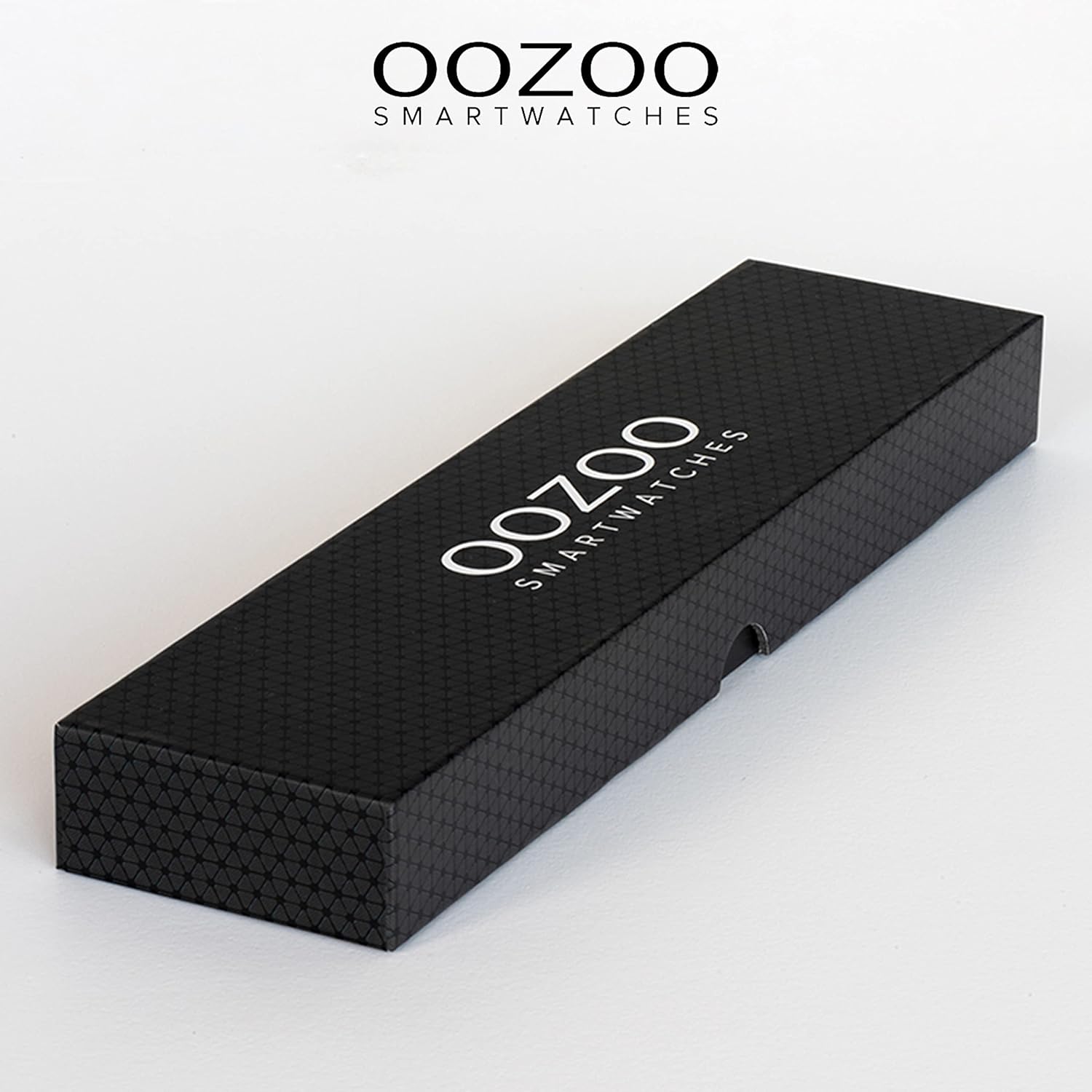
Figure 2.2.1: The Oozoo Q4 Smartwatch packaging.
2.3 Pairing with Your Smartphone
To unlock the full potential of your smartwatch, pair it with the dedicated mobile application.
- Download the official Oozoo Smartwatch app from your smartphone's app store (iOS App Store or Google Play Store).
- Ensure Bluetooth is enabled on your smartphone.
- Open the Oozoo Smartwatch app and follow the on-screen instructions to create an account or log in.
- In the app, select "Add Device" or similar option and choose your Oozoo Q4 from the list of available devices.
- Confirm the pairing request on both your smartphone and the smartwatch.
Once paired, the watch will synchronize time and date with your phone, and you can begin customizing settings and tracking data.
3. Operating the Smartwatch
3.1 Basic Navigation
The Oozoo Q4 Smartwatch features a full touchscreen display for navigation.
- Swipe Up/Down: Scroll through menus and notifications.
- Swipe Left/Right: Access quick functions or different data screens.
- Tap: Select an item or confirm an action.
- Press and Hold: On the watch face, press and hold to change the watch face.

Figure 3.1.1: Customizable watch faces on the Oozoo Q4 Smartwatch.
3.2 Fitness Tracking Features
The Oozoo Q4 Smartwatch offers comprehensive fitness and health monitoring.
- Heart Rate Monitoring: Continuously tracks your heart rate. View real-time data on the watch or detailed history in the app.
- Blood Pressure & Oxygen Saturation: Provides estimates of blood pressure and blood oxygen levels. These are for reference only and not for medical diagnosis.
- Pedometer & Calorie Counter: Automatically tracks your steps taken and estimated calories burned throughout the day.
- Sport Modes: Select from various sport modes (e.g., running, cycling, walking) to track specific workout data like duration, distance, and calories.
- Sleep Monitor: Monitors your sleep patterns, including deep sleep, light sleep, and wake times. Access detailed sleep analysis in the app.

Figure 3.2.1: Heart rate measurement and step tracking display.
3.3 Smart Features and Notifications
Stay connected and control your smartphone functions directly from your wrist.
- Message & Call Notifications: Receive alerts for incoming calls, SMS messages, and notifications from social media apps (e.g., WhatsApp) directly on your watch.
- Weather Information: Get real-time weather updates synchronized from your phone.
- Music Control: Control music playback on your smartphone (play, pause, skip tracks) without taking out your phone.
- Camera Remote Control: Use your smartwatch as a remote shutter button for your smartphone's camera.
- Stopwatch & Alarm: Utilize the built-in stopwatch and set alarms directly from the watch.

Figure 3.3.1: Sleep monitoring and smart notification display.
4. Maintenance
4.1 Cleaning Your Smartwatch
To maintain the appearance and functionality of your Oozoo Q4 Smartwatch:
- Wipe the screen and strap regularly with a soft, damp, lint-free cloth.
- Avoid using harsh chemicals, abrasive cleaners, or solvents.
- Ensure the charging contacts are clean and dry before charging.
4.2 Water Resistance (IP67)
The Oozoo Q4 Smartwatch is IP67 certified, meaning it is dustproof and resistant to immersion in water up to 1 meter for up to 30 minutes.
- It is suitable for daily use, such as washing hands or light rain.
- Avoid prolonged immersion, hot water, steam, or high-pressure water jets.
- Do not wear the watch while swimming, showering, or in a sauna.
- Water resistance is not a permanent condition and may decrease over time with normal wear.
4.3 Battery Care
To prolong battery life:
- Avoid extreme temperatures.
- Charge the watch regularly, but avoid leaving it fully discharged for extended periods.
- If not using the watch for a long time, charge it to about 50% before storing.
5. Troubleshooting
5.1 Common Issues and Solutions
| Issue | Possible Solution |
|---|---|
| Watch does not turn on | Ensure the watch is fully charged. Connect it to the charger for at least 30 minutes. |
| Cannot pair with smartphone |
|
| Inaccurate heart rate/step count |
|
| Notifications not received |
|
| Short battery life |
|
6. Specifications
| Feature | Detail |
|---|---|
| Model Name | Q4 |
| Brand | Oozoo |
| Case Diameter | 39 Millimeter |
| Case Height | 11 Millimeter |
| Display Type | Digital |
| Wireless Communication | Bluetooth |
| Special Features | Calendar, Lap timer, Stopwatch, Alarm clock, Heart rate monitor, Blood pressure, Blood oxygen, Pedometer, Sleep monitor, Music control, Camera control |
| Water Resistance | IP67 (Dustproof, Water-resistant up to 1 meter for 30 minutes) |
| Case Material | Metal |
| Band Material | Silicone |
| Band Width | 16 Millimeter |
| Battery Life (Normal Use) | Up to 7 Days |
| Battery Life (Standby) | Up to 30 Days |
| Charging Method | Magnetic Connection |
| Compatible Devices | Smartphone (iOS and Android) |
| Input Method | Touchscreen |
| Target Audience | Unisex Adults |
| Item Shape | Round |
Note: Product specifications are subject to change without prior notice.
7. Warranty Information
The Oozoo Q4 Smartwatch comes with a standard manufacturer's warranty. Please refer to the warranty card included in your product packaging or contact your retailer for specific terms and conditions regarding warranty coverage, duration, and claims process. This warranty typically covers manufacturing defects but does not cover damage caused by misuse, accidents, unauthorized modifications, or normal wear and tear.
8. Customer Support
If you encounter any issues not covered in this manual or require further assistance, please contact Oozoo customer support or your authorized retailer.
- Online Support: Visit the official Oozoo website for FAQs, support articles, and contact information.
- Retailer Support: For purchase-related inquiries or warranty claims, contact the store where you purchased the product.
Related Documents - Q4
 |
OOZOO Smartwatches Q4 Series User Manual and Guide Comprehensive user manual for the OOZOO Smartwatches Q4 Series, covering specifications, setup, features, app integration, and important precautions for optimal use. |
 |
OOZOO Q3 Series Smartwatch User Manual - Setup, Features & Troubleshooting Get started with your OOZOO Q3 Series Smartwatch. This guide covers installation of the GloryFit app, Bluetooth connection, features like heart rate monitoring, sports tracking, notifications, sleep tracking, and answers common troubleshooting questions. Learn about IP67 water resistance and important safety precautions. |
 |
OOZOO Smartwatches Q3 Series User Manual Comprehensive user manual for OOZOO Smartwatches Q3 Series, covering setup, features like heart rate monitoring, sports tracking, notifications, and troubleshooting. Learn how to connect, charge, and maintain your smartwatch. |
 |
OOZOO Smartwatches User Manual Q00100-Q00109 User manual for OOZOO Smartwatches, models Q00100 through Q00109. Covers first use, charging, app download, functions, maintenance, and specifications. |
 |
OOZOO Smartwatches User Manual Q00130-Q00139 User manual for OOZOO Smartwatches models Q00130-Q00139, covering setup, charging, features, navigation, settings, maintenance, and specifications. |
 |
OOZOO Smartwatches User Manual Models Q00130-Q00139 User manual for OOZOO Smartwatches, models Q00130-Q00139. Covers first use, charging, power on, app download, connecting, functions (steps, sleep, game, exercise, heart rate, SpO2, notifications, breath), weather, camera control, music control, flashlight, settings, watch status reminders, maintenance, and specifications. |
Ask a question about this manual
Ask about setup, troubleshooting, compatibility, parts, safety, or missing instructions. Manuals+ will review the question and use this page’s manual context to help answer it.