
1. Introduction
This manual provides detailed instructions for the proper use and care of your VBESTLIFE 50MM F1.6-F22 E Mount Full Frame Manual Tilt Shift Lens. This lens is designed for Sony A9 and A7 series mirrorless cameras, offering advanced control over perspective and depth of field for professional photography.
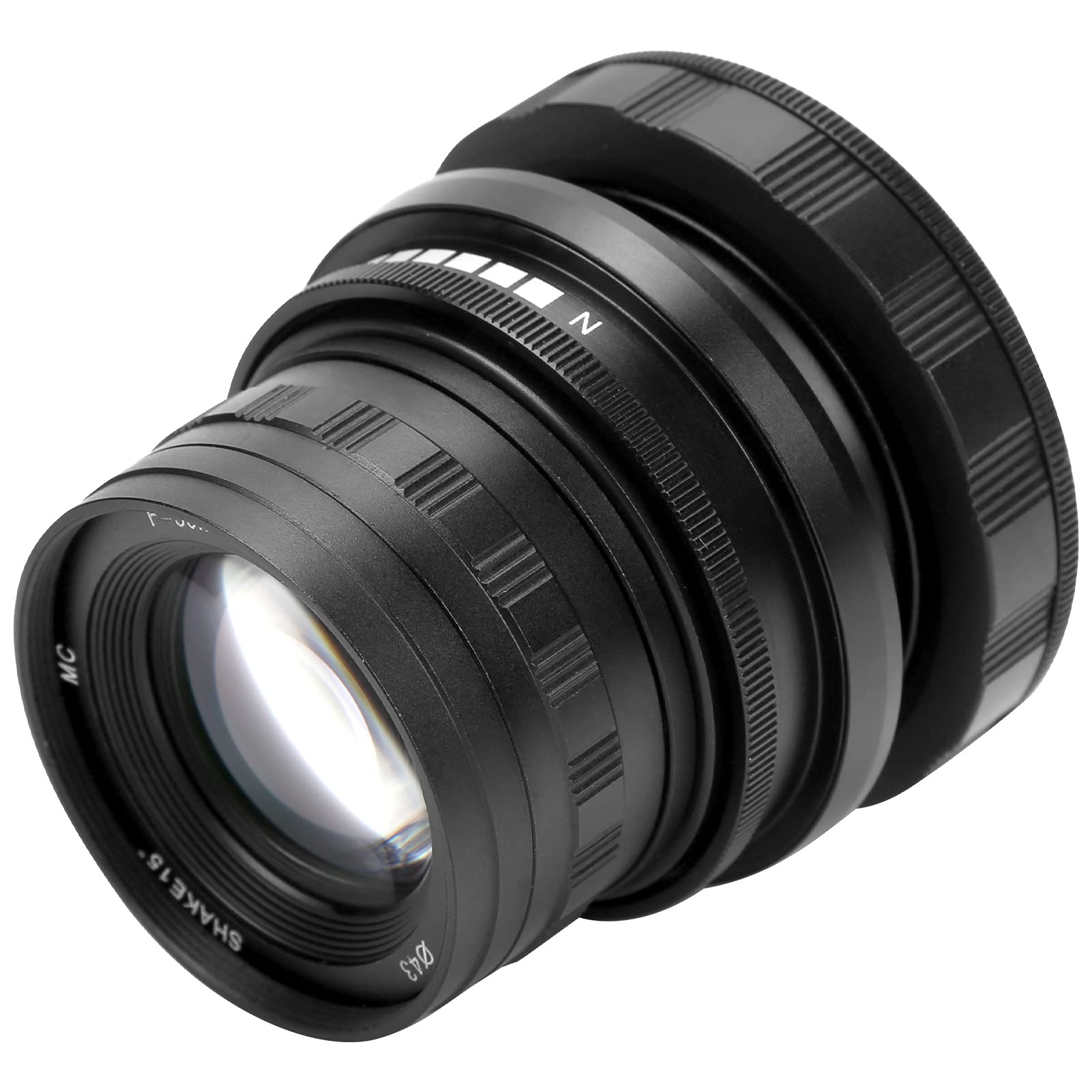
Image 1.1: VBESTLIFE 50MM F1.6-F22 E Mount Full Frame Manual Tilt Shift Lens.
2. Product Specifications
- Item Type: Manual Tilt Shift Lens
- Material: Alloy and Optical Glass
- Filter Caliber: Approximately 43 mm (1.7 inches)
- Weight: Approximately 295 g (10.4 ounces)
- Color: Black
- Mount: E Mount (for Sony A9, A7 series mirrorless cameras)
- Focal Length: 50 mm (2.0 inches)
- Aperture Range: F1.6-F22
- Frame: Full Frame
- Perspective Angle: 46°
- Shaft Shift Angle: 15° in all directions
- Closest Focusing Distance: 0.5 m (1.6 feet)
- Lens Structure: 5 groups of 6 pieces
- Blades: 14 pieces
- Focus Mode: Manual Focus

Image 2.1: The lens features a 50mm focal length and F1.6 aperture design.
3. Setup and Installation
- Prepare Camera: Before attaching the lens, set your camera to "lens-release-free mode" or "shoot without lens" mode. Failure to do so may prevent the camera from taking photos. Refer to your camera's instruction manual for specific settings.
- Attach Lens: Align the marking point on the lens mount with the marking point on your camera's mount. Gently rotate the lens clockwise until you hear a "tap" sound. This indicates that the lens is securely installed.
- Remove Lens: To remove the lens, press the lens release button on your camera. Then, rotate the lens counter-clockwise until it detaches from the camera body.
4. Operating Instructions
4.1 Manual Focus
This is a manual focus lens. To achieve sharp images, rotate the focus ring on the lens until your subject appears clear in the viewfinder or on the camera's LCD screen. Many mirrorless cameras offer focus peaking or magnification aids to assist with manual focusing.
4.2 Aperture Control
The lens features an aperture range from F1.6 to F22. Adjust the aperture ring on the lens to control the amount of light entering the camera and to manage the depth of field. A wider aperture (smaller F-number like F1.6) creates a shallower depth of field, blurring the background, while a narrower aperture (larger F-number like F22) results in a greater depth of field, keeping more of the scene in focus.
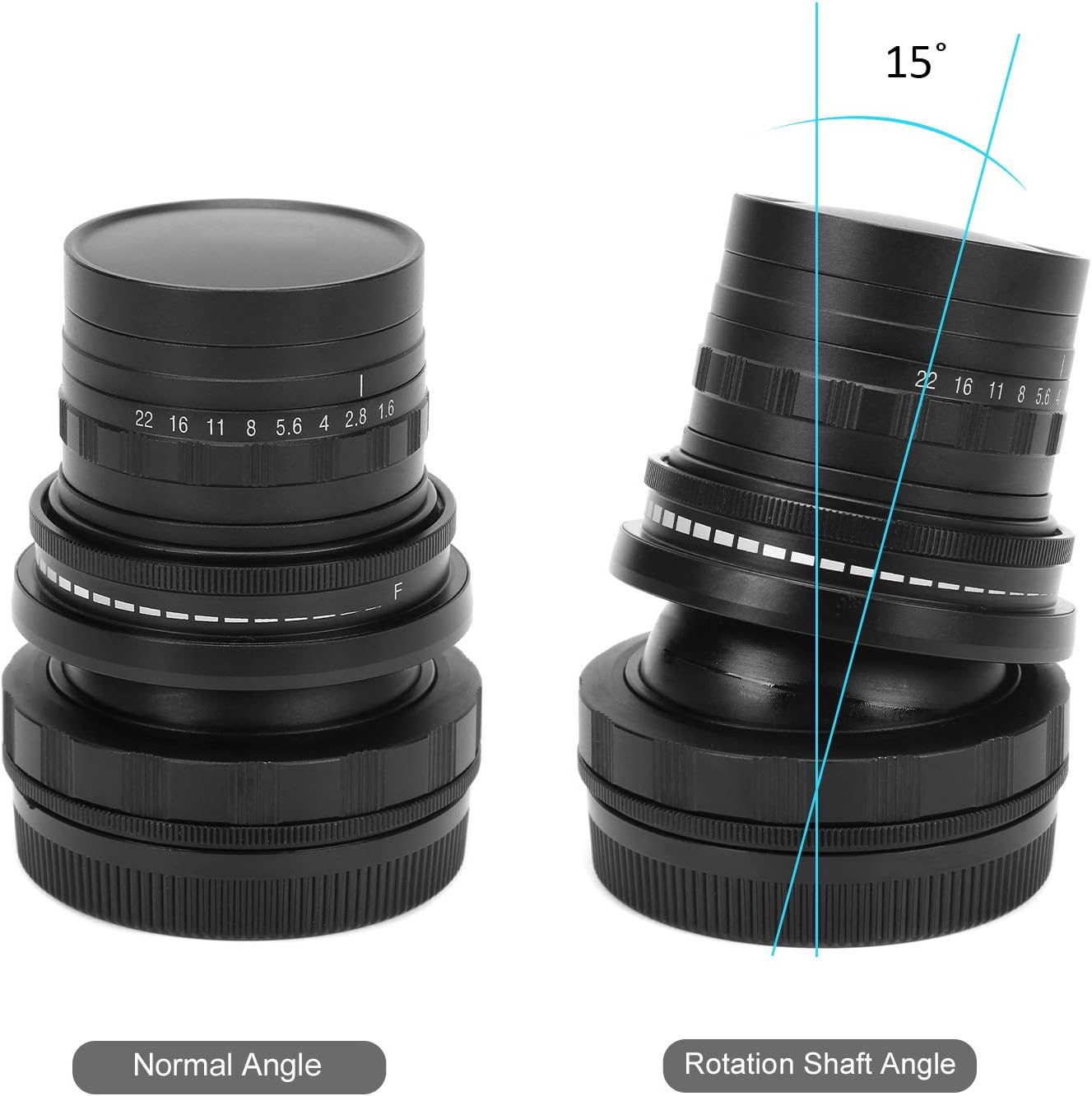
Image 4.1: Illustration of F1.6 large aperture and its effect on image depth.
4.3 Tilt Function
The tilt function allows you to pivot the lens relative to the camera sensor. This changes the plane of focus, enabling creative control over depth of field. You can use tilt to achieve a "miniature effect" by making a large scene appear small, or to extend the depth of field along a specific plane, such as a long table or landscape.
4.4 Shift Function
The shift function allows you to move the lens parallel to the camera sensor. This is primarily used for perspective correction, especially in architectural photography. By shifting the lens upwards, you can photograph tall buildings without tilting the camera, thus avoiding converging vertical lines. The lens offers a 15° shift angle in all directions.

Image 4.2: The TS lens compensates for perspective distortion and allows depth of field control.
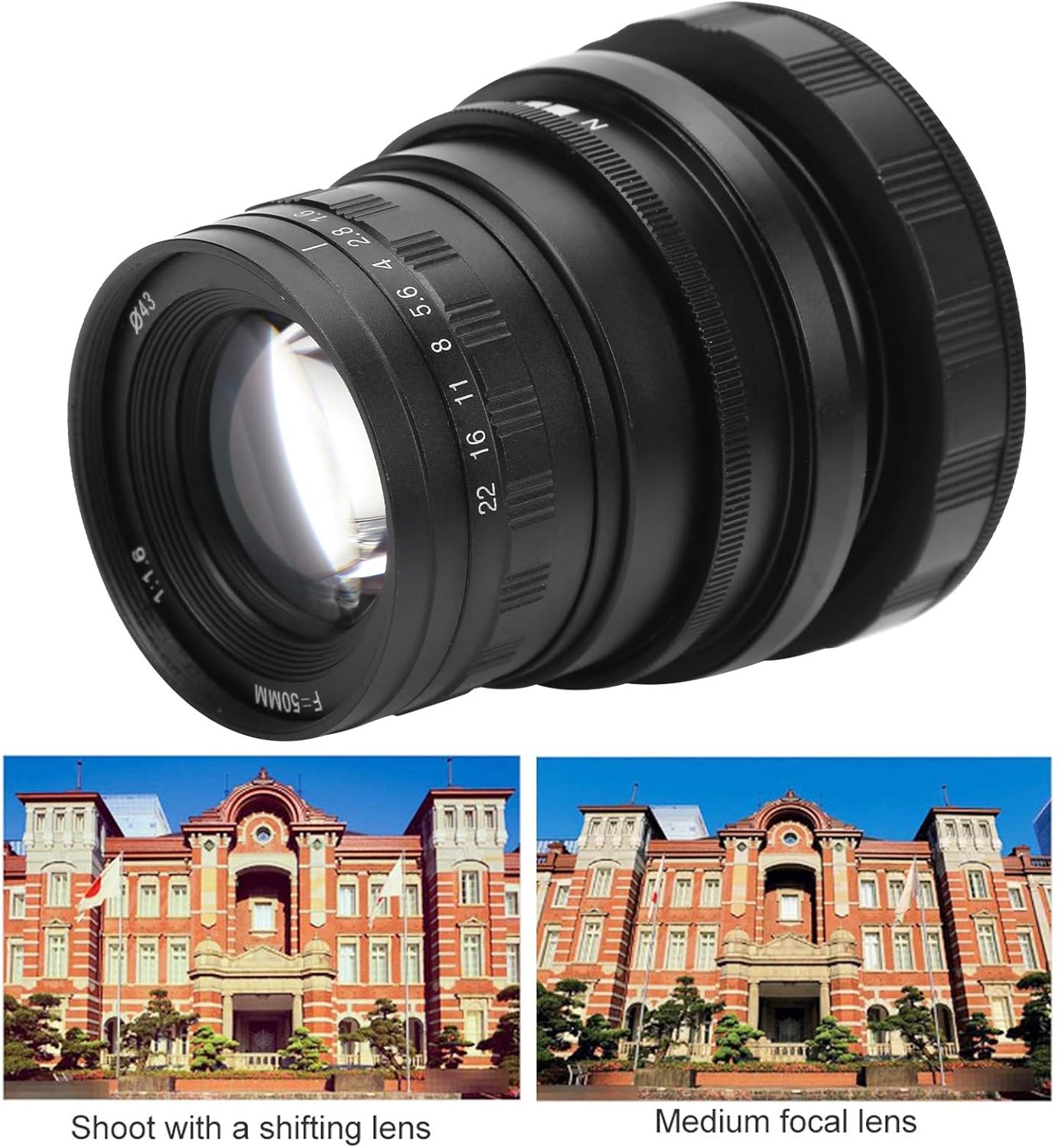
Image 4.3: Example of perspective correction using the shift function.

Image 4.4: The lens allows for a 15° rotation shaft angle for tilt and shift adjustments.

Image 4.5: The lens's optical design enables correction of perspective distortions and control of depth of field.
5. Maintenance
- Cleaning the Lens: Use the provided dust cloth or a soft, lint-free microfiber cloth to gently wipe dust and smudges from the lens elements. For stubborn marks, use a specialized lens cleaning solution applied to the cloth, not directly to the lens.
- Storage: When not in use, store the lens with both front and rear caps attached in a dry, cool place, away from direct sunlight and extreme temperatures. Avoid areas with high humidity to prevent mold growth.
- Handling: Always handle the lens by its barrel, avoiding touching the glass elements. Protect the lens from impacts and drops.
6. Troubleshooting
If you encounter issues with your lens, consider the following:
- Camera not taking photos: Ensure your camera is set to "shoot without lens" mode. This is a common requirement for manual lenses without electronic contacts.
- Difficulty focusing: As a manual focus lens, precise focusing requires practice. Utilize your camera's focus peaking or magnification features. Ensure the diopter on your camera's viewfinder is adjusted correctly for your eyesight.
- Image quality issues: Check for dust or smudges on the lens elements. Ensure the lens is securely mounted to the camera.
7. Package Contents
The package includes the following items:
- 1 x VBESTLIFE 50MM F1.6-F22 E Mount Full Frame Manual Tilt Shift Lens
- 1 x Dust Cloth
8. Warranty and Support
For warranty information or technical support, please refer to the documentation provided with your purchase or contact VBESTLIFE customer service through their official channels. Keep your proof of purchase for warranty claims.