1. Introduction and Overview
The Aruba Instant On 1830 8-Port Gigabit Smart Switch (Model JL810A) is a fanless, smart-managed network switch designed for small businesses and home offices. It provides reliable, high-speed network connectivity with easy management options.
Key Features:
- 8x 1 Gigabit Ethernet ports for high-speed connections.
- 16 Gbps switching capacity for efficient data transfer.
- Fanless design for silent operation.
- Smart-managed capabilities via mobile app, web portal, or local web GUI.
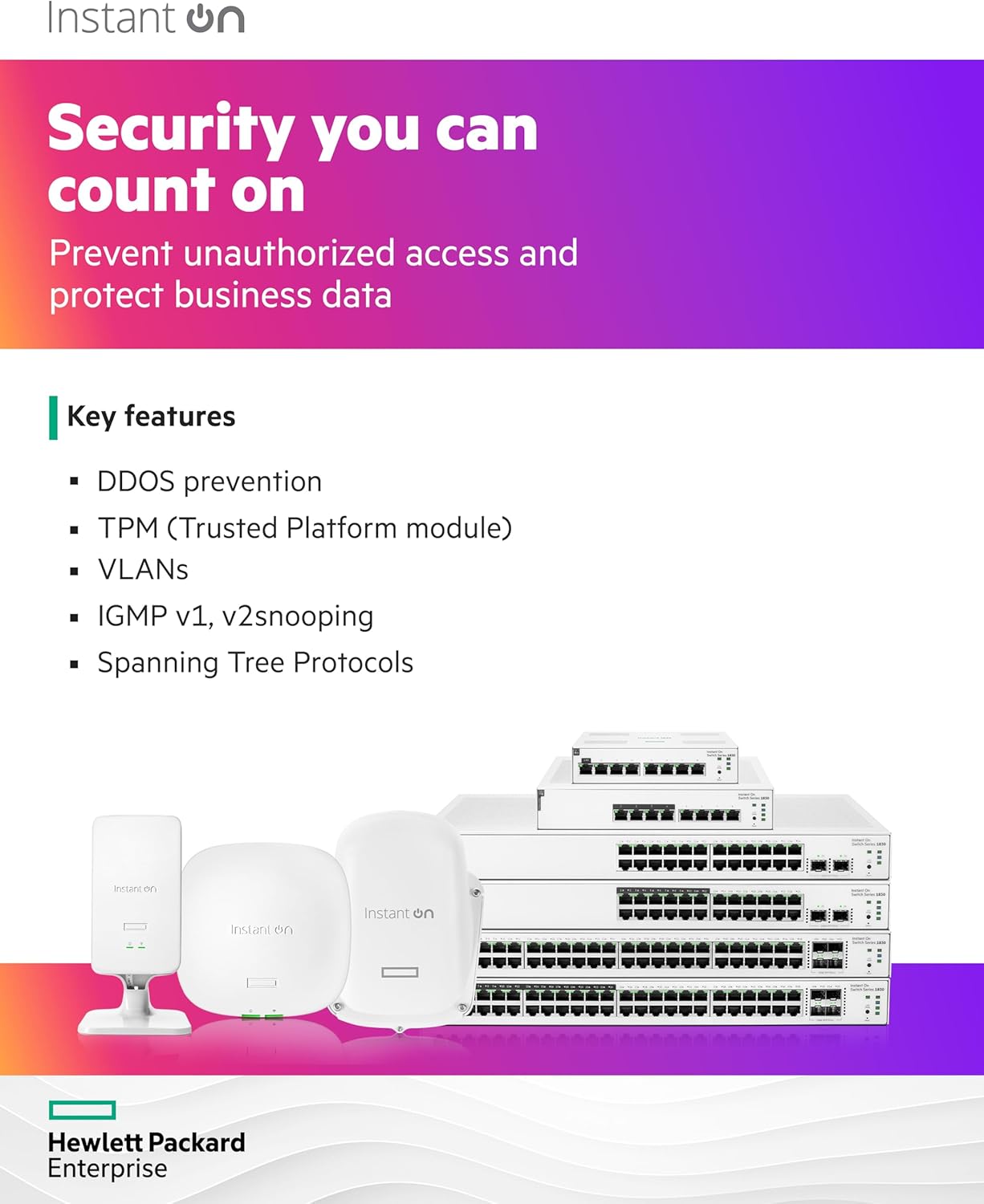
- Enhanced security features including DDOS prevention, TPM, VLANs, IGMP v1/v2 snooping, and Spanning Tree Protocols.
- Flexible mounting options: table-top, wall-mounting, or under-table mounting.


2. Setup
Follow these steps to set up your Aruba Instant On 1830 Smart Switch:
- Unpack the Device: Carefully remove the switch and its accessories (external power adapter) from the packaging.
- Choose a Location: Select a suitable location for the switch, considering ventilation and proximity to network devices. The switch supports table-top, wall-mounting, and under-table mounting.
- Connect Power: Connect the external power adapter to the switch's power input port and then plug it into a power outlet. The power LED on the switch will illuminate.
- Connect Network Cables: Connect your network devices (computers, access points, servers) to the Gigabit Ethernet ports (1-8) on the front of the switch using standard Ethernet cables.
- Initial Configuration: The Aruba Instant On 1830 switch can be managed via the Instant On mobile app, web portal, or a local web GUI. Refer to the Aruba Instant On website for detailed instructions on initial setup and management.

Video 1: An overview of the HPE Networking Instant On Switch 1830, demonstrating its features and potential applications. This video is provided by BlueAlly, a seller.
3. Operating Instructions
The Aruba Instant On 1830 switch is designed for simple operation. Once connected, it automatically detects and configures connected devices.
LED Indicators:
- Power LED: Indicates the power status of the switch.
- Port LEDs: Each Ethernet port has an LED that indicates link status and activity.
- Cloud LED: Indicates connection status to the Instant On cloud management.
- UID LED: Unique Identifier LED for locating the device in a rack or crowded environment.
- SPD LED: Speed indicator for the ports.
For advanced configurations such as VLANs, port mirroring, or link aggregation, use the Instant On mobile app or web portal. These tools provide a user-friendly interface to manage your network settings.

4. Maintenance
To ensure optimal performance and longevity of your Aruba Instant On 1830 Smart Switch, regular maintenance is recommended:
- Cleaning: Keep the switch clean and free from dust. Use a soft, dry cloth to wipe the exterior. Ensure ventilation openings are not blocked.
- Firmware Updates: Periodically check the Aruba Instant On support portal for firmware updates. Keeping the firmware up-to-date ensures access to the latest features, security patches, and performance improvements.
- Environmental Conditions: Ensure the switch operates within the specified temperature range (up to 40 Degrees Celsius) and in a dry environment to prevent damage.
5. Troubleshooting
If you encounter issues with your Aruba Instant On 1830 Smart Switch, try the following troubleshooting steps:
- No Power: Verify that the power adapter is securely connected to both the switch and a working power outlet. Check the power LED status.
- No Link/Activity: Ensure Ethernet cables are securely connected to both the switch port and the connected device. Check the port LED status. Try a different cable or port.
- Network Connectivity Issues: If using cloud management, verify your internet connection. If managing locally, ensure your device is on the same network segment as the switch or can reach its IP address.
- Slow Performance: Check for excessive network traffic or faulty cables. Ensure all connected devices are operating at their expected speeds.
- Resetting the Switch: If issues persist, you may need to reset the switch. Locate the reset button on the front panel (refer to Figure 4) and follow the instructions in the full user guide for a soft or factory reset.
6. Specifications
| Feature | Detail |
|---|---|
| Product Dimensions | 10.5"L x 7.5"W x 1.7"H |
| Item Weight | 2.82 Pounds |
| Case Material | Plastic |
| Maximum Power Consumption | 5.9 Watts |
| Upper Temperature Rating | 40 Degrees Celsius |
| Interface Type | RJ45 |
| Data Transfer Rate | 1000 Megabits Per Second (1 Gigabit) |
| Number of Ports | 8 |
| Included Components | External Power Adapter, Instant On 1830 8G Switch |
| Color | Black |
| Compatible Devices | Desktop |
| Item Model Number | JL810A#ABA |
| UPC | 190017523538 |
7. Warranty and Support
The Aruba Instant On 1830 8-Port Gigabit Smart Switch is manufactured by Aruba, a Hewlett Packard Enterprise company. For warranty information and technical support, please refer to the official Hewlett Packard Enterprise support channels.
Typically, products may offer a return policy of 30 days from the date of purchase. For specific warranty terms and conditions, including duration and coverage, please consult the documentation provided with your product or visit the official Hewlett Packard Enterprise website.
For additional resources and support, visit the Aruba Instant On website.


