
1. Introduction
Thank you for choosing the HIFRESH Evaporative Air Cooler. This portable 3-in-1 unit functions as an evaporative cooler, fan, and humidifier, designed to provide a comfortable environment in your home or office. It features multiple speed settings, cooling and sleep modes, a 12-hour timer, and remote control for convenient operation. Please read this manual thoroughly before use to ensure proper operation and maintenance.

2. Package Contents
Carefully unpack all items and ensure you have received the following:
- HIFRESH Evaporative Air Cooler Unit
- Remote Control
- 4 x Ice Packs
- User Manual
- Screwdriver and Screws for Base Assembly
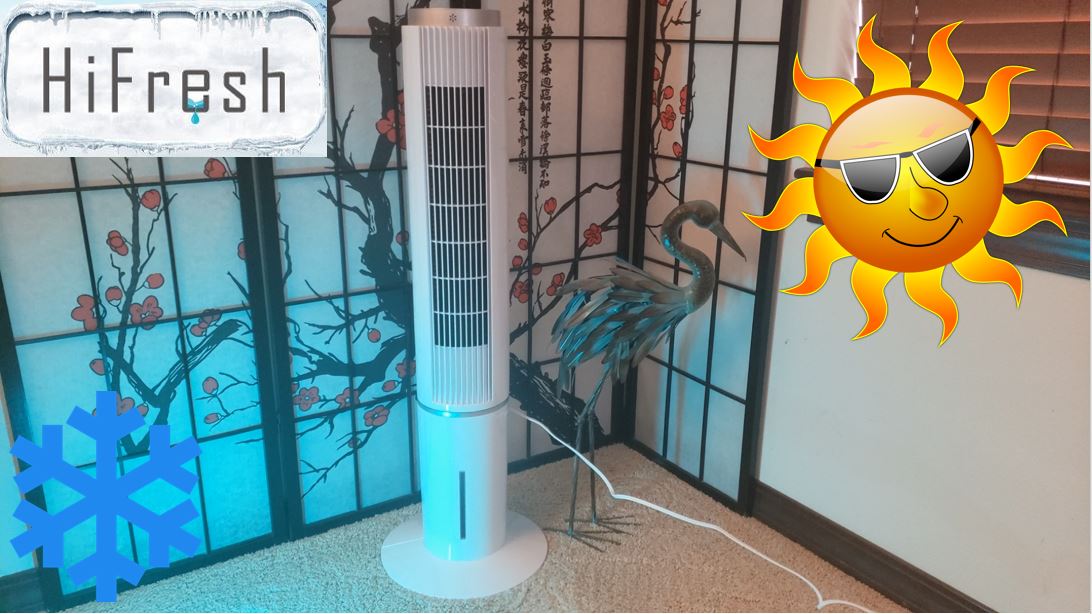
Video 1: Unboxing and overview of the HIFRESH Evaporative Air Cooler components.
3. Setup
3.1 Base Assembly
- Carefully lay the main unit on its side.
- Align the two halves of the circular base and snap them together.
- Attach the assembled base to the bottom of the main unit using the provided screws and screwdriver. Ensure it is securely fastened.
3.2 Adding Water and Ice Packs
For optimal cooling performance, use cold water and the included ice packs.
- Locate the water inlet chamber at the back of the unit (Figure 3).
- Open the water inlet cover.
- Fill the included ice packs with water up to the maximum fill line and freeze them for 3-4 hours before initial use.
- Place the frozen ice packs into the water tank through the inlet.
- Carefully pour cold water into the water tank, ensuring the water level does not exceed the 'MAX' indicator line on the front of the unit. The tank has a capacity of 1 gallon.
- Close the water inlet cover securely.
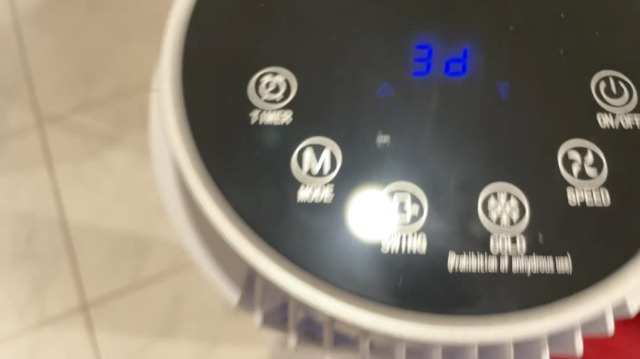
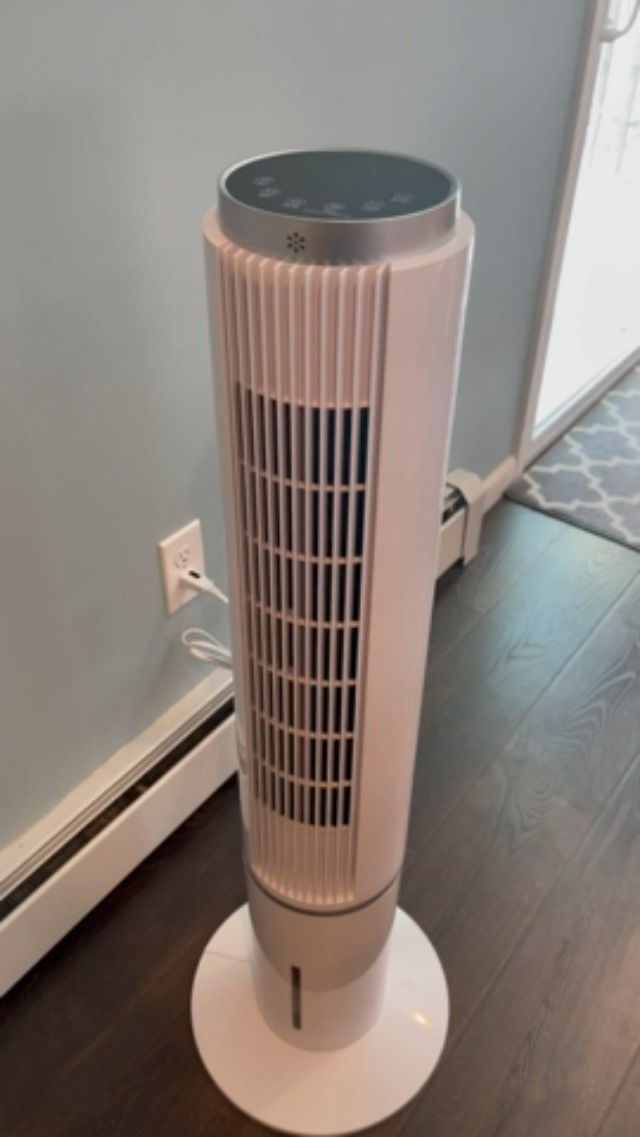
Video 2: Demonstration of adding water and ice packs to the unit.
4. Operating Instructions
The HIFRESH Evaporative Air Cooler can be operated using the touch control panel on top of the unit or the included remote control.
4.1 Control Panel & Remote Functions

- ON/OFF: Powers the unit on or off.
- SPEED: Adjusts fan speed (Low, Medium, High).
- MODE: Cycles through different wind modes (Normal, Natural, Sleep, Cold).
- SWING: Activates or deactivates the 70° oscillation feature for wider air distribution.
- COLD: Activates the evaporative cooling function. This mode requires water in the tank.
- TIMER: Sets an auto-off timer from 1 to 12 hours.
4.2 Wind Modes Explained
- Normal Mode: Provides a steady airflow at the selected speed.
- Natural Mode: Simulates a natural breeze by varying the fan speed intermittently.
- Sleep Mode: Gradually decreases fan speed over time to provide a quieter operation for undisturbed sleep. The fan will adjust to the next lower power speed every 30 minutes before turning off.
- Cold Mode: Utilizes the evaporative cooling system to provide a cooler airflow. This mode is most effective when the water tank is filled with cold water and ice packs.

Video 3: Demonstration of control panel functions and various operating modes.
5. Maintenance
Regular maintenance ensures optimal performance and longevity of your air cooler.
5.1 Cleaning the Filter
The unit features a removable and washable filter to prevent mold and maintain air quality. It is recommended to clean the filter regularly, especially during frequent use.
- Unplug the unit from the power outlet.
- Locate the filter panel on the back of the unit.
- Carefully remove the filter.
- Wash the filter with mild soap and water. Rinse thoroughly.
- Allow the filter to air dry completely before reinserting it into the unit.

5.2 Draining the Water Tank
To prevent stagnant water and potential odors, drain the water tank when the unit is not in use for an extended period.
- Unplug the unit from the power outlet.
- Locate the water outlet plug at the bottom of the unit.
- Place a shallow container or towel underneath the unit to catch the water.
- Remove the plug to drain the water completely.
- Replace the plug securely once the tank is empty.
6. Troubleshooting
If you encounter issues with your HIFRESH Evaporative Air Cooler, please refer to the common problems and solutions below:
| Problem | Possible Cause | Solution |
|---|---|---|
| Unit does not turn on | No power supply; Power button not pressed. | Ensure unit is plugged into a working outlet; Press the ON/OFF button. |
| No cool air / Weak cooling | Water tank empty; Ice packs not frozen; Filter dirty. | Fill water tank with cold water; Freeze ice packs before use; Clean the filter. |
| Unit is leaking water | Water tank overfilled; Drain plug not secure; Internal hose dislodged. | Do not overfill past MAX line; Ensure drain plug is tightly closed; Contact customer support if internal components are suspected. |
| Unusual noise | Unit not on a flat surface; Obstruction in fan. | Place unit on a stable, flat surface; Check for and remove any obstructions. |
7. Specifications
| Feature | Detail |
|---|---|
| Brand | HIFRESH |
| Model Name | JDAC90R |
| Dimensions (D x W x H) | 13.39"D x 13.39"W x 41.54"H |
| Item Weight | 6.6 pounds |
| Number of Speeds | 3 |
| Noise Level | 30 dB |
| Reservoir Capacity | 1 Gallon |
| Floor Area Coverage | 250 Square Feet |
| Controls Type | Remote, Touch Panel |
| UPC | 726099477034 |
8. Warranty and Support
HIFRESH products are designed for reliability and performance. For warranty information or technical support, please contact us directly:
- Email: support@hifreshpro.com
- Phone: +1 833 507 1611 (M-F 9am-5pm EST)
Please have your model number (JDAC90R) and purchase information ready when contacting support.