
Introduction
Thank you for choosing the LANDMARK BH118 Play 3.0 Bluetooth Neckband. This manual provides essential information for the safe and efficient use of your device. Please read it carefully before use and retain it for future reference.
The LANDMARK BH118 Play 3.0 is an in-ear Bluetooth neckband designed for extended audio playback and clear communication. Key features include Environmental Noise Cancellation (ENC), up to 50 hours of battery life, quick charge capability, magnetic earbuds, and a 3-voice changer function.
Package Contents
Ensure all items are present in the package:
- LANDMARK BH118 Play 3.0 Bluetooth Neckband
- Charging Cable

Image: The LANDMARK BH118 Play 3.0 Bluetooth Neckband and its included charging cable.
Setup
1. Charging the Neckband
Before first use, fully charge the neckband. Connect the provided charging cable to the charging port on the neckband and a compatible USB power source (e.g., computer USB port, wall adapter). The LED indicator will show charging status.
- Charging Time: Approximately 1.3 hours for a full charge.
- Quick Charge: A 10-minute charge provides up to 10 hours of playtime.
- Battery Life: Up to 50 hours of playtime on a full charge.

Image: The neckband highlighting its quick charge capability, indicating 10 minutes of charge for 10 hours of playtime.

Image: The neckband with text indicating its 50-hour battery backup.
2. Bluetooth Pairing
- Power On: Press and hold the Multi-function button on the neckband until the LED indicator flashes blue and red, indicating pairing mode.
- Activate Bluetooth: On your device (smartphone, tablet, etc.), enable Bluetooth.
- Select Device: In your device's Bluetooth settings, search for "LANDMARK BH118 Play 3.0" and select it to connect.
- Confirmation: The LED indicator on the neckband will turn solid blue, and a voice prompt will confirm successful pairing.
Dual Pairing: The neckband supports dual pairing, allowing connection to two devices simultaneously. After pairing with the first device, disable Bluetooth on it. Pair with the second device. Then, re-enable Bluetooth on the first device; the neckband should connect to both.
Operating Instructions
Power On/Off
- Power On: Press and hold the Multi-function button for 3 seconds.
- Power Off: Press and hold the Multi-function button for 5 seconds.
Music Playback
- Play/Pause: Press the Multi-function button once.
- Next Track: Press and hold the Volume Up (+) button.
- Previous Track: Press and hold the Volume Down (-) button.
- Volume Up: Short press the Volume Up (+) button.
- Volume Down: Short press the Volume Down (-) button.
Call Management
- Answer/End Call: Press the Multi-function button once.
- Reject Call: Press and hold the Multi-function button for 2 seconds.
- Redial Last Number: Double-press the Multi-function button.
Voice Assistant
Triple-press the Multi-function button to activate your device's voice assistant (Siri or Google Assistant).

Image: The neckband illustrating features like IPX4 water resistance, compatibility with Google Assistant and Siri, and its foldable design.
Environmental Noise Cancellation (ENC)
The built-in ENC microphone actively reduces ambient noise during calls, ensuring clear voice transmission. This feature is automatically active during calls.

Image: The neckband with a visual representation of Environmental Noise Cancellation (ENC).
3 Voice Changer
The neckband includes a 3-voice changer function. Consult the product packaging or manufacturer's website for specific activation instructions, as this feature may vary.

Image: The neckband with an icon representing the voice changer feature.
Magnetic Earbuds
The earbuds feature a magnetic design, allowing them to snap together when not in use. This helps prevent tangling and provides secure storage around your neck.
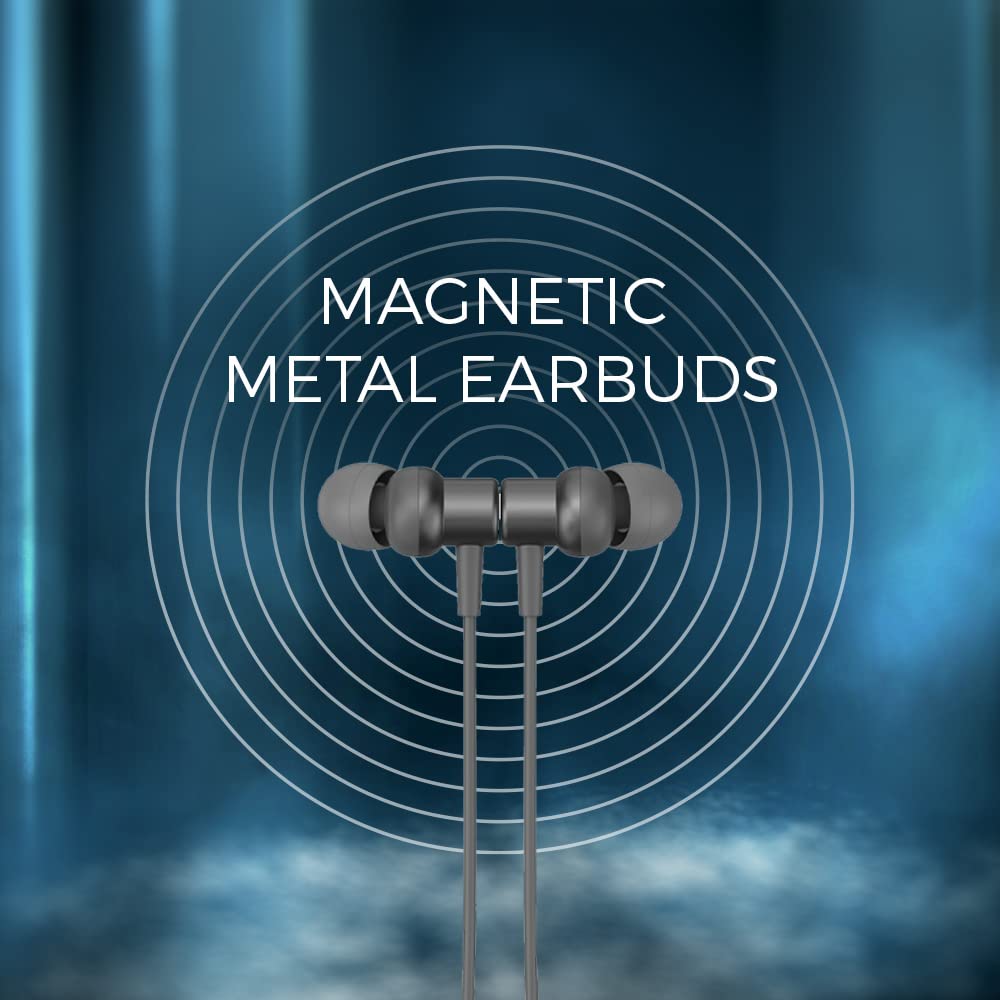
Image: Close-up of the neckband's magnetic metal earbuds.
Maintenance
- Cleaning: Wipe the neckband and earbuds with a soft, dry cloth. Do not use harsh chemicals or abrasive materials.
- Storage: When not in use, store the neckband in a cool, dry place. The foldable design and magnetic earbuds facilitate compact storage.
- Water Resistance: The neckband is IPX4 rated, meaning it is resistant to splashing water from any direction. Do not submerge the device in water.
- Fragrance: The neckband features an aromatic fragrance. Avoid exposing it to extreme temperatures or direct sunlight for prolonged periods to preserve the scent.

Image: The neckband with an icon representing its aromatic fragrance feature.
Troubleshooting
| Problem | Solution |
|---|---|
| Cannot power on | Ensure the neckband is fully charged. Press and hold the Multi-function button for 3 seconds. |
| Cannot pair with device |
|
| No sound or low volume |
|
| Charging issue |
|
Specifications
| Feature | Detail |
|---|---|
| Brand | LANDMARK |
| Model Name | LM BH118 Play 3.0 Neckband |
| Model Number | LM BH118 |
| Color | Grey |
| Ear Placement | In Ear |
| Noise Control | Environmental Noise Cancellation (ENC) |
| Bluetooth Version | v5.0 |
| Wireless Range | Approximately 12 meters |
| Battery Capacity | 300mAh Polymer Li-ion |
| Playtime | Up to 50 hours |
| Charging Time | Approximately 1.3 hours |
| Standby Time | 2100 hours |
| Driver Size | 10mm (Super Bass) |
| Microphone | Built-in, with ENC |
| Water Resistance | IPX4 (Splash proof) |
| Voice Changer | 3 Voice Changer function |
| Form Factor | Foldable Neckband |
| Material | Metal (earpiece enclosure) |
| Item Weight | 160 Grams |
Warranty Information
The LANDMARK BH118 Play 3.0 Bluetooth Neckband comes with a 6-month warranty against manufacturing defects. This warranty does not cover physical damage or water damage.
Support
For further assistance or inquiries, please contact LANDMARK customer support. Manufacturer contact details:
KAYRA-12 - Gala Number, 115- Harihar Complex - Mankholi Naka,
BHIWANDI, Thane, MAHARASHTRA, 421302, India