Introduction
This manual provides detailed instructions for the Music Sound TWS Capsule Bluetooth Headphones, model BTMSTWSCAPSULE21K. These ergonomic and colorful true wireless earphones are designed for balanced sound and optimal comfort, offering universal compatibility with various electronic devices.
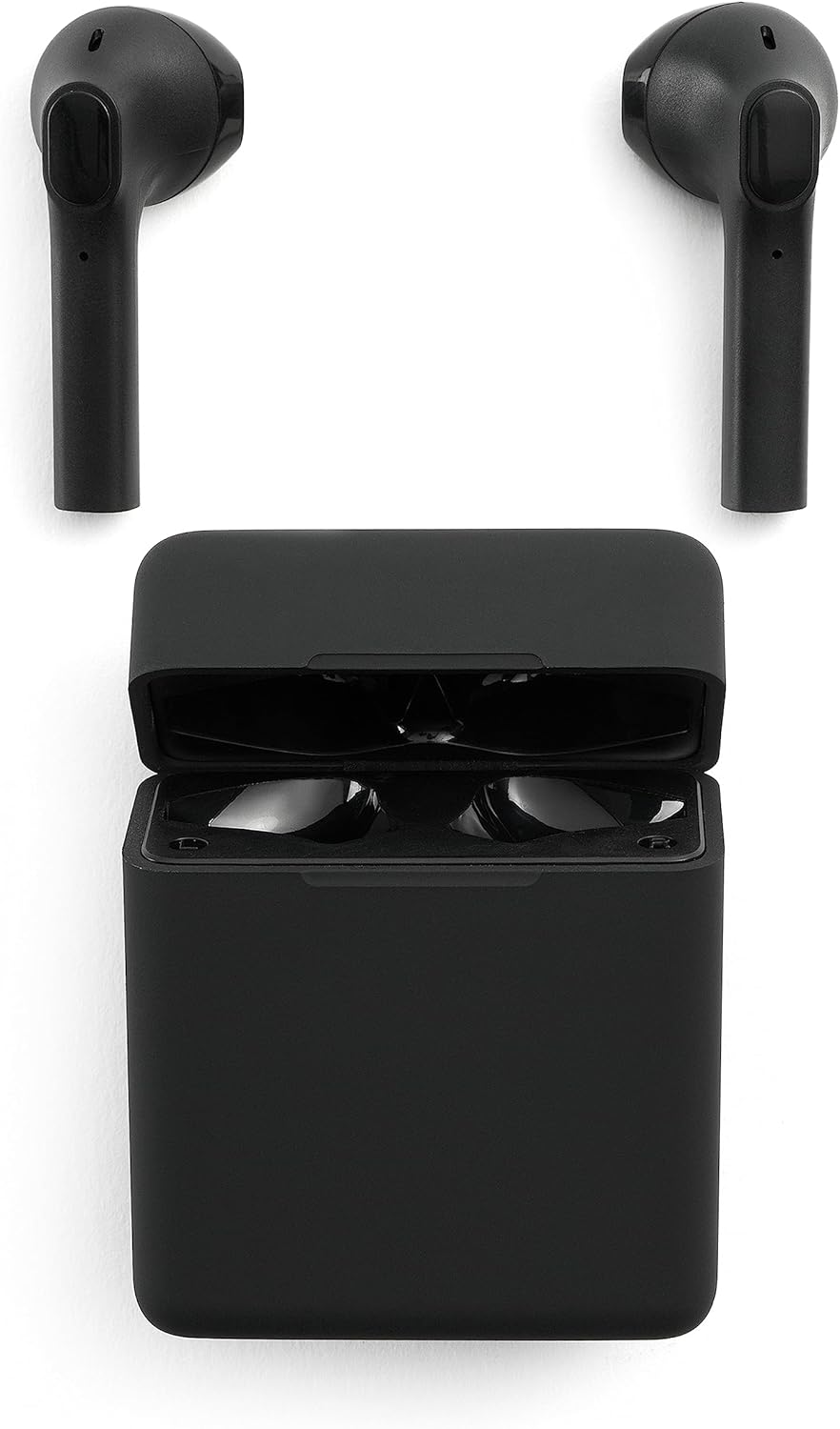
Image: Music Sound TWS Capsule Bluetooth Headphones with their charging case open, showcasing the earbuds ready for use.
What's in the Box
The package for your Music Sound TWS Capsule Bluetooth Headphones includes the following components:
- Music Sound TWS Capsule Earphones (1 pair)
- Charging Case
- USB-C Charging Cable
- User Guide / Instructions

Image: A visual representation of the package contents, including the earphones, charging case, USB-C cable, and user guide.
Setup
1. Charging the Earphones and Case
Before first use, ensure both the earphones and the charging case are fully charged. The charging case allows you to charge the earphones multiple times on the go.
- Connect the provided USB-C charging cable to the charging port on the case.
- Connect the other end of the USB-C cable to a compatible USB power source (e.g., wall adapter, computer USB port).
- The LED indicator on the case will show charging status. Once fully charged, the indicator will change or turn off.
- Place the earphones into the charging case. They will begin charging automatically.

Image: The compact charging case for the TWS Capsule headphones, shown in its closed state.
2. Pairing with a Device
The TWS Capsule earphones utilize True Wireless Technology for seamless connection.
- Ensure the earphones are charged and placed in the charging case.
- Open the charging case. The earphones will automatically enter pairing mode.
- On your device (smartphone, tablet, etc.), go to the Bluetooth settings.
- Search for available devices and select "Music Sound TWS Capsule" (or similar name) from the list.
- Once connected, you will hear a confirmation tone, and the earphones will be ready for use.
Operating Instructions
Touch Controls
The TWS Capsule earphones feature intuitive touch controls for managing music and calls directly from the earbuds.
- Play/Pause: Single tap on either earbud.
- Next Track: Double tap on the right earbud.
- Previous Track: Double tap on the left earbud.
- Answer/End Call: Single tap on either earbud.
- Reject Call: Press and hold either earbud for 2 seconds.
- Activate Voice Assistant: Triple tap on either earbud (if supported by your device).

Image: A diagram illustrating the touch control areas on the earbuds and their corresponding functions, along with the battery LED indicator.
Battery Life and Usage
Enjoy extended listening with the TWS Capsule earphones:
- Single Charge Playtime: Up to 3 hours of music playback.
- Total Playtime with Charging Case: The charging case provides up to 5 additional charges, extending total playtime to approximately 15 hours.

Image: The earbuds inside their charging case, visually indicating a single charge playtime of 3 hours and a total playtime of 15 hours with the case.

Image: A person wearing one of the TWS Capsule earbuds, highlighting its comfortable and secure fit in the ear.

Image: A hand demonstrating the compact size of the TWS Capsule charging case by easily placing it into a jeans pocket, emphasizing its portability.
Maintenance
Proper maintenance ensures the longevity and optimal performance of your earphones.
- Cleaning: Gently wipe the earphones and charging case with a soft, dry, lint-free cloth. Do not use abrasive cleaners, alcohol, or chemical solvents.
- Storage: When not in use, store the earphones in their charging case to protect them from dust and damage. Keep them in a cool, dry place away from direct sunlight and extreme temperatures.
- Charging: Avoid overcharging. Disconnect the charger once the case is fully charged.
Troubleshooting
If you encounter issues with your Music Sound TWS Capsule headphones, try the following solutions:
| Problem | Possible Solution |
|---|---|
| Earphones not pairing/connecting |
|
| No sound or low volume |
|
| Charging issues |
|
Specifications
| Feature | Detail |
|---|---|
| Brand | Music Sound |
| Model Name | BTMSTWSCAPSULE21K |
| Connectivity Technology | Wireless (Bluetooth) |
| Ear Placement | In Ear |
| Form Factor | In Ear |
| Noise Control | Sound Isolation |
| Colour | Black |
| Product Dimensions | 7.6 x 17.2 x 3 cm; 80 g |
| Batteries | 1 Lithium Ion batteries required |
| Manufacturer | CellularLine S.p.A. |
| Date First Available | 17 Jan. 2022 |
Warranty and Support
Specific warranty details are not provided within the product data. Please refer to the manufacturer's official website, CellularLine S.p.A., or your point of purchase for detailed warranty information and customer support contacts.
For further assistance, you may also consult the included user guide or visit the Music Sound brand store online.