
1. Introduction
Thank you for choosing the Valencia Venice Home Theater Seating. This manual provides essential information for the safe and efficient assembly, operation, and maintenance of your new seating unit. Please read this manual thoroughly before use and retain it for future reference.

Image 1.1: The Valencia Venice single home theater recliner in black leather, featuring integrated LED lighting.
2. Safety Information
- Ensure all electrical connections are secure and conform to local electrical codes.
- Keep children and pets away from moving parts during operation.
- Do not allow liquids to spill on electrical components or controls.
- Avoid placing heavy objects on the recliner mechanism or headrest.
- Always unplug the unit from the power outlet before cleaning or performing maintenance.
- Do not attempt to disassemble or repair the electrical components yourself. Contact qualified service personnel.
3. Package Contents
Your Valencia Venice Home Theater Seating unit typically arrives in multiple boxes. Please verify that all components are present before beginning assembly.
- Seat Base
- Backrest
- Power Adapter and Cable
- User Manual (this document)
- Any optional accessories purchased (e.g., tray tables)
4. Setup and Assembly
Assembly of the Valencia Venice seating is designed to be straightforward. It typically involves connecting the backrest to the seat base and plugging in the power supply.
4.1 Unpacking
- Carefully remove all components from their packaging.
- Inspect all parts for any signs of damage. If damage is found, do not proceed with assembly and contact customer support.
4.2 Assembly Steps
- Position the seat base in the desired location. Ensure there is a minimum of 5 inches of clearance from the wall for the wall-hugging recline feature.
- Align the backrest with the mounting brackets on the seat base and slide it down until it locks securely into place.
- Connect the power cable from the seat to the power adapter, then plug the adapter into a standard electrical outlet.

Image 4.1: Dimensional diagram for the Valencia Venice recliner, indicating a 5-inch wall clearance for full recline and a minimum door width of 24.5 inches for transport.
5. Operating Instructions
The Valencia Venice Home Theater Seating features intuitive controls for its power functions.
5.1 Control Panel
The control panel is typically located on the inner side of the armrest and includes buttons for reclining, headrest adjustment, LED lighting, and a USB charging port.

Image 5.1: Detailed view of the armrest control panel, featuring illuminated buttons for various functions and a USB charging port.
5.2 Functions
- Power Recline: Use the dedicated buttons to smoothly recline the backrest and extend the footrest to your desired position.
- Power Headrest: Adjust the headrest angle for optimal neck and head support using the corresponding buttons.
- LED Lighting: Activate or deactivate the ambient base lighting and LED cup holders with the light button.
- USB Charging Port: Located on the control panel, this port allows you to charge compatible electronic devices.
- Home Button: Pressing the home button will return the recliner, headrest, and footrest to their original, upright positions.
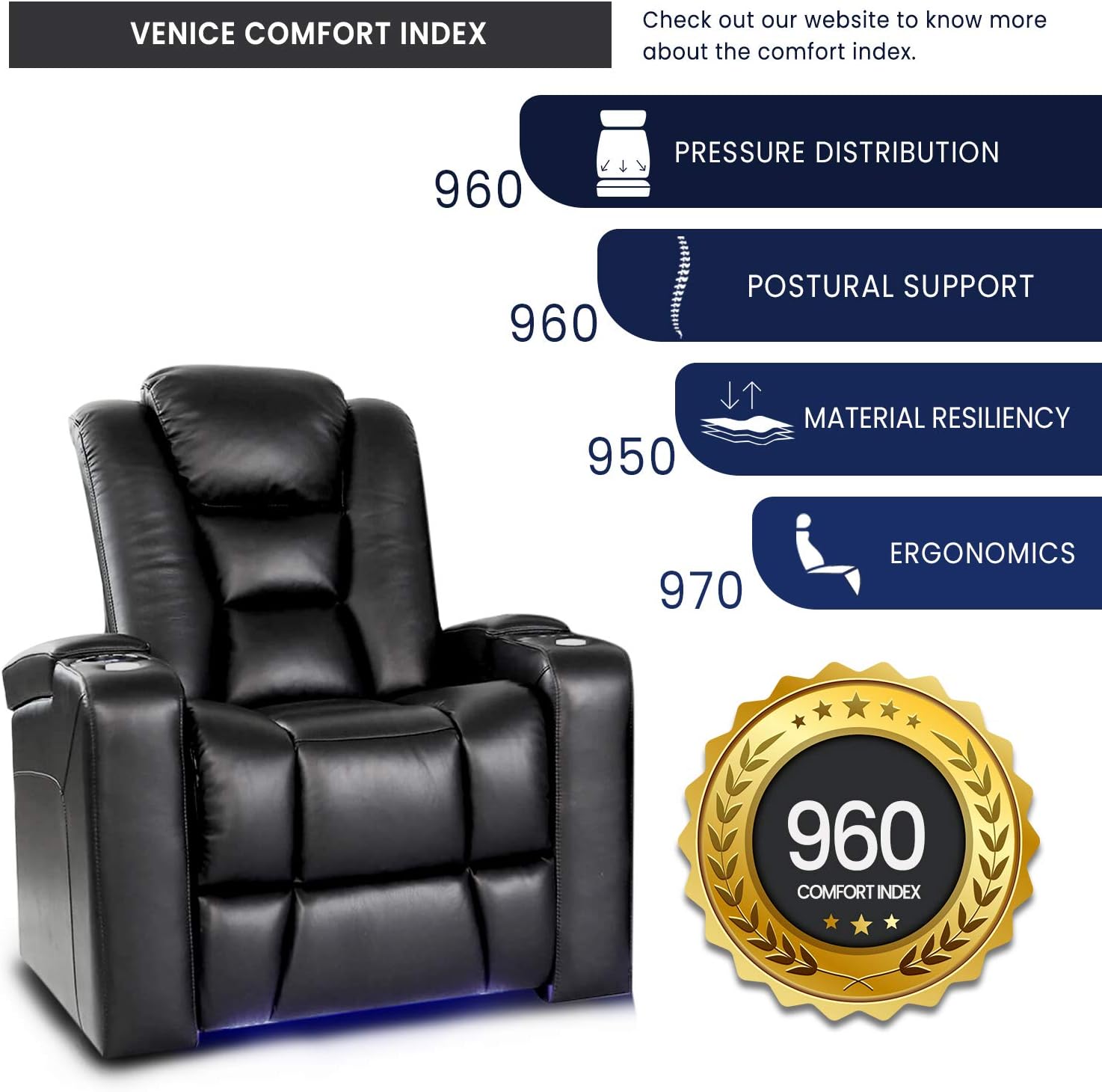
Image 5.2: Overview of key features including the motorized headrest, hidden storage, LED cupholder, USB charger, and ambient base lighting.
6. Maintenance
Proper care will extend the life and appearance of your Valencia Venice seating.
- Cleaning: Wipe clean with a soft, damp cloth. For leather care, use a specialized leather cleaner and conditioner as recommended by leather care professionals. Avoid harsh chemicals or abrasive cleaners.
- Spills: Blot spills immediately with a clean, dry cloth. Do not rub.
- General Care: Avoid direct sunlight and heat sources to prevent fading and drying of the leather. The premium Italian leather is designed for durability and is resistant to minor scratches.

Image 6.1: Close-up of the premium Italian top-grain leather upholstery.
7. Troubleshooting
If you encounter issues with your seating unit, refer to the following common problems and solutions:
| Problem | Possible Cause | Solution |
|---|---|---|
| Recliner/Headrest not moving | No power, loose connection, or motor issue. | Check if the power cable is securely plugged into the wall outlet and the chair. Ensure the outlet is functional. |
| LED lights not working | LED function not activated, or power issue. | Press the LED light button on the control panel. Verify power connection. |
| USB port not charging | Device incompatibility or power issue. | Ensure the chair has power. Try a different device or USB cable. |
If the problem persists after attempting these solutions, please contact customer support.
8. Specifications
- Brand: VALENCIA THEATER SEATING
- Model: Venice
- Color: Black
- Product Dimensions (Upright): 38.5"D x 37"W x 44"H
- Seat Depth: 22.5 inches
- Item Weight: 125 pounds
- Material: Premium Top Grain Italian 11000 Leather
- Special Features: Power Recliner, Power Headrest, LED Lighting (Ambient Base & Cupholder), USB Charging Port, Hidden Armrest Storage, Wall-Hugging Design
- Recommended Use: Home Theater
- Product Care: Wipe Clean
- UPC: 616612147004
- ASIN: B09MWKJSXM
9. Warranty and Support
VALENCIA THEATER SEATING is committed to customer satisfaction.
- Returns: This product is eligible for 30-day easy returns. Please refer to your purchase documentation for specific return policies.
- Customer Support: For any questions, assistance, or to report issues, please contact VALENCIA THEATER SEATING customer support. Contact information can typically be found on the seller's store page or your purchase invoice.
- Protection Plans: Optional extended protection plans (e.g., 2-Year or 3-Year Protection Plans) may be available for purchase separately to cover unforeseen issues beyond the standard warranty.