
1. Introduction
Thank you for choosing the MMAXZ Zoom 20-180X100 Binoculars. This high-power optical instrument is designed to provide clear, magnified views for a variety of activities, from observing distant wildlife and scenery to enjoying sporting events and concerts. This manual provides essential information for the proper setup, operation, and maintenance of your binoculars to ensure optimal performance and longevity.

Image 1.1: The MMAXZ Zoom 20-180X100 Binoculars, showcasing their robust design and large objective lenses.
2. Product Features
The MMAXZ Zoom 20-180X100 Binoculars are equipped with advanced features for superior viewing:
- High Power Zoom Magnification: Offers a versatile 20x to 180x magnification range, suitable for various observation distances.
- Wide Field of View: Provides a broad viewing area of 183 ft at 3280 ft (56m at 1000m), ideal for tracking moving subjects.
- 70mm Large Fully Multi-Coated Objective Lenses: The substantial 70mm objective lenses, combined with multiple layers of anti-reflective coatings, ensure maximum light transmission (up to 99.5%) for bright, sharp, and color-accurate images, even in low-light conditions.
- Durable and Protective Design: Engineered to prevent moisture, dust, and debris from entering the optical system, making it suitable for most outdoor environments.
- Portable and Convenient: Includes a carrying bag and a neck strap for easy transport and hands-free use.

Image 2.1: An exploded view highlighting key components and features of the MMAXZ Binoculars, including the objective lenses, eyepieces, and focus wheel.
3. Setup Instructions
Follow these steps to prepare your binoculars for first use:
- Unpack the Binoculars: Carefully remove the binoculars and all accessories from the packaging.
- Attach the Neck Strap: Securely attach the provided neck strap to the strap lugs on the binoculars. This allows for comfortable carrying and prevents accidental drops.
- Adjust Interpupillary Distance (IPD): Hold the binoculars with both hands and look through them. Bend the binoculars at the hinge until you see a single, clear circular field of view. This adjusts the distance between the eyepieces to match the distance between your eyes.
- Focusing the Binoculars:
- Choose a distant, stationary object to focus on.
- Close your right eye. Rotate the central focus wheel until the image in your left eyepiece is sharp and clear.
- Close your left eye. Rotate the diopter adjustment ring on the right eyepiece until the image in your right eyepiece is sharp and clear.
- Open both eyes. The image should now be in focus. For subsequent viewing, use only the central focus wheel to adjust for different distances.
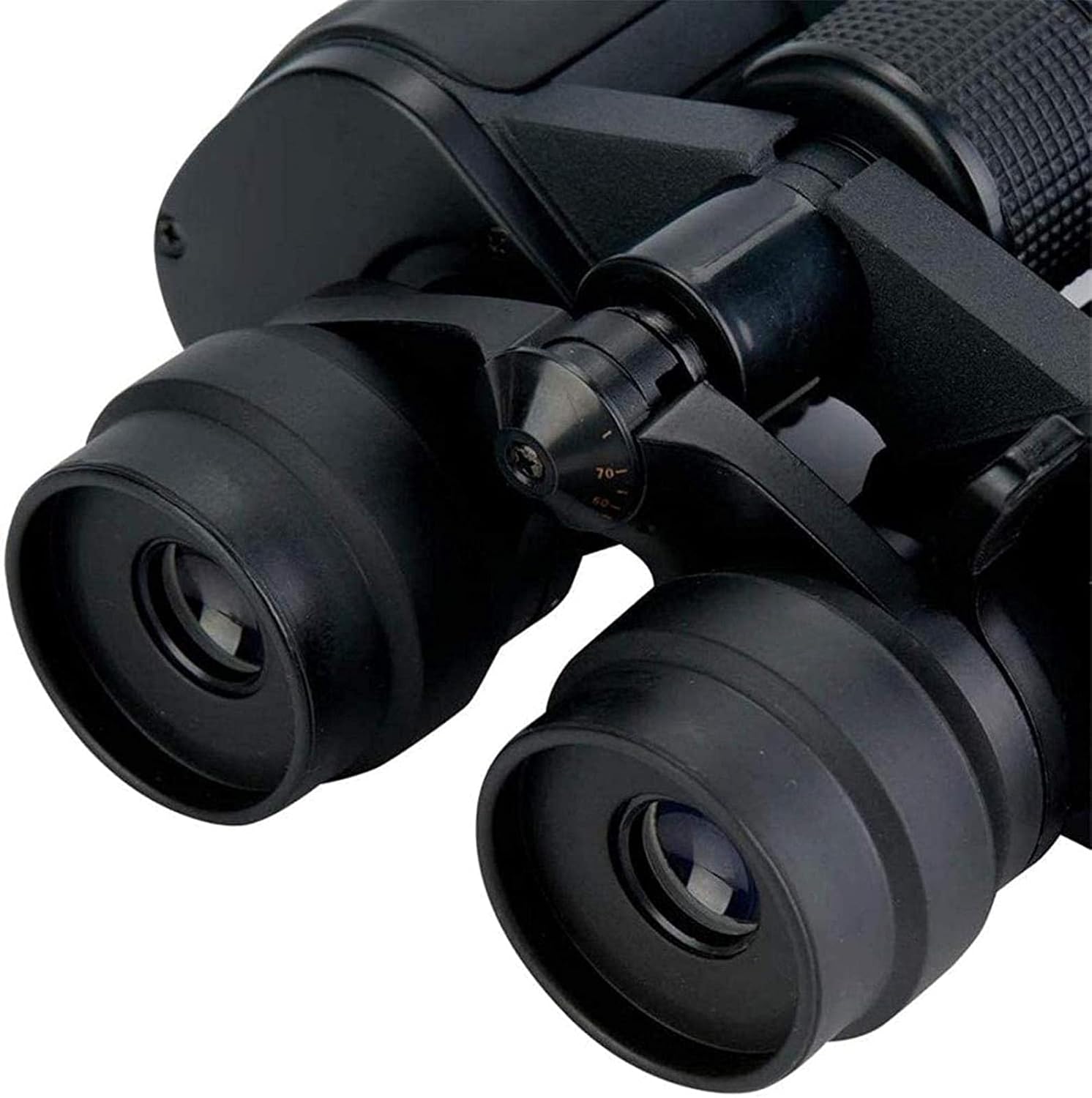
Image 3.1: A detailed view of the eyepieces, showing the central focus wheel and the diopter adjustment ring on the right eyepiece, crucial for proper focusing.
4. Operating Instructions
Once set up, using your MMAXZ Binoculars is straightforward:
- Holding the Binoculars: Hold the binoculars firmly with both hands for stability. For extended viewing, especially at higher magnifications, consider using a tripod for a steady image.
- Adjusting Zoom (if applicable): If your model features a zoom lever or ring, rotate it to increase or decrease the magnification as desired. Re-adjust the focus after changing the zoom level.
- Viewing: Bring the binoculars to your eyes and look through the eyepieces. Use the central focus wheel to achieve a sharp image for your target object. Scan slowly to locate subjects.

Image 4.1: The MMAXZ Binoculars positioned in an outdoor setting, demonstrating their utility for observing distant subjects such as people, flowers, and birds.
5. Maintenance
Proper care and maintenance will extend the life of your binoculars:
- Cleaning Lenses: Use the included cleaning cloth or a soft, lint-free cloth specifically designed for optical lenses. Gently wipe away dust and smudges. For stubborn dirt, a small amount of lens cleaning fluid can be applied to the cloth, not directly to the lens. Avoid using abrasive materials or excessive force, as this can scratch the lens coatings.
- Cleaning Body: Wipe the body of the binoculars with a soft, damp cloth. Do not use harsh chemicals or solvents.
- Storage: When not in use, store the binoculars in their carrying bag in a cool, dry place, away from direct sunlight and extreme temperatures. Ensure the lens caps are on to protect the lenses from dust and scratches.
- Protection: The binoculars are designed to resist moisture, dust, and debris. However, avoid submerging them in water or exposing them to heavy rain for prolonged periods.
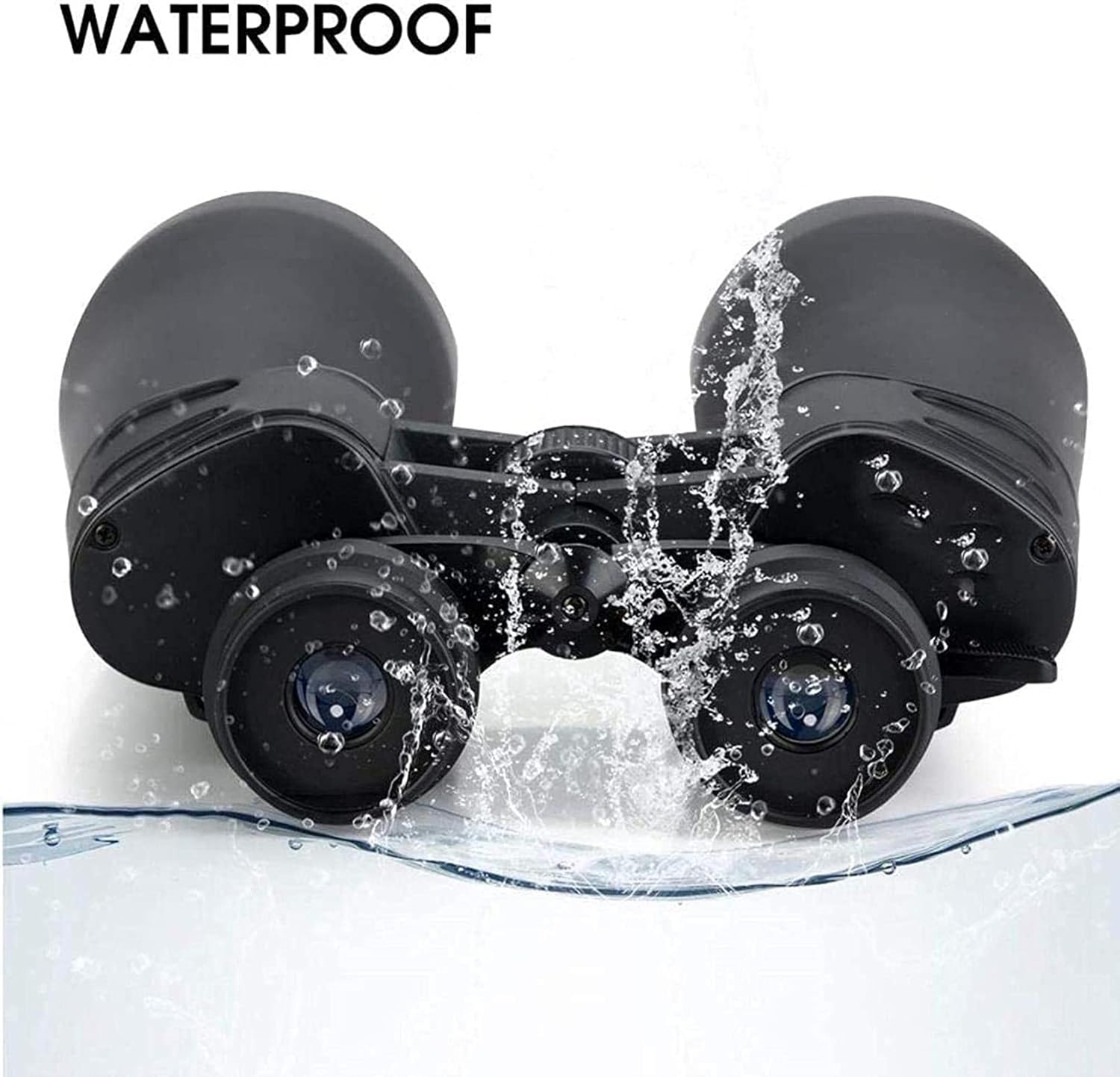
Image 5.1: The MMAXZ Binoculars being splashed with water, illustrating their water-resistant design for outdoor use.
6. Troubleshooting
If you encounter issues with your binoculars, refer to the following common problems and solutions:
- Blurred Image:
- Re-adjust the central focus wheel.
- Ensure the diopter setting on the right eyepiece is correctly adjusted for your vision.
- Check if the objective or eyepiece lenses are dirty and clean them as per maintenance instructions.
- Double Image or Two Overlapping Circles:
- Adjust the interpupillary distance (IPD) by bending the binoculars at the hinge until a single, clear circular field of view is achieved.
- Dark Image:
- Ensure lens caps are fully removed.
- Check for dirt or smudges on the lenses and clean them.
- Consider ambient light conditions; binoculars perform best in adequate lighting.
- Difficulty with Zoom Adjustment:
- Ensure the zoom mechanism is not obstructed.
- Apply gentle, even pressure when rotating the zoom lever/ring.
7. Specifications
Key technical specifications for the MMAXZ Zoom 20-180X100 Binoculars:
| Feature | Specification |
|---|---|
| Magnification | 20x - 180x |
| Objective Lens Diameter | 70 mm |
| Field of View | 183 ft / 3280 ft (56m / 1000m) |
| Optical System | Fully Multi-Coated Lenses |
| Light Transmission | 99.5% |
| Dimensions (L x W x H) | 11.42 x 8.46 x 3.23 inches (29 x 21.5 x 8.2 cm) |
| Manufacturer | MMAXZ |
| Special Features | Portable, Cleaning Cloth Included |
8. Warranty and Support
For warranty information or technical support, please refer to the documentation provided with your purchase or contact the manufacturer directly. Keep your purchase receipt as proof of purchase for any warranty claims.