
1. Product Overview
This manual provides instructions for the BANDAI Kamen Rider Kabuto Acrylic Logo Display Stand, model BAN54883. This product is designed as a decorative item featuring the iconic Kamen Rider Kabuto logo. It is intended for display purposes, either as a standalone piece or alongside your Kamen Rider figures.
The display stand is constructed from durable acrylic material, offering a clear and vibrant presentation of the logo.
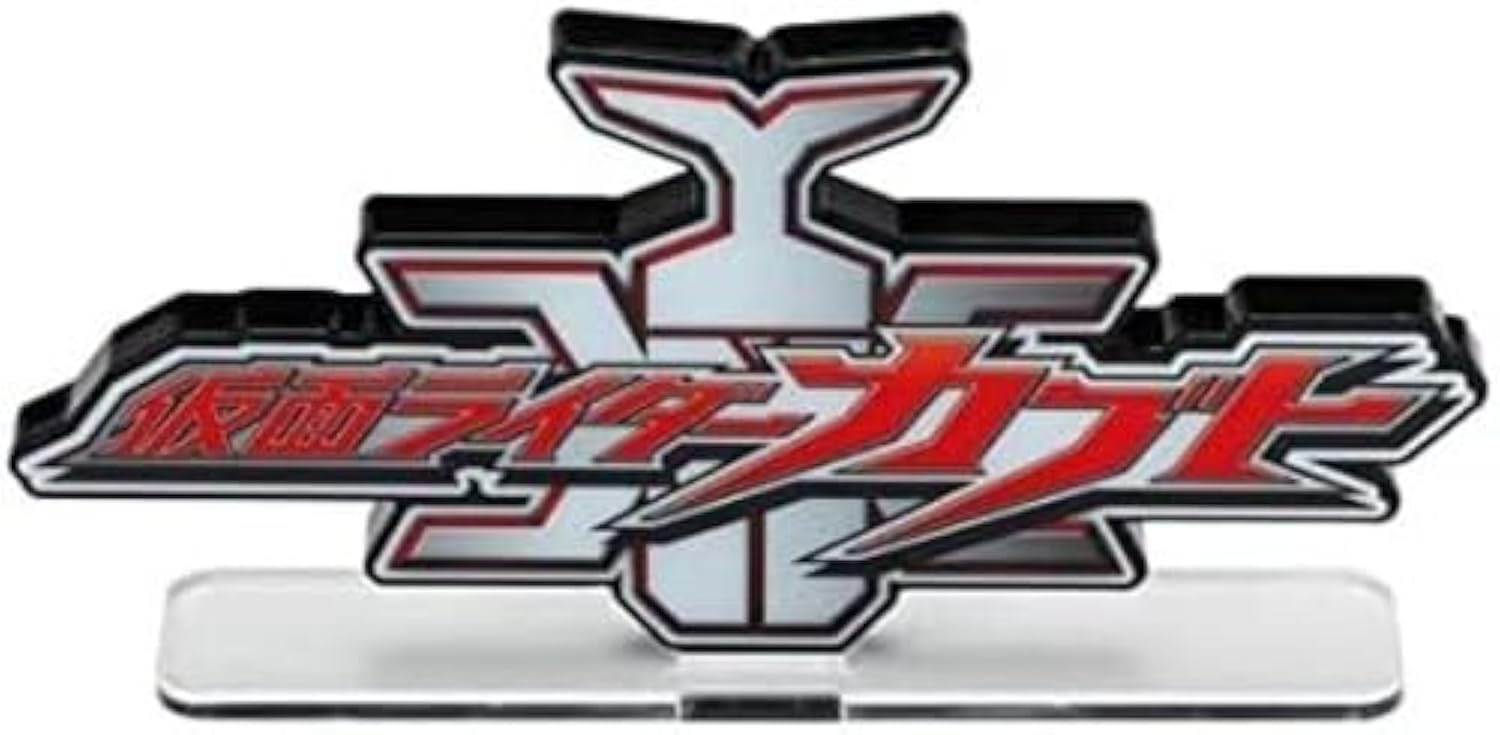
Figure 1.1: The assembled Kamen Rider Kabuto Acrylic Logo Display Stand.
2. Safety Information
- This product contains small parts which may pose a choking hazard.
- Not suitable for children under 3 years of age.
- Keep out of reach of pets.
- Avoid placing the stand in direct sunlight or near heat sources to prevent material damage or discoloration.
3. Setup and Assembly
Although the product specifications indicate no assembly is required, users typically need to insert the logo panel into its base. Please follow these steps carefully:
- Carefully remove the acrylic logo panel and the clear base from their packaging.
- Locate the slot on the clear base.
- Gently align the bottom edge of the logo panel with the slot on the base.
- Slowly and carefully push the logo panel into the slot until it is securely seated. Exercise caution during this step, as excessive force may cause the base to crack or break.

Figure 3.1: The Kamen Rider Kabuto logo panel and its clear base before assembly.
4. Usage and Display
Once assembled, your Kamen Rider Kabuto Acrylic Logo Display Stand is ready for display.
- Place the stand on a flat, stable surface such as a shelf, desk, or display cabinet.
- The stand can be displayed independently as a decorative piece.
- For an enhanced display, position the stand alongside your Kamen Rider action figures or other collectibles.

Figure 4.1: The display stand positioned on a wooden desk.

Figure 4.2: The display stand shown with a Kamen Rider action figure, demonstrating its intended use.
5. Maintenance
- To clean the acrylic display stand, gently wipe it with a soft, lint-free cloth.
- For more stubborn marks or fingerprints, use a small amount of mild acrylic cleaner applied to a soft cloth.
- Do not use abrasive cleaners, paper towels, or harsh chemicals (such as ammonia-based cleaners) as these can scratch or damage the acrylic surface.
- Avoid dropping the stand, as acrylic can crack or chip upon impact.
6. Troubleshooting
- Issue: Base breaks during assembly.
- Solution: This issue has been reported by some users. Always exercise extreme caution and gentle force when inserting the logo panel into the base. If the base breaks, please refer to the warranty and support section for assistance.
- Issue: Display stand is unstable or wobbles.
- Solution: Ensure the logo panel is fully and correctly seated in the base. Verify that the stand is placed on a completely flat and level surface.
7. Specifications
| Brand | BANDAI |
| Model Name | Kabuto [Kamen Rider], Bandai Logo Display |
| Model Number | BAN54883 |
| Material Type | Acrylic (Outer Material: Plastic) |
| Item Dimensions (L x W x H) | 4 x 1 x 2 inches |
| Item Weight | 0.05 Kilograms |
| Number of Pieces | 1 (consisting of logo panel and base) |
| Manufacturer Minimum Age | 15 years (180 months) |
| Assembly Required | Minimal (inserting logo into base) |
8. What's in the Box
The package for the BANDAI Kamen Rider Kabuto Acrylic Logo Display Stand typically includes:
- One (1) Kamen Rider Kabuto Logo Display Panel
- One (1) Clear Acrylic Base
9. Warranty and Support
For products purchased within North America, ensure your item has an affixed official Bluefin label. This label serves as proof that you are purchasing an officially licensed Bandai product, distributed by its authorized distributor (Bluefin) for the U.S. Markets.
Products with this official Bluefin label have been thoroughly tested for safety and meet all North American consumer product safety regulations. The affixed label also entitles the purchaser to product support assistance within the United States.
For product support inquiries, please refer to the contact information provided with your purchase or visit the official BANDAI website for further assistance.


