
1. Introduction
This manual provides essential information for the assembly, operation, and maintenance of your vidaXL Mobile Cabinet with Wheels. Please read these instructions carefully before beginning assembly or use to ensure safe and efficient operation. Keep this manual for future reference.
The vidaXL Mobile Cabinet is designed for versatile storage in various settings, such as offices or living rooms. Its cement grey finish and mobile design offer both functionality and modern aesthetics.
2. Safety Information
Caution: Handle all components with care during assembly and transport to prevent injury or damage to the product. Do not exceed the maximum permissible weight capacity of the cabinet or its shelves. Always ensure the cabinet is placed on a stable, level surface. Use the lockable wheels to secure the cabinet in place when not in motion.
3. Package Contents
Before assembly, verify that all parts are present and undamaged. If any parts are missing or damaged, please contact vidaXL customer support.
- Cabinet panels (top, bottom, sides, shelves, dividers)
- Wheels (including two with locking mechanisms)
- Assembly hardware (screws, dowels, cam locks, etc.)
- Instruction manual

Image 1: The vidaXL Mobile Cabinet in Cement Grey, showcasing its design and functionality in a home office setting.
4. Assembly Instructions
Assembly is required for this product. It is recommended to assemble the cabinet on a soft, clean surface to prevent scratches. A Phillips head screwdriver and a hammer (not included) may be required.
- Unpack and Identify Parts: Carefully remove all components from the packaging. Lay them out and identify each part using the provided parts list (if available in the physical manual).
- Attach Wheels: Securely attach the four wheels to the bottom panel of the cabinet. Ensure that the two lockable wheels are positioned at the front for easy access.
- Assemble Side Panels: Connect the side panels to the bottom panel using the provided hardware.
- Install Shelves and Dividers: Insert the internal shelves and dividers into their designated slots or attach them with the appropriate hardware.
- Attach Top Panel: Secure the top panel to the assembled structure.
- Final Checks: Ensure all screws and fasteners are tightened. Do not overtighten.

Image 2: Detailed dimensions of the cabinet: 60 cm (length), 45 cm (depth), and 60 cm (height).
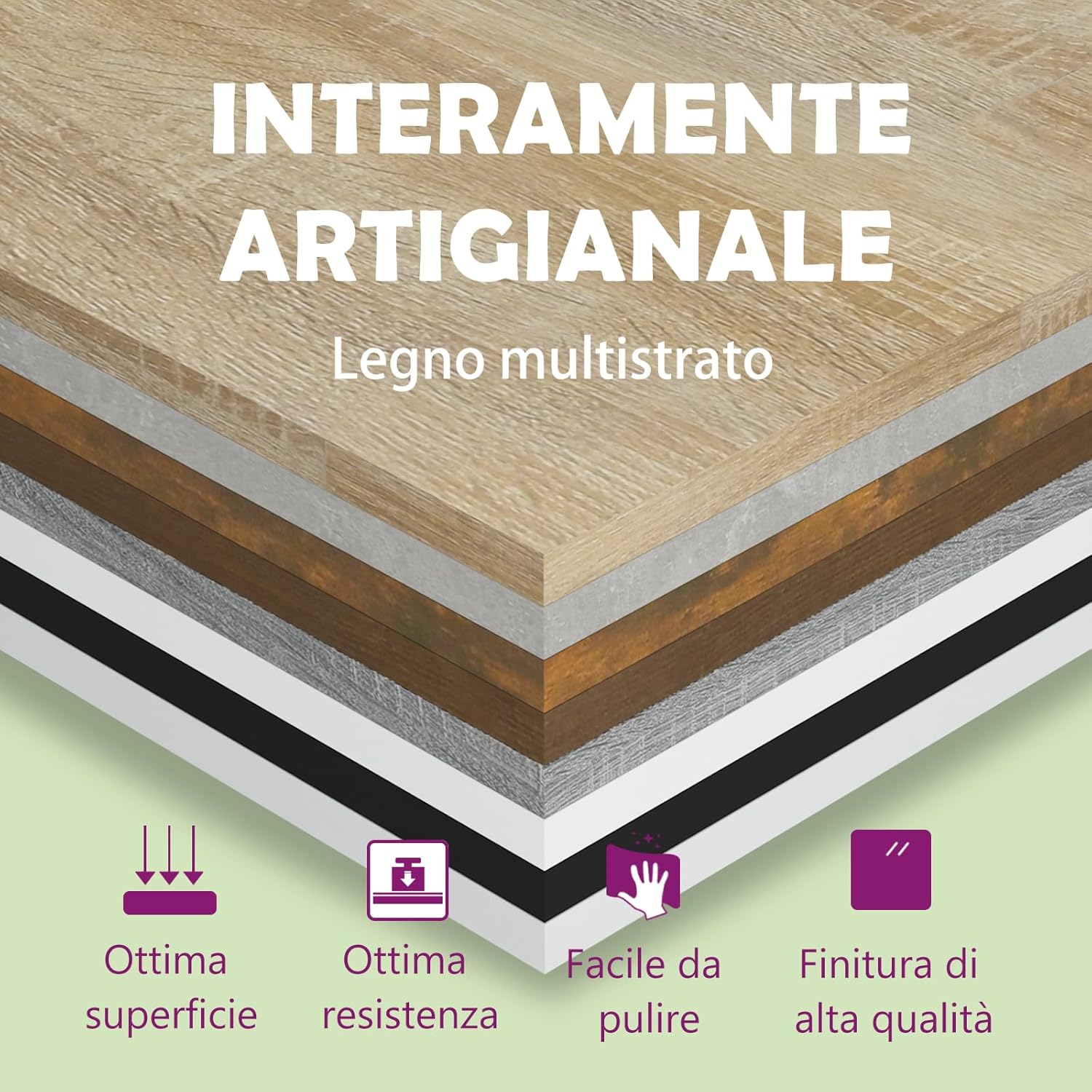
Image 3: Illustration of the plywood material construction, highlighting its durability, easy-to-clean surface, and high-quality finish.
5. Operating Instructions
The vidaXL Mobile Cabinet is designed for easy use and versatility.
- Mobility: To move the cabinet, unlock the two front wheels by flipping their levers. Gently push the cabinet to its desired location.
- Stability: Once positioned, lock the two front wheels to prevent unintended movement.
- Storage: Utilize the top surface for items like printers or decorative objects. The internal shelves and compartments are suitable for organizing documents, books, stationery, or other office supplies.

Image 4: The mobile cabinet positioned next to a desk, demonstrating its practical use for storage and as a printer stand.
6. Maintenance
To maintain the appearance and longevity of your cabinet:
- Cleaning: Wipe the surfaces with a dry cloth. Avoid abrasive cleaners or harsh chemicals, which can damage the finish.
- Spills: Immediately wipe any spills with a dry or slightly damp cloth to prevent staining or water damage.
- Inspection: Periodically check all fasteners and tighten them if necessary to ensure the cabinet remains stable.
- Weight Distribution: Distribute weight evenly across shelves and the top surface to prevent warping or instability.
7. Troubleshooting
If you encounter any issues with your vidaXL Mobile Cabinet, refer to the following common solutions:
| Problem | Possible Cause | Solution |
|---|---|---|
| Cabinet is wobbly or unstable. | Loose fasteners; uneven floor; incorrect assembly. | Ensure all screws are tightened. Move the cabinet to a level surface. Review assembly steps. |
| Wheels do not roll smoothly. | Debris in wheels; wheels not properly attached. | Clean any debris from the wheels. Check that wheels are securely fastened. |
| Difficulty with assembly. | Missing parts; unclear instructions. | Verify all parts against the package contents list. Contact customer support if parts are missing or instructions are unclear. |
8. Specifications
| Feature | Detail |
|---|---|
| Brand | vidaXL |
| Model Number | 808480 |
| Color | Cement Grey |
| Material | Plywood / Engineered Wood |
| Dimensions (L x W x H) | 60 x 45 x 60 cm |
| Item Weight | 17.22 kg |
| Special Features | Easy to Clean, Durable, Mobile (with lockable wheels) |
| Assembly Required | Yes |
| Number of Drawers | 1 (top compartment) |
| Number of Shelves/Compartments | Multiple (1 top compartment, 1 open shelf, 3 vertical compartments) |
| Care Instructions | Wipe with a dry cloth |
9. Warranty
vidaXL products are manufactured to high-quality standards. For specific warranty information, please refer to the warranty card included with your product or visit the official vidaXL website. Keep your proof of purchase for any warranty claims.
10. Customer Support
If you have any questions, require assistance with assembly, or need to report missing/damaged parts, please contact vidaXL customer support. Contact details can typically be found on the vidaXL website or on the product packaging.
Visit the official vidaXL store: vidaXL Store on Amazon