
1. Important Safety Information
Please read this user manual carefully before using the appliance and save it for future reference. Incorrect use may lead to potential hazards.
- Always connect the appliance to a grounded wall socket.
- Do not immerse the appliance in water or any other liquid.
- Keep the appliance and its cord out of reach of children.
- Do not operate the appliance if the plug, the mains cord, or the appliance itself is damaged.
- Only use original L'OR Barista coffee capsules or compatible capsules designed for this system.
2. Product Overview
The Philips L'Or Barista Sublime coffee machine is designed to brew single or double espresso shots from coffee capsules. It features a compact design and a user-friendly interface.
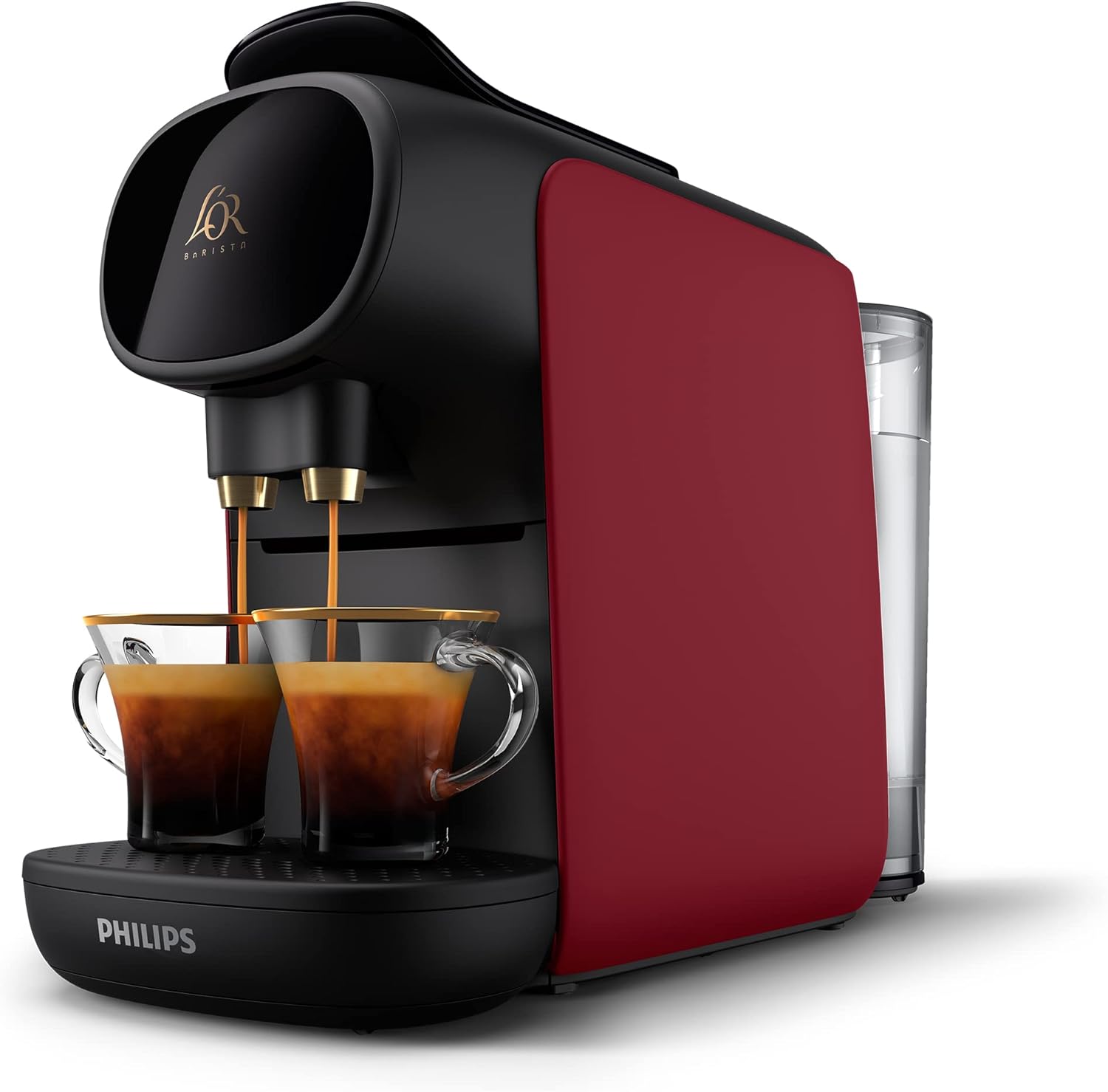
Figure 2.1: Front view of the Philips L'Or Barista Sublime coffee machine in red, showing its sleek design and two cups ready for brewing.
Components:
- Water Tank (0.8 Liters capacity)
- Coffee Outlet
- Capsule Holder
- Drip Tray
- Used Capsule Container
- Control Buttons (e.g., On/Off, Single Espresso, Double Espresso)

Figure 2.2: Side view of the coffee machine, highlighting the transparent water tank on the right.
3. Setup and First Use
3.1 Unpacking
Carefully remove the coffee machine and all accessories from the packaging. Dispose of packaging materials responsibly.
3.2 Initial Cleaning
- Rinse the water tank, drip tray, and used capsule container with warm water and a mild detergent.
- Wipe the exterior of the machine with a damp cloth.
3.3 Filling the Water Tank
- Remove the water tank from the machine.
- Fill the tank with fresh, cold tap water up to the 'MAX' indication.
- Place the water tank back onto the machine, ensuring it is securely seated.
3.4 Priming the Machine (First Use)
- Plug the appliance into a grounded wall socket.
- Place a large container (at least 200ml) under the coffee outlet.
- Press the On/Off button to turn on the machine. The buttons will flash.
- Once the buttons stop flashing and remain steadily lit, press any coffee button (e.g., single espresso).
- The machine will dispense water to prime the system. Repeat this process 2-3 times until water flows smoothly.
4. Operating Instructions
4.1 Brewing Coffee
- Ensure the water tank is filled and the machine is turned on and ready (buttons steadily lit).
- Lift the lever to open the capsule holder.
- Insert a L'OR Barista coffee capsule into the holder. For a single espresso, use a single capsule. For a double espresso or two single espressos, use a double capsule.
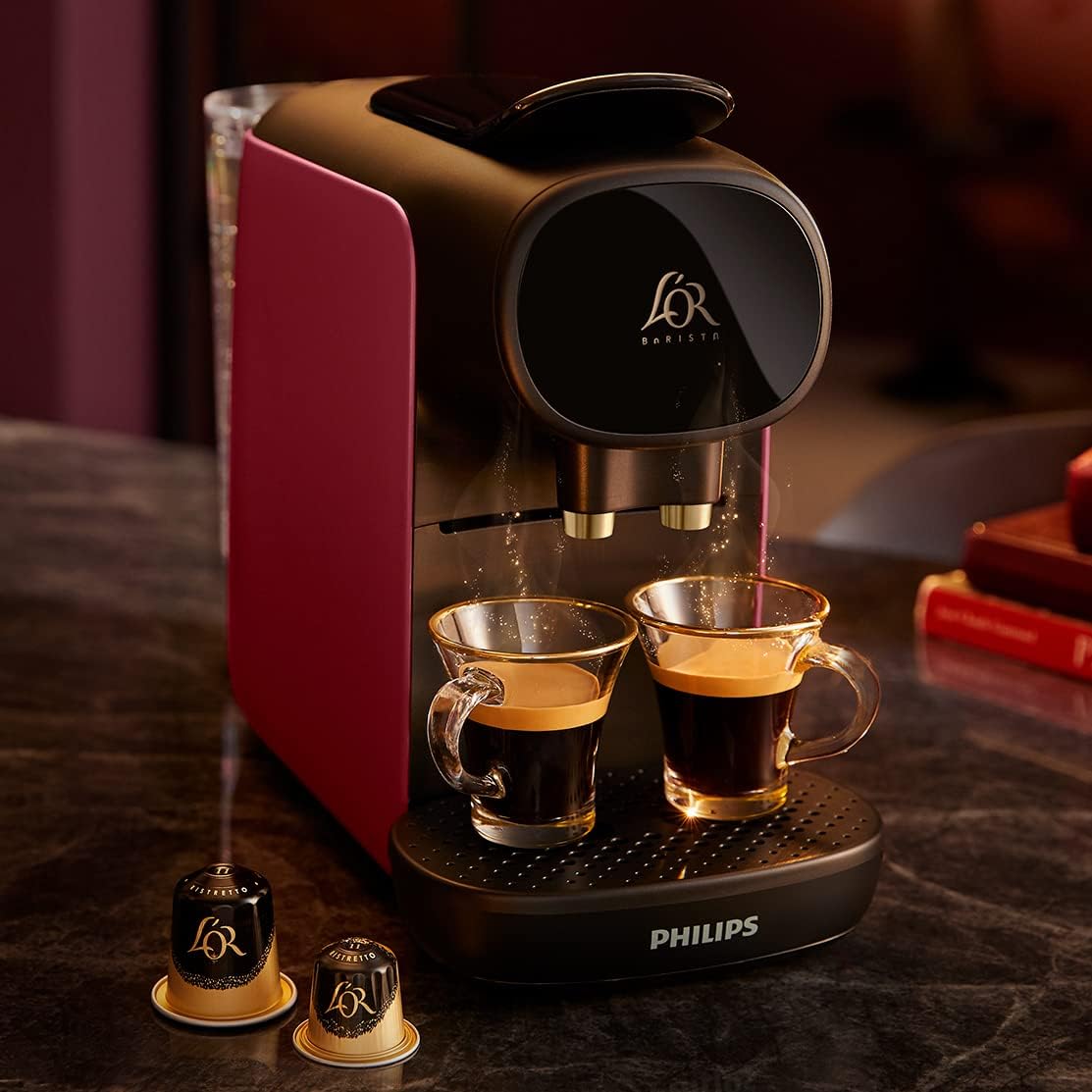
Figure 4.1: A hand carefully placing a coffee capsule into the machine's designated slot.
- Close the lever firmly until it clicks into place.
- Place one or two cups on the drip tray under the coffee outlet.
- Press the desired coffee button:
- Single Espresso Button: For a standard single espresso.
- Double Espresso Button: For a double espresso in one cup or two single espressos in two cups (requires a double capsule).
- The machine will start brewing. The buttons will flash during brewing and become steadily lit when finished.

Figure 4.2: A close-up view of freshly brewed coffee pouring into two glass cups, showcasing the machine's dual brewing capability.
4.2 Customizing Coffee Volume
You can customize the volume of your coffee for each button:
- Ensure the machine is on and ready.
- Insert a capsule and place a cup.
- Press and hold the desired coffee button (e.g., Single Espresso).
- Release the button when the desired volume of coffee has been dispensed into your cup. The machine will remember this setting for future brews with that button.
5. Maintenance and Cleaning
5.1 Daily Cleaning
- After each use, empty and rinse the drip tray and the used capsule container.
- Wipe the coffee outlet area with a damp cloth.
5.2 Water Tank Cleaning
Clean the water tank regularly with warm water and a soft brush. Do not use abrasive cleaning agents.
5.3 Descaling
The machine has a descaling indicator. When the indicator lights up, it is time to descale the machine. Refer to the descaling solution instructions for the specific procedure. Regular descaling ensures optimal performance and extends the lifespan of your machine.
6. Troubleshooting
| Problem | Possible Cause | Solution |
|---|---|---|
| No coffee dispensed | Water tank empty; Machine not primed; Capsule not inserted correctly. | Fill water tank; Prime the machine; Reinsert capsule correctly. |
| Coffee is cold or not hot enough | Machine not preheated; Cups are cold. | Allow machine to preheat fully; Preheat cups with hot water. |
| Water leaks from machine | Water tank not seated correctly; Drip tray full. | Ensure water tank is firmly in place; Empty drip tray. |
| Descaling indicator light is on | Machine requires descaling. | Perform descaling procedure as per section 5.3. |
7. Specifications
- Brand: PHILIPS
- Model Number: LM9012/50
- Color: Sunset Rubis
- Product Dimensions (L x W x H): 15.7 x 40.2 x 27.6 cm
- Item Weight: 3.35 Kilograms
- Power: 1450 Watts
- Voltage: 240V
- Material: Plastic
- Water Tank Capacity: 0.8 Liters
- Pump Pressure: 19 bars
- Coffee Maker Type: Capsule Coffee Machine
- Specific Product Uses: Espresso, Short Coffee, Filter Coffee (via capsules)
8. Warranty and Support
This Philips product is covered by a manufacturer's warranty. For detailed warranty terms and conditions, please refer to the warranty card included with your purchase or visit the official Philips website.
For technical support, spare parts, or service, please contact Philips customer support in your region. Information regarding the availability of spare parts for this specific model is currently unavailable.
You can find more information and support on the official Philips website: www.philips.com


