
1. Introduction
This manual provides essential instructions for the safe and efficient operation of your Kitbox 40W 8-Port USB Charging Station, Model i6. Please read this manual thoroughly before use and retain it for future reference.
2. Product Features
- 8 USB Ports: Simultaneously charge up to eight USB-powered devices.
- 40W Total Output: Delivers a combined 40 watts of power across all ports.
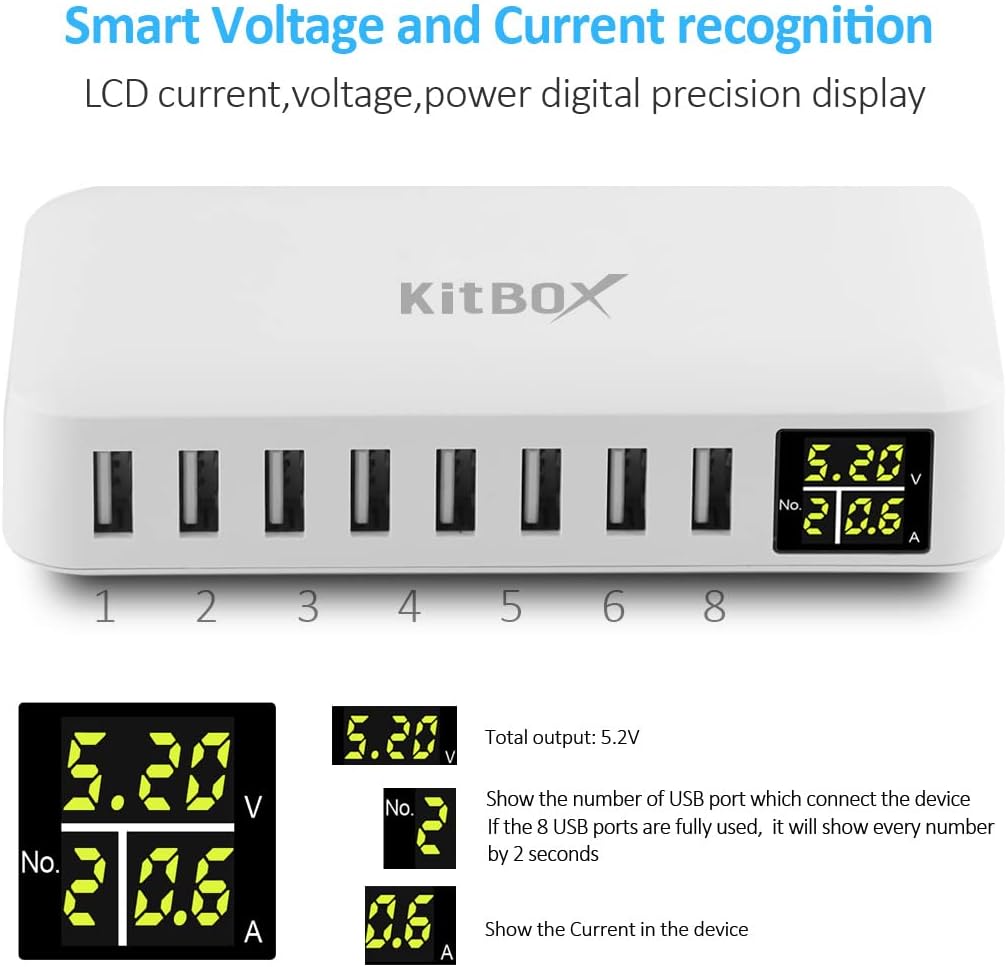
- LED Display: Shows real-time voltage and current for each connected port, providing clear charging status.
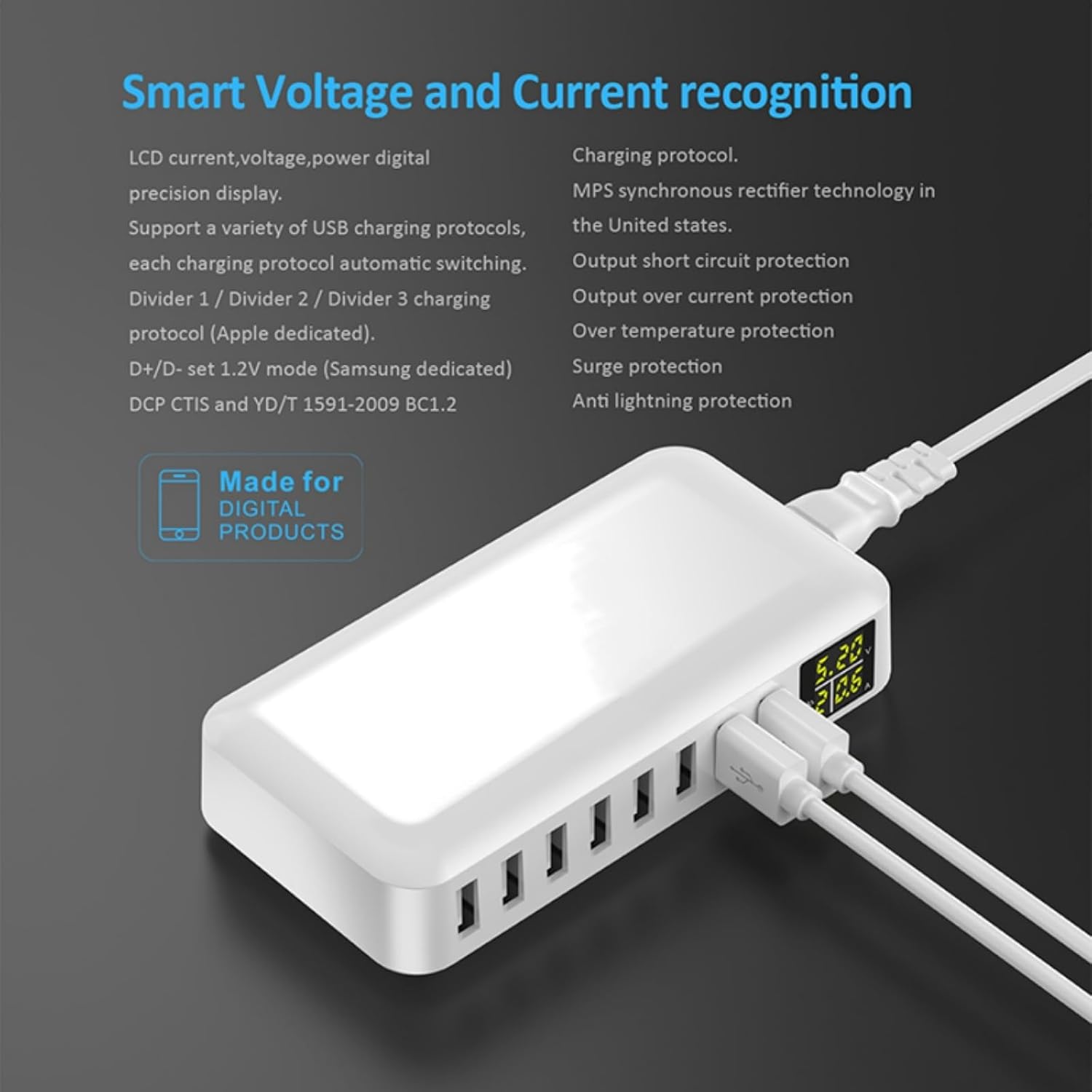
- Smart Recognition Technology: Automatically detects the power requirements of connected devices to ensure optimal and safe charging.
- Multi-Protection System: Integrated safeguards against over-heating, over-charging, over-current, over-load, over-voltage, and short-circuits, protecting both the charger and your devices.
- Compact Design: Ideal for home, office, or travel use.
3. Package Contents
Please check the package for the following items:
- 1 x Kitbox 40W 8-Port USB Charging Station
- 1 x AC Power Cable
- 1 x User Manual
4. Setup
- Connect the provided AC power cable to the charging station's power input port.
- Plug the other end of the AC power cable into a standard wall outlet (100-240V, 50-60Hz).
- The LED display will illuminate, indicating the device is powered on.
5. Operating Instructions
- Connect your USB-powered devices (smartphones, tablets, e-readers, etc.) to any of the 8 available USB ports using their respective USB charging cables.
- The LED display will show the voltage and current for the active charging port. If multiple ports are in use, the display will cycle through the information for each port every 2 seconds.
- The charging station will automatically adjust the output to match your device's charging requirements.
- Once charging is complete, disconnect your devices.

6. Safety Information and Warnings
- This charger functions solely as a power source and does not transmit data.
- Do not pull forcefully on the main plug when disconnecting from the power outlet.
- Do not disassemble or strike the charger.
- Avoid stacking the charger with other heat-dissipating electronic products, as this can hinder heat dissipation and lead to overheating or melting.
- The charger does not support Quick Charge 3.0. Devices equipped with Quick Charge technology, such as Samsung Galaxy series, will charge at standard speeds.
- The multi-USB charger includes safety protections against overheating, overcharging, overcurrent, overload, overvoltage, and short circuits. These features automatically protect your devices and extend battery life.
- If the total current drawn by connected devices exceeds 8A, the unit will enter a self-protection state. Disconnect some devices to resume normal operation.
7. Maintenance
- Clean the charging station with a soft, dry cloth.
- Avoid using harsh chemicals or abrasive cleaners.
- Keep the device away from water and excessive moisture.
8. Troubleshooting
- Device not charging or LED display not showing current:
- Ensure the charging station is properly plugged into a live power outlet.
- Verify that the USB cable is securely connected to both the device and the charging station.
- If a device draws less than 0.1A, the LED display may not show the charging status, but the device may still be charging.
- Charging stops unexpectedly:
- The charging station may have entered self-protection mode due to excessive total current (over 8A). Disconnect some devices and try again.
- Check for any loose connections or damaged cables.
9. Specifications
| Feature | Specification |
|---|---|
| Brand | Kitbox |
| Model Number | i6 |
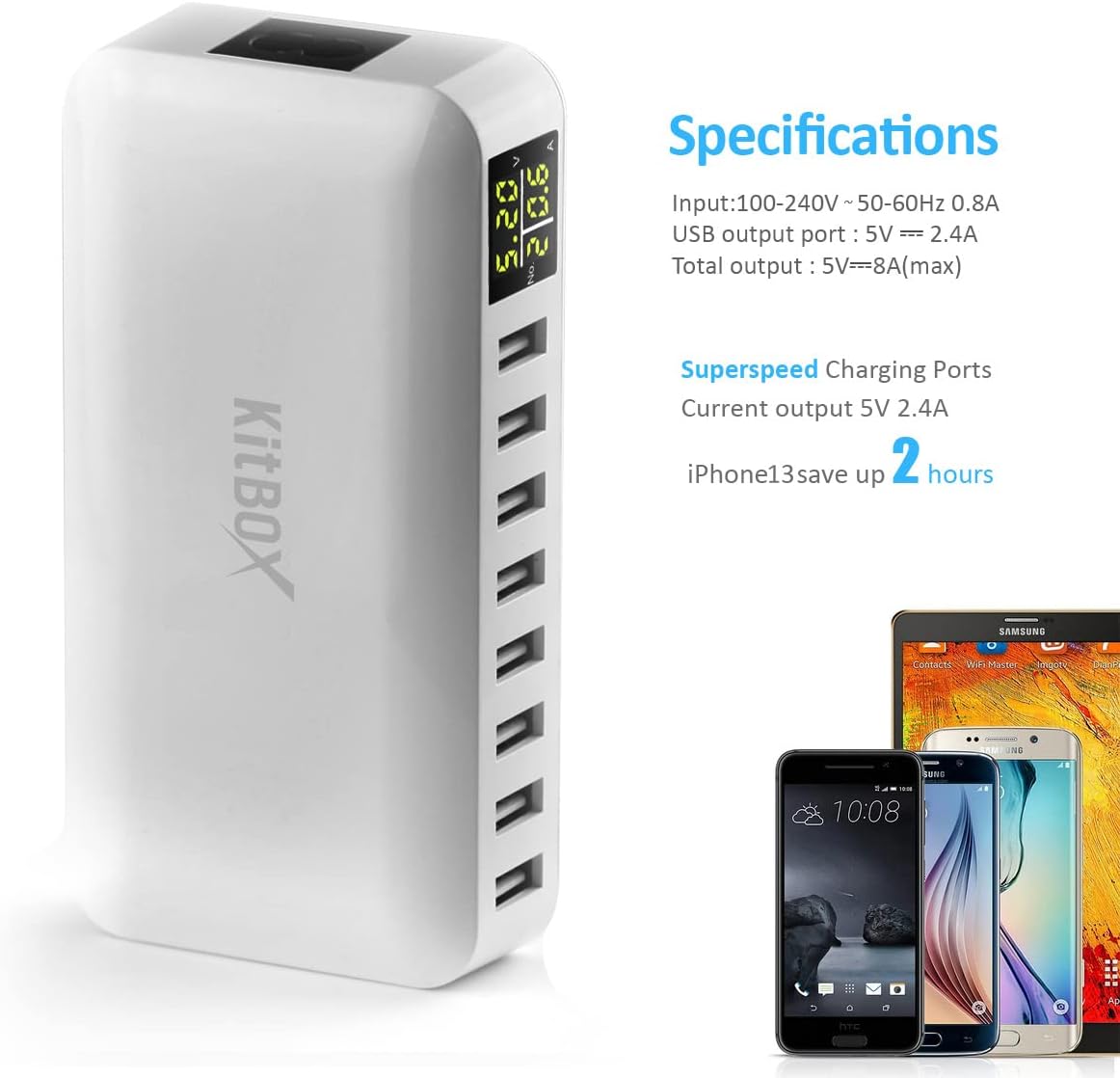
| Input Voltage | 100-240V AC, 50-60Hz, 0.8A |
| USB Output Port | 5V / 2.4A (Max per port) |
| Total Output | 5V / 8A (Max), 40W |
| Number of USB Ports | 8 |
| Special Features | Fast Charging, Multi-device Charging, Lightweight Design, Charge Indicator, Short-circuit Protection |
| Compatible Devices | Almost all USB-powered devices (smartphones, tablets, etc.) |
| Connector Type | USB (Type A) |
| Product Type | Multiport Station |
| Country of Origin | China |
10. Compatibility
The Kitbox 40W 8-Port USB Charging Station is widely compatible with a broad range of USB-powered devices, including:
- Apple iPhone (e.g., iPhone 16, 15 Pro Max, 14, 13, 12, 11)
- iPad
- Most Android smartphones and tablets (e.g., Samsung)
- AirPods, wireless earphones, Bluetooth speakers
- Power banks, drones, Kindle e-readers, and other USB-powered gadgets.

11. Warranty and Support
For any product-related questions, technical assistance, or warranty inquiries, please contact the manufacturer or your retailer. Refer to your purchase documentation for specific contact details.