
Introduction
The EnergyCell Pilot 4GS Portable Charger is a high-capacity power bank designed to provide fast and reliable charging for your mobile devices. With its compact design and multiple safety features, it's an ideal companion for daily use and travel.
What's in the Box
- 1 x EnergyCell Pilot 4GS 12000mAh Power Bank
- 1 x Lightning Cable (for charging the power bank and compatible iPhone 11-14 series)
- 1 x User Manual
Note: For iPhone 15 and iPhone 16 series, a USB-C cable (not included) is required to charge your phone.
Product Overview & Key Features
12000mAh Powerful Capacity
This power bank offers a substantial 12000mAh capacity, capable of charging most smartphones 2-3 times. For instance, it can charge an iPhone 13 approximately 2.8 times.
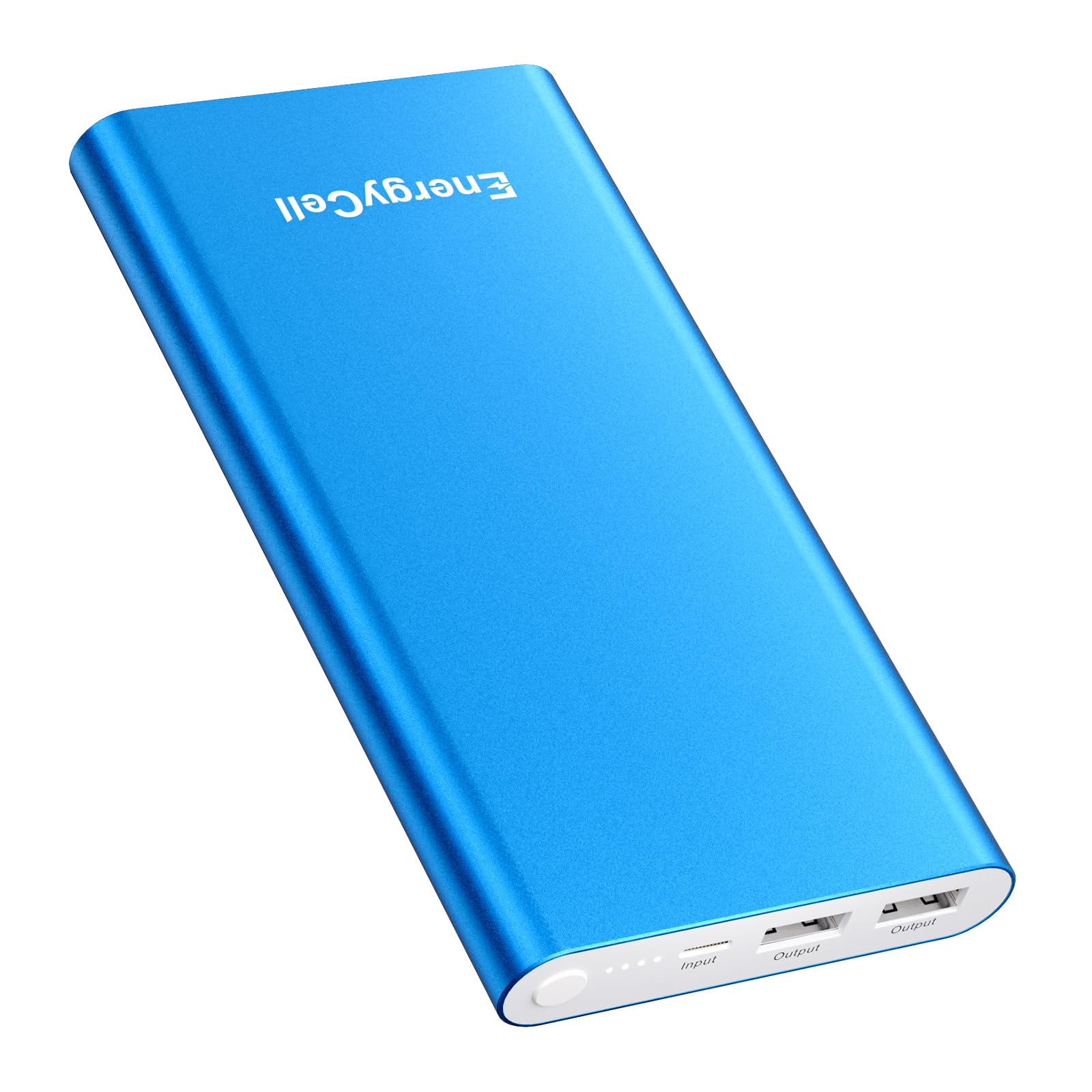
Image: The EnergyCell Pilot 4GS power bank simultaneously charging an iPhone and AirPods, illustrating its multi-device charging capability and capacity.
Dual USB Output
Equipped with two USB-A output ports, the power bank supports simultaneous charging of two devices at speeds up to 5V/3A (max) per port, enhancing charging efficiency.
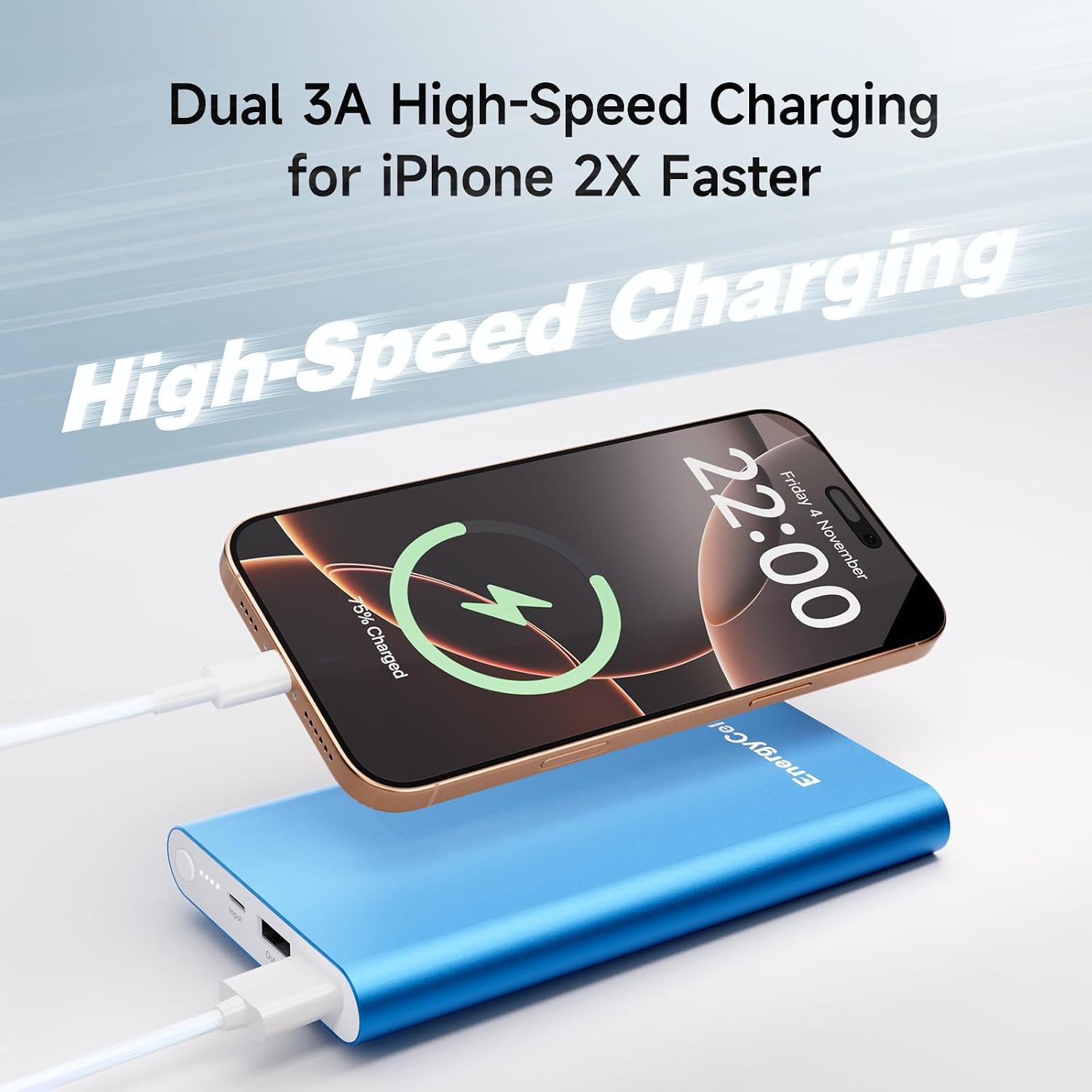
Image: A close-up of the EnergyCell Pilot 4GS showing its dual USB output ports, ready to connect to charging cables.
Designed For iOS Devices & Wide Compatibility
The power bank features an 8-pin input port, making it convenient for iPhone users as you can use a single Lightning cable to charge both the power bank and compatible iOS devices (iPhone 11-14 series). It offers wide compatibility with various devices including iPhone 16/Plus/Pro/Pro Max, 15/Plus/Pro/Pro Max, 14/Plus/Pro/Pro Max, 13/Mini/Pro/Pro Max, 12/Mini/Pro/Pro Max, iPhone 11/Pro/Pro Max, iPhone XR/SE/XS/X/8/8 Plus/7/7 Plus/6s/6, Galaxy Note7/8/9/9+/10/20, S20/S20+/S10/S10+/S10e/S9 etc.

Image: The EnergyCell Pilot 4GS positioned next to a display of various compatible devices, including iPhones, iPads, Samsung phones, and AirPods, highlighting its universal charging capabilities.
Matte Metal Shell & Ultra-Compact Size
Featuring an arc anti-fingerprint design and a slim profile, this power bank is easy to carry and does not feel bulky, making it ideal for travel.

Image: A close-up of the EnergyCell Pilot 4GS, emphasizing its aluminum body design and anti-fingerprint finish.
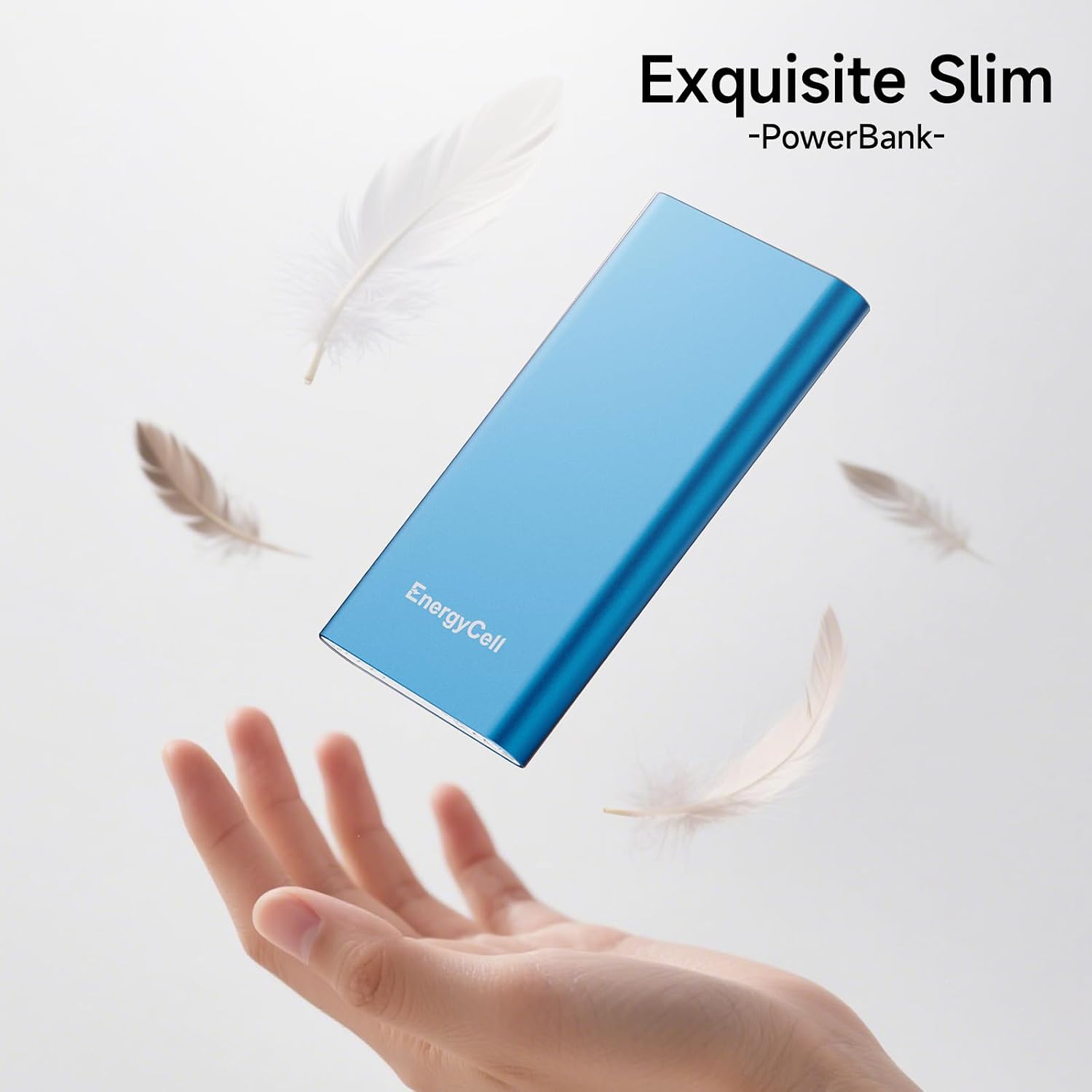
Image: The slim EnergyCell Pilot 4GS power bank is shown floating above an open hand, highlighting its lightweight and portable nature.
Ultra Safe
The MultiProtect safety system provides comprehensive protection for both the power bank and your connected devices. This includes safeguards against overload, overcurrent, overcharging, over pressure, and short circuits.
Setup
Charging the Power Bank
Before first use, fully charge your EnergyCell Pilot 4GS power bank. Connect the included Lightning cable to the power bank's 8-pin input port. Plug the USB-A end of the cable into a compatible USB wall adapter (not included) or a computer's USB port. The LED indicator lights will illuminate to show the charging status. A full charge typically takes several hours.

Image: The EnergyCell Pilot 4GS power bank is shown connected via its Lightning input to a wall adapter, indicating it is being recharged.
Video: This video demonstrates the unboxing and initial charging process of the EnergyCell Pilot 4GS power bank, showing how to connect it to a power source.
Operating Instructions
Charging Your Devices
To charge your mobile device, connect your device's charging cable (e.g., USB-C for newer iPhones, or the included Lightning cable for compatible older iPhones) to one of the power bank's USB-A output ports. The power bank will automatically detect the connected device and begin charging. The LED indicators will show the remaining battery level of the power bank.
Image: The EnergyCell Pilot 4GS power bank is shown actively charging an iPhone and a pair of AirPods, demonstrating its ability to power multiple devices.
Video: This video illustrates the process of using the 12000mAh portable charger to power various devices, showcasing its functionality and ease of use.
Maintenance
- Keep the power bank away from extreme temperatures, direct sunlight, and liquids.
- Avoid dropping or subjecting the device to strong impacts.
- Clean the device with a soft, dry cloth. Do not use harsh chemicals.
- Store in a cool, dry place when not in use for extended periods.
Troubleshooting
- Power bank not charging: Ensure the charging cable is securely connected to both the power bank's input port and the power source. Verify the power source is active.
- Device not charging: Ensure the charging cable is securely connected to both the power bank's output port and your device. Check if the power bank has sufficient charge. Try a different cable or port.
- Slow charging: Ensure you are using a compatible cable and adapter. Some devices may charge slower if used while charging.
- Included cable compatibility: The included Lightning cable is for charging the power bank and compatible with iPhone 11-14 series. iPhone 15/16 series require a USB-C cable (not included) for phone charging.
Specifications
| Model | Pilot 4GS |
| Battery Capacity | 12000 Milliamp Hours |
| Battery Type | Li-Polymer Battery |
| Product Dimensions | 5.6 x 2.9 x 0.58 inches |
| Item Weight | 10.2 ounces |
| Input | 8-Pin Port 5V = 2A (Max) |
| Output | USB 5V = 3A (Max) |
| Connector Type | Lightning (for input) |
| Special Feature | Slim |
| Manufacturer | Shenzhen Wang Xiong Digital Technology Co., Ltd. |
| Date First Available | November 2, 2021 |
Warranty and Support
For detailed warranty information, product registration, or customer support, please visit the official EnergyCell website or contact EnergyCell Direct through your purchase platform. Keep your proof of purchase for any warranty claims.