
Introduction
This manual provides essential information for the safe and effective operation, maintenance, and troubleshooting of your Makita DDF487ZB 18V LXT Brushless Cordless 1/2" Sub-Compact Drill/Driver. Please read this manual thoroughly before using the tool to ensure proper handling and to prevent injury or damage.
The Makita DDF487ZB is engineered for professional drilling and driving applications, offering a compact design with powerful performance. It is part of the Makita 18V LXT System, utilizing 18V Lithium-Ion batteries (sold separately).

Figure 1: Makita DDF487ZB 18V LXT Brushless Cordless 1/2" Sub-Compact Drill/Driver (Tool Only).
General Safety Instructions
WARNING: Read all safety warnings, instructions, illustrations and specifications provided with this power tool. Failure to follow all instructions listed below may result in electric shock, fire and/or serious injury.
- Work Area Safety: Keep your work area clean and well lit. Cluttered or dark areas invite accidents. Do not operate power tools in explosive atmospheres, such as in the presence of flammable liquids, gases or dust.
- Electrical Safety: Power tool plugs must match the outlet. Never modify the plug in any way. Do not expose power tools to rain or wet conditions.
- Personal Safety: Always wear eye protection. Use appropriate personal protective equipment such as dust masks, non-skid safety shoes, hard hats, or hearing protection when necessary. Stay alert, watch what you are doing and use common sense when operating a power tool.
- Power Tool Use and Care: Do not force the power tool. Use the correct power tool for your application. Disconnect the battery pack from the power tool before making any adjustments, changing accessories, or storing power tools.
- Battery Tool Use and Care: Recharge only with the charger specified by the manufacturer. Use power tools only with specifically designated battery packs.

Figure 2: Important safety notice regarding the exclusive use of genuine Makita Lithium-Ion batteries to ensure safety and maintain warranty.
Components Overview
Familiarize yourself with the key components of your Makita DDF487ZB drill/driver for optimal use and safety.
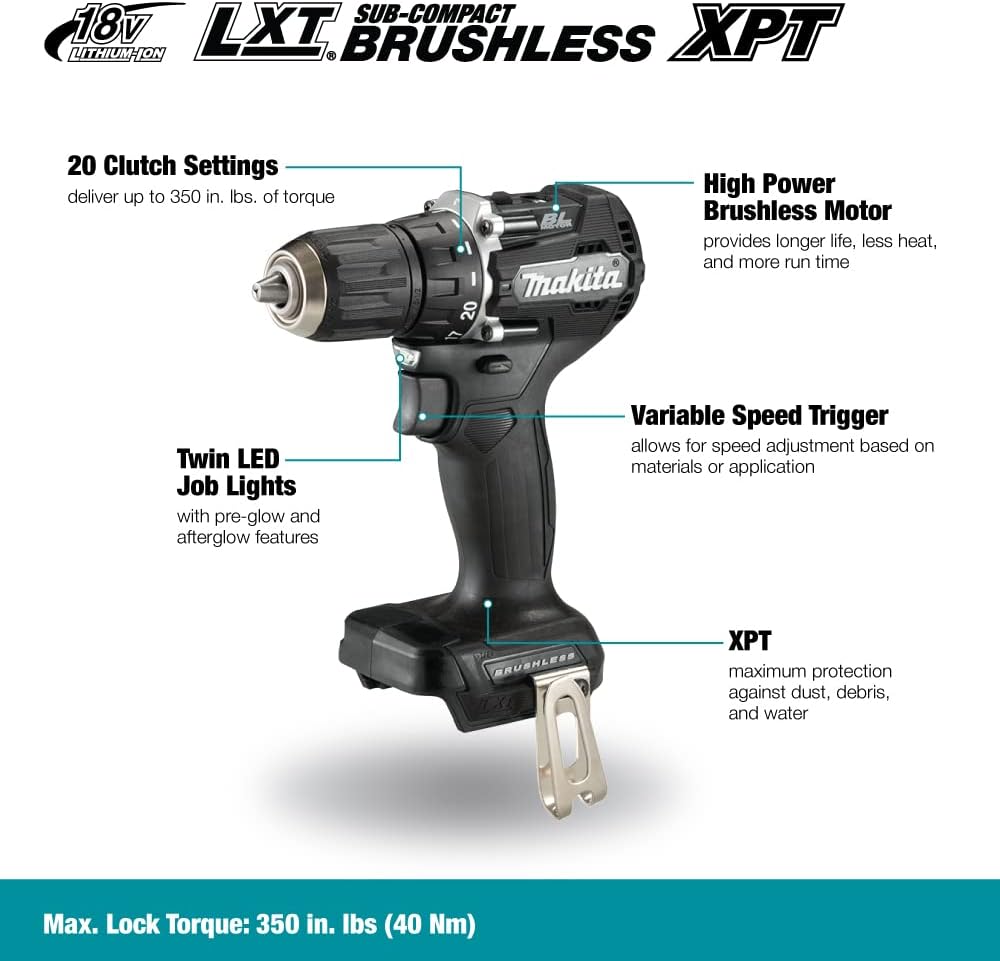
Figure 3: Key features and components of the Makita DDF487ZB drill/driver.
- 20 Clutch Settings: Allows for precise torque adjustment up to 350 in. lbs. to prevent over-driving screws or damaging materials.
- High Power Brushless Motor: Provides increased power, efficiency, and longer tool life with less heat generation.
- Variable Speed Trigger: Enables speed adjustment based on the material and application, offering greater control.
- Twin LED Job Lights: Illuminates the work area for improved visibility, featuring pre-glow and afterglow functions.
- XPT (Extreme Protection Technology): Designed to provide maximum protection against dust and water in harsh job site conditions.
Setup
1. Battery Installation
The Makita DDF487ZB is a 'tool only' product and requires an 18V LXT Lithium-Ion battery and charger (sold separately).
- Ensure the battery is fully charged.
- Align the battery pack with the battery port on the bottom of the drill handle.
- Slide the battery into the port until it clicks securely into place. Ensure it is fully seated to prevent accidental detachment during operation.
- To remove the battery, press the release button(s) on the sides of the battery pack and slide it out.

Figure 4: Makita 18V LXT Lithium-Ion battery and charger (sold separately).
2. Chuck Operation (Installing Bits)
The drill features a 1/2" keyless chuck for quick and easy bit changes.
- Rotate the chuck counter-clockwise to open the jaws.
- Insert the drill bit or driving bit into the chuck jaws, ensuring it is centered.
- Rotate the chuck clockwise to tighten the jaws firmly around the bit. Hand-tighten until the bit is secure.
- For removal, rotate the chuck counter-clockwise to loosen the jaws and pull the bit out.
Operating the Drill/Driver
1. Speed Settings
The DDF487ZB features a mechanical 2-speed transmission:
- Low Speed (0-500 RPM): Ideal for heavy-duty applications, driving large fasteners, or drilling large holes where higher torque is required.
- High Speed (0-1,700 RPM): Suitable for faster drilling in softer materials or driving smaller fasteners.
To change speeds, locate the speed selector switch on top of the tool and slide it to the desired setting (1 for low speed, 2 for high speed).
2. Clutch Settings and Drill Mode
The clutch ring allows you to select from 20 torque settings or a dedicated drill mode.
- Clutch Settings (1-20): Use these settings for driving screws. The clutch will slip when the selected torque is reached, preventing over-tightening or stripping. Start with a lower setting and increase as needed.
- Drill Mode (Drill Symbol): Select this mode for drilling applications. In drill mode, the clutch is disengaged, providing maximum torque for drilling holes.
3. Variable Speed Trigger
The trigger provides variable speed control. The more you depress the trigger, the faster the drill operates. This allows for precise control, especially when starting a hole or driving a screw.
4. Forward/Reverse Switch
The forward/reverse switch is located above the trigger. Push it to the left for forward rotation (drilling/driving) and to the right for reverse rotation (removing screws or backing out bits).
5. Applications

Figure 5: Driving screws with the Makita DDF487ZB.
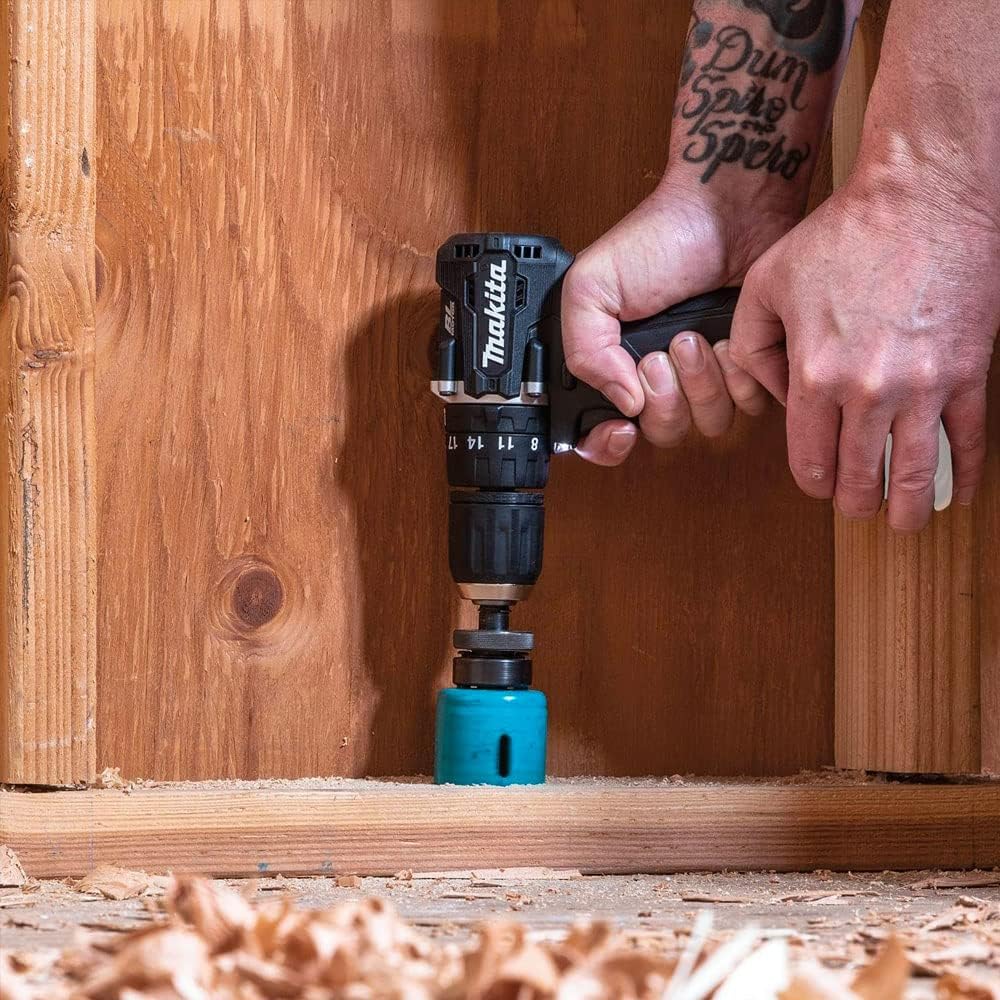
Figure 6: Drilling into wood with the Makita DDF487ZB.

Figure 7: Using a hole saw attachment with the Makita DDF487ZB.
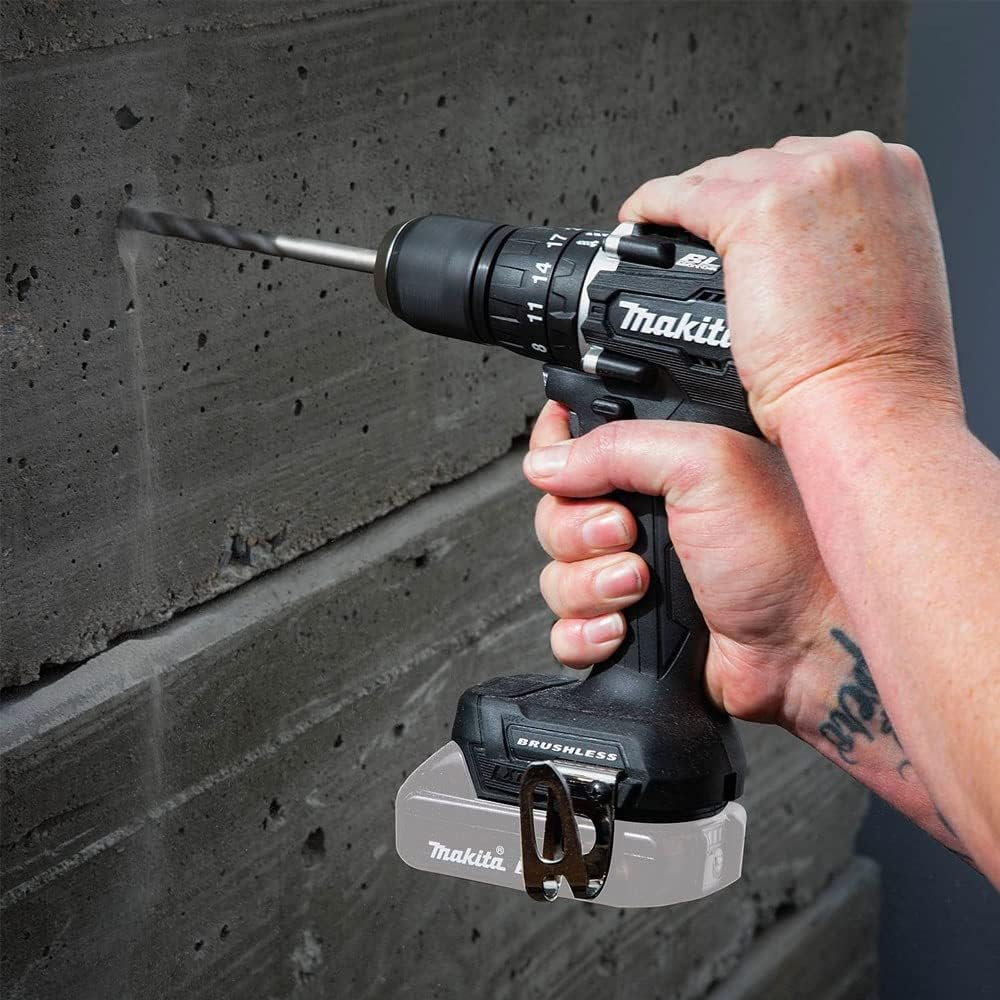
Figure 8: Drilling into masonry with the Makita DDF487ZB.
Maintenance
- Cleaning: Regularly clean the tool's ventilation openings to prevent dust accumulation, which can cause overheating. Use a soft, damp cloth. Do not use harsh chemicals or abrasive cleaners.
- Chuck Maintenance: Periodically clean the chuck jaws to ensure proper gripping of bits.
- Battery Care: Store batteries in a cool, dry place away from direct sunlight. Do not store batteries in a discharged state for extended periods.
- Storage: When not in use, store the drill/driver in a secure, dry location out of reach of children.
Troubleshooting
| Problem | Possible Cause | Solution |
|---|---|---|
| Tool does not start | Battery not charged or improperly installed | Ensure battery is fully charged and properly seated. |
| Reduced power or speed | Low battery charge; Overload protection activated | Recharge battery. Reduce pressure on the tool or use a lower speed setting. |
| Bit slips in chuck | Chuck not tightened sufficiently; Dirty chuck jaws | Re-tighten chuck firmly. Clean chuck jaws. |
| Overheating | Blocked ventilation slots; Continuous heavy use | Clean ventilation slots. Allow tool to cool down. Avoid prolonged heavy use. |
Specifications

Figure 9: The compact size of the Makita DDF487ZB, measuring 6-1/2 inches in length.
| Feature | Detail |
|---|---|
| Model Number | DDF487ZB |
| Voltage | 18V |
| Motor Type | Brushless |
| Chuck Size | 1/2 inch Keyless |
| No Load Speed (Low) | 0-500 RPM |
| No Load Speed (High) | 0-1,700 RPM |
| Max Torque | 350 in.lbs. |
| Clutch Settings | 20 + Drill Mode |
| Product Dimensions | 17.53 x 5.08 x 15.24 cm (6-1/2" long) |
| Item Weight | 907 g (2 lbs) |
| Sound Level | 73 dB |
| Special Features | Variable Speed, XPT (Extreme Protection Technology), Dual LED Job Lights |
| Included Components | Tool Only. Batteries and Charger Sold Separately. 1/2" Keyless Drill Chuck (763256-3), Hook (346449-3), Double Ended Bit 2-45 (784637-8) |
Warranty Information
The Makita DDF487ZB 18V LXT Brushless Cordless 1/2" Sub-Compact Drill/Driver comes with a 3 Years Manufacturer Limited Warranty. This warranty covers defects in materials and workmanship from the date of purchase. Please retain your proof of purchase for warranty claims.
For full details regarding warranty terms, conditions, and exclusions, please refer to the official Makita warranty statement included with your product or visit the Makita Canada website.
Support
For technical assistance, service, or to locate an authorized service center, please contact Makita customer support:
- Website: Visit the official Makita website for product information, FAQs, and service center locators.
- Phone: Refer to the contact information provided in your product packaging or on the Makita website for customer service phone numbers in your region.
- Authorized Service Centers: Makita offers a comprehensive national network of service centers for repairs and maintenance.
When contacting support, please have your model number (DDF487ZB) and serial number (if applicable) ready.