
Introduction
Thank you for choosing the Gadgets TOPTECH GH-10 Gaming Headphone. This manual provides essential information for the proper setup, operation, and maintenance of your new gaming headset. Please read it thoroughly before use to ensure optimal performance and longevity of the product.
Product Overview
The Gadgets TOPTECH GH-10 is an over-ear gaming headphone designed for an immersive audio experience. It features comfortable ear cups, an integrated microphone, and LED lighting to enhance your gaming environment.
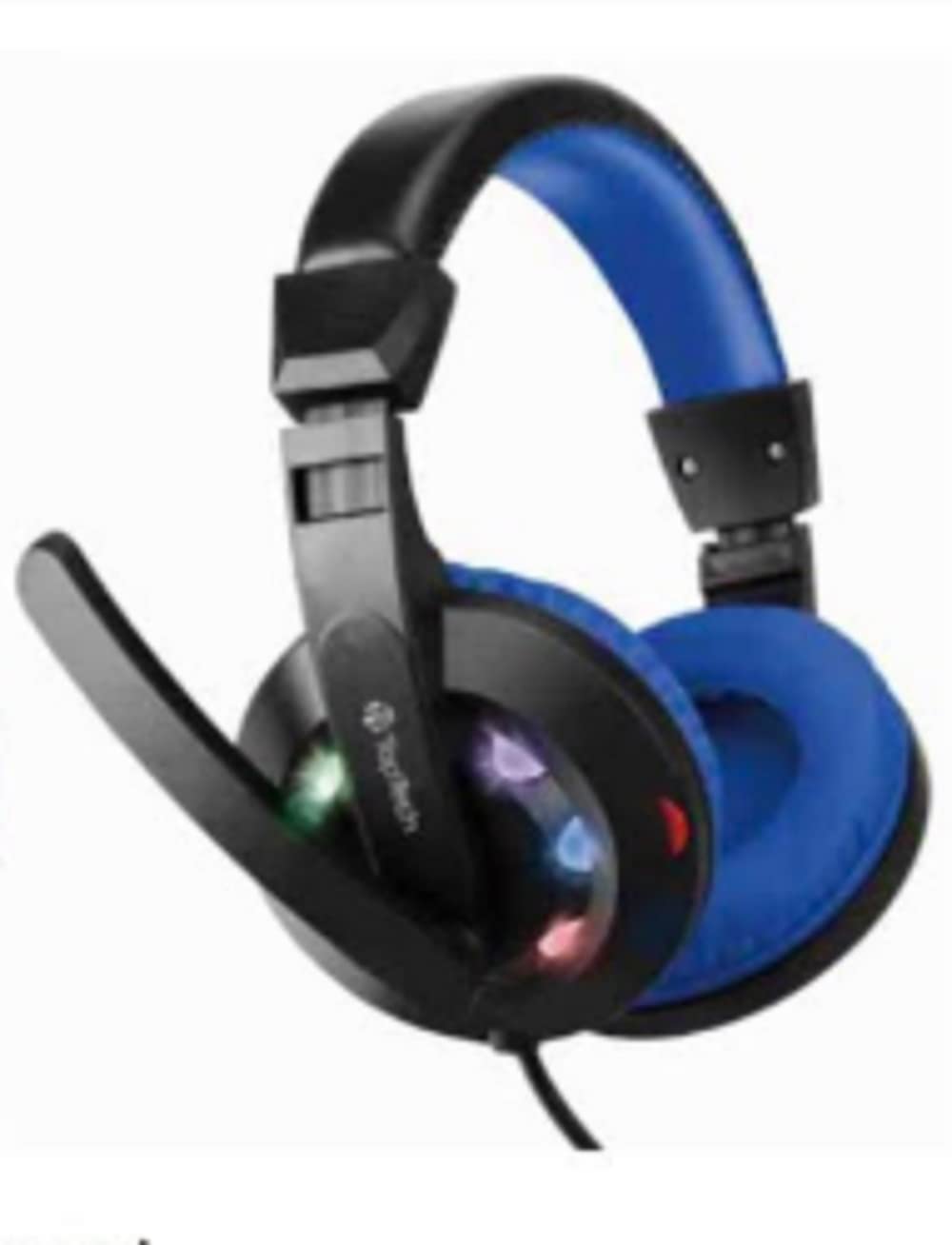
Image: Gadgets TOPTECH GH-10 Gaming Headphone, blue in color, packaged in a clear plastic and cardboard box. The box highlights features such as 1.8m cable, microphone, and LED lights.
Key Features:
- Blue Gaming Headphone: Distinctive blue design with integrated LED lights.
- High Quality Stereo Sound: Delivers clear audio with enhanced bass for an immersive experience.
- Integrated Microphone: Omni-directional microphone for clear communication.
- Extra Long 6FT Cord: Provides ample length for flexible movement.
- Dual Interface: Connects via USB for LED power and 3.5mm jack for audio.
- Comfortable Fit: Soft, adjustable over-ear cups and a durable steel suspension frame ensure comfort during extended use.
- Noise Insulation: Over-ear design helps to reduce external noise.
- Built-in Volume Control: Conveniently adjust audio levels.
Package Contents
Please check the box for the following items:
- Gadgets TOPTECH GH-10 Gaming Headphone
- User Manual (this document)
Setup
- Connect Audio: Insert the 3.5mm audio jack into the corresponding port on your computer, gaming console controller, or other audio device.
- Connect USB for LED Lights: Plug the USB connector into an available USB port on your device. This powers the LED lights on the headphones.
- Adjust Fit: Gently extend or retract the headband to fit comfortably over your head. Position the ear cups so they fully cover your ears for optimal sound and noise insulation.
- Position Microphone: Adjust the flexible microphone arm to bring the microphone close to your mouth for clear voice capture.
Operating Instructions
Volume Control:
The headphones feature an in-line volume control wheel located on the cable. Rotate the wheel upwards to increase volume and downwards to decrease volume.
Microphone Usage:
The integrated omni-directional microphone is designed for clear voice communication. Ensure the microphone is positioned correctly near your mouth. Some devices may require you to select the headset microphone as the default input device in their audio settings.
LED Lights:
The LED lights on the ear cups will illuminate automatically once the USB connector is plugged into a powered USB port. These lights are for aesthetic purposes and enhance the gaming atmosphere.
Maintenance
- Cleaning: Use a soft, dry cloth to wipe the ear cups and headband. Do not use harsh chemicals or abrasive cleaners.
- Storage: Store the headphones in a clean, dry place away from extreme temperatures and direct sunlight.
- Cable Care: Avoid sharp bends or excessive pulling on the cable to prevent damage. Do not wrap the cable too tightly around the headset.
- Avoid Moisture: Do not expose the headphones to water or excessive moisture.
Troubleshooting
| Problem | Solution |
|---|---|
| No sound from headphones. |
|
| Microphone is not working. |
|
| LED lights are not illuminating. |
|
Specifications
| Feature | Detail |
|---|---|
| Brand | Gadgets |
| Model Number | GH10 |
| Ear Placement | Over Ear |
| Connectivity Technology | Wired |
| Headphones Jack | 3.5 mm Jack |
| Additional Features | Microphone Included, Noise Isolation, USB connectivity (for LEDs), Volume Control |
| Cable Length | Approximately 6 feet (1.8 meters) |
| Enclosure Material | Steel (suspension frame) |
| Specific Uses | Movies and Gaming |
Warranty and Support
For warranty information and customer support, please refer to the documentation provided at the point of purchase or contact your retailer. Keep your proof of purchase for any warranty claims.


