
Introduction
This manual provides instructions for the installation, operation, and maintenance of your Tearel Replacement (100657) Lever Shower Handle. This handle is designed as a durable metal replacement for existing Moen knob handles, converting them to an easy-to-use lever style. It is compatible with both Moen PosiTemp and Moentrol valve systems.
Safety Information
- Always turn off the main water supply to the shower before beginning any installation or maintenance work.
- Wear appropriate personal protective equipment, such as safety glasses, to prevent injury.
- If you are unsure about any step in the installation process, consult a qualified plumber.
- Keep small parts away from children.
Package Contents
Verify that all components are present before beginning installation:
- 1 x Chrome Lever Shower Handle
- 1 x Handle Adapter for Moen PosiTemp Valve (1222 Cartridge)
- 1 x Handle Adapter for Moen Moentrol Valve (1225 Cartridge)
- Mounting Screws
- 1 x Allen Wrench
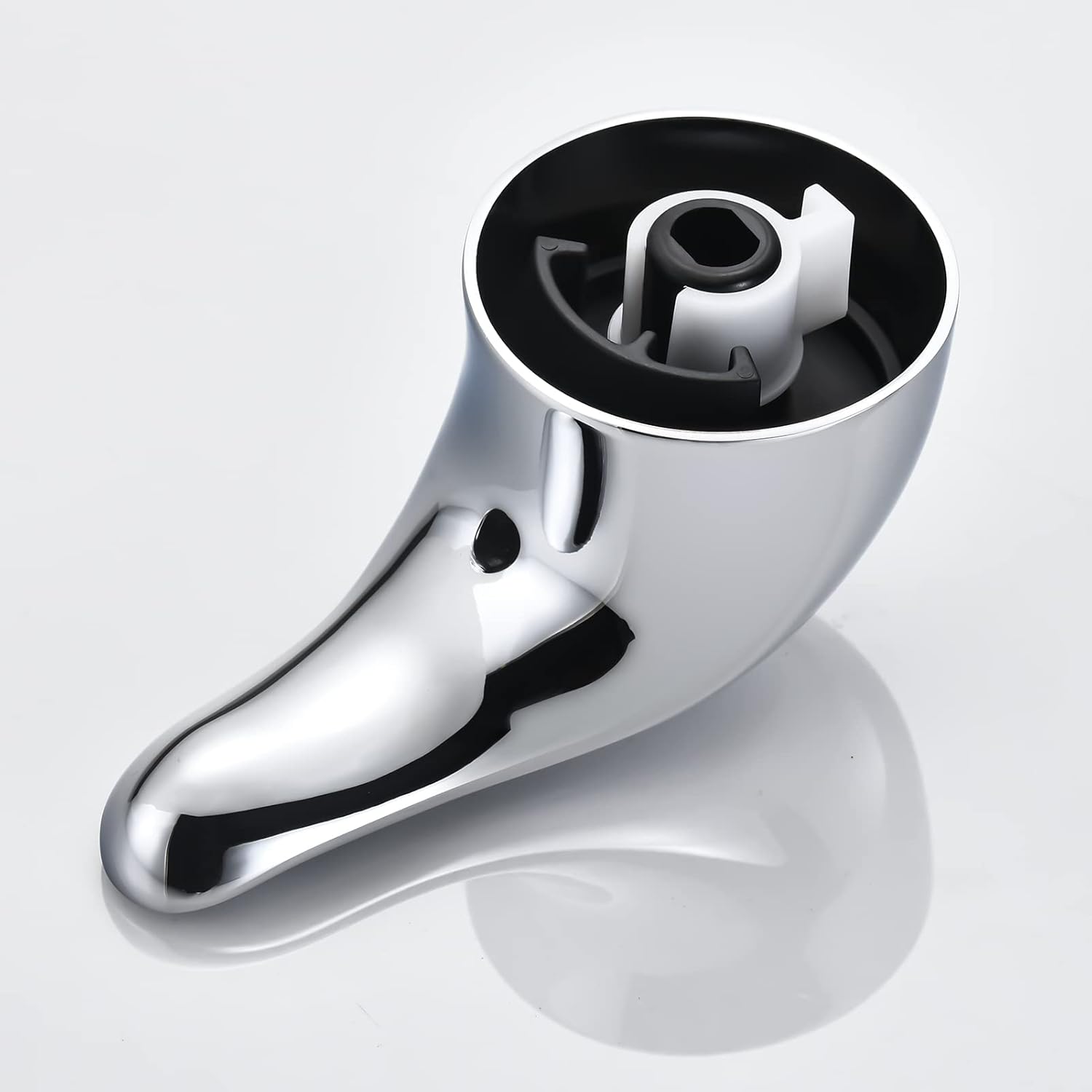
Image: All components included in the package.
Setup and Installation
Follow these steps to install your new Tearel lever shower handle:
- Turn Off Water Supply: Locate the main water shut-off valve for your home or the specific shower and turn it off. This prevents water flow during installation.
- Remove Old Handle: Carefully remove the existing shower handle. This usually involves unscrewing a set screw (often hidden under a cap) and pulling the handle off the valve stem.
- Identify Valve Type and Select Adapter: Determine if your Moen valve system is PosiTemp or Moentrol. The kit includes two distinct adapters. Select the adapter that matches your valve stem.
- PosiTemp Adapter: Typically has a specific spline pattern for temperature control.
- Moentrol Adapter: Designed for Moentrol valves, which often control both flow and temperature.
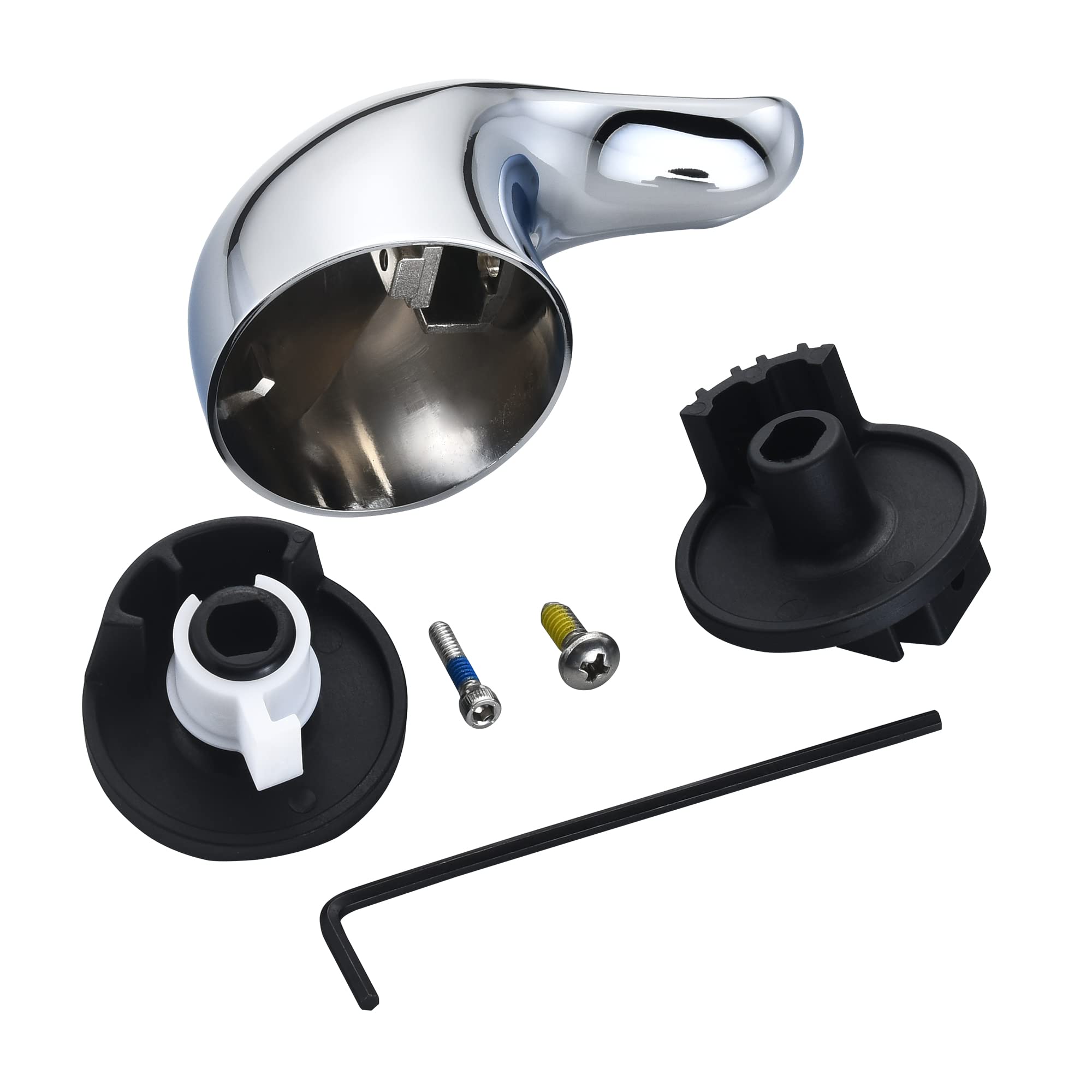
Image: PosiTemp Valve Adapter.
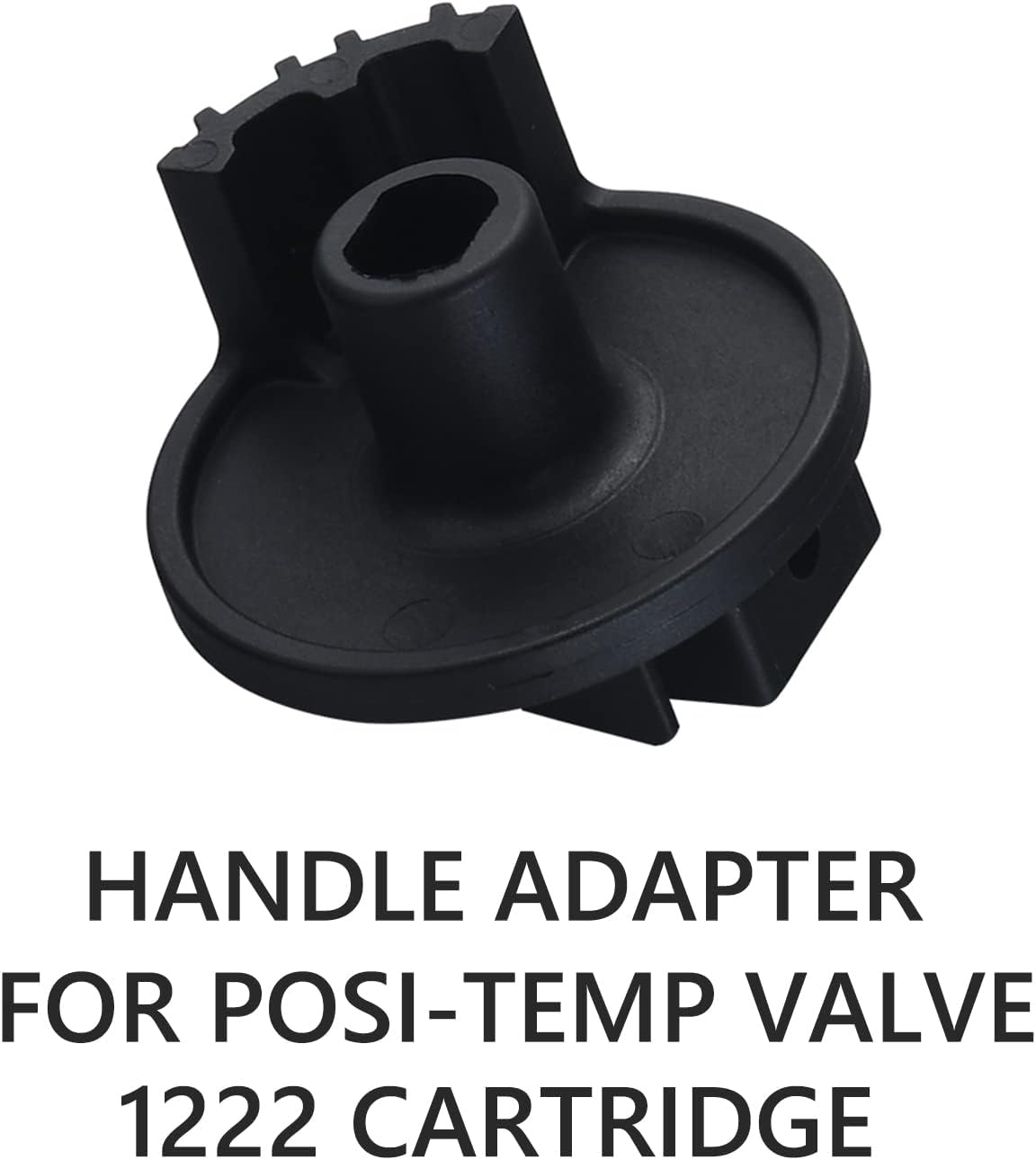
Image: Moentrol Valve Adapter.
- Install Adapter onto Valve Stem: Slide the chosen adapter onto the valve stem. Ensure it sits flush and securely.
- Align Handle for Correct Hot/Cold Orientation: Before securing the handle, temporarily place it on the adapter. Turn the valve stem to the full cold and full hot positions to identify the correct orientation for the handle's markings (if any) or your preferred 'off' position. Adjust the adapter's position on the stem if necessary to ensure hot is hot and cold is cold when the handle is installed.
- Secure Handle: Place the chrome lever handle over the adapter. Insert the provided mounting screw into the handle and tighten it using the Allen wrench. Ensure the handle is firm and does not wobble.
- Test Installation: Turn the main water supply back on. Test the shower handle for proper temperature control and water flow. Check for any leaks.
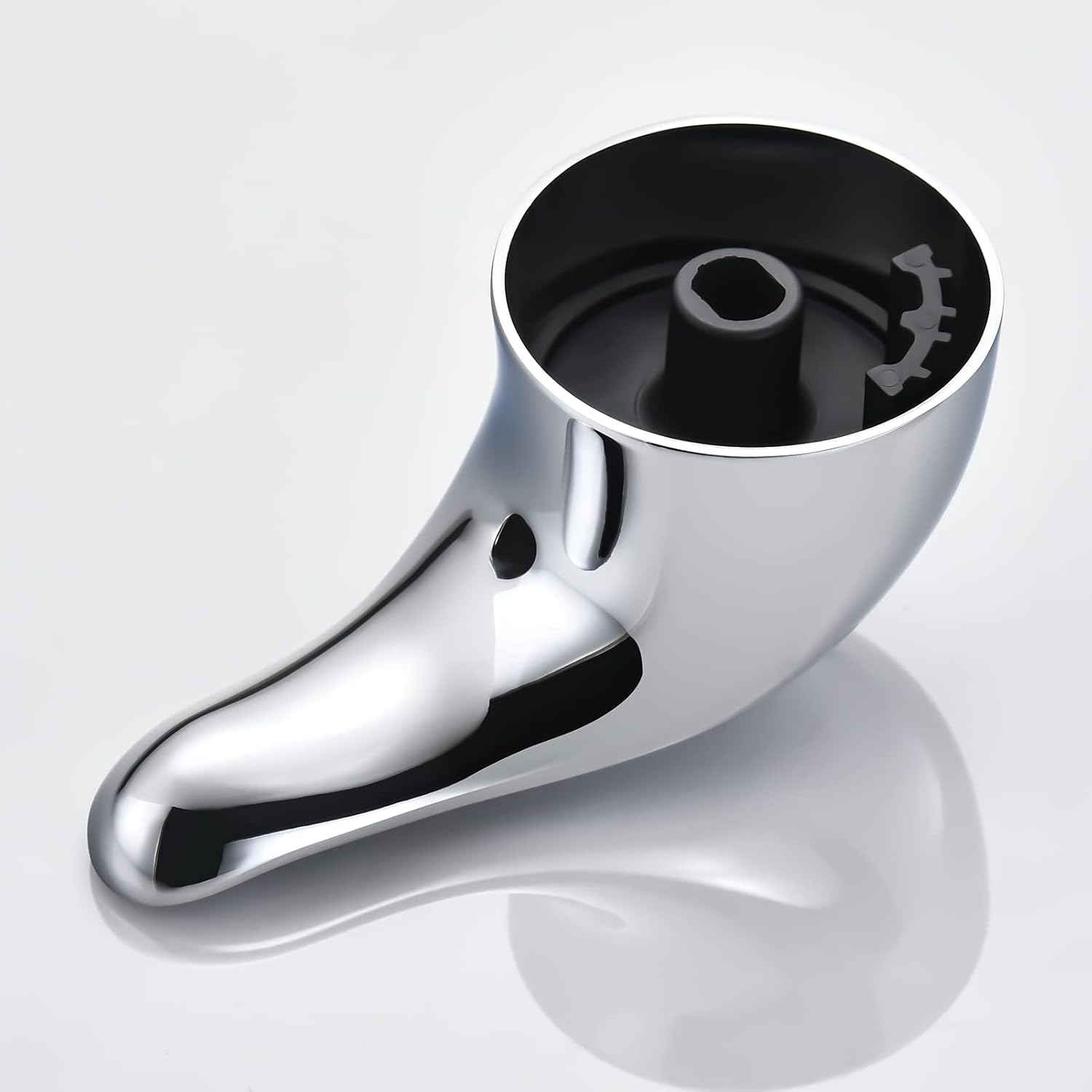
Image: Handle assembly with adapter and screw.
Operating Instructions
The Tearel Replacement Lever Shower Handle provides intuitive control over your shower's water temperature and flow.
- Temperature Control: Rotate the lever handle to adjust the water temperature. Typically, rotating counter-clockwise increases hot water, and clockwise increases cold water.
- Water Flow Control (Moentrol Systems): For Moentrol valve systems, the handle may also control water flow. Pushing or pulling the handle, or rotating it further, will adjust the water volume.
Maintenance
To ensure the longevity and appearance of your chrome lever shower handle, follow these maintenance guidelines:
- Cleaning: Clean the handle regularly with a soft, damp cloth and mild soap.
- Avoid Harsh Chemicals: Do not use abrasive cleaners, scouring pads, or harsh chemical detergents, as these can damage the chrome finish and internal components.
- Inspect Periodically: Periodically check the handle for any looseness. If it feels loose, gently tighten the mounting screw with the Allen wrench.
Troubleshooting
| Issue | Possible Cause | Solution |
|---|---|---|
| Water temperature is reversed (hot is cold, cold is hot). | Adapter installed in incorrect orientation. | Turn off water supply. Remove the handle and adapter. Reposition the adapter on the valve stem to correct the hot/cold orientation. Reinstall and test. |
| Handle feels loose or wobbles. | Mounting screw is not sufficiently tightened. | Ensure the mounting screw is tightened securely using the provided Allen wrench. Do not overtighten. |
| Handle does not fit the valve stem. | Incorrect adapter selected or improperly installed. | Verify that the correct adapter (for PosiTemp or Moentrol) has been selected and properly installed onto the valve stem. The kit includes two adapters for different valve types. |
Specifications
- Model Number: 100657
- Material: Metal (Brass)
- Color: Chrome
- Product Dimensions: 2.8 inches (L) x 2.4 inches (W)
- Item Weight: 10.8 ounces
- Handle Attachment Mechanism: Screw-on
- Compatibility: Moen PosiTemp and Moentrol Valve Systems
Warranty Information
Specific warranty details for this product are not provided in this manual. Please refer to the manufacturer's official website, the product packaging, or your purchase receipt for comprehensive warranty terms and conditions.
Support
For further assistance, technical support, or inquiries regarding your Tearel Replacement Lever Shower Handle, please contact Tearel customer support through their official channels or the retailer where the product was purchased.