
1. Introduction
This manual provides detailed instructions for the installation, operation, and maintenance of your Kwikset Casey Entry Door Handle with Lock and Key. Please read all instructions carefully before beginning installation or use to ensure proper function and safety.

Figure 1: Kwikset Casey Entry Door Handle, Polished Chrome.
2. Safety Information
Always wear appropriate safety gear, such as safety glasses, during installation. Ensure all components are securely fastened before use. Do not attempt to modify the lock mechanism, as this may compromise security and void the warranty. Keep keys in a safe and accessible location, away from the lock itself.
3. What's in the Box
Verify that all components are present before beginning installation:

Figure 2: Included components for the Kwikset Casey Entry Lever.
- Exterior Lever
- Interior Lever
- Adjustable Latch with Square and Round front options or a Drive-In Collar
- Strike Plate
- SmartKey® Tool
- Installation Hardware (Screws)
- Two (2) Keys
- Installation Guide (this document)
4. Product Features
- Keyed Entry: Provides security with interior turn-piece locking and exterior key locking. Ideal for exterior-facing doors.
- SmartKey Security: Advanced security technology that protects against common break-in methods and allows for self-re-keying in seconds.
- Easy Installation: Designed for DIY installation with basic tools, typically a screwdriver. All necessary hardware is included.
- Standard Door Fit: Compatible with standard door thicknesses from 1-3/8" to 1-3/4".
- Adjustable Latch: Latch backset is adjustable to either 2-3/8" or 2-3/4" to fit various door preparations.
- Certified Quality: Grade 3 BHMA certified for security, durability, and finish, ensuring reliable protection.
- Durable Chassis: Features a durable lever chassis designed to prevent lever sag and wobble over time.

Figure 3: Durable chassis and SmartKey Security features.
5. Installation
The Kwikset Casey Entry Door Handle is designed for straightforward installation. A screwdriver is typically the only tool required.
5.1 Door Preparation
Ensure your door has standard preparations. The latch backset is adjustable to 2-3/8" or 2-3/4".

Figure 4: Product dimensions and adjustable latch.
5.2 Installing the Latch
Insert the latch into the door edge. Adjust the backset by sliding the adjustment pin if necessary. Secure with screws.

Figure 5: Easy installation of the latch.
5.3 Installing the Levers
The levers are reversible and can be installed on both right-handed and left-handed doors. Follow the detailed instructions provided in the packaging for proper assembly of the interior and exterior levers.
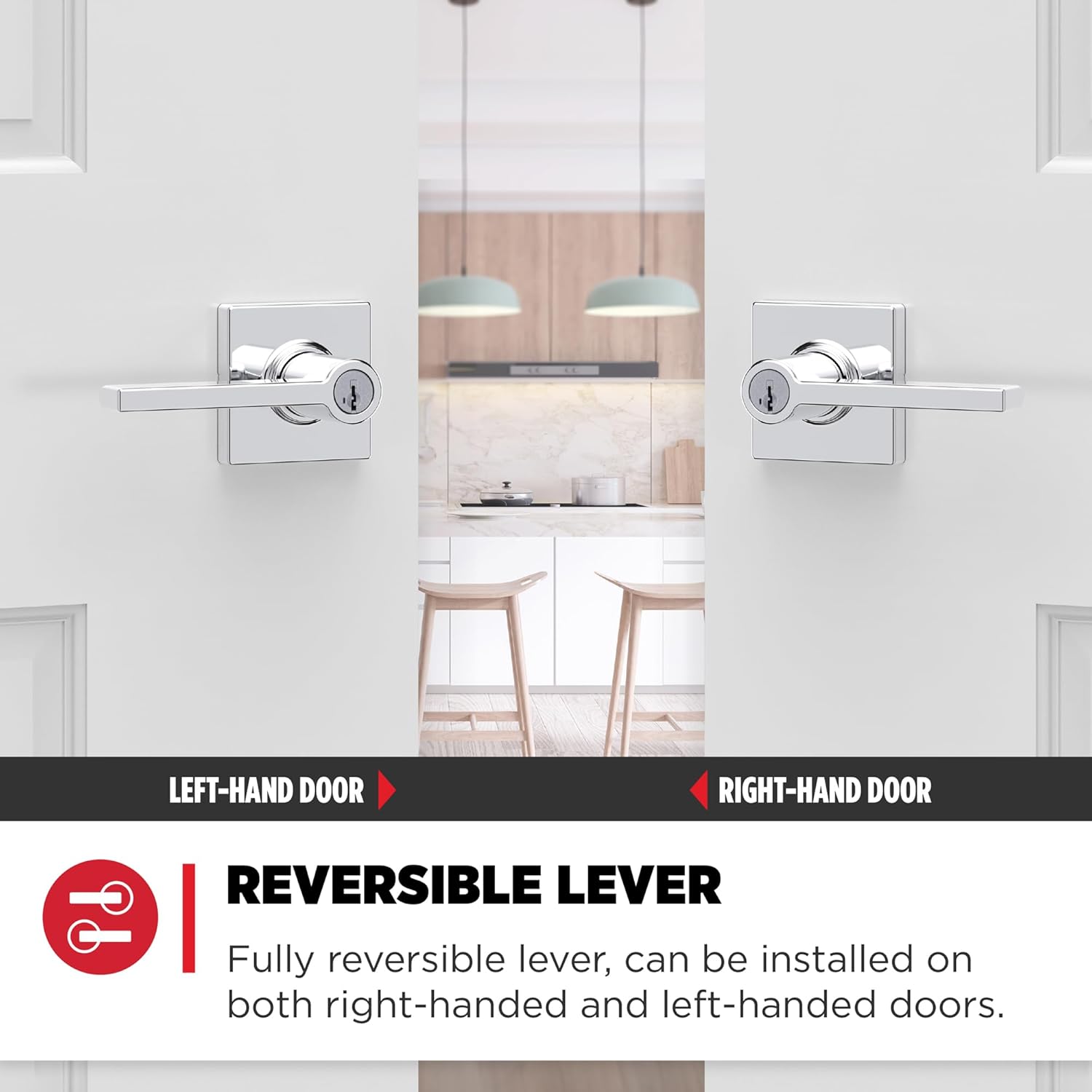
Figure 6: Reversible lever for left or right-hand doors.
6. Operating Instructions
6.1 Locking and Unlocking
To lock the door from the interior, rotate the turn-piece on the interior lever. To unlock from the interior, rotate the turn-piece back. From the exterior, insert the key into the keyway and turn to lock or unlock.
6.2 SmartKey Security Re-keying
The SmartKey Security feature allows you to re-key your lock to a new key in seconds. This is useful if you lose a key or want all your Kwikset locks to operate with a single key.

Figure 7: SmartKey Security re-keying steps.
- Insert the Current Key, and rotate it 90 degrees clockwise.
- Insert the SmartKey Tool into the SmartKey hole. Remove the SmartKey tool and the Current Key.
- Insert the New Key. Rotate it 180 degrees counterclockwise, then 90 degrees clockwise back to the starting position.
- Remove the New Key, and you're done!
For a visual guide on re-keying, please watch the official Kwikset video below:
Video 1: Kwikset Casey Entry Door Lever Featuring SmartKey Security. This video demonstrates the re-keying process for Kwikset SmartKey locks.
7. Maintenance
The Kwikset Casey Entry Door Handle features Microban antimicrobial technology, which helps keep the handle surface cleaner by inhibiting the growth of bacteria. Regular cleaning with a soft, damp cloth is recommended to maintain the finish. Avoid abrasive cleaners or solvents, as these may damage the finish.

Figure 8: Microban antimicrobial technology for a cleaner surface.
8. Troubleshooting
- Lever Sag/Wobble: Ensure all mounting screws are tightened. The durable chassis is designed to minimize this issue.
- Difficulty Locking/Unlocking: Check for any obstructions in the door frame or strike plate. Ensure the latch is properly aligned. If using SmartKey, ensure the key is fully inserted and rotated correctly.
- Key Not Working: If you have recently re-keyed the lock, ensure you are using the correct new key. If not, try the original key. If issues persist, refer to the re-keying instructions or contact customer support.
9. Specifications
| Material | Zinc, Metal |
| Brand | Kwikset |
| Color | Polished Chrome |
| Style | Entry Lever |
| Product Dimensions | 7.5"L x 6.1"W |
| Exterior Finish | Chrome |
| Shape | Square |
| Item Weight | 1.5 Pounds |
| Lock Type | Key Lock (SmartKey Security) |
| Hand Orientation | Ambidextrous (Reversible) |
| Model Number | 94050-672 |
| UPC | 883351809023 |
| Certification | Grade 3 BHMA Certified |
10. Warranty and Support
Kwikset products are backed by a lifetime mechanical and finish warranty. For detailed warranty information or customer support, please refer to the official Kwikset website or contact their customer service department.