
niizero C18black
User Manual: niizero Smartwatch
Model: C18black
Introduction
This manual provides detailed instructions for the setup, operation, and maintenance of your niizero Smartwatch. Please read this manual thoroughly before using the device to ensure proper functionality and to maximize your user experience.

Figure 1: niizero Smartwatch with its main display showing various health metrics and time.
What's in the Box
Upon opening the package, verify that all items listed below are present and in good condition:
- niizero Smartwatch
- USB Magnetic Charging Cable
- User Manual (this document)
- Interchangeable Bands (2 silicone bands included)
Setup
1. Charging the Smartwatch
Before initial use, fully charge your smartwatch. Connect the magnetic charging cable to the charging points on the back of the watch and plug the USB end into a compatible USB power adapter (not included) or computer USB port.
- Charging Time: Approximately 1-2 hours.
- Battery Life: 7-10 days of typical use, 15-20 days standby.
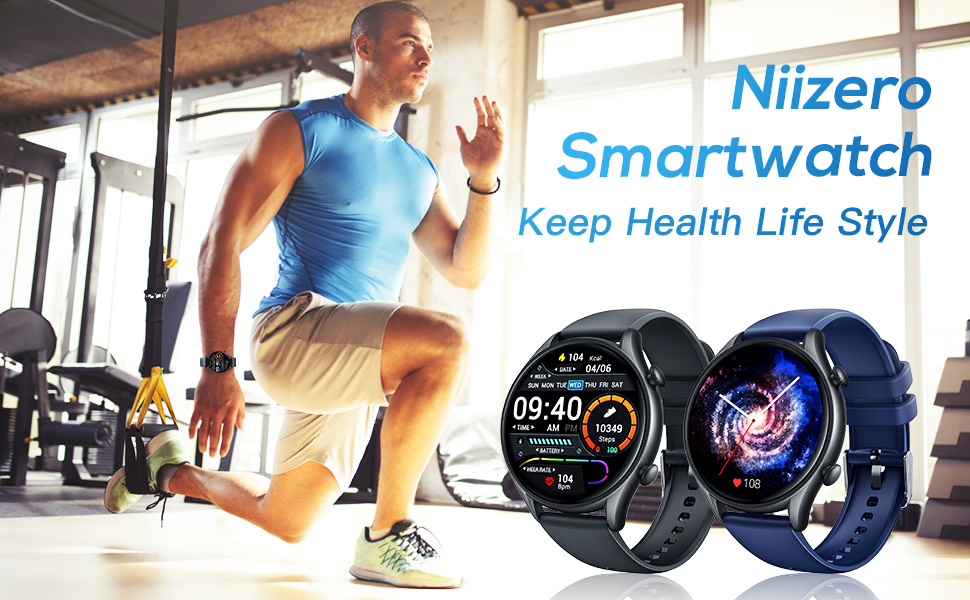
Figure 2: Charging the niizero Smartwatch and its battery specifications.
2. App Installation and Pairing
To unlock the full potential of your smartwatch, download and install the companion application on your smartphone. The app is compatible with iOS 9.0 and later, and Android 5.0 and above, including iPhone, Samsung Galaxy, and Huawei devices.
- Scan the QR code in the manual or on the watch screen (if available) to download the official app, or search for it in your phone's app store.
- Enable Bluetooth on your smartphone.
- Open the app and follow the on-screen instructions to pair your smartwatch. Ensure the watch is discoverable.
- Confirm the pairing request on both your phone and the smartwatch.
Operating Instructions
Display and Customization
The niizero Smartwatch features a 1.32-inch TFT-LCD color display, providing clear and vibrant visuals. You can personalize your watch face to suit your style.
- HD Quality Display: Enjoy sharp and detailed visuals.
- Customizable Watch Faces: Choose from multiple pre-installed dial options or download more from the app. You can also set any photo as your watch face.
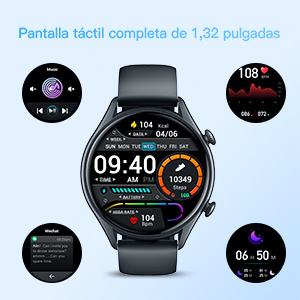
Figure 3: The full touch screen interface showing various functions.
Health Monitoring
Your smartwatch is equipped with advanced sensors to monitor key health metrics, helping you stay informed about your well-being.
- Heart Rate Monitoring: Real-time heart rate tracking throughout the day using a built-in optical sensor.
- Blood Pressure Measurement: Measure your blood pressure directly from your wrist.
- Sleep Monitoring: Tracks your sleep status (deep sleep, light sleep, wake-up time) to analyze sleep quality.
- Breath Training: Guided breathing exercises for relaxation.
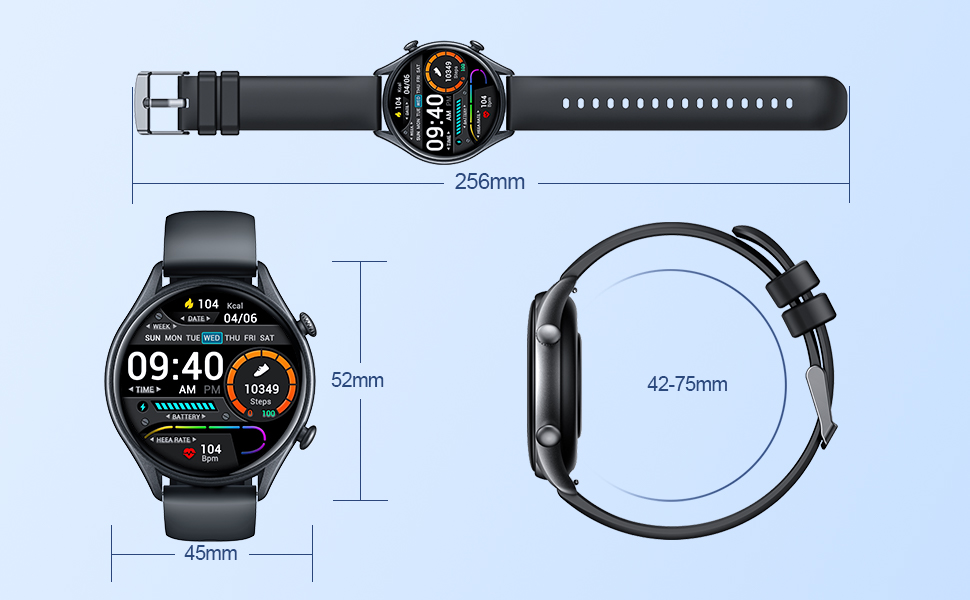
Figure 4: Visual representation of the smartwatch's health monitoring capabilities.
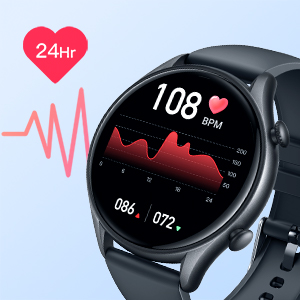
Figure 5: Detailed 24-hour heart rate monitoring.
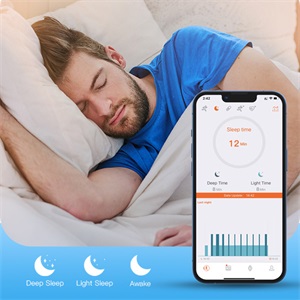
Figure 6: Sleep monitoring breakdown.
Activity Tracking
The smartwatch accurately tracks your daily activities and supports multiple sport modes to provide comprehensive insights into your fitness journey.
- Pedometer: Counts your steps throughout the day.
- Calorie Counter: Estimates calories burned based on your activity.
- Distance Tracker: Measures the distance covered during your activities.
- Multi-Sport Modes: Supports 19 sport modes including walk, run, swim, skipping, cycling, and more.
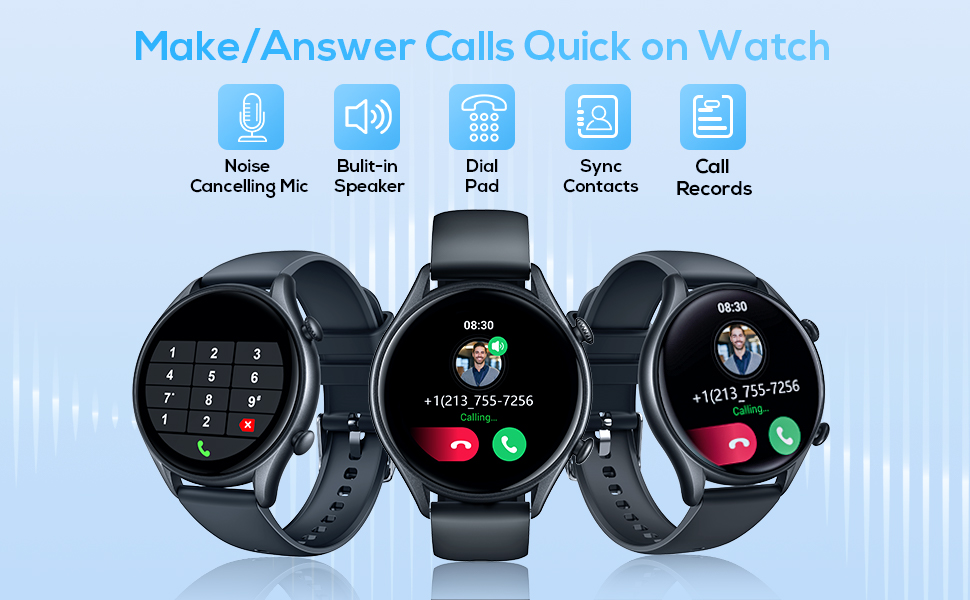
Figure 7: Overview of activity tracking and supported sport modes.
Phone Features
Stay connected and manage your phone's functions directly from your wrist.
- Bluetooth Calling: Answer or dial calls directly from the watch using its built-in high-fidelity speaker and mic. This function connects via Bluetooth and can be toggled on/off in settings.
- Message Notifications: Receive vibrations and view notifications for incoming calls, SMS, and app alerts (Facebook, WhatsApp, Twitter, etc.).
- Remote Camera Control: Use your smartwatch as a remote shutter for your phone's camera.
- Music Control: Control music playback on your smartphone (play/pause, skip tracks).
- Find Mobile Phone: Locate your paired smartphone by triggering an alert from the watch.
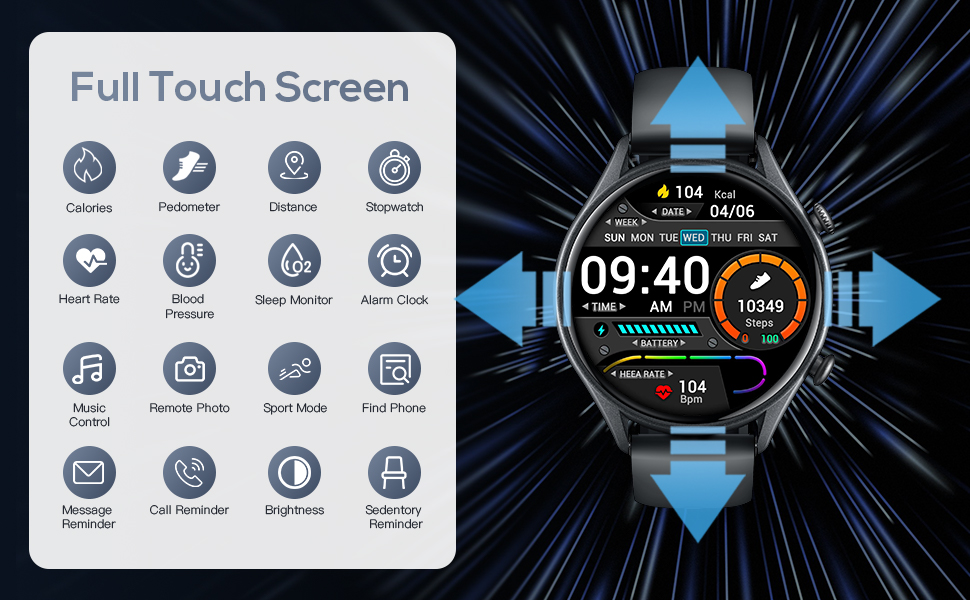
Figure 8: Bluetooth calling functionality on the smartwatch.
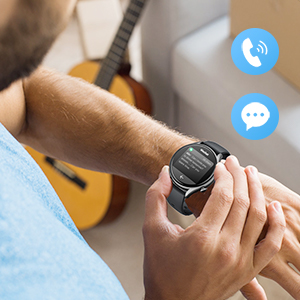
Figure 9: Call and message notification display.
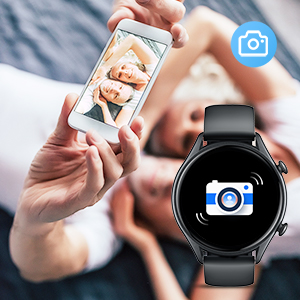
Figure 10: Remote camera control feature.
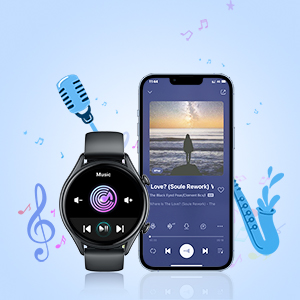
Figure 11: Music control interface on the smartwatch.
Other Functions
- Stopwatch: For timing activities.
- Timer: Set countdown timers.
- Weather Display: Get real-time weather updates directly on your watch.
- Sedentary Reminder: Alerts you to move after periods of inactivity.
- Multiple Alarms: Set various alarms for different purposes.
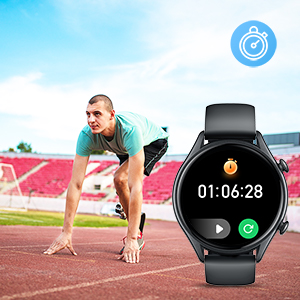
Figure 12: Stopwatch function on the smartwatch.
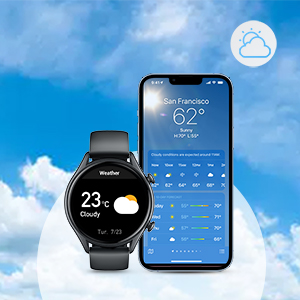
Figure 13: Weather display on the smartwatch.
Maintenance
- Cleaning: Regularly wipe the watch screen and band with a soft, dry cloth. If necessary, use a slightly damp cloth and mild soap, then dry thoroughly.
- Water Resistance: The smartwatch is IP68 waterproof, meaning it can withstand splashes, rain, showers, and swimming. However, it is not recommended for hot water activities (e.g., hot showers, saunas) or deep diving.
- Storage: Store the watch in a cool, dry place when not in use. Avoid extreme temperatures.
- Battery Care: To prolong battery life, avoid fully discharging the battery frequently. Charge it when the battery level is low.
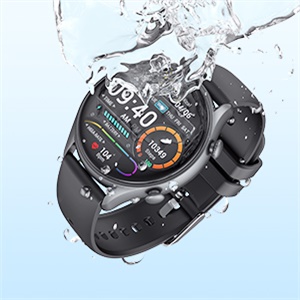
Figure 14: IP68 waterproof rating for the smartwatch.
Troubleshooting
If you encounter issues with your niizero Smartwatch, please refer to the following common solutions:
- Watch not turning on: Ensure the watch is fully charged. Connect it to the charger and wait a few minutes before attempting to power it on.
- Unable to pair with phone:
- Ensure Bluetooth is enabled on your phone.
- Make sure the watch is within the Bluetooth range of your phone.
- Restart both your phone and the smartwatch.
- Clear the Bluetooth cache on your phone (if applicable).
- Try unpairing and re-pairing the device through the app.
- Inaccurate health data:
- Ensure the watch is worn snugly on your wrist, not too loose or too tight.
- Clean the sensor on the back of the watch.
- Note that environmental factors and individual physiology can affect sensor readings.
- Notifications not appearing:
- Check app notification settings on your phone and within the smartwatch app.
- Ensure the app is running in the background and not being closed by your phone's power-saving features.
Specifications
| Feature | Detail |
|---|---|
| Model Number | C18black |
| Brand | niizero |
| Product Dimensions | 1.83 x 1.83 x 0.41 inches |
| Item Weight | 1.76 ounces (50 Grams) |
| Screen Size | 1.32 Inches TFT-LCD Color Display |
| Battery Capacity | 210 Milliamp Hours (280mAh mentioned in image, using 210mAh from specifications) |
| Connectivity Technology | Bluetooth |
| Operating System Compatibility | Android 5.0 and above, iOS 9.0 and later |
| Water Resistance | IP68 |
| Memory Storage Capacity | 1 MB |
| RAM Memory Installed Size | 64 MB |

Figure 15: Smartwatch dimensions and wrist fit range.
Official Product Video
Video 1: Niizero C18 Smart Fitness Watch overview. This video provides a visual guide to the smartwatch's features and functionalities, including health tracking, phone features, and design.
Warranty and Support
For warranty information, technical support, or service inquiries, please refer to the contact details provided on the product packaging or visit the official niizero website. Keep your purchase receipt as proof of purchase for warranty claims.
no relevant documents