
1. Introduction
Thank you for choosing the XIMEIJIE Smart Robotic Vacuum Cleaner Model 1009. This manual provides essential information for the safe operation, maintenance, and troubleshooting of your new device. Please read it thoroughly before first use and keep it for future reference.
2. Safety Information
- Always operate the vacuum cleaner on dry surfaces. Do not use it on wet floors or in areas with standing water.
- Keep the device away from water and other liquids to prevent electric shock.
- This appliance is not intended for use by persons (including children) with reduced physical, sensory or mental capabilities, or lack of experience and knowledge, unless they have been given supervision or instruction concerning use of the appliance by a person responsible for their safety.
- Supervise children to ensure they do not play with the appliance.
- Use only the original charging cable provided with the device.
- Do not attempt to repair or modify the device yourself. Contact qualified service personnel for any repairs.
- Ensure the dustbin is properly installed before operation.
- Avoid operating the vacuum near open flames or flammable materials.
3. Package Contents
Please check the package for the following items:
- XIMEIJIE Smart Robotic Vacuum Cleaner Model 1009
- USB Charging Cable
- User Manual
4. Product Overview
The XIMEIJIE Smart Robotic Vacuum Cleaner Model 1009 is designed for efficient floor cleaning. It features a round form factor, touch panel control, and a built-in rechargeable lithium battery.
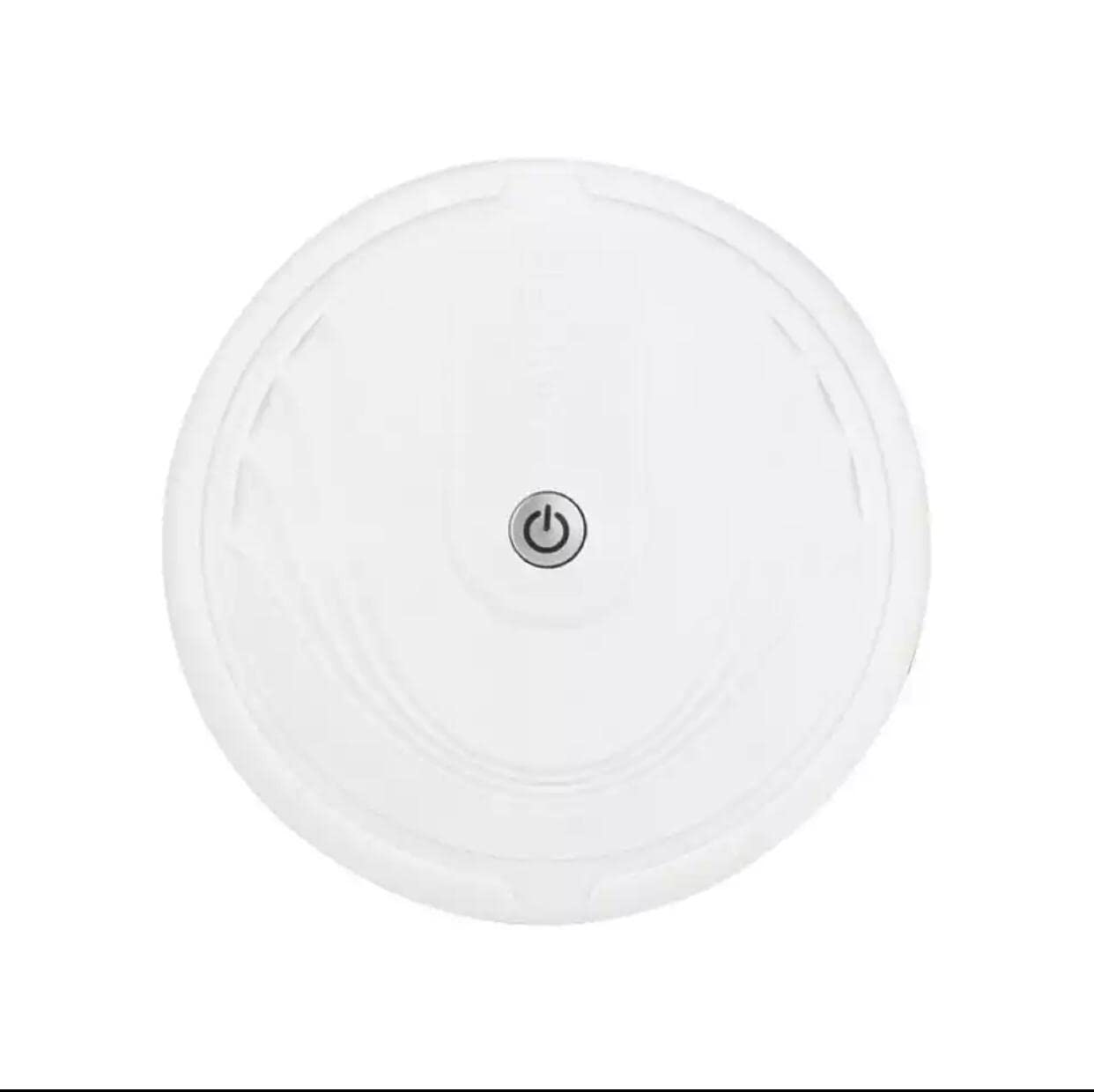
Image 1: XIMEIJIE Smart Robotic Vacuum Cleaner Model 1009. The image displays the round white robotic vacuum cleaner, a USB charging cable with a barrel jack connector, and three yellow batteries (likely auxiliary, as the main unit has a built-in rechargeable battery).
5. Setup
- Unpacking: Carefully remove all components from the packaging. Retain packaging for future storage or transport.
- Initial Charge: Before first use, fully charge the robotic vacuum cleaner. Connect the USB charging cable to the charging port on the device and plug the USB end into a compatible power adapter (not included). The indicator light will show charging status.
- Placement: Place the vacuum cleaner on a flat, unobstructed surface. Ensure there are no loose cables or small objects that could entangle the device.
6. Operating Instructions
The XIMEIJIE 1009 features simple touch panel control for operation.
- Power On/Off: Press and hold the power button (usually located on the top surface) for a few seconds to turn the device on or off.
- Start Cleaning: Once powered on, a short press on the power button will initiate the cleaning cycle. The vacuum will begin to navigate and clean the floor.
- Pause/Resume: During a cleaning cycle, a short press on the power button will pause the operation. Press it again to resume cleaning.
- Automatic Cleaning: The vacuum is designed to clean areas between 100-150 square meters automatically. It will navigate around obstacles and clean efficiently.
7. Maintenance
Regular maintenance ensures optimal performance and extends the lifespan of your robotic vacuum cleaner.
- Emptying the Dustbin: After each cleaning cycle, or when the dustbin is full, remove it from the device and empty its contents. Tap out any remaining debris.
- Cleaning the HEPA Filter: The HEPA filter should be cleaned regularly. Gently tap the filter to remove dust. For thorough cleaning, rinse the filter under running water (if washable, check product specifics) and ensure it is completely dry before reinserting.
- Cleaning Brushes: Inspect the main and side brushes for tangled hair or debris. Use a cleaning tool or scissors to cut and remove any obstructions.
- Cleaning Sensors: Wipe the sensors (usually located on the bottom and front of the device) with a clean, dry cloth to ensure proper navigation.
- Battery Care: To maintain battery health, avoid completely draining the battery frequently. Charge the device fully when not in use for extended periods.
8. Troubleshooting
If you encounter issues with your XIMEIJIE 1009, refer to the following common problems and solutions:
| Problem | Possible Cause | Solution |
|---|---|---|
| Device does not turn on. | Low battery or power button not pressed correctly. | Charge the device fully. Press and hold the power button for several seconds. |
| Vacuum does not charge. | Charging cable not connected properly or damaged. | Ensure the charging cable is securely connected to both the device and the power source. Try a different USB power adapter. |
| Poor cleaning performance. | Full dustbin, clogged filter, or tangled brushes. | Empty the dustbin. Clean or replace the HEPA filter. Remove any hair or debris from the brushes. |
| Device gets stuck frequently. | Obstacles on the floor or dirty sensors. | Clear the cleaning area of small objects and loose cables. Clean the device's sensors. |
9. Specifications
Key technical specifications for the XIMEIJIE Smart Robotic Vacuum Cleaner Model 1009:
| Feature | Detail |
|---|---|
| Brand | XIMEIJIE |
| Model Name | 1009 |
| Surface Recommendation | Tile |
| Special Feature | Smart |
| Color | White |
| Control Type | Touch Panel Control |
| Included Components | Battery (built-in) |
| Filter Type | HEPA |
| Battery Cell Composition | Lithium |
| Power Source | Battery Powered |
| Control Method | Touch |
| Form Factor | Round |
| Cleaning Area | 100-150 square meters |
10. Warranty and Support
Warranty Information: This product is eligible for a one-year warranty provided by the manufacturer/brand from the date of purchase. Please retain your proof of purchase for warranty claims.
Customer Support: For further details regarding the warranty, technical assistance, or any other inquiries, please contact the manufacturer/brand or the seller directly. Refer to your purchase documentation for contact information.