
1. Introduction
This manual provides essential information for the installation, operation, and maintenance of your Crucial 32GB DDR5 4800MHz CL40 Desktop Memory module. Designed for high-speed performance, this UDIMM 288-Pin memory is compatible with 13th Gen Intel Core and AMD Ryzen 7000 Series processors, offering enhanced multitasking capabilities and faster data processing for demanding applications.
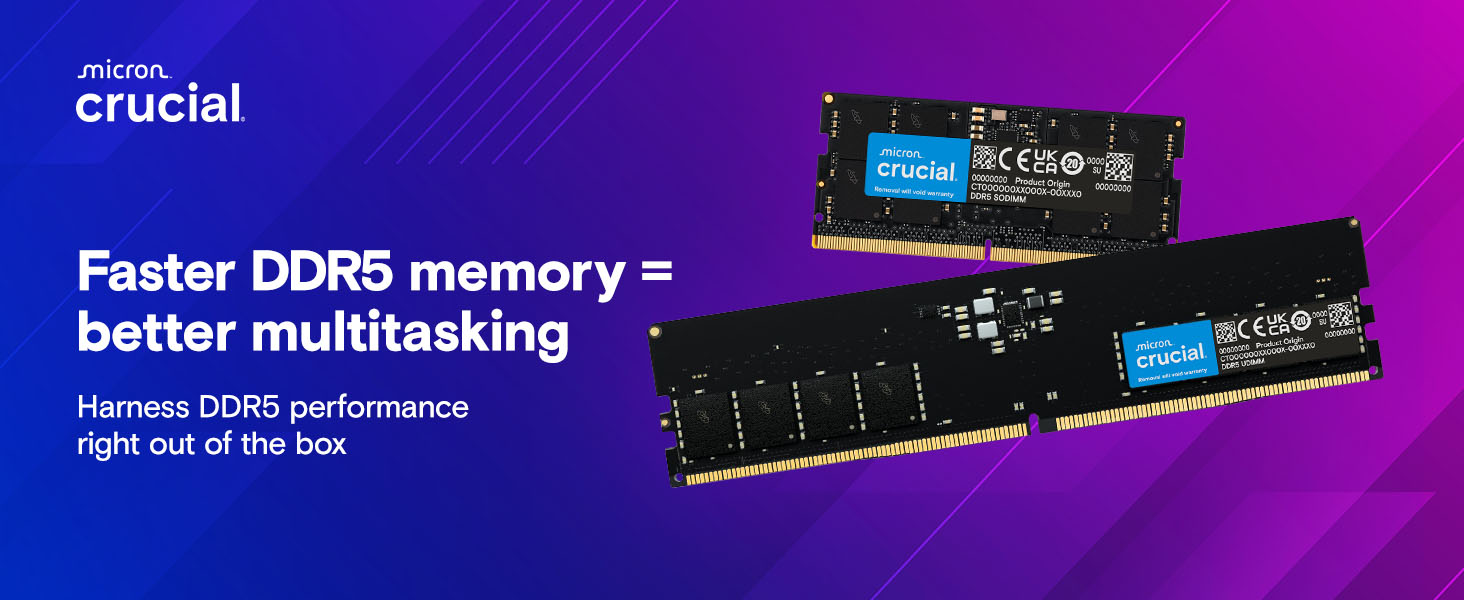
Image 1.1: Crucial DDR5 RAM module, highlighting reliable performance for modern systems.
2. Setup and Installation
Installing your Crucial DDR5 memory is a straightforward process. Always ensure your computer is powered off and unplugged before opening the case. It is recommended to wear an anti-static wrist strap to prevent electrostatic discharge (ESD) damage to components.
2.1 Preparation
- Power down your computer completely and unplug the power cord.
- Open your computer case to access the motherboard.
- Locate the DIMM slots on your motherboard. Consult your motherboard manual for specific slot configurations and recommended installation order for optimal performance (e.g., dual-channel setup).
2.2 Installation Steps
- Gently push open the clips at both ends of the DIMM slot.
- Align the notch on the DDR5 memory module with the key in the DIMM slot. DDR5 modules have a single notch, which is offset to prevent incorrect insertion.
- Insert the module firmly into the slot, applying even pressure to both ends until the clips snap into place. Ensure the module is fully seated.
- Close your computer case and reconnect the power cord.
- Power on your computer. The system should automatically detect the new memory.
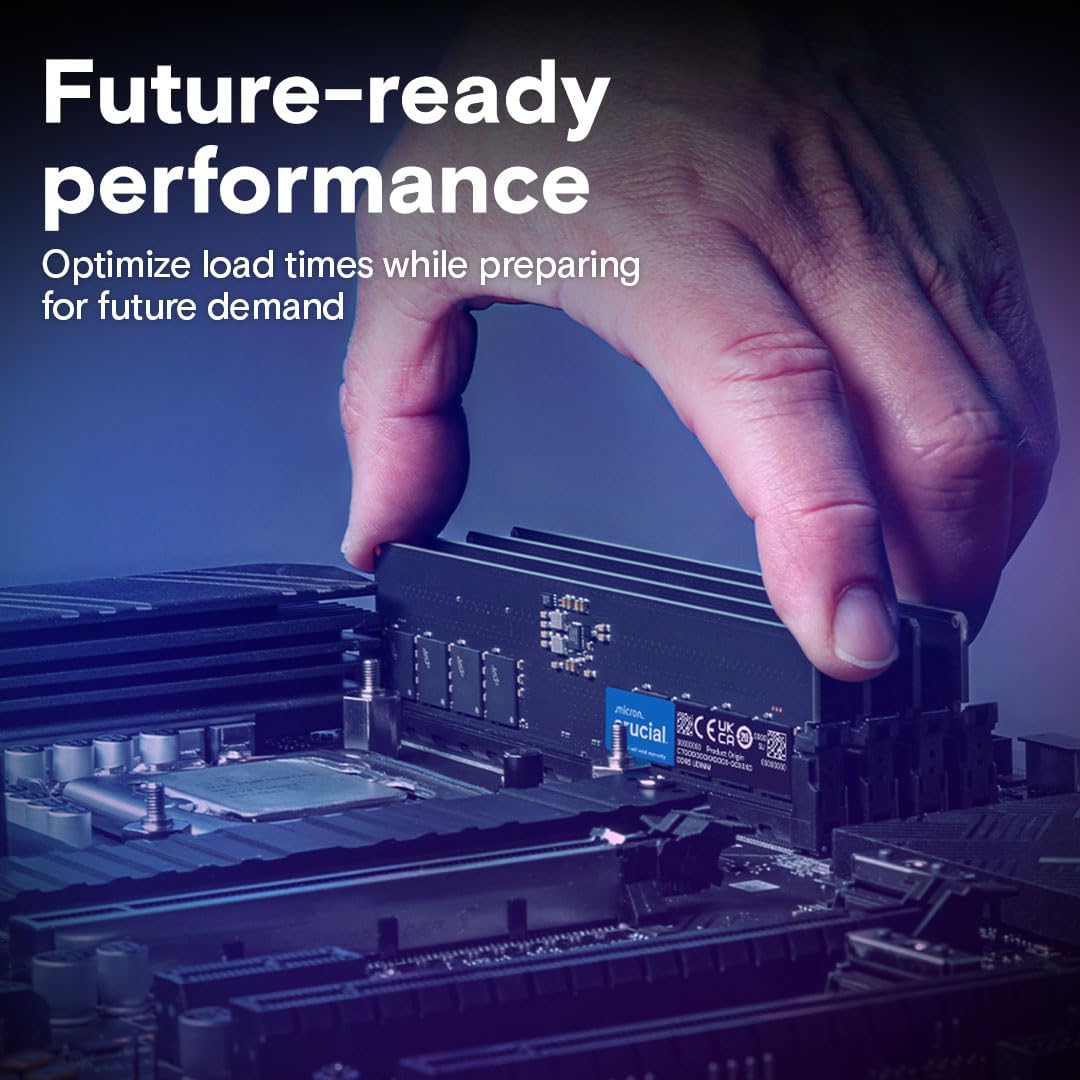
Image 2.1: Proper insertion of a DDR5 RAM module into a motherboard slot.
3. Operating the Memory Module
Once installed, your Crucial DDR5 memory operates automatically, enhancing your system's performance. DDR5 technology offers significant improvements over previous generations, providing faster speeds and greater efficiency.
3.1 Performance Benefits
- Increased Speed: Operating at 4800MHz, this DDR5 module delivers faster data transfer rates compared to DDR4, improving overall system responsiveness.
- Enhanced Multitasking: With 32GB capacity, you can run multiple applications, browser tabs, and demanding software simultaneously without experiencing slowdowns.
- Optimized for Modern CPUs: Fully compatible with 13th Gen Intel Core and AMD Ryzen 7000 Series processors, ensuring optimal performance with the latest hardware.
- Energy Efficiency: DDR5 operates at a lower voltage (1.1V) than DDR4, contributing to reduced power consumption and cooler system operation.
- XMP 3.0 and EXPO Support: Supports Intel XMP 3.0 and AMD EXPO for easy performance optimization and stability.
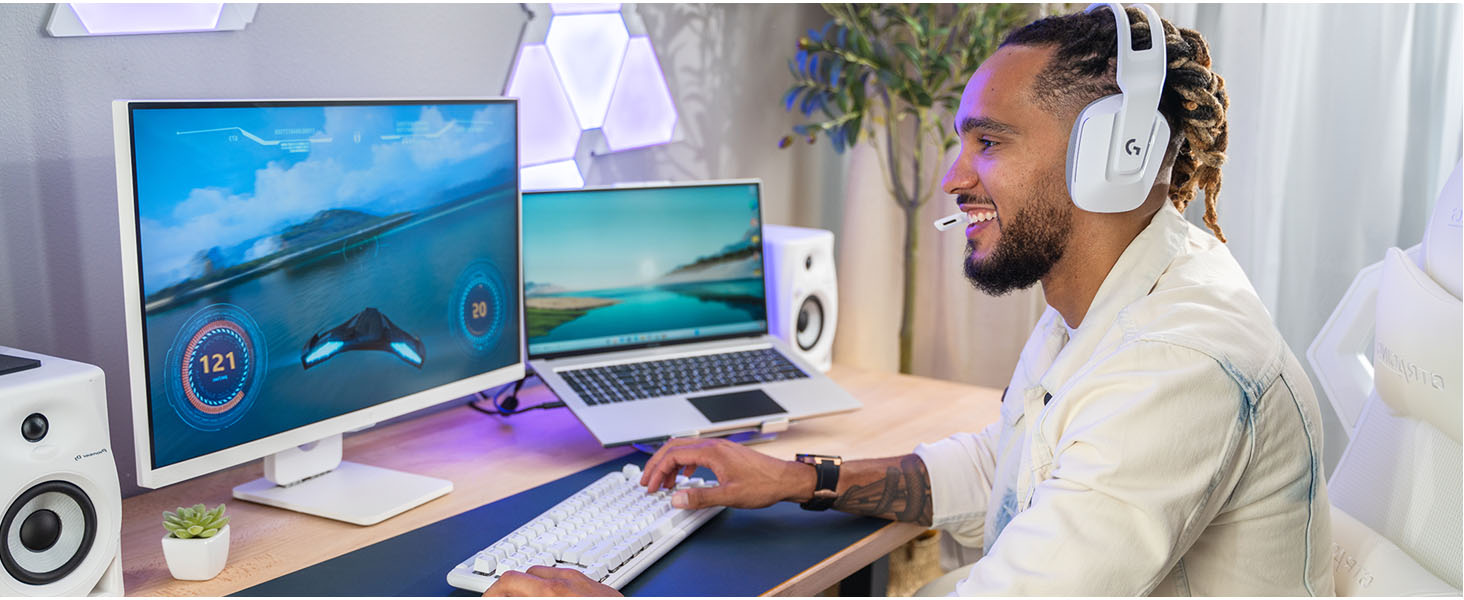
Image 3.1: Visual representation of DDR5 memory boosting multitasking and speed.
3.2 Key DDR5 Features
- Increased Bandwidth: DDR5 offers nearly double the bandwidth of DDR4, facilitating faster data access.
- Dual 32-bit Channels: Each DDR5 module features two independent 32-bit channels, improving efficiency.
- On-Die ECC: Integrated Error-Correcting Code (ECC) on the memory die enhances data integrity and system stability.
- PMIC (Power Management Integrated Circuit): On-module PMIC improves power efficiency and stability.
Video 3.2: Official Crucial video demonstrating the features and benefits of DDR5 UDIMM DRAM, including increased data rates, bandwidth, dual channels, PMIC, and On-Die ECC.
4. Maintenance
Crucial DDR5 memory modules are designed for long-term reliability and generally require minimal maintenance. However, following these general guidelines can help ensure optimal performance and longevity of your system:
- Keep System Clean: Regularly clean the interior of your computer case to prevent dust buildup, which can impede airflow and lead to overheating.
- Ensure Proper Airflow: Make sure your computer case has adequate ventilation and that fans are functioning correctly to maintain optimal operating temperatures for all components, including RAM.
- Avoid Physical Damage: Handle memory modules carefully. Avoid touching the gold contacts or applying excessive force during installation or removal.
- Software Updates: Keep your operating system and motherboard BIOS/UEFI updated. These updates often include stability improvements and better hardware compatibility.
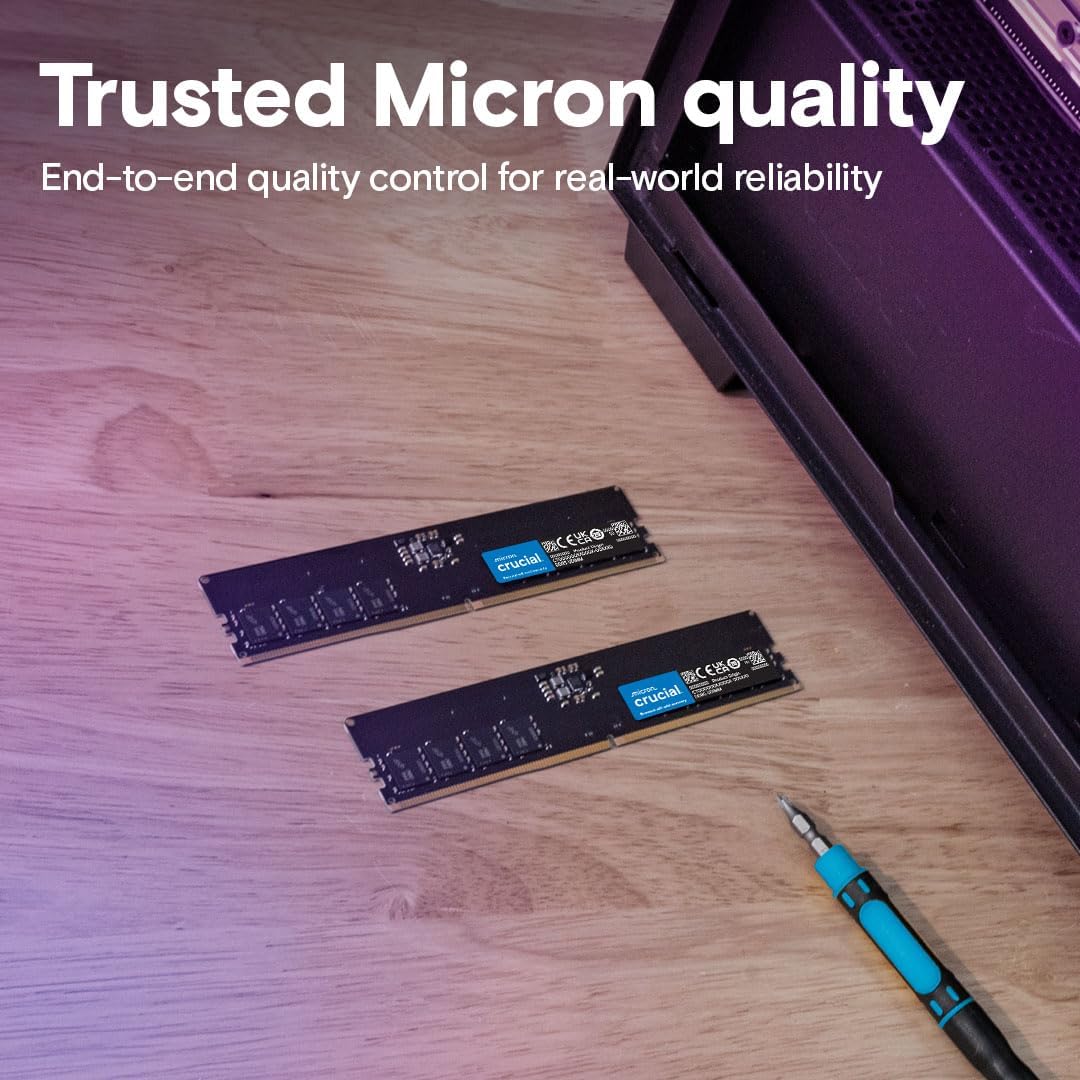
Image 4.1: Crucial DDR5 modules, emphasizing the importance of quality and careful handling.
5. Troubleshooting
If you encounter issues after installing your Crucial DDR5 memory, consider the following troubleshooting steps:
5.1 Common Issues and Solutions
- System Does Not Boot / No Display:
- Ensure the memory modules are fully seated in their slots. Re-seat them if necessary.
- Verify that the modules are installed in the correct slots according to your motherboard manual.
- If installing multiple modules, try booting with only one module at a time to identify a potentially faulty stick.
- Incorrect Memory Capacity Detected:
- Check your motherboard's BIOS/UEFI settings to ensure the memory is recognized correctly.
- Update your motherboard's BIOS/UEFI to the latest version, as this can improve memory compatibility.
- System Instability / Blue Screens (BSOD):
- Run a memory diagnostic tool (e.g., Windows Memory Diagnostic, MemTest86) to check for errors.
- Ensure your system's power supply unit (PSU) is sufficient for all components, especially if you've added other hardware.
- Check for overheating. Monitor system temperatures using software utilities.
6. Specifications
Detailed technical specifications for the Crucial 32GB DDR5 4800MHz Desktop Memory (CT32G48C40U5):
| Feature | Specification |
|---|---|
| Brand | Crucial |
| Model Number | CT32G48C40U5 |
| Memory Type | DDR5 SDRAM |
| Capacity | 32 GB |
| Memory Speed | 4800 MHz (PC5-38400) |
| CAS Latency | CL40 |
| Form Factor | UDIMM (288-Pin) |
| Voltage | 1.1V |
| ECC Type | Non-ECC (On-Die ECC for stability) |
| Compatibility | 13th Gen Intel Core and AMD Ryzen 7000 Series CPUs |
| Dimensions (LxWxH) | 5.25 x 0.16 x 1.23 inches |
| Item Weight | 0.635 ounces |
7. Warranty and Support
Crucial products are backed by a commitment to quality and reliability.
7.1 Warranty Information
This Crucial memory module comes with a limited lifetime warranty, ensuring peace of mind for the lifespan of your product. For specific terms and conditions, please refer to the official Crucial website or the warranty documentation included with your purchase.
7.2 Technical Support
For technical assistance, troubleshooting, or product inquiries, please visit the official Crucial support website. You can find FAQs, drivers, and contact information for customer service representatives.