
Introduction
This manual provides comprehensive instructions for the RYGHT Jam+ Wireless Earbuds with Induction Charger (Model R480316). Please read this guide carefully before using your device to ensure proper operation and to maximize its lifespan. Keep this manual for future reference.
Package Contents
- RYGHT Jam+ Wireless Earbuds (Left and Right)
- Charging Case
- Induction Charging Pad
- USB Charging Cable
- User Manual
Product Overview
Familiarize yourself with the components of your RYGHT Jam+ earbuds and charging system.
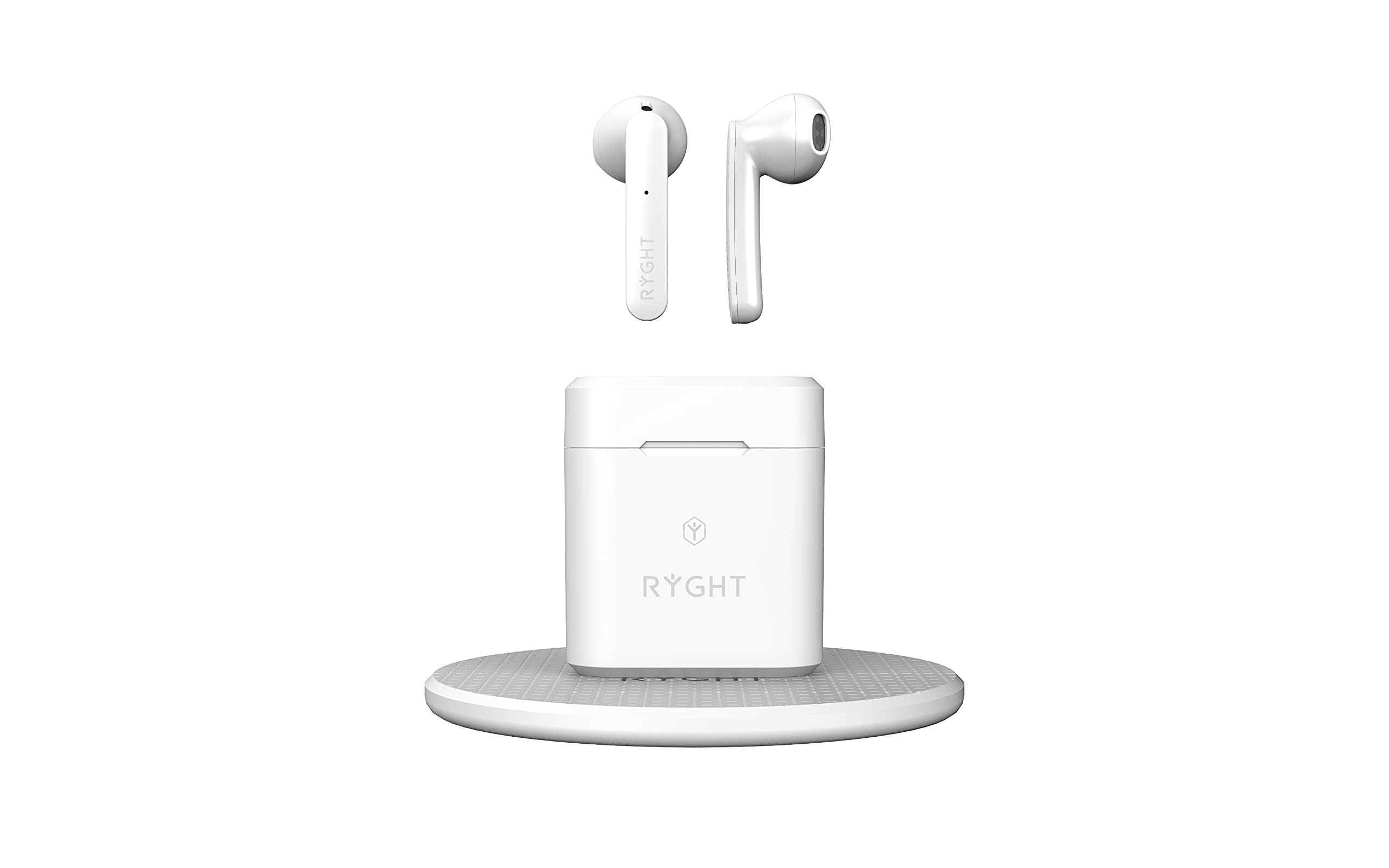
Image: RYGHT Jam+ Wireless Earbuds, charging case, and induction charging pad connected via USB cable. This image shows the complete charging setup.

Image: Close-up view of the RYGHT Jam+ wireless earbuds, highlighting their in-ear design and sleek white finish.

Image: The RYGHT Jam+ wireless earbuds securely placed inside their open charging case, ready for charging or storage.
Setup
1. Charging the Earbuds and Case
Before first use, fully charge the earbuds and the charging case.
- Via USB Cable: Connect the provided USB charging cable to the charging case's USB port and to a compatible USB power source (e.g., computer, wall adapter).
- Via Induction Charger: Place the charging case directly onto the induction charging pad. Ensure the pad is connected to a power source. The charging indicator on the case will illuminate to confirm charging.
- Place the earbuds into the charging case. They will begin charging automatically.

Image: The RYGHT Jam+ charging case placed on the induction charger, with a clear view of the USB-C charging port on the case. This illustrates how to connect the USB cable for charging.
2. Bluetooth Pairing
- Ensure the earbuds are charged.
- Open the charging case. The earbuds will automatically enter pairing mode, indicated by a flashing LED light on the earbuds.
- On your device (smartphone, tablet, computer), enable Bluetooth.
- Search for available Bluetooth devices and select "RYGHT Jam+" from the list.
- Once connected, the LED indicator on the earbuds will stop flashing. You are now ready to use your earbuds.
Operating Instructions
Power On/Off
- Power On: Open the charging case, or take the earbuds out of the case. They will power on automatically.
- Power Off: Place the earbuds back into the charging case and close the lid. They will power off automatically.
Music Control
- Play/Pause: Tap either earbud once.
- Next Track: Double-tap the right earbud.
- Previous Track: Double-tap the left earbud.
Call Control
- Answer/End Call: Tap either earbud once.
- Reject Call: Press and hold either earbud for 2 seconds.
Maintenance
- Cleaning: Use a soft, dry cloth to clean the earbuds and charging case. Do not use abrasive cleaners or immerse in water.
- Storage: When not in use, store the earbuds in their charging case to protect them and keep them charged.
- Battery Care: To preserve battery life, charge the device regularly, even if not used for extended periods.
Troubleshooting
| Problem | Solution |
|---|---|
| Earbuds not pairing |
|
| No sound |
|
| Charging issues |
|
Specifications
| Model Number | R480316 |
| Brand | RYGHT |
| Connectivity Technology | Wireless (Bluetooth) |
| Wireless Communication Technology | Bluetooth |
| Headphone Form Factor | In-Ear |
| Connector Type | USB (for charging case) |
| Material | Plastic |
| Color | White |
| Product Weight | 29 Grams |
| Water Resistance Level | Not Water Resistant |
| Power Source | Electric Cable |
Safety Information
- Do not disassemble, repair, or modify the product.
- Keep away from extreme temperatures, humidity, and liquids.
- Avoid prolonged exposure to high volume levels to prevent hearing damage.
- Dispose of the product responsibly according to local regulations.

