Introduction
This manual provides detailed instructions for the safe and efficient use of your X-DRAGON 24000 mAh Solar Power Bank. Please read this manual thoroughly before operating the device and retain it for future reference.
Product Features
- High Capacity Battery: Integrated 24000 mAh lithium-polymer battery for extended power.
- Solar Charging Capability: Equipped with a compact solar panel for emergency charging under direct sunlight.
- Dual Input Options: Micro USB and Type-C input ports allow for flexible and faster recharging of the power bank.
- Dual USB Outputs: Two 2.4A USB outputs with an intelligent IC chip enable simultaneous charging of two devices.
- Integrated Compass: A built-in compass assists with outdoor navigation.
- Dual LED Flashlight: Features bright LED lights with an SOS strobe mode for illumination and emergency signaling.
- Durable Construction: Manufactured from robust ABS, PC, and silicone materials, providing protection against rain, dirt, shocks, and drops.
- Safety Protections: Includes built-in short-circuit protection and advanced safety precautions to protect both the device and your connected electronics.
Package Contents
- X-DRAGON 24000 mAh Solar Power Bank
- USB Charging Cable
- User Manual
Setup
Initial Charge
Before first use, fully charge the power bank using a wall adapter. Connect the provided USB cable to either the Micro USB or Type-C input port on the power bank and the other end to a compatible USB power source (e.g., wall charger, computer USB port). The LED indicators will illuminate to show the charging progress.

Image: The power bank connected via USB cables to a tablet and a smartphone, demonstrating its charging capability. The power bank features a solar panel and LED indicators.
Operating Instructions
Charging the Power Bank
- Via Wall Charger: For the fastest charging, use a 5V/2A wall adapter and connect it to either the Micro USB or Type-C input port on the power bank.
- Via Solar Panel: Place the power bank in direct sunlight. The solar panel will convert sunlight into electrical energy to charge the internal battery. Please note that solar charging is significantly slower than wall charging and is primarily intended for emergency use or maintaining charge, not as a primary charging method.

Image: A detailed view of the X-DRAGON Solar Power Bank, highlighting its monocrystalline solar panel, LED battery indicators, dual 5V/2.4A USB outputs, power control switch, dual input (Micro USB and Type-C), and integrated compass. The image also shows the dual LED flashlight at the bottom.
Charging External Devices
- Connect your device's USB charging cable to one of the power bank's USB output ports.
- The power bank will automatically begin charging your device.
- The LED indicators will show the remaining battery level of the power bank.
Using the LED Flashlight
- Press and hold the power button for approximately 3 seconds to turn on the LED flashlight.
- Press the power button once to cycle through modes: steady light, SOS strobe, and off.
- Press and hold the power button again to turn off the flashlight.

Image: The X-DRAGON Solar Power Bank's dual LED flashlight in use, casting a bright beam up to 170 feet, demonstrating its utility in dark outdoor environments. The LED button is also indicated.
Using the Compass
The integrated compass is located on the back of the power bank. For accurate readings, hold the power bank flat and away from any potential magnetic interference.
Maintenance
- Keep the power bank dry and clean.
- Avoid exposing the device to extreme temperatures.
- Do not attempt to disassemble the device.
- Regularly charge the power bank (at least once every three months) to maintain optimal battery health, even when not in active use.
- Ensure the waterproof covers for all ports are securely closed when not in use, especially in wet or dusty environments, to maintain its IP66 rating.
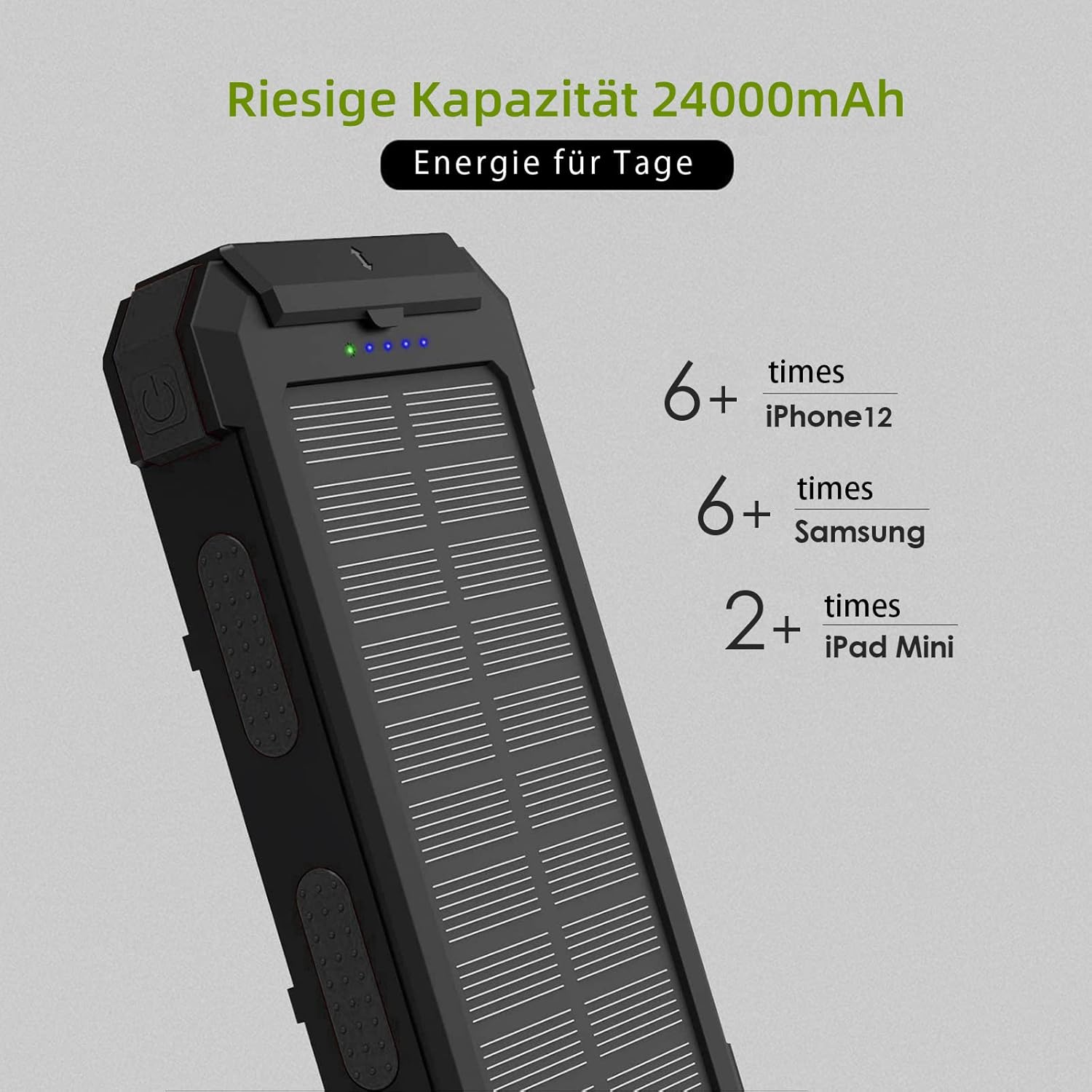
Image: A composite image illustrating the robust design of the X-DRAGON Solar Power Bank. It shows the device being resistant to impacts (shockproof), water splashes (IP66 waterproof), and dust, highlighting its suitability for outdoor use.
Troubleshooting
- Device not charging from power bank: Ensure the power bank has sufficient charge. Check all cable connections. Try using a different charging cable or a different USB output port on the power bank.
- Power bank not charging: Ensure the charging cable and wall adapter are functional. Check the Micro USB/Type-C input port for any debris. If using solar charging, ensure the power bank is in direct sunlight for an extended period, as this method is slow.
- Flashlight not working: Ensure the power bank has sufficient charge. Press and hold the power button for 3 seconds to activate the flashlight.
Specifications
| Feature | Detail |
|---|---|
| Model Number | XD-SC-012-BORA-BLACK |
| Battery Capacity | 24000 mAh |
| Battery Composition | Lithium-Polymer |
| Input (Micro USB/Type-C) | 5V/2A |
| Output (USB) | 5V/2.4A (Dual Output) |
| Special Features | Waterproof (IP66), Shockproof, Dustproof, Solar Charging, LED Flashlight, Compass |
| Dimensions (L x W x H) | 1955.9 x 1019.86 x 277.37 cm (Note: This dimension appears to be a data entry error and is unusually large for a power bank.) |
| Weight | 570 g |
| Color | Black |
Safety Information
- Do not expose the power bank to fire or extreme heat (above 60°C/140°F).
- Do not use or store the power bank in high-temperature environments, such as direct sunlight inside a car.
- Keep out of reach of children.
- Do not drop, puncture, or attempt to disassemble the power bank.
- If the power bank swells, leaks, or emits an unusual odor, discontinue use immediately and contact customer support.
- Dispose of the power bank according to local regulations for electronic waste and battery recycling.
Warranty and Support
X-DRAGON provides an 18-month warranty for this product from the date of purchase. This warranty covers manufacturing defects under normal use. For warranty claims or technical support, please contact X-DRAGON customer service through your retailer or the official X-DRAGON website. Please retain your proof of purchase for warranty validation.