
1. Product Overview
The Amazfit GTS 3 Smart Watch is a powerful and user-friendly wearable device designed to integrate cutting-edge health and fitness features with a sleek, lightweight design. It boasts a vibrant 1.75-inch Ultra HD AMOLED display, offering exceptional clarity and a high screen-to-body ratio for an immersive visual experience. The watch is equipped with advanced biometric sensors for comprehensive health monitoring and supports a wide array of sports modes, making it an ideal companion for an active lifestyle.
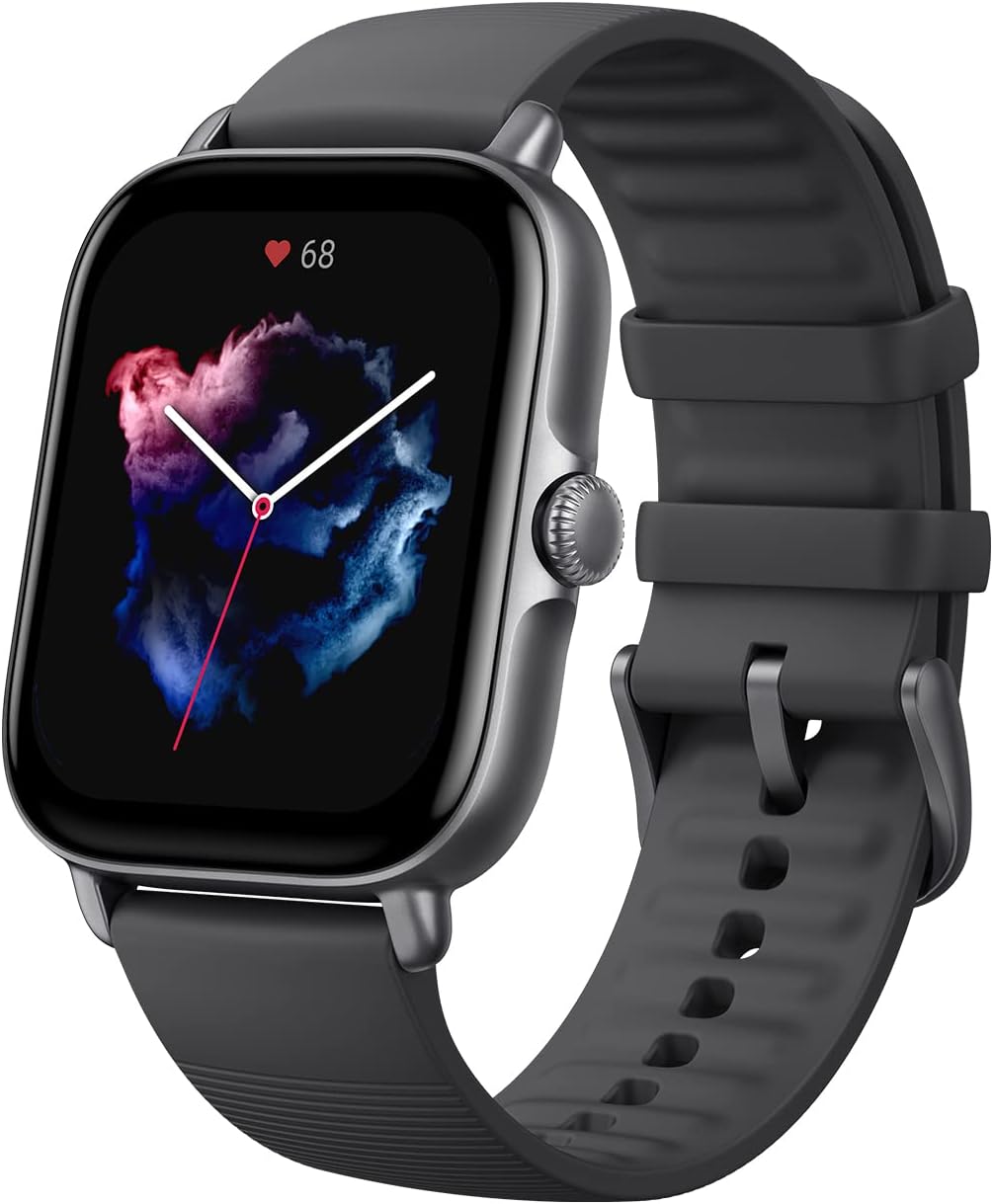
Figure 1: Amazfit GTS 3 Smart Watch in Graphite Black, showcasing its sleek design and vibrant display.
2. What's in the Box
Upon unboxing your Amazfit GTS 3 Smart Watch, you will find the following items:
- Amazfit GTS 3 Smart Watch (Graphite Black)
- Charging Base
- Instruction Manual (this document)
3. Setup
3.1 Initial Charging
Before first use, fully charge your Amazfit GTS 3. Connect the charging base to a USB power adapter (not included) and place the watch onto the magnetic charging pins. The watch screen will indicate charging status. A full charge typically provides up to 12 days of typical usage or 20 days in battery saver mode.
3.2 App Installation and Pairing
The Amazfit GTS 3 operates on the intuitive Zepp OS and requires the Zepp app for full functionality. The watch is compatible with Android 7.0 and above, and iOS 12.0 and above devices.
- Download the Zepp app from your device's app store (Google Play Store for Android, Apple App Store for iOS).
- Open the Zepp app and create an account or log in.
- On the watch, power it on. A QR code will appear.
- In the Zepp app, tap the '+' icon to add a device, then select 'Watch' and scan the QR code displayed on your watch.
- Follow the on-screen prompts in the app to complete the pairing process. Ensure Bluetooth is enabled on your phone.
3.3 Watch Face Customization
Personalize your watch by choosing from over 100 stylish watch faces available through the Zepp app, or upload your own photo as a background image.

Figure 2: The Amazfit GTS 3 is available in multiple colors, offering a sleek and stylish design.
4. Operating the Smart Watch
4.1 Basic Navigation
The Amazfit GTS 3 features a responsive touchscreen and an elegant rotatable crown for intuitive navigation.
- Touchscreen: Swipe left/right, up/down to navigate menus and notifications. Tap to select.
- Rotatable Crown: Rotate to scroll through lists and content. Press to return to the watch face or confirm selections.
4.2 Smart Features
The GTS 3 comes with Alexa Built-In and an offline voice assistant, allowing for hands-free control and quick access to information.
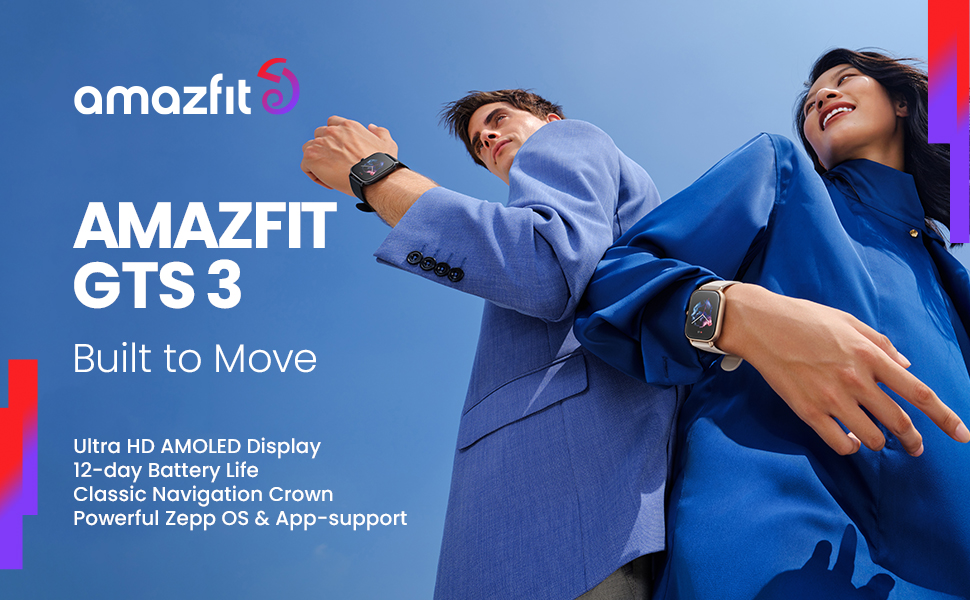
Figure 3: The Amazfit GTS 3 supports Alexa Built-In and an offline voice assistant for convenient control.
Alexa Built-In: Set alarms, ask questions, get translations, and more by speaking to your watch when connected to the internet.
Offline Voice Assistant: Perform operations like engaging a sports mode or opening a health metric feature via voice command even without internet access.
4.3 GPS and Navigation
The GTS 3 includes a built-in barometric altimeter and supports multiple satellite navigation systems (GPS, GLONASS, Galileo, BDS, QZSS) for accurate route tracking during outdoor activities.

Figure 4: The watch supports multiple global navigation satellite systems for precise outdoor tracking.
5. Health Monitoring Features
The Amazfit GTS 3 is equipped with the advanced 6PD (six photodiodes) BioTracker™ PPG 3.0 biometric sensor for comprehensive health data.
5.1 Four Health Metrics in One Tap
Quickly get an overview of your health stats with a single tap. The watch can test your heart rate, blood-oxygen saturation (SpO2), stress level, and breathing rate in as little as 45 seconds.

Figure 5: One-tap measurement provides quick access to four key health metrics.
5.2 Sleep and Female Cycle Tracking
The watch offers in-depth monitoring of sleep and sleep breathing quality, providing insights into your rest patterns. It also includes female cycle tracking features.

Figure 6: The watch supports female cycle tracking for comprehensive health management.
6. Fitness Tracking Features
The Amazfit GTS 3 is designed as a comprehensive fitness partner, supporting a wide range of activities.
6.1 150+ Sports Modes and Smart Recognition
Choose from over 150 built-in sports modes to track your activity. The watch can also smartly recognize 8 sports, automatically starting tracking when you begin your workout.

Figure 7: The Amazfit GTS 3 offers over 150 sports modes for diverse fitness tracking.
6.2 Advanced Fitness Data
Beyond basic tracking, the GTS 3 assesses specialized data such as maximum oxygen uptake (VO2 Max), full recovery time, training load, and training effect to help you optimize your workouts.
6.3 Water Resistance
With a water-resistance grade of 5 ATM, the Amazfit GTS 3 is suitable for swimming and other water-related activities.

Figure 8: The watch is water-resistant up to 5 ATM, making it suitable for swimming.
7. Maintenance
7.1 Cleaning Your Watch
Regularly clean your watch and strap to prevent skin irritation and maintain device longevity. Use a soft, lint-free cloth to wipe the screen and watch body. For the silicone strap, you can use mild soap and water, ensuring it is thoroughly dried before wearing.
7.2 Battery Care
To maximize battery life, avoid extreme temperatures and do not leave the watch fully discharged for extended periods. Charge the watch using the provided charging base.
8. Troubleshooting
If you encounter issues with your Amazfit GTS 3, try the following basic troubleshooting steps:
- Watch Not Turning On: Ensure the watch is fully charged. Connect it to the charging base and a power source.
- Pairing Issues: Ensure Bluetooth is enabled on your phone and the watch is within range. Try restarting both your phone and the watch. If issues persist, unpair the device from your phone's Bluetooth settings and re-attempt pairing through the Zepp app.
- Data Sync Issues: Ensure your phone has an active internet connection and the Zepp app is running in the background.
- Inaccurate Readings: Ensure the watch is worn snugly on your wrist, not too tight or too loose. Clean the sensor area on the back of the watch.
For more detailed troubleshooting and support, please refer to the official user manual PDF or contact Amazfit customer support.
9. Specifications
| Feature | Specification |
|---|---|
| Product Dimensions | 1.67 x 1.42 x 0.42 inches |
| Item Weight | 1.38 ounces |
| Item Model Number | A2035-Black |
| Operating System | Zepp OS |
| Display Technology | AMOLED |
| Screen Size | 1.75 Inches |
| Resolution | 390 x 450 pixels |
| Connectivity Technology | Bluetooth |
| GPS | GPS Enabled (GPS, GLONASS, Galileo, BDS, QZSS) |
| Water Resistance | 5 ATM |
| Battery Life (Typical Usage) | Up to 12 days |
| Battery Life (Battery Saver Mode) | Up to 20 days |
| Battery Cell Composition | Lithium Polymer |
| Manufacturer | Amazfit |
| Date First Available | October 20, 2021 |
10. Official Product Video
Video 1: Official product video showcasing the Amazfit GTS 3 Smart Watch features and design.
11. Warranty & Support
For detailed warranty information and customer support, please refer to the official Amazfit website or the Zepp app.
You can also download the complete user manual in PDF format for more in-depth information: