
Introduction
This manual provides essential information for the proper setup, operation, and maintenance of your ALECK 006 Universal Wireless Bluetooth Helmet Speakers. Please read these instructions carefully before using your device to ensure optimal performance and safety.
Package Contents
Verify that all items are present in your ALECK 006 package:
- ALECK 006 Wireless Bluetooth Helmet Speakers (2 units)
- Micro USB Charging Cable
- User Manual (this document)
- Sticker
- Storage Bag

Safety Information
Always prioritize safety when using the ALECK 006 speakers. Be aware of your surroundings, especially when participating in activities that require full attention. Using audio devices at high volumes can impair your ability to hear important sounds, potentially leading to accidents. Adhere to local regulations regarding the use of headphones during sports activities.
Setup
1. Charging the Speakers
Before first use, fully charge your Aleck 006 speakers. Connect the included Micro USB charging cable to the charging port on the speakers and to a USB power source. A full charge takes approximately 2.5 hours and provides up to 10 hours of continuous playtime.

2. Installation into Helmet
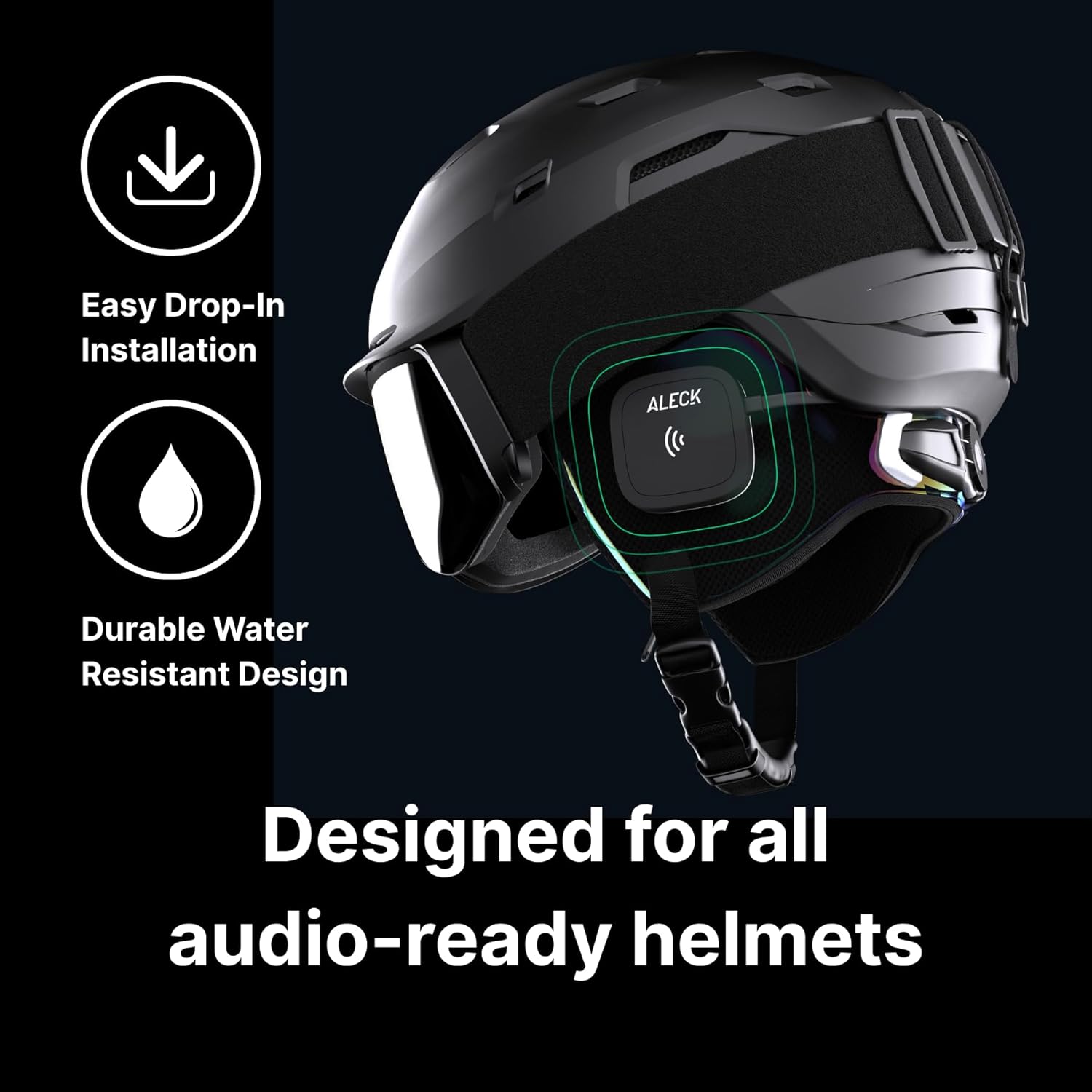
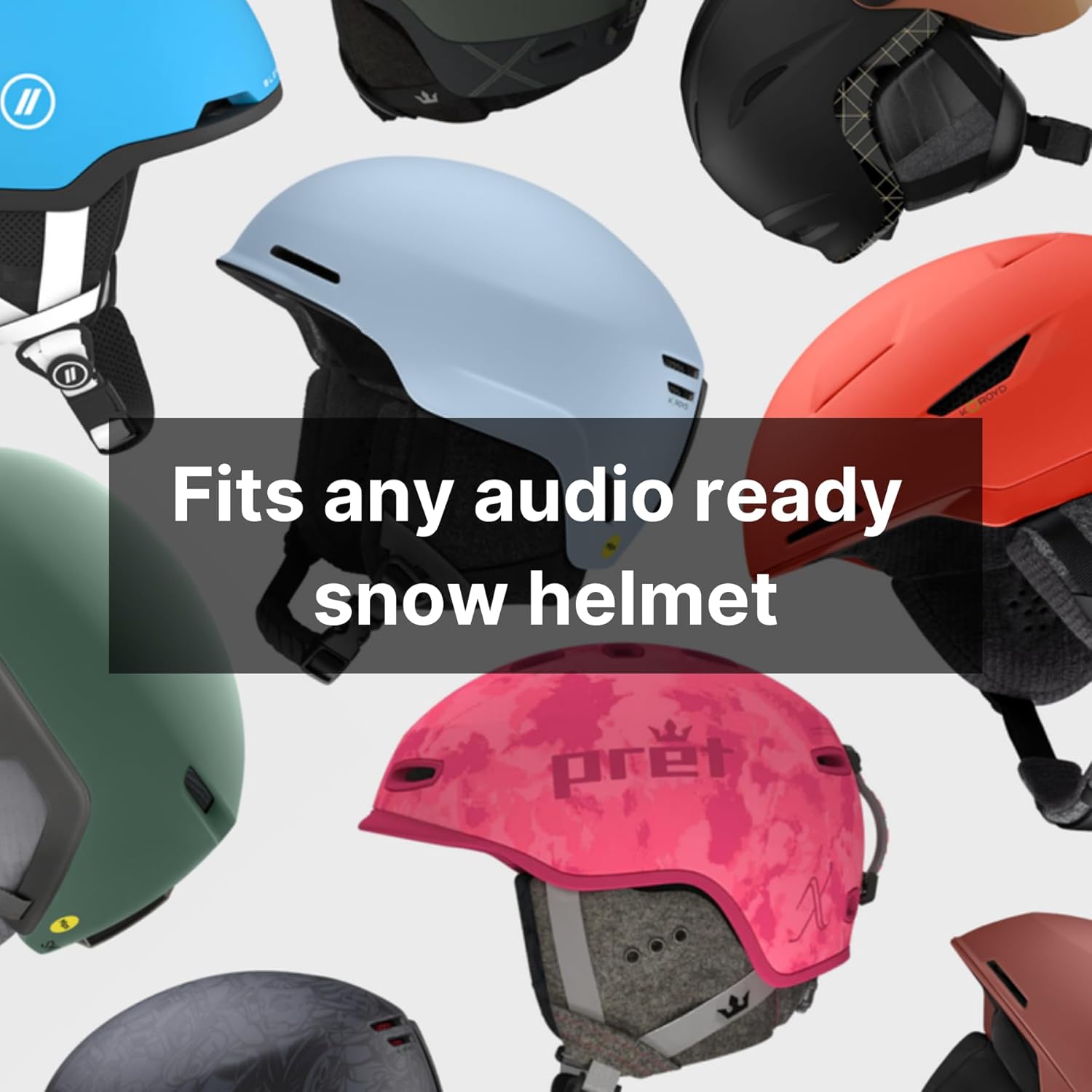
The Aleck 006 speakers are designed for easy drop-in installation into most audio-ready ski and snowboard helmets. Locate the audio pockets within your helmet's ear pads. Gently insert each speaker into its respective pocket, ensuring the control buttons face outwards for easy access. The slim and lightweight design ensures a comfortable and secure fit.
3. Bluetooth Pairing
To pair your Aleck 006 speakers with your Bluetooth-enabled device:
- Ensure the speakers are charged and powered off.
- Press and hold the power button on one of the speakers until the LED indicator flashes, indicating pairing mode.
- On your device, navigate to Bluetooth settings and select 'ALECK 006' from the list of available devices.
- Once connected, the LED indicator will change to a solid light. Your speakers are now ready for use.
Operation
1. Power On/Off
To power on, press and hold either control button until you hear an audible cue. To power off, repeat the process.
2. Controls
The Aleck 006 features two oversized buttons, one on each speaker, designed for glove-friendly operation:
- Right Button:
- Single press: Play/Pause music, Answer/End calls.
- Double press: Activate Siri or Google Voice Assistant.
- Hold: Power On/Off.
- Left Button:
- Single press: Volume Up.
- Double press: Volume Down.
- Triple press: Next Track.
- Quadruple press: Previous Track.

3. Music Playback and Call Management
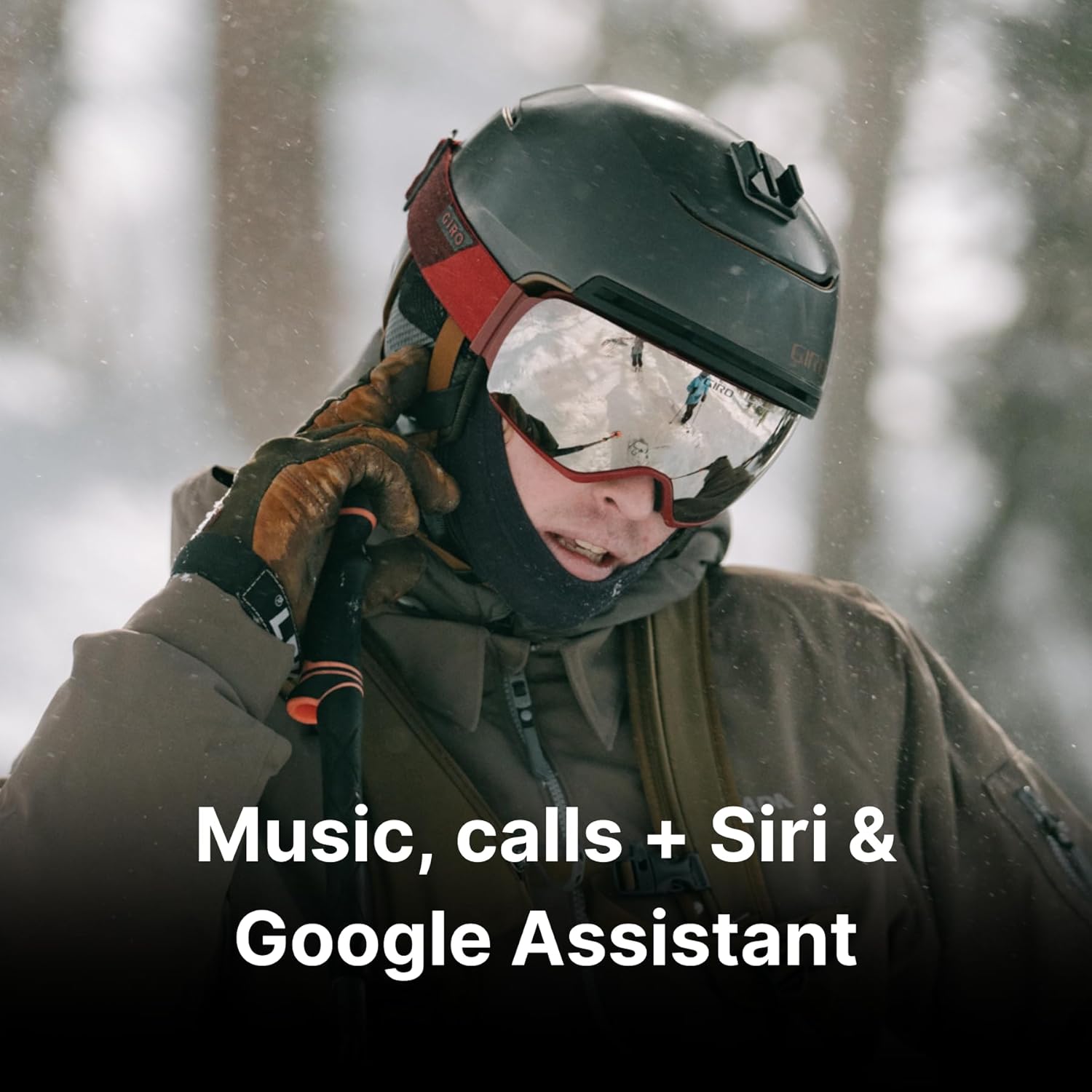
Once paired, you can stream audio from your device and manage calls directly through the speakers. The built-in microphone allows for hands-free communication.
4. Mobile Application
For enhanced features and customization, download the Aleck GO! mobile application from your device's app store. Refer to the app's instructions for specific functionalities.
Maintenance
1. Weather Resistance
The Aleck 006 speakers are IPX4 weather resistant, designed to withstand water splashes, sweat, and cold temperatures (down to 24°F/-4°C). This ensures reliable performance in various outdoor conditions.

2. Cleaning
To clean your speakers, gently wipe them with a soft, damp cloth. Do not use abrasive cleaners or submerge the speakers in water.
3. Storage
When not in use, store the speakers in a cool, dry place, away from direct sunlight and extreme temperatures. Ensure they are fully charged before long-term storage.
Troubleshooting
- No Power: Ensure the speakers are fully charged. Connect them to a power source using the USB cable and allow sufficient charging time.
- No Sound/Poor Sound Quality: Verify that the speakers are properly paired with your device and that the volume is adjusted on both the speakers and your device. Check for any obstructions in the helmet's ear pockets that might be affecting sound output. Ensure the speakers are correctly positioned over your ears.
- Bluetooth Connection Issues: If the speakers fail to connect, try turning off and on your device's Bluetooth, then re-attempt pairing. Ensure the speakers are within the Bluetooth range (up to 100 meters) of your device. Disconnect from other Bluetooth devices that might be interfering.
- Microphone Not Working: Confirm that the microphone is not obstructed within the helmet. Ensure your device's privacy settings allow the Aleck GO! app or your phone's system to access the microphone.
- Short Battery Life: Battery life can be affected by extreme cold. Ensure the speakers are fully charged before use. If battery life significantly degrades over time, contact customer support.
Specifications
| Feature | Detail |
|---|---|
| Model Name | 006 |
| Connectivity Technology | Wireless |
| Wireless Communication Technology | Bluetooth 5 |
| Audio Driver Size | 40 Millimeters |
| Battery Life | 10 Hours |
| Charging Time | 2.5 Hours (full charge) |
| Water Resistance Level | IPX4 (Water Resistant) |
| Item Weight | 2.2 Ounces |
| Control Type | Communication, Voice Assistant, Call, Volume, Music Control |
| Control Method | Push Button, App Control |
| Compatible Devices | Bluetooth-enabled devices |
| Recommended Uses | For Snowsports (ski & snowboard) |
| Operating Temperature | Down to 24°F (-4°C) |
Official Product Video
Warranty and Support
For warranty information, technical support, or service inquiries, please contact ALECK customer support through their official website or the contact details provided in your product packaging. Keep your proof of purchase for warranty claims.