
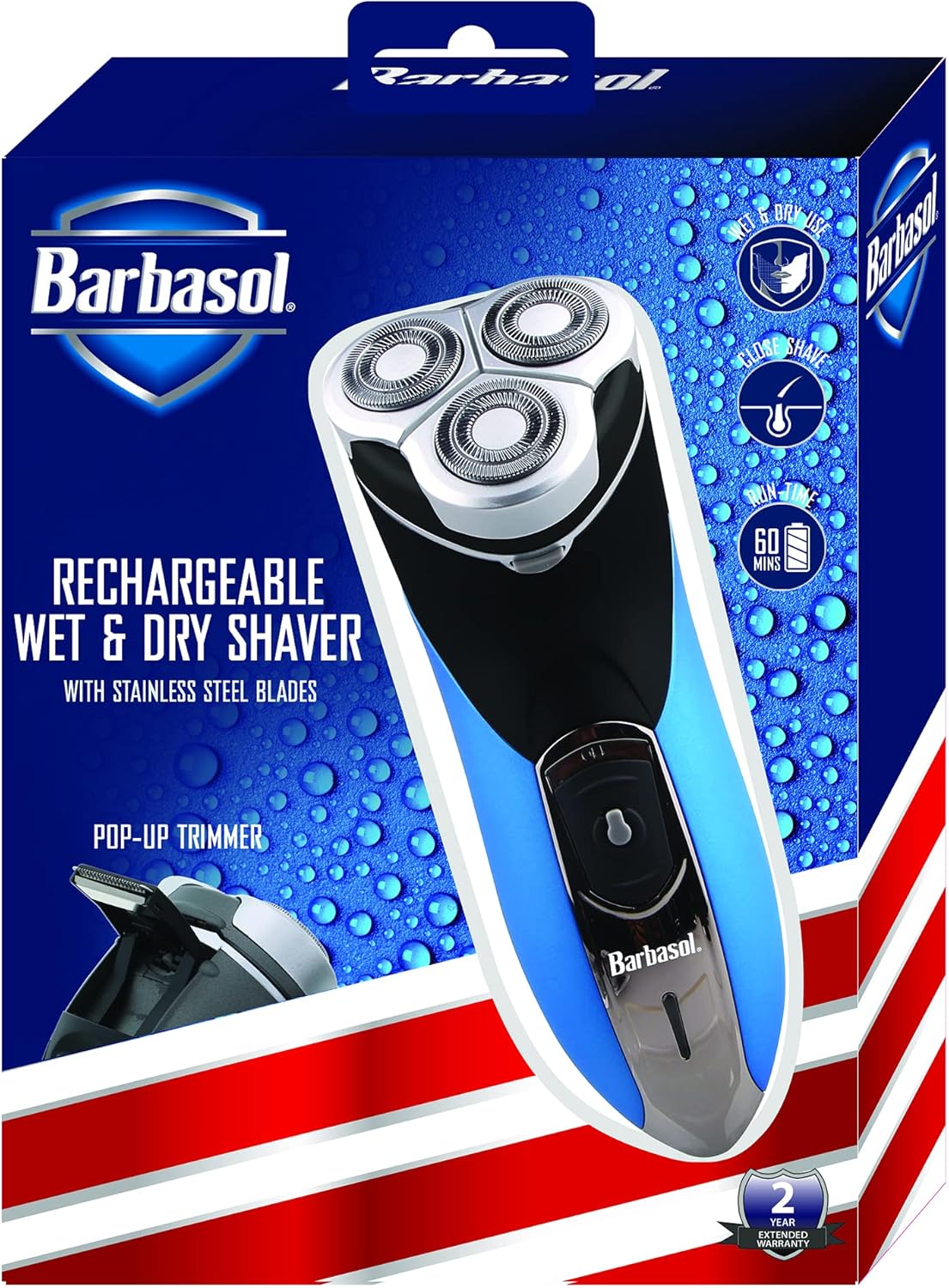
Introduction
This manual provides essential instructions for the safe and effective use, maintenance, and troubleshooting of your XTREME Barbasol Rechargeable Electric Wet and Dry Rotary Shaver. Please read this manual thoroughly before first use and retain it for future reference.
Safety Information
- Always ensure the shaver is unplugged before cleaning.
- Do not use near water while charging.
- Be careful when using the shaver on wet skin to avoid the risk of electric shock.
- Prolonged use may cause skin irritation; take regular breaks during shaving.
Setup
Charging the Shaver
Before first use, fully charge the shaver. Connect the provided USB charging cable to the charging port at the bottom of the shaver and plug the other end into a suitable USB power adapter (not included) or a USB port. A full charge takes approximately eight hours and provides up to 60 minutes of shaving time.

Image: The shaver's power button area, indicating its rechargeable status.
Operating the Shaver
Power On/Off
To turn the shaver on, slide the power switch upwards. To turn it off, slide the switch downwards.
Wet or Dry Shaving
The shaver is designed for both wet and dry use. You can use it with shaving cream, gel, or on dry skin. For optimal results, ensure your skin is clean before shaving.

Image: The shaver head highlighting its wet and dry use capability.
Achieving a Close Shave
The stainless-steel rotary blades are designed to contour to the curves of your face, providing a close and comfortable shave. Move the shaver in small circular motions against the direction of hair growth.

Image: Detailed view of the shaver's three stainless steel rotary blades.
Using the Pop-Up Trimmer
For precise styling of sideburns, mustaches, or other facial hair, slide the pop-up trimmer switch located on the back of the shaver upwards. Use the trimmer to define edges and create desired styles. After use, slide the switch back down to retract the trimmer.

Image: The shaver with its integrated pop-up trimmer extended for detailing.
Maintenance
Cleaning the Shaver Heads
Regular cleaning ensures optimal performance. To clean, ensure the shaver is turned off and unplugged. Press the release button to open the shaver head assembly. Use the included cleaning brush to remove any accumulated hair from the blades and the shaver body. You may also rinse the shaver heads under running water, ensuring they are completely dry before reattaching and storing.
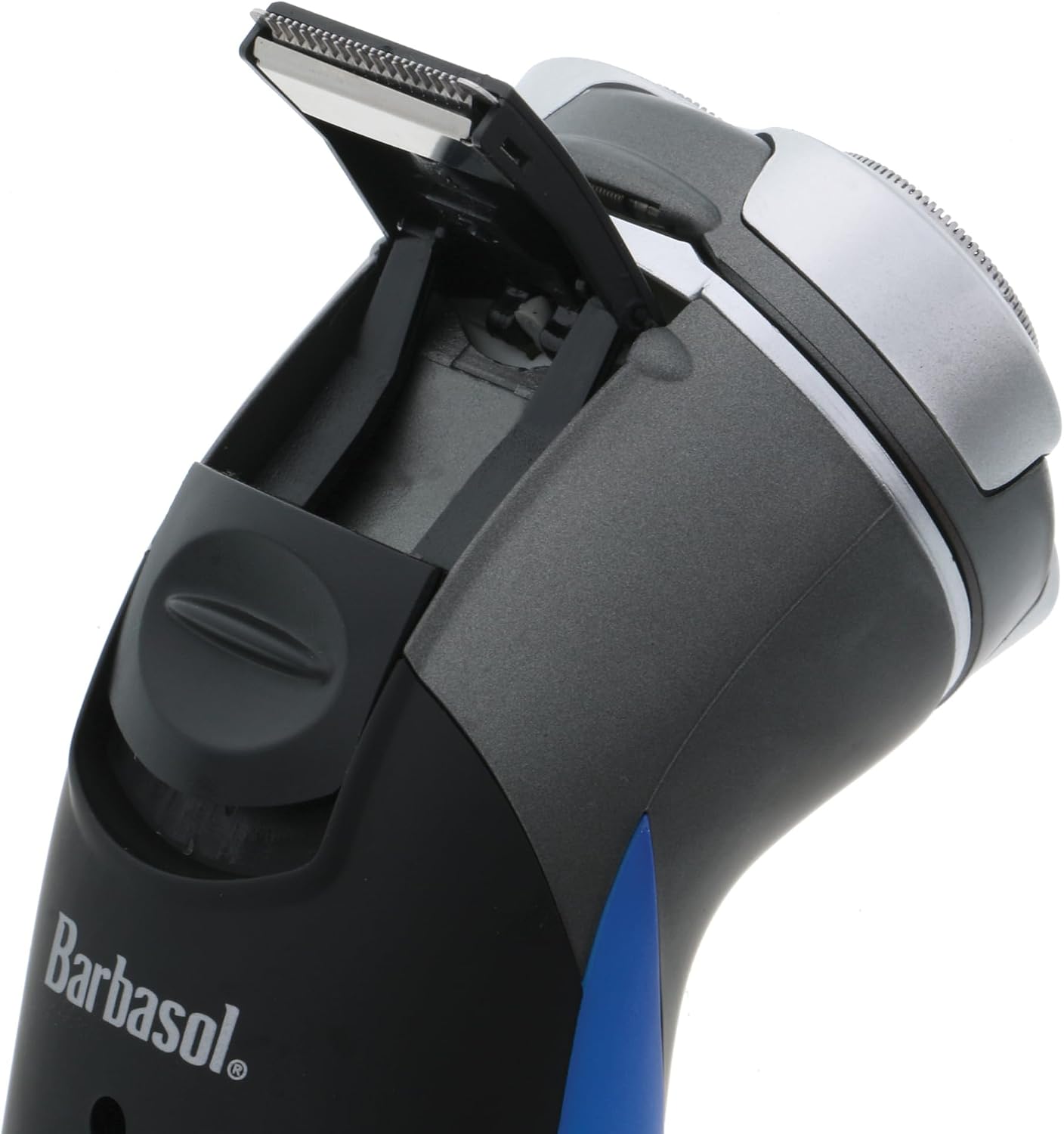
Image: The shaver head opened, revealing the internal components and collected hair, ready for cleaning.
Storage
Store the shaver in a dry place. Use the protective cap over the shaver heads to prevent damage to the blades. The included travel pouch can be used for convenient and safe storage, especially when traveling.
Troubleshooting
- Shaver not turning on: Ensure the shaver is fully charged. If the battery is depleted, charge it for the recommended 8 hours.
- Poor shaving performance: Clean the shaver heads thoroughly to remove any hair or debris. Ensure the blades are not damaged.
- Unusual noise during operation: This may indicate hair buildup or a misaligned shaver head. Clean the shaver thoroughly. If the issue persists, contact customer support.
- Battery not holding charge: Ensure the charging cable is securely connected. If the issue persists after proper charging, the battery may need servicing.
Specifications
| Model Name | CBR1-1001-USB |
| Power Source | Battery Powered |
| Special Feature | Rechargeable, Wet/Dry Use, Pop-Up Trimmer |
| Recommended Uses | Beard, Mustache, Neck, Facial hair |
| Brand | XTREME |
| Manufacturer | BARBASOL |
| Battery Life | Up to 60 minutes (after 8 hours charge) |
Warranty & Support
This product typically comes with a 2-year extended warranty. For warranty claims, technical support, or replacement parts, please refer to the contact information provided with your product packaging or visit the official XTREME/Barbasol support website. Please retain your proof of purchase for warranty validation.