
Sunbeam 30310906
Sunbeam 5-in-1 Emergency Power Failure Night Lights
Model: 30310906 | Brand: Sunbeam
Introduction
Thank you for choosing the Sunbeam 5-in-1 Emergency Power Failure Night Lights. This versatile device is designed to provide reliable illumination in various situations, serving as a night light, motion sensor light, emergency flashlight, and power failure light. Its multi-color LED options and automatic features ensure comfort and safety in your home.
Key Features
- Reliable Power Failure and Emergency Lighting: A cool bright white LED automatically illuminates when the power in your home is turned off.
- Energy Saving Photo Sensor Night Light: Soothing LED automatically lights up in the dark with 13 beautiful color options to suit any mood.
- Emergency Flashlight: Simply remove unit from outlet and push button to use integrated flashlight during emergencies which fits comfortably in the palm of your hand.
- Portable Task Lighting: Battery-charged illumination when you need it the most, with foldable plug for hassle-free handling.
- Long Lasting: Built-in rechargeable battery with a long life LED that lasts 25,000 hours.
Setup
- Unpack: Carefully remove the night light units from their packaging.
- Plug In: Insert the foldable plug into a standard 120V AC wall outlet. Ensure the unit is securely plugged in. The unit will begin charging its internal battery.
- Initial Charge: For optimal performance, allow the night light to charge for at least 24 hours before first use, especially if you intend to rely on its emergency flashlight or power failure features.

Figure 1: Sunbeam 5-in-1 Night Lights plugged in and ready for use.
Operating Instructions
Automatic Night Light & Motion Sensor
The night light features a built-in photo sensor and motion sensor for automatic operation.
- Dusk to Dawn: The light will automatically turn on when the ambient light is low (dusk) and turn off when the ambient light is sufficient (dawn).
- Motion Sensor: When the motion sensor switch on the side of the unit is set to 'ON', the light will brighten when motion is detected in a dark environment.
- Color Selection: Press the power button on the side of the unit to cycle through 13 different color options for the night light.
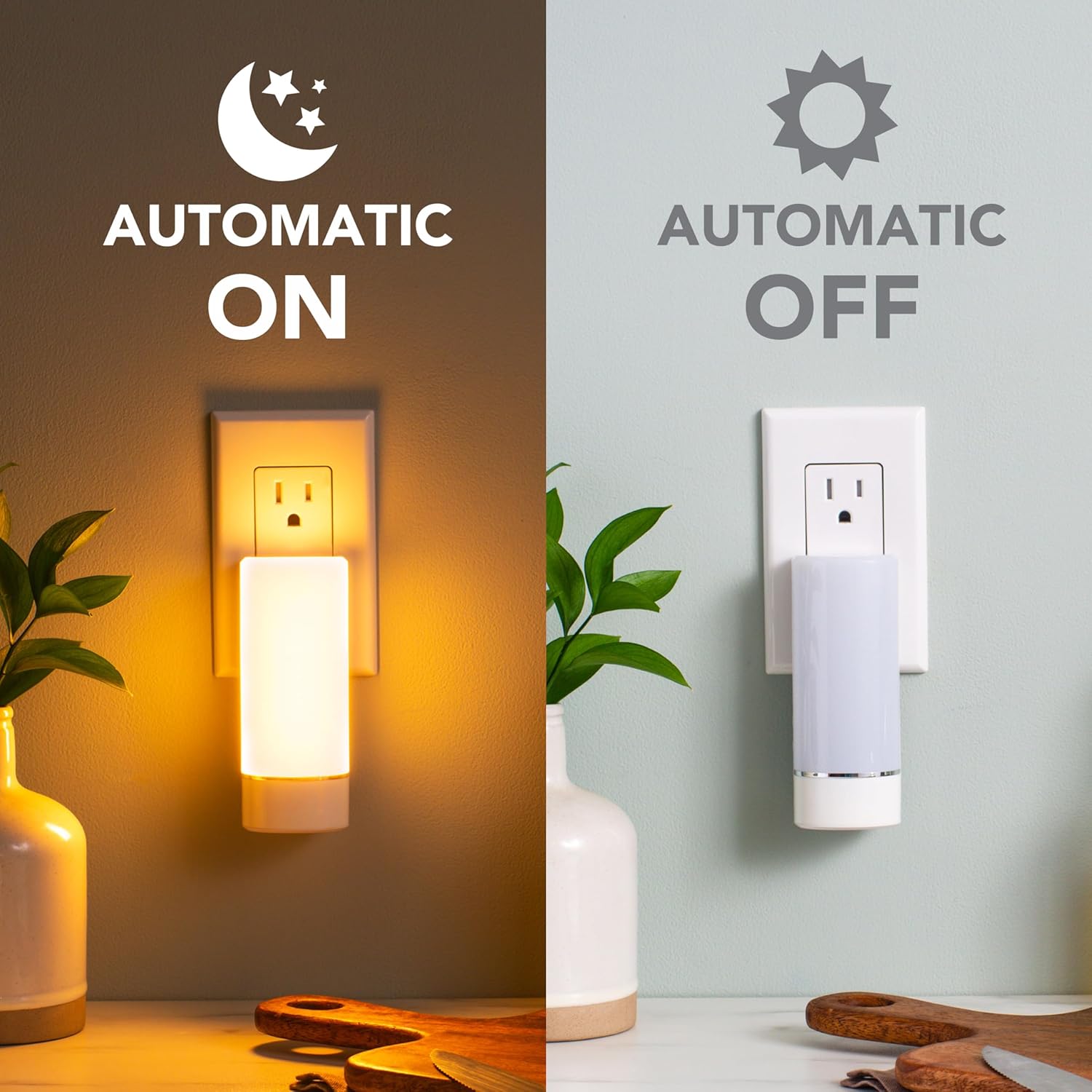
Figure 2: Automatic Dusk to Dawn functionality.
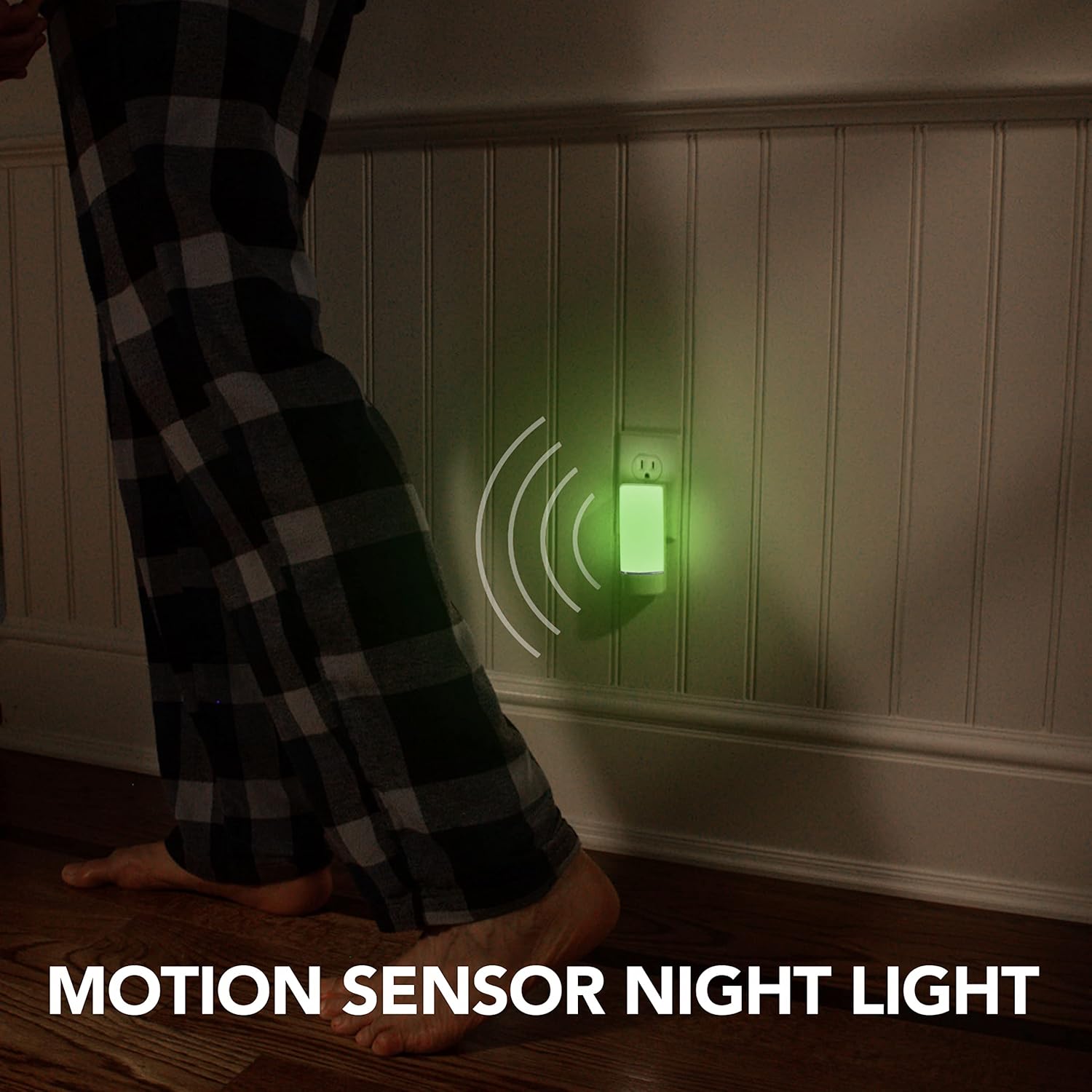
Figure 3: Motion Sensor Night Light in action.
Emergency Flashlight & Power Failure Light
- Power Failure Mode: In the event of a power outage, the night light will automatically illuminate with a bright white LED, providing immediate emergency lighting.
- Flashlight Use: To use as a portable flashlight, simply remove the unit from the wall outlet. Press the power button on the side to activate the integrated flashlight. The foldable plug ensures comfortable handling.

Figure 4: Power Failure Light activating automatically.

Figure 5: Using the unit as an Emergency Flashlight.
Maintenance
- Cleaning: To clean the night light, unplug it from the outlet and wipe it with a dry, soft cloth. Do not use abrasive cleaners or immerse the unit in water.
- Battery Care: The built-in rechargeable battery is designed for long-term use. Keep the unit plugged in when not in use as a portable flashlight to ensure the battery remains charged for emergencies.
Troubleshooting
| Problem | Possible Cause | Solution |
|---|---|---|
| Night light does not turn on in the dark. | Sufficient ambient light; Motion sensor switch is OFF. | Ensure the room is dark enough for the photo sensor to activate. Check the motion sensor switch on the side of the unit and set it to 'ON' if desired. |
| Power failure light does not activate during an outage. | Battery is not charged. | Ensure the unit is regularly plugged into an active outlet to keep the internal battery charged. |
| Flashlight does not turn on when removed from outlet. | Battery is low; Power button not pressed. | Recharge the unit by plugging it into an outlet. Press the power button firmly to activate the flashlight. |
Specifications
| Feature | Detail |
|---|---|
| Model Number | 30310906 |
| Product Dimensions | 1.4"D x 1.8"W x 4.5"H |
| Light Source Type | LED |
| Power Source | Plug-in or Battery Powered |
| Special Features | Dawn-To-Dusk, Motion Sensor, Multi-Color, Emergency Flashlight |
| Material | Plastic |
| UPC | 694501169887 |
| Manufacturer | Star Elite Inc. |
| Country of Origin | China |
Warranty and Support
This Sunbeam product comes with a 1-year limited warranty. For warranty claims, technical support, or any questions regarding your 5-in-1 Emergency Power Failure Night Lights, please contact Sunbeam customer service or refer to the contact information provided in your product packaging.
For more information, visit the official Sunbeam website or contact their support channels.
Related documents30310906


Ask a question about this manual
Ask about setup, troubleshooting, compatibility, parts, safety, or missing instructions. Manuals+ will review the question and use this page’s manual context to help answer it.