Important Safeguards
Please read all instructions carefully before operating this humidifier. Failure to follow these instructions may result in electric shock, fire, or serious injury.
- Always place the humidifier on a firm, flat, level surface.
- Keep the power cord away from heated surfaces.
- Do not operate the humidifier without water in the tank.
- Do not add essential oils directly into the water tank; use the designated essential oil cup.
- Unplug the humidifier before filling, cleaning, or moving it.
- Keep out of reach of children and pets.
Product Overview
The Honeywell Dual Comfort Cool + Warm Mist Humidifier (HWC775B) is designed to provide comforting moisture to your environment, offering both cool and warm mist options. It features Fusion Mist technology for optimal warm mist temperature and is suitable for large rooms.

Figure 1: Honeywell Dual Comfort Cool + Warm Mist Humidifier HWC775B
Key Components:

Figure 2: Humidifier Components Diagram
- 2-Way Mist Outlet: Individually adjustable nozzles for directional mist control.
- Essential Oil Cup: For adding essential oils (not included) to enhance comfort.
- Easy Grip Tank Handle: For convenient carrying and refilling.
- Mist Temperature Control: Buttons to select between cool mist and warm mist.
- Output Settings: Three levels for mist intensity.
- Reset Light: Indicator for maintenance or low water.
- Filter-Free Operation: No filters to replace.
Setup
1. Unpacking and Placement:
Remove all packaging materials. Place the humidifier on a firm, level, water-resistant surface at least 12 inches (30 cm) from walls and 3 feet (0.9 m) from heat sources.
2. Filling the Water Tank:
- Ensure the humidifier is unplugged.
- Lift the water tank from the base using the easy-grip handle.

Figure 3: Detached Water Tank
- Unscrew the tank cap at the bottom of the tank.
- Fill the tank with cool, clean water. Distilled water is recommended to minimize mineral buildup.
- Securely replace the tank cap.
- Place the filled water tank back onto the humidifier base, ensuring it is seated correctly.
Video 1: Honeywell HWC775/778 Dual Comfort Humidifier - Features. This video demonstrates the humidifier's features, including how to remove and fill the water tank, and highlights the dual mist options and essential oil cup.
Operating Instructions
1. Powering On/Off:
Plug the humidifier into a 120V AC electrical outlet. Press the power button (U) on the control panel to turn the unit on or off.

Figure 4: Control Panel
2. Selecting Mist Type and Intensity:
The humidifier offers both cool and warm mist options with three intensity settings for each.
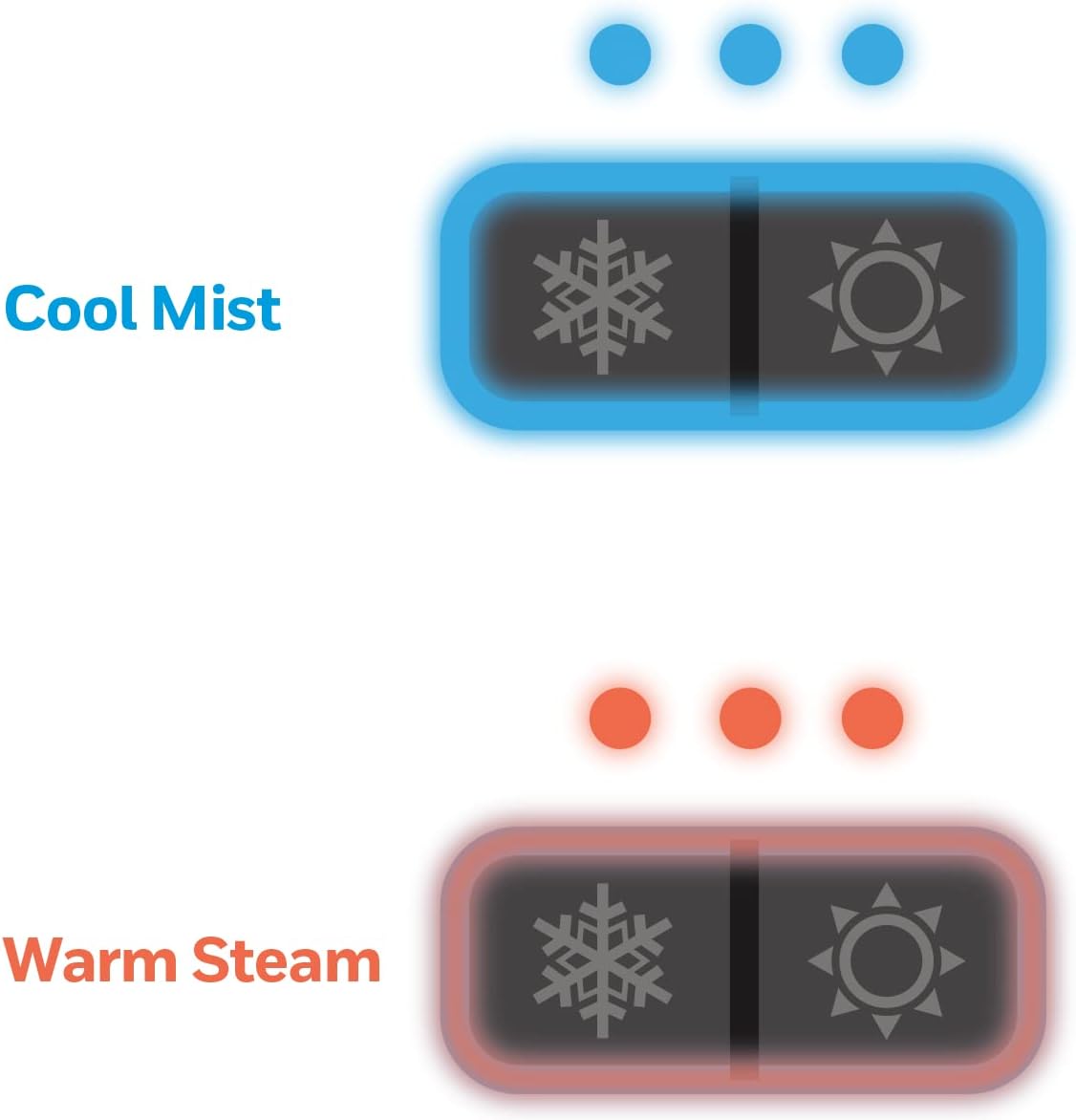
Figure 5: Mist Type and Intensity Settings
- Cool Mist: Press the snowflake button (*) to activate cool mist. Press repeatedly to cycle through low, medium, and high mist output levels.
- Warm Mist: Press the sun button (O) to activate warm mist. Press repeatedly to cycle through low, medium, and high mist output levels. Allow approximately 5 minutes for the warm mist to heat up.
3. Adjusting Mist Direction:
The humidifier features a 2-direction mist outlet. You can manually rotate each nozzle independently to direct the mist where desired.

Figure 6: Dual-Direction Mist Outlet
4. Using the Essential Oil Cup:
To add fragrance to your environment, add a few drops of your preferred essential oil (not included) into the designated essential oil cup located on top of the unit. Do not add essential oils directly into the water tank.
Maintenance
Regular cleaning is essential to ensure optimal performance and prevent mineral buildup. The wide tank opening facilitates easy cleaning.
Daily Maintenance:
- Empty any remaining water from the tank and base.
- Rinse the tank and base with clean water.
- Allow all parts to air dry before reassembling or storing.
Weekly Cleaning (or more often depending on water hardness):
- Unplug the humidifier and remove the water tank.
- Pour 2 cups of undiluted white vinegar into the water tank and swish to coat all interior surfaces. Let it stand for 20 minutes.
- Clean the nebulizer and heating element (for warm mist) in the base unit using a soft brush or cloth. The humidifier includes a small cleaning brush for hard-to-reach areas.
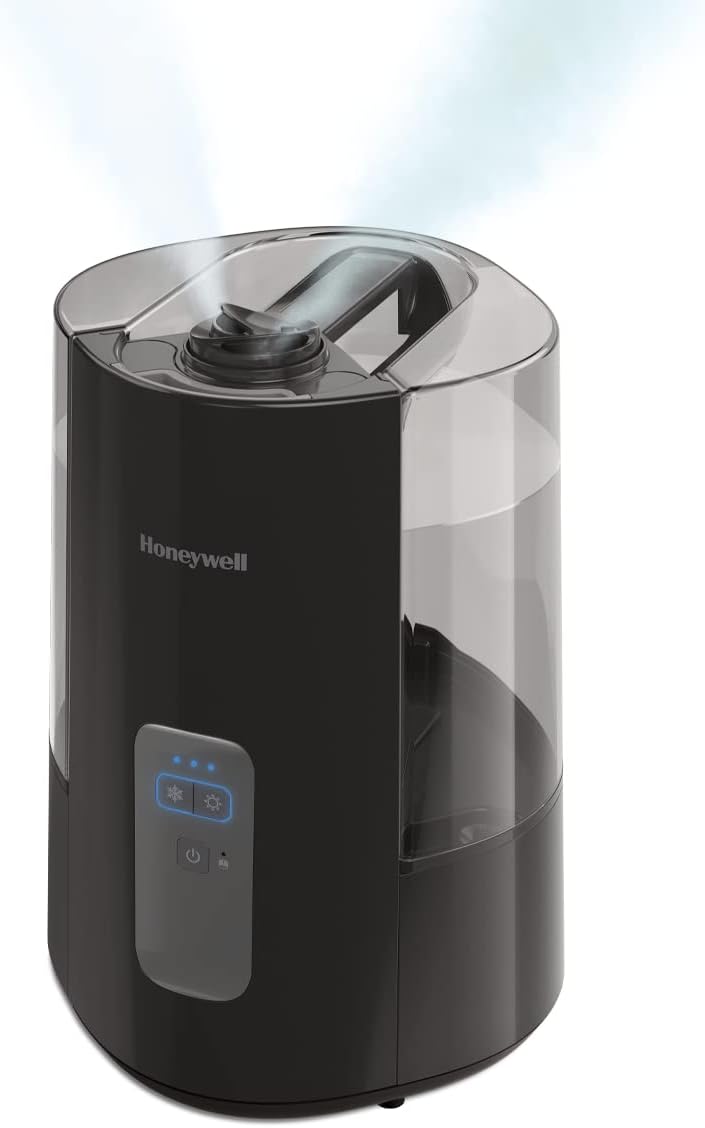
Figure 7: Humidifier Base for Cleaning
- Rinse the tank and base thoroughly with clean water until the smell of vinegar is gone.
- Do not immerse the base in water.
Troubleshooting
| Problem | Possible Cause | Solution |
|---|---|---|
| No mist or low mist output | Low water level; mineral buildup on nebulizer/heating element; unit not properly assembled. | Refill water tank; clean nebulizer/heating element as per maintenance instructions; ensure tank is correctly seated. |
| Red Reset Light is on | Low water level or unit needs cleaning. | Refill water tank; perform weekly cleaning. |
| Unusual noise | Unit not on a level surface; water tank not seated correctly; mineral buildup. | Place on a level surface; re-seat water tank; clean unit. |
| Water leaking from unit | Tank cap not tightened; tank not seated correctly; unit damaged. | Ensure tank cap is tight; re-seat water tank; if damage is suspected, contact customer support. |
If issues persist after following these steps, please refer to the Warranty and Support section for further assistance.
Specifications
| Feature | Detail |
|---|---|
| Brand | Honeywell |
| Model Name | Dual Comfort Cool + Warm Mist |
| Model Number | HWC775B |
| Color | Black |
| Special Feature | Aroma Diffuser |
| Operation Mode | Manual or Semi-manual |
| Product Dimensions | 14.65"D x 10.12"W x 14.65"H |
| Item Weight | 5.6 Pounds |
| Room Type | Bedroom, Living Room, Office |
| Wattage | 250 watts |
| Capacity | 1.5 Gallons |
| UPC | 328785002362 |
Warranty and Support
This Honeywell Dual Comfort Cool + Warm Mist Humidifier (HWC775B) comes with a 2-year warranty from the date of purchase.
For warranty claims, technical support, or any questions regarding your humidifier, please refer to the contact information provided in your product packaging or visit the official Honeywell website.


