
1. Introduction
The Kenwood M-7000S-B Mini System is a versatile audio solution designed for comprehensive sound playback. This system supports various audio sources including Internet Radio, DAB+, FM radio, Bluetooth, USB, CD, and Spotify Connect. It features a powerful amplifier and a user-friendly interface for an enhanced listening experience.
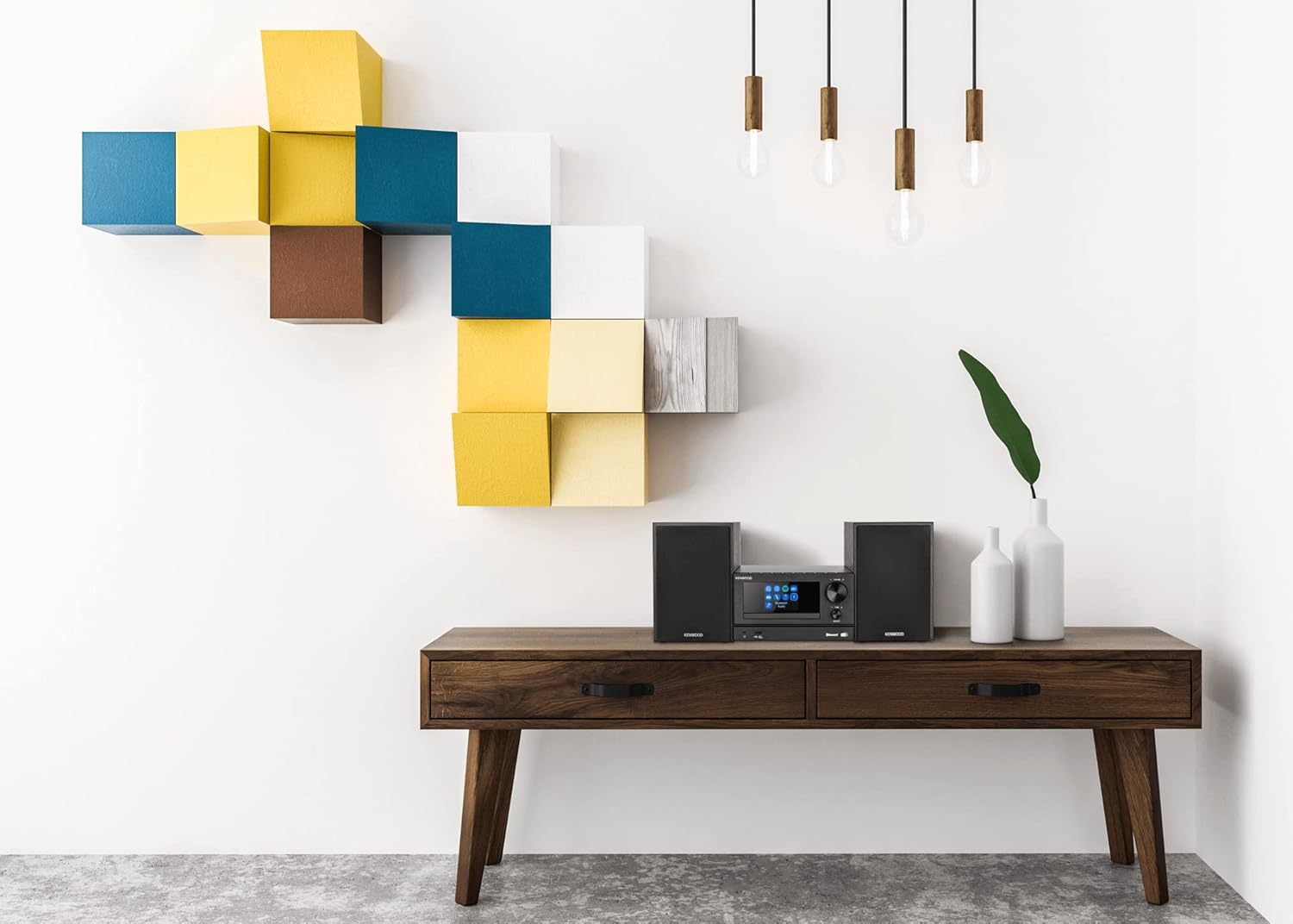
Image: The Kenwood M-7000S-B Mini System, featuring the main unit and two accompanying speakers, set up in a modern living space.
2. What's in the Box
- Control unit
- Speaker x 2
- Antenna
- Remote control (including batteries)
- Instruction manual
3. Setup
- Unpacking: Carefully remove all components from the packaging.
- Speaker Placement: Position the two speakers on either side of the main control unit for optimal stereo sound. Ensure adequate space for ventilation.
- Speaker Connection: Connect the speaker wires from each speaker to the corresponding speaker terminals on the rear of the control unit. Observe correct polarity (+ to + and - to -).
- Antenna Connection: Connect the supplied antenna to the FM/DAB+ antenna input on the rear of the control unit. Extend the antenna for better reception.
- Power Connection: Plug the power cord into the AC IN socket on the rear of the control unit, then plug the other end into a wall outlet.
- Initial Power On: Press the power button on the unit or remote control to turn on the system. Follow any on-screen prompts for initial setup, such as language selection or network configuration.

Image: A top-down view of the Kenwood M-7000S-B Mini System, showing the main unit nestled between its two speakers, highlighting its compact design.
4. Operating Instructions
4.1. Bluetooth Audio Streaming (A2DP)
- Press the SOURCE button on the remote control or the unit until "Bluetooth" is selected.
- On your Bluetooth device (e.g., smartphone, tablet), enable Bluetooth and search for available devices.
- Select "Kenwood M-7000S-B" from the list of devices.
- Once paired, you can stream audio from your device to the mini system.
4.2. CD Playback
- Press the SOURCE button to select "CD".
- Insert a CD into the CD slot on the front of the unit.
- The system will automatically begin playing the CD. Use the playback controls (Play/Pause, Skip, Stop) on the unit or remote control.
4.3. USB Playback
- Insert a USB storage device (e.g., USB flash drive) into the USB port on the front of the unit.
- Press the SOURCE button to select "USB".
- The system will read the files on the USB device. Use the navigation and playback controls to select and play your desired audio files.
4.4. DAB+/FM-RDS Radio
- Press the SOURCE button to select "DAB+" or "FM".
- For DAB+ radio, the system will automatically scan for available stations.
- For FM radio, use the tuning controls to manually tune to a station or perform an auto-scan. RDS (Radio Data System) information will be displayed if available.
- Save your favorite stations as presets using the preset buttons on the remote control.
4.5. Internet Radio via Wi-Fi
- Ensure the system is connected to your Wi-Fi network (refer to the initial setup or network settings menu).
- Press the SOURCE button to select "Internet Radio".
- Navigate through the Internet Radio menu to browse stations by genre, location, or search for specific stations.
4.6. Spotify Connect
- Ensure the system is connected to your Wi-Fi network.
- Open the Spotify app on your smartphone, tablet, or computer.
- Play a song and select the "Devices Available" icon.
- Choose "Kenwood M-7000S-B" from the list to stream Spotify audio directly to the system.
4.7. Clock with Alarm and Timer Function
- Setting the Clock: Access the system settings menu to set the current time.
- Setting an Alarm: Use the alarm function in the settings menu to set a wake-up time and select an alarm source (e.g., radio, CD).
- Setting a Sleep Timer: Activate the sleep timer function to automatically turn off the system after a set period.

Image: A detailed view of the Kenwood M-7000S-B Mini System's front panel, showing the display, control buttons, volume knob, and various input options like USB and headphone jack.
5. Key Features
- DAB+/FM-RDS Tuner for digital and analog radio reception.
- Internet Radio via Wi-Fi for access to thousands of online stations.
- Connectivity via CD and USB for physical media and digital files.
- Amplifier with 2 x 30W (Output Power) for clear and powerful sound.
- Bluetooth Audio Streaming (A2DP) for wireless connection to smart devices.
- Spotify Connect for seamless music streaming from Spotify.
- Clock with Alarm and Timer Function for convenience.

Image: A close-up of the Kenwood M-7000S-B Mini System's main unit, displaying the 'Bluetooth Audio' option on its screen, indicating active wireless connectivity.
6. Maintenance
- Cleaning: Use a soft, dry cloth to clean the unit and speakers. Do not use liquid cleaners or abrasive cloths.
- Ventilation: Ensure the ventilation openings on the unit are not blocked to prevent overheating.
- CD Player Care: Handle CDs by their edges to avoid scratches. Clean the CD lens periodically with a specialized CD lens cleaner.
- Remote Control: Replace batteries (2 AAA) when the remote control's range decreases or it stops responding.

Image: The remote control for the Kenwood M-7000S-B Mini System, showing various buttons for power, mode, menu, alarm, shuffle, playback, EQ, volume, and numeric input.
7. Troubleshooting
| Problem | Possible Cause | Solution |
|---|---|---|
| No power | Power cord not connected securely. | Check power cord connection to unit and wall outlet. |
| No sound | Volume too low; incorrect source selected; speaker wires loose. | Increase volume; select correct input source; check speaker wire connections. |
| Bluetooth pairing fails | Device too far; Bluetooth not enabled on device; system not in pairing mode. | Move device closer; ensure Bluetooth is on; select Bluetooth source on system. |
| Poor radio reception | Antenna not properly positioned or connected. | Adjust antenna position; ensure secure connection. |
| CD not playing | CD inserted incorrectly; CD is dirty or scratched. | Reinsert CD correctly; clean or replace CD. |
8. Specifications
- Model Number: M-7000S-B
- Product Dimensions: 7.87 x 10.24 x 4.53 inches
- Item Weight: 12.76 pounds
- Connectivity Technology: Auxiliary, Bluetooth, USB, Wi-Fi
- Speaker Type: Stereo
- Amplifier Output: 2 x 30W
- Radio Tuner: DAB+/FM-RDS, Internet Radio
- Disc Playback: CD
- Additional Features: Spotify Connect, Clock with Alarm and Timer Function
- Batteries: 2 AAA batteries (included for remote control)
9. Warranty and Support
For warranty information and technical support, please refer to the warranty card included with your product or visit the official Kenwood website. Keep your proof of purchase for any warranty claims.
Manufacturer: KENWOOD