
Product Overview
The beFree Sound 12 Inch Bluetooth Rechargeable Portable PA Party Speaker is designed for versatile audio playback and public address applications. It features a 12-inch woofer, reactive LED lights, and multiple input options including Bluetooth, USB, TF card, AUX, RCA, and FM radio. Its portable design with wheels and an extendable handle makes it suitable for various indoor and outdoor events. A rechargeable battery provides extended use without a power outlet.

Figure 1: The beFree Sound 12-inch portable PA speaker, shown with its included stand, wired microphone, and remote control. This image highlights the speaker's main components and its overall design.
What's in the Box
Verify that all components are present before initial setup:
- One beFree Sound 12 Inch Portable PA Party Speaker
- One 45-inch Speaker Stand
- One Wired Microphone
- One Remote Control
- One User Manual (this document)

Figure 2: The speaker and its accessories, with visual indicators for its various connectivity options including Bluetooth, SD card, USB, and FM radio capabilities.
Product Features and Components
The beFree Sound speaker is equipped with several features for enhanced audio experience and portability.
Key Components:

Control Panel: Located on the rear of the speaker, this panel houses all input ports (USB, TF Card, AUX, Microphone), volume controls, equalizer knobs (Treble, Bass), power switch, and the LED light switch. It also includes a charge level indicator and an antenna.
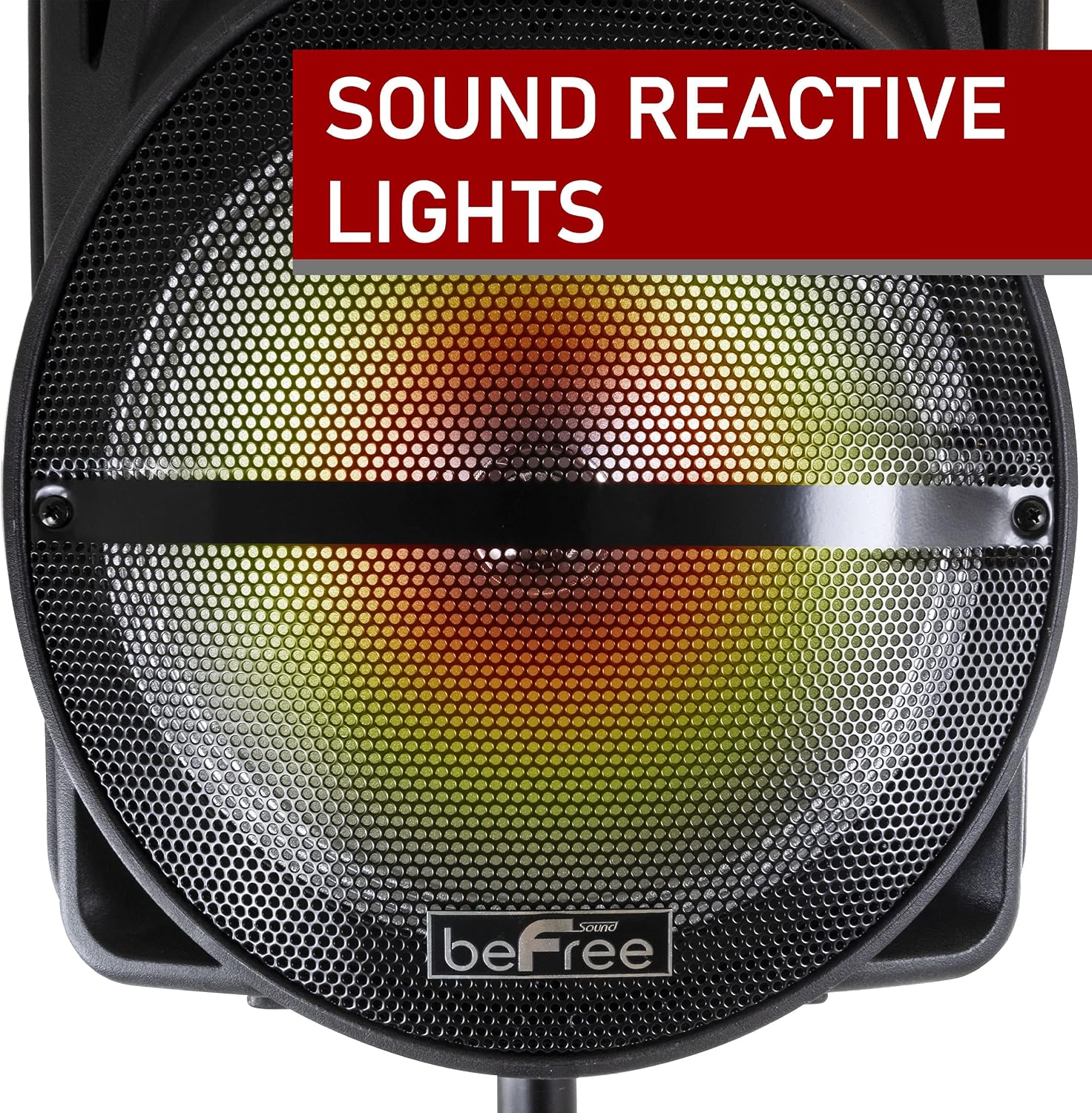
Reactive LED Lights: The speaker features built-in LED lights behind the front grille that react to the music, creating a dynamic visual effect. These lights can be turned on or off via a switch on the control panel.

Extendable Handle: For easy transport, the speaker is equipped with a retractable handle, similar to luggage, allowing for convenient pulling.

Sturdy Caster Wheels: Integrated wheels on the bottom of the speaker facilitate smooth movement and portability, especially useful for outdoor events or moving the speaker across different locations.

Wired Microphone: A microphone is included for public speaking, karaoke, or other vocal applications, connecting directly to the microphone input on the control panel.

Remote Control: Provides convenient wireless control over playback, volume, mode selection, and other functions from a distance.
Setup Guide
1. Charging the Speaker
Before first use, fully charge the speaker's internal battery. Connect the power cable to the speaker's power input and plug it into a standard electrical outlet. The charge level indicator on the control panel will show charging status. A full charge can last up to 3 hours of continuous playback.
2. Assembling the Speaker Stand
The included stand elevates the speaker for optimal sound projection.
- Unfold the legs of the speaker stand until they are fully extended and stable.
- Place the speaker onto the top pole of the stand, ensuring it is securely seated.
- Adjust the height of the stand using the locking pin and adjustment knobs. Ensure the locking pin is fully inserted into the desired height hole for stability.

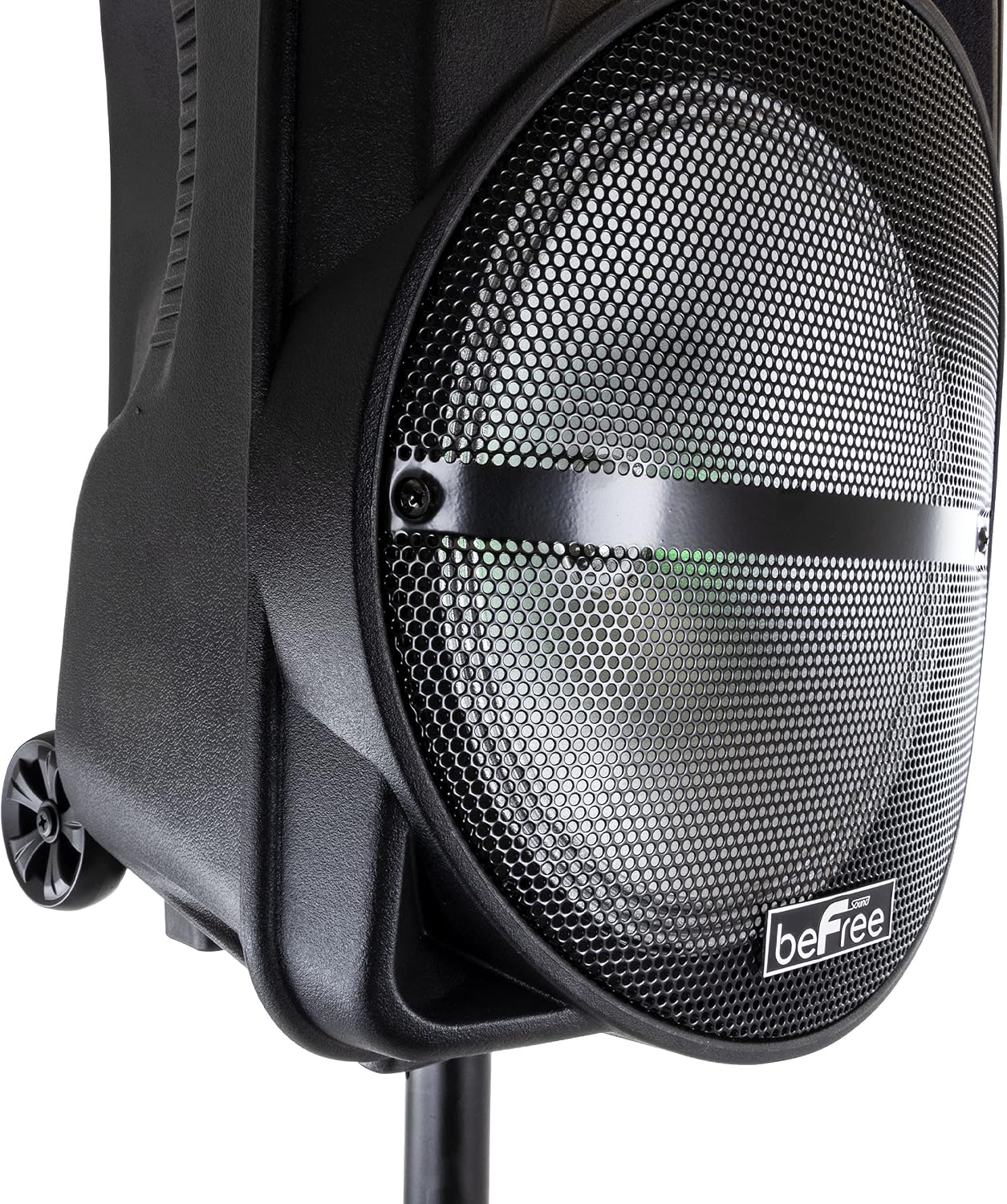
Figure 3: Left: The speaker stand ready for assembly. Right: The speaker securely mounted on the extended stand, demonstrating its elevated position for improved sound dispersion.

Figure 4: Detail of the locking pin on the speaker stand, which ensures the height adjustment is secure and prevents accidental collapse.
Operating Instructions
Power On/Off
Locate the power switch on the rear control panel. Flip the switch to the "ON" position to power on the speaker. Flip to "OFF" to power down.
Mode Selection
Press the "MODE" button on the control panel or remote control to cycle through available input modes: Bluetooth, USB, TF Card, AUX, FM Radio.
Bluetooth Pairing
- Turn on the speaker and select Bluetooth mode. The speaker will indicate it is ready for pairing (e.g., a blinking Bluetooth indicator or an audible prompt).
- On your mobile device (smartphone, tablet, etc.), enable Bluetooth and search for available devices.
- Select "beFree Sound" or a similar name from the list of devices.
- Once paired, the speaker will confirm the connection, and you can begin playing audio wirelessly.
USB/TF Card Playback
Insert a USB flash drive or TF (microSD) card containing MP3 audio files into the respective slot on the control panel. The speaker will automatically switch to USB/TF mode and begin playing the first compatible track. Use the playback controls (Play/Pause, Next/Previous Track) on the speaker or remote.
AUX/RCA Input
Connect an external audio device (e.g., smartphone, CD player, mixer) using a 3.5mm AUX cable to the AUX input or RCA cables to the RCA input ports on the control panel. Select the corresponding AUX mode on the speaker. Audio will be played through the speaker from the connected device.
Microphone Usage
Plug the wired microphone into the "MIC INPUT" jack on the control panel. Adjust the microphone volume knob to your desired level. The speaker also features an Echo control knob to add reverberation to the microphone output.
FM Radio
Switch the speaker to FM radio mode. Extend the antenna on the rear panel for better reception. Use the "SCAN" button on the remote or control panel to automatically scan and save available radio stations. Use the "CH-" and "CH+" buttons to navigate between saved stations.
Equalizer Adjustment (Treble & Bass)
Use the "TREBLE" and "BASS" rotary knobs on the control panel to adjust the high and low frequencies of the audio output, respectively. Turn clockwise to increase and counter-clockwise to decrease.
Reactive LED Lights
The LED lights can be toggled on or off using the "LIGHT SW" switch on the control panel. When active, the lights will react to the rhythm of the music.
Maintenance
Cleaning
Wipe the speaker's exterior with a soft, dry cloth. For stubborn dirt, a slightly damp cloth can be used, followed by a dry cloth. Do not use abrasive cleaners, waxes, or solvents as they may damage the finish. Ensure no liquids enter the speaker's openings.
Storage
When not in use for extended periods, store the speaker in a cool, dry place away from direct sunlight and extreme temperatures. It is recommended to fully charge the battery before storing and to recharge it every few months to maintain battery health.
Battery Care
The speaker contains a Lithium Ion battery. To prolong battery life, avoid completely draining the battery frequently. Recharge the speaker when the battery indicator shows low charge. Do not expose the battery to excessive heat or cold.
Troubleshooting
| Problem | Possible Cause | Solution |
|---|---|---|
| No power | Battery drained; Power switch off; Power cable not connected | Charge the speaker; Turn power switch ON; Ensure power cable is securely connected |
| No sound | Volume too low; Incorrect mode selected; Device not connected properly; Muted | Increase volume; Select correct input mode (Bluetooth, AUX, USB, etc.); Reconnect audio source; Check if speaker or source is muted |
| Bluetooth not pairing | Speaker not in pairing mode; Device Bluetooth off; Too far from speaker; Interference | Ensure speaker is in Bluetooth mode and discoverable; Enable Bluetooth on your device; Move device closer to speaker; Turn off other Bluetooth devices nearby |
| Microphone not working | Microphone not plugged in; Microphone volume too low; Microphone switch off | Ensure microphone is fully plugged into MIC input; Increase microphone volume knob; Check if microphone has an ON/OFF switch and it's ON |
| FM radio static | Weak signal; Antenna not extended | Extend the antenna fully; Try repositioning the speaker for better reception; Rescan for stations |
| LED lights not working | Light switch off | Ensure the "LIGHT SW" switch on the control panel is in the "ON" position |
Product Specifications
| Feature | Detail |
|---|---|
| Model Number | BFS-1212 |
| Brand | beFree Sound |
| Mounting Type | Freestanding, Plug Mount, Wheel Mount |
| Power Source | Corded Electric, Battery (Rechargeable Lithium Ion) |
| Connectivity Technology | RCA, Bluetooth, AUX, USB |
| Audio Input | Microphone, RCA, AUX, USB, Bluetooth, TF Card, FM Radio |
| Equalizer | Treble, Bass |
| Color | Black |
| Material | Plastic, Metal |
| Item Weight | 18.65 Pounds |
| Product Dimensions (L x W x H) | 22.5 x 13 x 17.5 inches |
| Battery Life (approx.) | Up to 3 hours on a full charge |
| Included Components | Speaker, 45" Stand, Microphone, Remote Control, User Manual |
Warranty and Support
For warranty information and technical support, please refer to the contact details provided on the product packaging or the official beFree Sound website. Keep your purchase receipt as proof of purchase for any warranty claims.
If you encounter issues not covered in the troubleshooting section, please contact beFree Sound customer service for assistance.