
1. Introduction
Thank you for choosing the HouseGem Y1 Wall-Mounted UV Toothbrush Holder. This device is designed to provide a hygienic and organized solution for storing your toothbrushes. Featuring UV-C disinfection technology, a convenient timer function, and a rechargeable cordless design, it helps maintain oral hygiene and keeps your bathroom tidy.
2. Safety Information
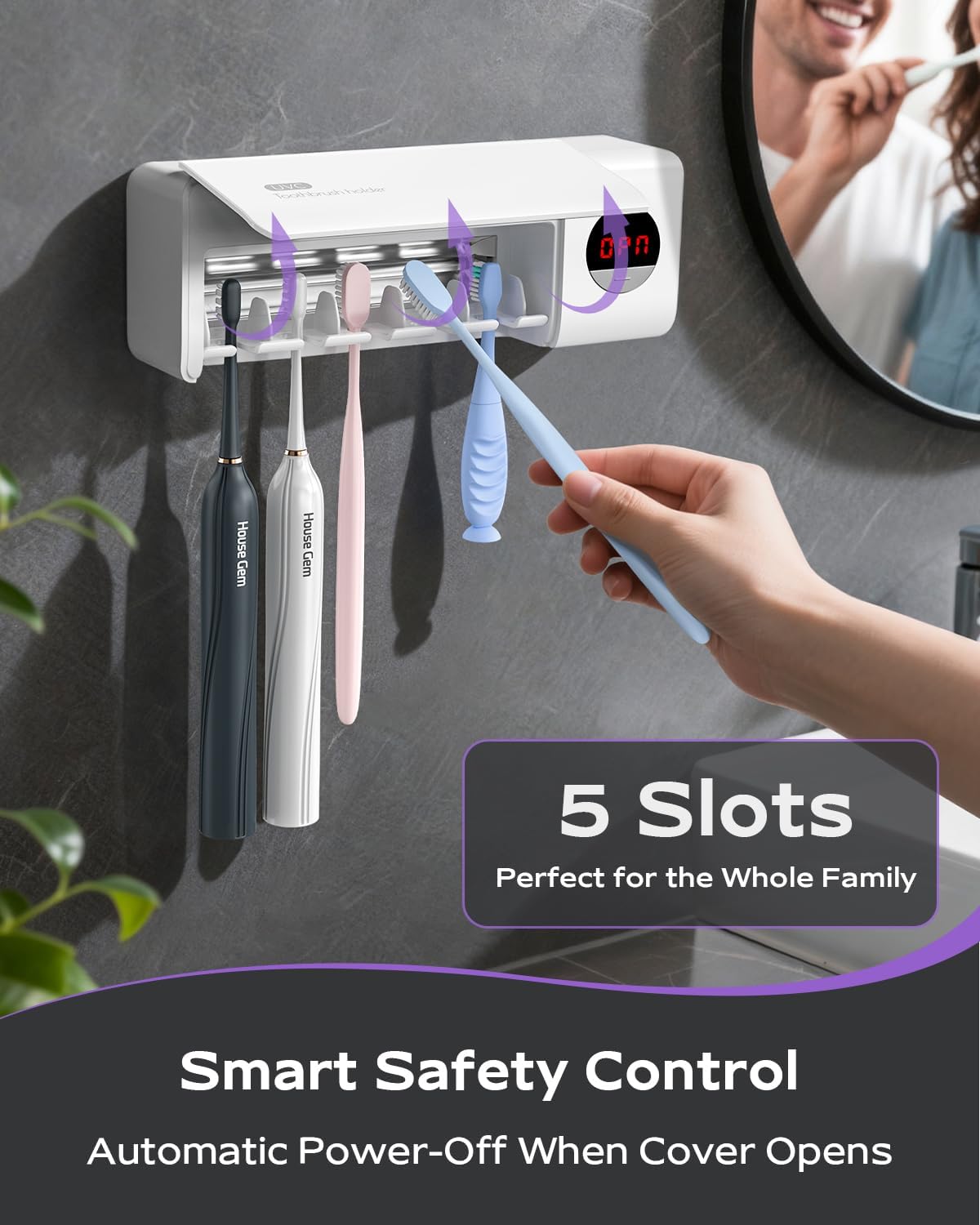
- UV-C Light Exposure: Avoid direct exposure to UV-C light. The device is designed with an automatic power-off feature when the lid is opened to prevent accidental exposure.
- Installation: Ensure the installation surface is clean, dry, and smooth. Avoid rough or wet walls to prevent the device from falling.
- Water Exposure: This device is not waterproof. Do not immerse it in water or expose it to excessive moisture.
- Children: Keep out of reach of small children to prevent misuse or damage.
- Charging: Use the provided charging cable. Do not use damaged cables or chargers.
3. Package Contents
- HouseGem Y1 UV Toothbrush Holder
- USB Charging Cable
- Wall-Mount Adhesive Strip (3M VHB)
- Instruction Manual
4. Product Overview
The HouseGem Y1 features a sleek design with multiple functionalities:
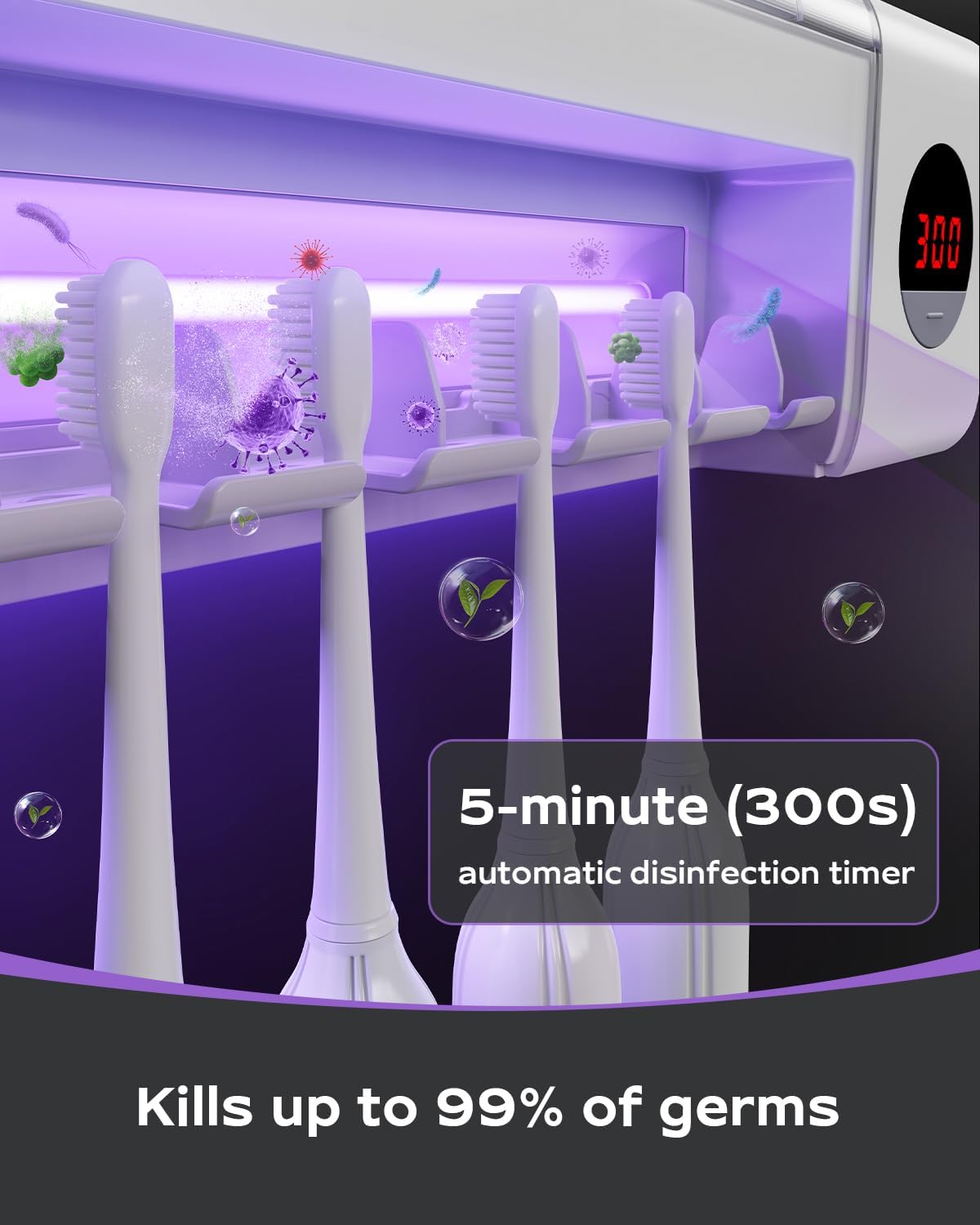
- UV-C Lamp: For effective disinfection of toothbrush heads.
- LCD Display: Shows a 300-second countdown during the sanitization cycle.
- One-Button Control: Activates the sanitization process.
- 5 Toothbrush Slots: Accommodates up to 5 toothbrushes, including electric ones.
- Rechargeable Battery: Built-in 2000mAh battery for cordless operation.
- Detachable Design: Allows for easy removal from the wall mount for charging and cleaning.

5. Setup
5.1 Initial Charging
Before first use, fully charge the device. Connect the provided USB charging cable to the charging port on the side of the holder and plug the other end into a USB power adapter (not included). The LCD display may show a charging indicator. A full charge provides up to 70 uses.

5.2 Wall Mounting
The HouseGem Y1 is designed for effortless, drill-free installation using a strong adhesive strip. Ensure the chosen surface is smooth, clean, and dry (e.g., glass, tile, marble, or smooth wood). Avoid rough or wet surfaces.
- Clean the desired wall surface thoroughly and let it dry completely.
- Peel off the protective film from the back of the adhesive mounting plate.
- Firmly press the adhesive plate onto the wall surface, ensuring no air bubbles. Hold for 30 seconds.
- For optimal adhesion, wait 24 hours before attaching the toothbrush holder to the plate.
- Align the back of the toothbrush holder with the mounting plate and slide it down until it clicks securely into place.

5.3 Video Guide: Installation & Overview
6. Operating Instructions
6.1 Placing Toothbrushes
Open the lid of the toothbrush holder. Place up to 5 toothbrushes into the designated slots, ensuring the bristles face the UV-C lamp for effective sanitization.
6.2 Starting Disinfection
Close the lid. Press the power button once. The LCD display will show a 300-second (5-minute) countdown, and the UV-C lamp will activate. The device will automatically turn off once the countdown reaches zero.
6.3 Automatic Safety Feature
If the lid is opened during a sanitization cycle, the UV-C lamp will automatically turn off, and the timer will pause. Close the lid to resume the cycle.
7. Maintenance
7.1 Cleaning
To clean the toothbrush holder, gently slide the main unit upwards off the wall-mounted adhesive plate. Wipe the interior and exterior with a soft, damp cloth. Do not use abrasive cleaners or immerse the device in water. Ensure the device is completely dry before reattaching it to the wall plate.
7.2 Charging
When the battery is low, the device will indicate this on the LCD display. To charge, remove the main unit from the wall plate and connect the USB charging cable. A full charge typically takes a few hours and provides approximately 70 uses.

8. Troubleshooting
- Device not turning on: Ensure the device is fully charged. If the battery is depleted, connect it to a power source using the USB cable.
- UV light not activating: Check if the lid is fully closed. The safety feature prevents the UV light from operating when the lid is open.
- Device falling off the wall: Ensure the installation surface was clean, dry, and smooth. Allow 24 hours for the adhesive to cure before mounting the device. If the issue persists, use the provided extra adhesive strip or consider a more secure mounting method if applicable.
- Short battery life: Ensure the device is fully charged. Battery performance may vary with usage frequency.
9. Specifications
| Feature | Detail |
|---|---|
| Brand | House Gem |
| Model Name | Y1 |
| Material | Plastic |
| Color | White |
| Product Dimensions | 7.87"L x 2.76"W x 1.57"H |
| Mounting Type | Wall Mount |
| Number of Compartments | 5 |
| Item Weight | 0.32 Kilograms (11.3 ounces) |
| Battery Capacity | 2000mAh |
| Disinfection Cycle | 5 minutes (300 seconds) |
| Uses per Charge | Up to 70 |
| EPA Certification | 100921-CHN-1 |
10. Warranty and Support
HouseGem is committed to providing a satisfying experience for every customer. If you have any questions, concerns, or require assistance with your HouseGem Y1 UV Toothbrush Holder, please do not hesitate to contact our customer support team. Our team is available to assist you 24/7.
For more information and support, please visit the official House Gem Store.