
1. Introduction
This manual provides essential information for the EEMB CR2032-LD 3V Lithium CMOS Battery. This non-rechargeable battery is designed for use in various electronic devices, particularly laptop motherboards, to maintain BIOS settings and real-time clock functionality. Each battery features a 2-pin 2-wire cable with a Molex connector for easy installation.

Description: This image displays a pack of ten EEMB CR2032-LD CMOS batteries, each featuring a 2-pin Molex connector and attached wires, ready for installation.
2. Product Specifications
The EEMB CR2032-LD battery offers reliable performance for compatible devices. Key specifications are detailed below:
- Voltage: 3V
- Capacity: 240mAh
- Diameter: 20.5mm
- Height: 6.5mm
- Connector Type: Molex MX51021 (or MX51021-0200-B)
- Battery Cell Composition: Lithium Manganese Dioxide
- Operating Temperature Range: -20℃ to +60℃
- Self-Discharge Rate: Less than 3% per year at room temperature
- Certifications: TUV IEC 62133, UL certified (MH20555)

Description: A close-up view of a single EEMB CR2032-LD battery, accompanied by a table detailing its specifications such as 3V nominal voltage, 240mAh capacity, 20.5mm diameter, 4.3mm height, and MX51021-0200-B connector.

Description: This diagram illustrates the internal structure and precise dimensions of the EEMB CR2032-LD battery, including the CR2032 cell, PVC casing, wires, and Molex 51021-0200 equivalent connector.
3. Compatibility
The EEMB CR2032-LD battery is compatible with a range of laptop models. It is crucial to verify your device's specific battery requirements, including size, connector model, connector size, and especially connector polarity, before purchase and installation.
Compatible Models Include:
- Alienware: M11x R1, R2; Area-51 13, 15, 17, 18 R2, R3, R4; M14x R1, R2; M17x, M18x R2; Area-51 M9700, M9750
- Dell Latitude: E6520, E6420, E6320, XFR E6420, ATG E6420, E5530, E6230, E5430, E6530, E6430
- IBM Lenovo Thinkpad: T40, T400, T41, T410, T410I, T42, T420, T420I, T420S

Description: A comprehensive table listing different EEMB battery types (CR2032, CR2016), their specifications, connector types, and compatible laptop models, including Alienware, Dell Latitude, and IBM Lenovo Thinkpad series.

Description: An illustration showcasing different connector options available for EEMB batteries, including Molex 51021-RP, SHR-02V, Molex 51146, Molex 51021, and SHR-02V-RP, with their respective polarity markings.
4. Setup and Installation
Replacing a CMOS battery typically involves opening your device. Refer to your device's specific service manual for detailed instructions on accessing and replacing the CMOS battery.
- Power Off and Disconnect: Ensure your device is completely powered off and disconnected from all power sources.
- Access Motherboard: Carefully open your device's casing to access the motherboard where the CMOS battery is located.
- Locate Old Battery: Identify the existing CMOS battery. It will typically be a coin cell battery with a small connector.
- Verify Compatibility: Before disconnecting the old battery, compare its size, connector type, and polarity with the EEMB CR2032-LD battery. It is critical to ensure the polarity of the new battery's connector matches your device's motherboard connector. Incorrect polarity can cause damage.
- Disconnect Old Battery: Gently disconnect the old battery's connector from the motherboard.
- Install New Battery: Connect the EEMB CR2032-LD battery's Molex connector to the corresponding port on the motherboard. Ensure it is securely seated.
- Secure Battery: If applicable, use the adhesive pad (often included) to secure the battery in place.
- Reassemble Device: Carefully reassemble your device, ensuring all connections are secure and no cables are pinched.

Description: An important visual guide showing the positive and negative terminals on the battery's Molex connector, emphasizing the need to verify device polarity before connection.

Description: A close-up view of an EEMB CR2032-LD CMOS battery correctly installed within a laptop motherboard, demonstrating its typical placement.
5. Operating Instructions
The EEMB CR2032-LD is a passive component. Once correctly installed, it operates automatically to maintain your device's BIOS settings and real-time clock. No further user interaction is required for its operation.
Important: This battery is non-rechargeable. Attempting to recharge it may lead to leakage, fire, or explosion.
6. Maintenance and Storage
Proper handling and storage ensure the longevity and safety of your EEMB CR2032-LD batteries.
- Storage Conditions: Store batteries in a cool, dry place, away from direct sunlight and extreme temperatures.
- Optimal Performance: For optimal performance, it is recommended to use the battery within approximately 2-3 months of purchase, depending on storage conditions.
- Leakage Prevention: The battery is designed to resist leakage during use and for up to two years after installation.
- Disposal: Dispose of used batteries according to local regulations. Do not incinerate or mutilate.
7. Troubleshooting
If you encounter issues after replacing your CMOS battery, consider the following:
- Device Not Booting: Double-check that the battery connector is fully and correctly seated on the motherboard.
- Incorrect Date/Time or BIOS Settings: This indicates the battery may not be providing power. Re-verify the connection and ensure the battery is new and functional.
- Polarity Mismatch: If your device does not power on or exhibits unusual behavior immediately after installation, the connector polarity might be reversed. Some devices, like certain Intel NUC models, require a reversed polarity connector. Ensure you have the correct battery variant for your specific device.
- Physical Damage: Inspect the battery and connector for any visible damage.
8. Safety Information
Adhere to the following safety guidelines to prevent injury or damage:
- DO NOT CHARGE: This battery is non-rechargeable. Attempting to charge it can cause severe hazards.
- KEEP OUT OF REACH OF CHILDREN: Batteries can be a choking hazard and cause internal chemical burns if swallowed. Seek immediate medical attention if swallowed.
- DO NOT SWALLOW: Ingestion can cause serious injury or death.
- DO NOT DISASSEMBLE, CRUSH, OR PUNCTURE: This can lead to internal short circuits, leakage, or explosion.
- DO NOT EXPOSE TO HEAT: Avoid direct sunlight, fire, or high temperatures.
- ENVIRONMENTALLY FRIENDLY: EEMB CR2032-LD batteries are lead-free, mercury-free, and cadmium-free.
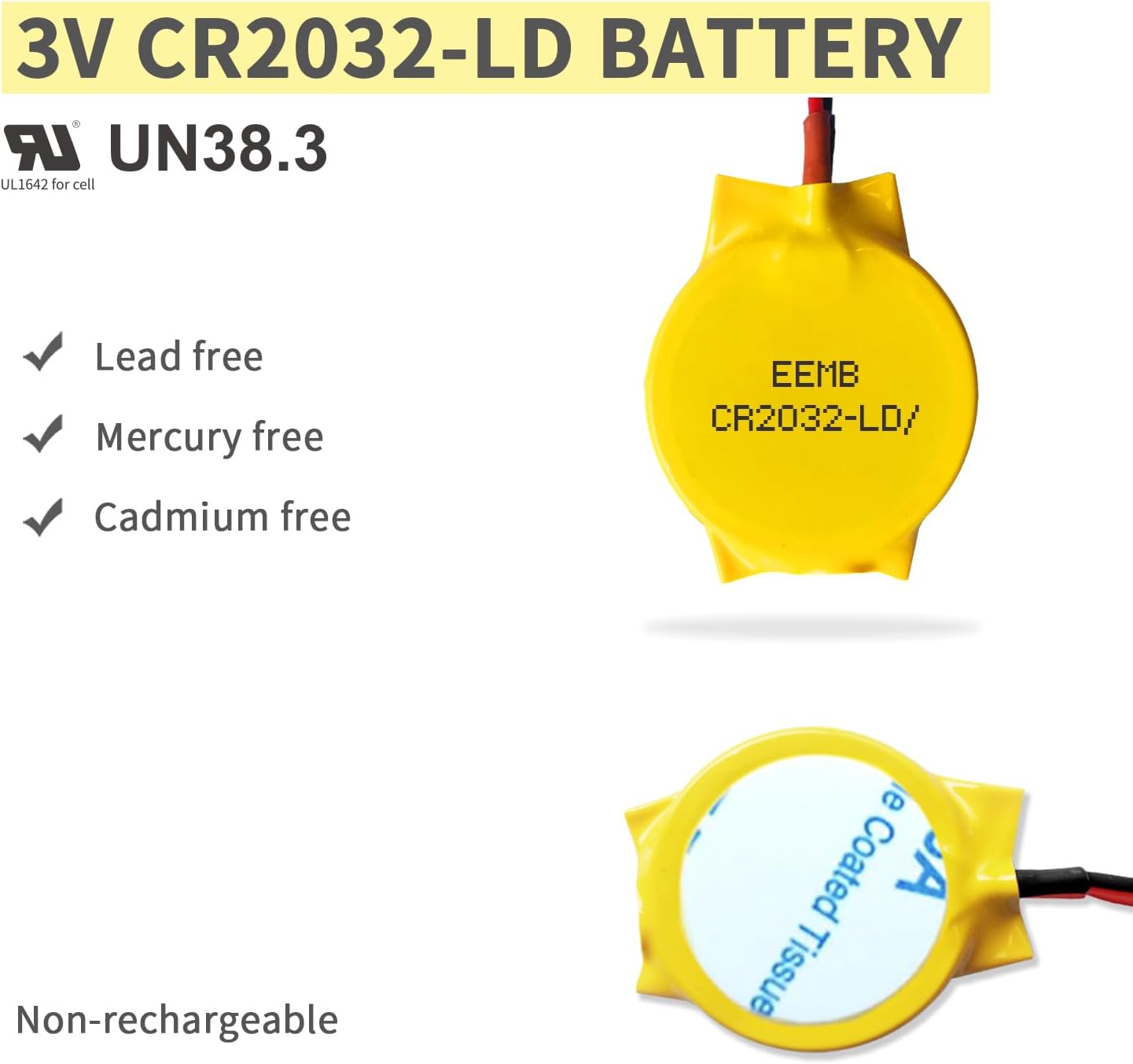
Description: This image confirms the environmental safety features of the EEMB CR2032-LD battery, stating it is lead-free, mercury-free, and cadmium-free, along with UL and UN38.3 certifications.
9. Certifications and Support
EEMB batteries undergo rigorous testing to ensure quality and safety.
- UL Certification: Many EEMB battery models are UL certified. You can verify certifications by searching for "MH20555" on the official UL website (www.ul.com).
- TUV Certification: Safety tests are conducted by TUV, adhering to IEC 62133 standards.
- UN38.3 Certification: This certification ensures the battery meets safety requirements for transportation.

Description: This image provides details on EEMB's extensive UL certification, including a sample certificate and guidance to verify certifications by searching 'MH20555' on the official UL website.

Description: A display of multiple certification documents, confirming that over 400 EEMB battery models are UL and UN38.3 certified, ensuring product safety and quality.


