
1. Introduction
The brotect HD-Clear Screen Protector is designed to provide optimal protection for your Almex AiM TC601 device's display without compromising visual clarity. This protector features a super clear material, ensuring a crystal-clear and sharp view of your screen's content.
Key features include:
- Extremely scratch-resistant and durable surface.
- Strong protection against scratches and dust.
- Crystal-clear and hard-coated finish.
- Anti-fingerprint coating for easy cleaning.
- Bubble-free and problem-free installation due to a newly developed adhesive layer.
2. Package Contents
Each package contains:
- 2 x brotect HD-Clear Screen Protectors for Almex AiM TC601
- Detailed installation instructions (also printed on packaging)
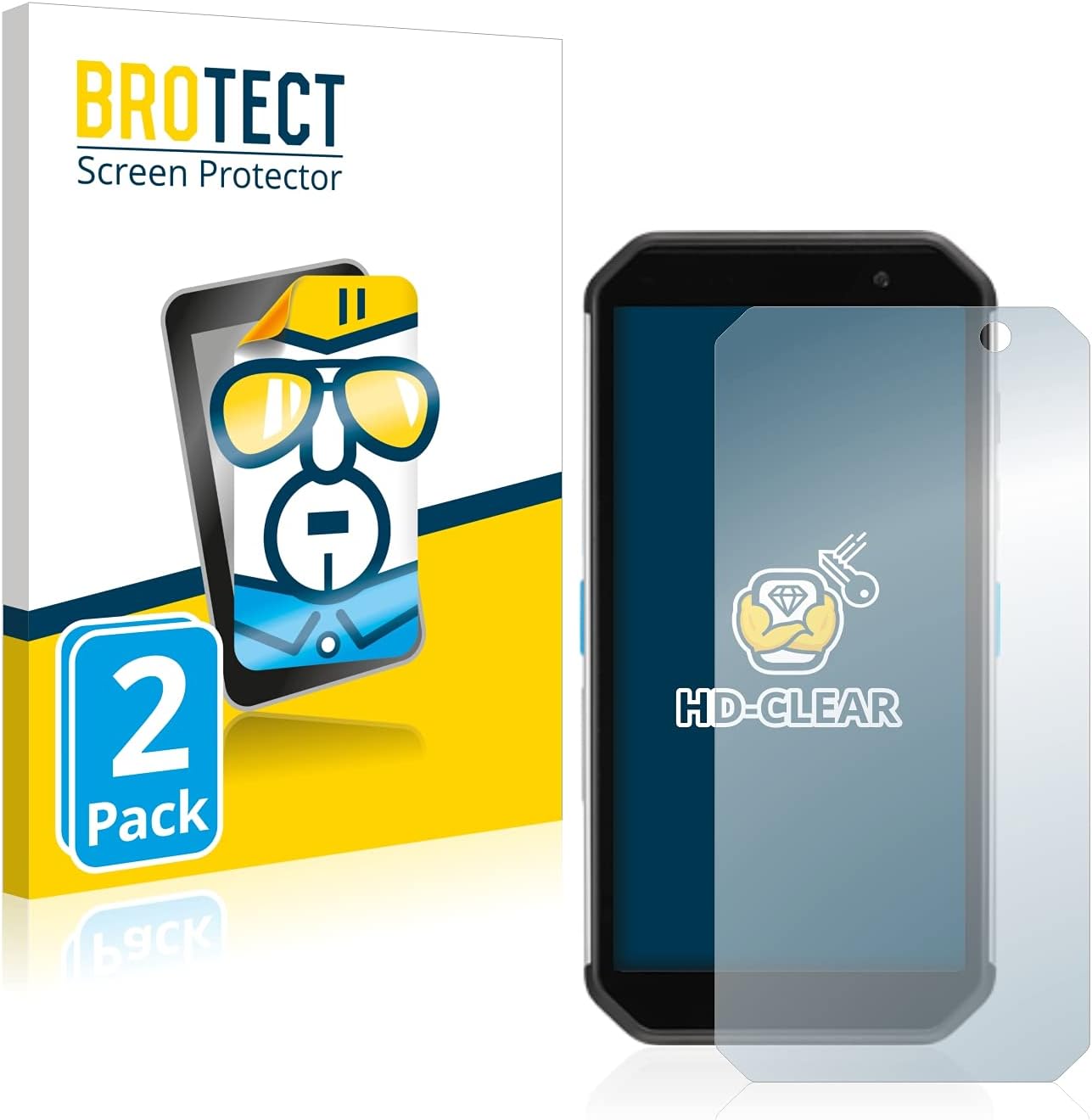
Image: brotect HD-Clear Screen Protector packaging and the protector itself.
3. Setup and Installation
Follow these steps for a successful, bubble-free installation:
- Prepare the Device: Find a dust-free area (e.g., a bathroom). Thoroughly clean the display of your Almex AiM TC601 to remove any dust, dirt, or fingerprints. Ensure the screen is completely dry.
- Position the Protector: Carefully peel off about half of the thin cover film from the screen protector. Align the screen protector precisely with your device's screen, ensuring it is centered.
- Apply and Smooth: Using a soft cloth or a credit card wrapped in a soft cloth, gently smooth the screen protector onto the display from one side to the other. As you smooth, slowly peel off the remaining backing film.
- Remove Air Bubbles: If any air bubbles remain, gently push them towards the edges of the screen using the soft cloth or credit card.

Image: Visual guide for screen protector installation steps.
Important Notes:
- If your device has curved edges on the display, the screen protector is deliberately cut slightly smaller than the display to ensure proper adhesion and prevent lifting.
- Avoid touching the adhesive side of the screen protector during installation to prevent dust or fingerprints.
4. Usage
Once installed, the brotect HD-Clear Screen Protector will not interfere with the touch sensitivity or display clarity of your Almex AiM TC601. You can continue to use your device as normal, benefiting from enhanced screen protection.
5. Maintenance and Care
To maintain the clarity and effectiveness of your screen protector:
- Cleaning: Due to its anti-fingerprint coating, dirt and fingerprints can be easily wiped off. Use a soft, lint-free cloth (e.g., microfiber) to gently clean the screen protector.
- Avoid Harsh Chemicals: Do not use abrasive cleaners, alcohol, or harsh chemicals, as these can damage the coating.
- Protection: While the protector is scratch-resistant, avoid placing your device face down on rough surfaces or with sharp objects to prevent excessive wear.
6. Troubleshooting
If you encounter any issues during or after installation, consider the following:
- Persistent Bubbles: Small bubbles often disappear within 24-48 hours as the adhesive fully cures. For larger bubbles, try gently lifting the nearest edge of the protector and re-applying, pushing the bubble out with a soft cloth. Ensure no dust particles are trapped underneath.
- Dust Under Protector: If dust particles are trapped, it's best to carefully remove the protector, clean the screen and the adhesive side (if possible, with a dust-removal sticker), and re-apply. Use the second protector if the first attempt is unsuccessful due to trapped debris.
- Lifting Edges: Ensure the screen is perfectly clean and dry before application. If edges lift, it might be due to improper alignment or dust. For devices with curved edges, the protector is designed to be slightly smaller to prevent this.
7. Specifications
| Feature | Detail |
|---|---|
| Brand | brotect |
| Compatible Devices | Almex AiM TC601 |
| Material | Polyethylene Terephthalate, Thermoplastic Polyurethane |
| Item Hardness | 9H |
| Special Feature | Scratch Resistant |
| Screen Size (Diagonal) | 7.9 Inches / 21 cm |
| Screen Surface Description | Glossy |
| Clarity | 10 |
| Number of Items | 2 |
8. Warranty and Support
For information regarding returns or product support, please refer to the retailer's return policy or contact the manufacturer directly. Typically, products purchased on Amazon.com may be eligible for returns within 30 days of receipt, subject to the seller's specific return policy.
For further assistance or inquiries, please reach out to brotect customer support through their official channels.