
1. Product Overview
This manual provides instructions for the E ECSEM Replacement Charging Cable, designed specifically for Letscom ID205L and ID205G smartwatches. The package includes two USB charging cables, each 3.3 feet (100cm) in length, ensuring a reliable power connection for your device.
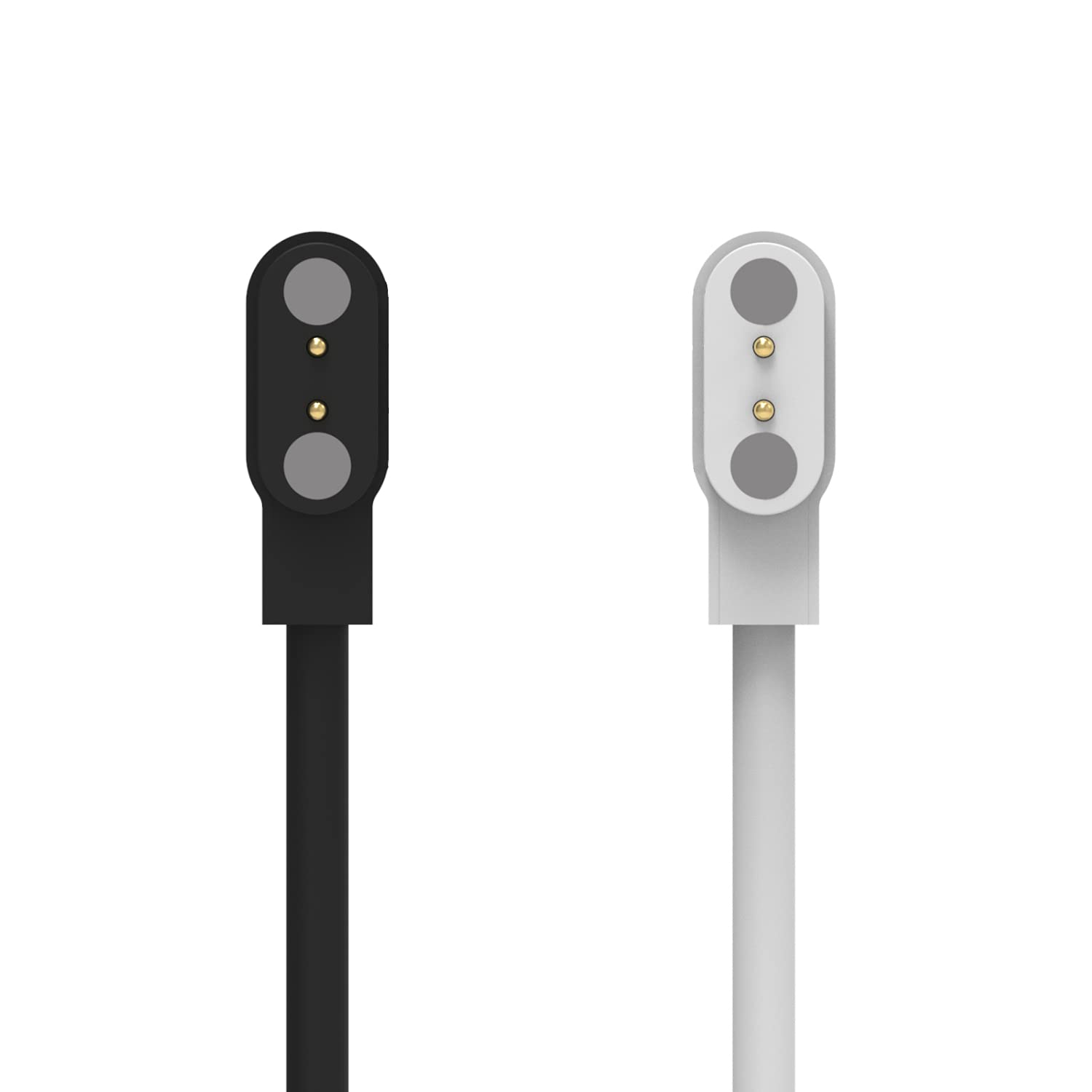
Image: Two charging cables, one black and one white, showcasing their magnetic charging connectors.
The cables are constructed from durable PC material and soft ABS plastic, designed for longevity and to prevent scratching your smartwatch. The smooth, polished surface contributes to both protection and aesthetic appeal.
2. Setup and Connection
Before connecting, ensure the distance between the magnet charging port of your smartwatch is 2.84mm. This cable is designed for a precise fit.

Image: Diagram illustrating the 2.84mm magnetic pin distance required for compatibility with the smartwatch charging port.
The package contains two cables. It is important to note that only one of the provided chargers will correctly fit your device due to opposite electrical polarity. If one cable does not initiate charging, try the other one. Using the incorrect polarity charger for an extended period can damage your smartwatch.

Image: Polarity diagram for the white and black charging cables, highlighting that they have opposite electrical polarities.
To connect:
- Identify the correct charging cable by testing both. The correct cable will magnetically snap securely onto your smartwatch's charging port.
- Plug the USB-A end of the charging cable into a compatible power source.
3. Operating Instructions (Charging)
For optimal and stable charging, it is recommended to use a computer USB port, laptop, or power bank as your power source. These sources typically provide a more stable current.
Important Charging Precaution: Do not use a power adapter with an output greater than 5V/1A. Using a higher voltage/amperage adapter can damage your smartwatch.

Image: The white charging cable, showing both the USB connector and the magnetic charging head.
Once connected to a suitable power source, your smartwatch should indicate that it is charging. If your smartwatch has a protective case, it may be necessary to remove it during charging to ensure a proper connection.
4. Maintenance
To ensure the longevity and proper function of your charging cables:
- Store the cables in a clean, dry environment when not in use.
- Avoid bending or kinking the cables sharply, as this can damage the internal wires.
- Keep the magnetic charging contacts clean and free of dust or debris. Use a soft, dry cloth to gently wipe them if necessary.
- Do not expose the cables to extreme temperatures or direct sunlight for prolonged periods.
5. Troubleshooting
If you encounter issues while charging your smartwatch, consider the following:
- Smartwatch not charging:
- Ensure you are using the correct cable from the package. Remember, only one has the correct electrical polarity for your device. If one doesn't work, try the other.
- Verify the magnetic connection is secure and the cable is properly snapped onto the smartwatch's charging port.
- Try a different USB power source (e.g., another USB port on your computer, a different power bank).
- Check if the smartwatch's charging contacts or the cable's magnetic pins are dirty or obstructed.
- If your smartwatch has a case, remove it to ensure full contact.
- Slow charging or overheating:
- Ensure your power source is not exceeding 5V/1A. Using a higher output adapter can cause overheating and damage.
- Charge in a well-ventilated area.
- Cable damage:
- Inspect the cable for any visible signs of damage, such as frayed wires or bent connectors. Discontinue use if damage is found.
It is strongly advised to discard the cable with the incorrect polarity once you have identified the working one, to prevent accidental damage to your smartwatch.
6. Specifications
| Product Name | Replacement Charging Cable for Letscom ID205L ID205G Smartwatches |
| Brand | E ECSEM |
| Model Number | ID205L cable |
| Compatible Devices | Letscom ID205L, Letscom ID205G Smartwatches, PC, Laptop, Power Bank |
| Cable Type | USB Charging Cable |
| Connector Type | USB Type A (Input), Magnetic (Output) |
| Cable Length | 3.3 feet (100 cm) |
| Magnetic Pin Distance | 2.84 mm |
| Recommended Input | Max 5V/1A |
| Package Dimensions | 5.75 x 4.02 x 0.43 inches |
| Item Weight | 0.63 ounces |
7. Customer Support
For any questions or concerns regarding your E ECSEM Replacement Charging Cable, please contact the seller directly. They are committed to providing a satisfactory shopping experience and can assist with product-related inquiries.
Note: Specific warranty information is not provided in this manual. Please refer to your purchase documentation or contact the seller for details on warranty coverage.


