
Introduction
This manual provides comprehensive instructions for the safe and efficient operation of your AudioBox ABX-650R Portable Karaoke Bluetooth Speaker. Please read this manual thoroughly before using the device and retain it for future reference.
Safety Information
- Do not expose the speaker to water or moisture.
- Avoid placing the speaker near heat sources or in direct sunlight.
- Do not attempt to disassemble or repair the unit yourself. Contact qualified service personnel.
- Use only the specified charging accessories.
- Keep out of reach of children.
Package Contents
Verify that all items are present in the package:
- AudioBox ABX-650R Portable Karaoke Bluetooth Speaker
- Wired Microphone
- Charging Cable
- User Manual (this document)

Image: AudioBox ABX-650R speaker shown with its included wired microphone.
Product Overview
The AudioBox ABX-650R is a compact and portable speaker designed for various audio applications, including karaoke and music playback. It features a 6.5-inch woofer, multi-color LED lights, and multiple connectivity options.

Image: Front view of the AudioBox ABX-650R speaker, emphasizing its 6.5-inch woofer and 7-color sound-activated LED lights.
Key Features:
- WaveSync Technology: For seamless Bluetooth connectivity.
- Dynamic LED Lights: 7-color woofer lights that sync with music.
- Portable Design: Lightweight with an integrated grab handle.
- Built-in Phone Holder: Securely holds your smartphone.
- Multiple Inputs: Bluetooth, AUX, USB, FM Radio, Microphone.

Image: A hand demonstrating the comfortable grab handle on the AudioBox ABX-650R speaker, highlighting its portability.
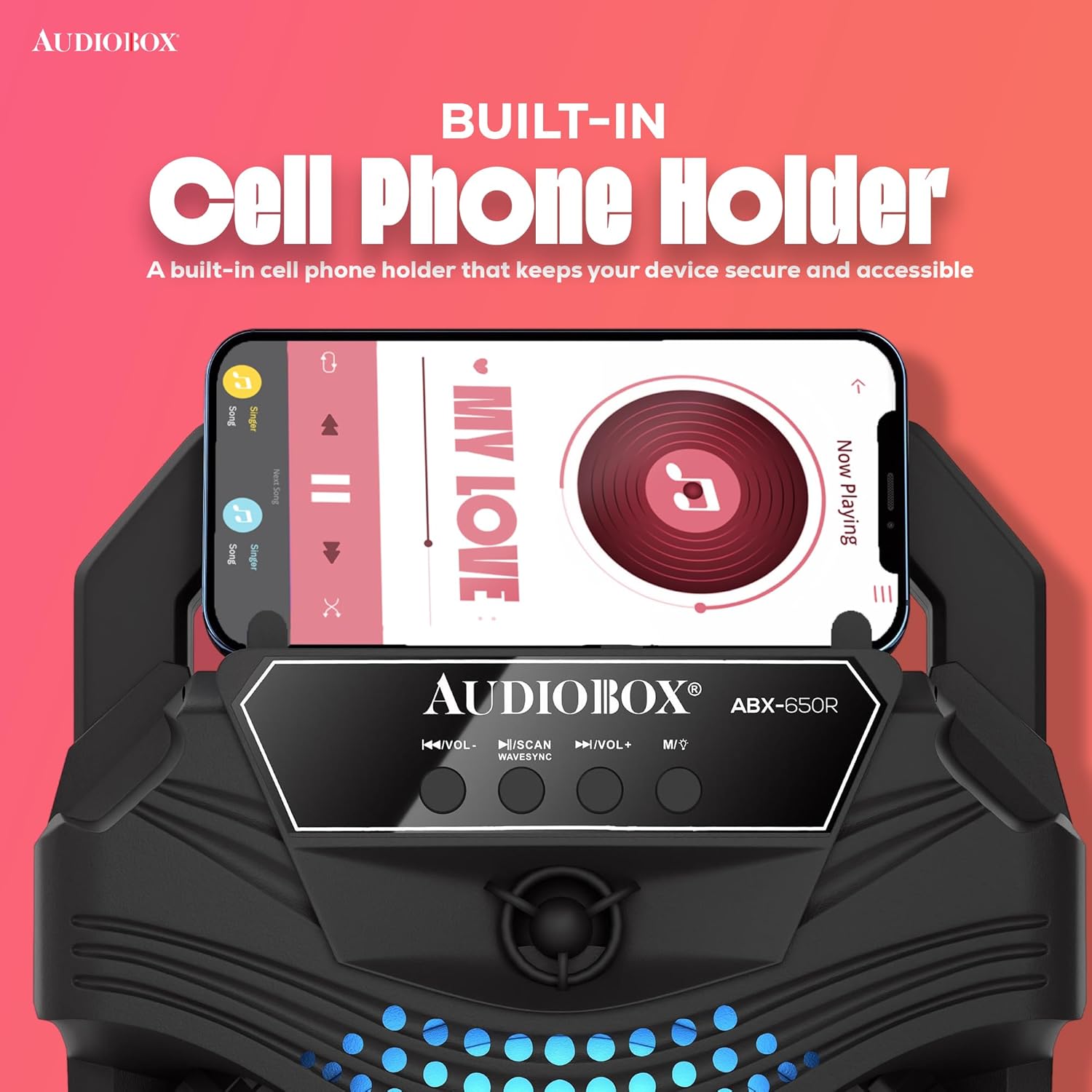
Image: Close-up of the AudioBox ABX-650R speaker showing a smartphone securely placed in its integrated cell phone holder.
Setup
1. Charging the Speaker
- Locate the charging port on the speaker.
- Connect the provided charging cable to the speaker and a suitable power source (e.g., USB wall adapter, computer USB port).
- The charging indicator light will illuminate. Allow sufficient time for a full charge before first use.
2. Connecting the Wired Microphone
- Locate the 1/4-inch microphone input jack on the speaker.
- Insert the plug of the wired microphone firmly into the microphone input jack.
- Ensure the microphone's ON/OFF switch is in the "ON" position when in use.
Operating Instructions
1. Power On/Off
Press and hold the power button (usually labeled with a power symbol) for a few seconds to turn the speaker ON or OFF.
2. Connectivity Options

Image: Diagram illustrating the various connectivity options of the AudioBox ABX-650R speaker, including AUX, Bluetooth, FM Radio, and USB input.
Bluetooth Pairing (WaveSync Technology)
- Turn on the speaker. It will automatically enter Bluetooth pairing mode, indicated by a flashing LED.
- On your device (smartphone, tablet, etc.), enable Bluetooth and search for available devices.
- Select "AudioBox ABX-650R" from the list.
- Once paired, the speaker will emit a confirmation sound, and the LED indicator will stop flashing.
AUX Input
- Connect a 3.5mm audio cable (not included) from your audio source to the AUX input port on the speaker.
- The speaker will automatically switch to AUX mode, or you may need to press the "Mode" button to select AUX.
USB Playback
- Insert a USB flash drive containing MP3 audio files into the USB port.
- The speaker will automatically detect the USB drive and begin playing music, or you may need to press the "Mode" button to select USB.
FM Radio
- Press the "Mode" button to switch to FM Radio mode.
- Press the "Scan" button (often combined with Play/Pause) to automatically scan and save available FM stations.
- Use the "Previous/Next Track" buttons to navigate between saved stations.
3. Microphone Usage (Karaoke)
With the wired microphone connected and the speaker powered on:
- Adjust the microphone volume using the dedicated "Mic Vol" knob or buttons on the speaker.
- Speak or sing into the microphone. Ensure the microphone is switched ON.
- For optimal sound, hold the microphone close to your mouth.

Image: Children enjoying a karaoke session with the AudioBox ABX-650R speaker and wired microphone.
4. LED Lights
The speaker features dynamic 7-color LED lights that respond to the music. These lights automatically activate when the speaker is on. There may be a dedicated button (often labeled "LED" or "Light") to cycle through light modes or turn them off, if available on your specific unit.
Maintenance
Cleaning
- Always power off and unplug the speaker before cleaning.
- Use a soft, dry cloth to wipe the exterior surfaces.
- Do not use liquid cleaners, aerosols, or solvents.
Battery Care
- To prolong battery life, avoid fully discharging the battery frequently.
- Recharge the speaker regularly, even if not in use, to maintain battery health.
- Store the speaker in a cool, dry place when not in use for extended periods.
Troubleshooting
| Problem | Solution |
|---|---|
| Speaker does not power on. | Ensure the battery is charged. Connect the speaker to a power source using the charging cable. |
| Cannot pair via Bluetooth. | Make sure the speaker is in Bluetooth mode. Turn off and on your device's Bluetooth. Move the speaker closer to your device. |
| No sound from microphone. | Check if the microphone is securely plugged into the 1/4-inch jack. Ensure the microphone's ON/OFF switch is in the "ON" position. Adjust the "Mic Vol" control. |
| Sound distortion or low volume. | Adjust the master volume on the speaker and your connected device. Ensure audio cables (if using AUX) are fully inserted and not damaged. |
| USB playback not working. | Ensure the USB drive contains compatible MP3 files. Try reformatting the USB drive to FAT32 if issues persist. |
Specifications
| Feature | Detail |
|---|---|
| Model Number | ABX-650R |
| Brand | Audiobox |
| Connectivity Technology | Bluetooth |
| Woofer Size | 6.5 inches |
| Output Wattage | 1000 Watts (Music Power) |
| Battery | 800mAh 3.7V Lithium-Ion |
| Audio Input | 1/4 Microphone Jack, Aux |
| Item Weight | 1 Kilogram |
| Built-In Media | Microphone |
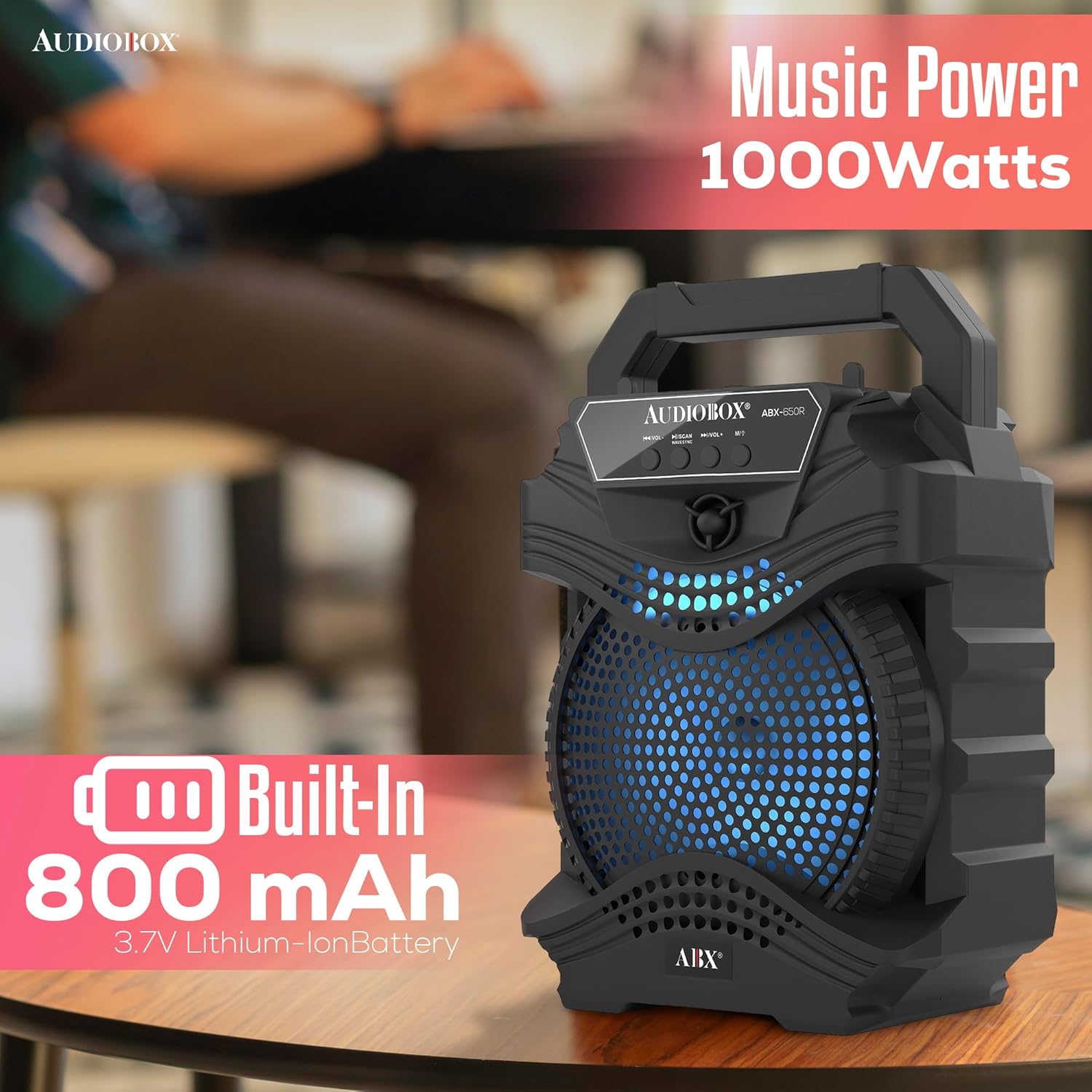
Image: Visual representation of the AudioBox ABX-650R speaker's 1000 Watts music power output and 800 mAh built-in Lithium-Ion battery.
Warranty and Support
For warranty information or technical support, please contact the seller directly. Refer to your purchase documentation for seller contact details.


