
1. Introduction
Thank you for choosing the frestar Desktop Air Purifier. This compact and efficient air purifier is designed to improve air quality in small spaces such as offices, bedrooms, and bathrooms. Featuring a 3-stage filtration system with a HEPA filter and activated carbon, it effectively captures pollutants, dust, and odors, providing a cleaner and healthier environment. This manual provides essential information for the safe and proper use, maintenance, and troubleshooting of your device.

The frestar Desktop Air Purifier in white, illustrating its compact design and upward airflow.
2. Safety Information
Please read all safety instructions carefully before using this appliance to prevent injury or damage. Keep this manual for future reference.
- Do not operate the air purifier with a damaged cord or plug.
- Do not place the unit near heat sources, open flames, or in direct sunlight.
- Ensure the unit is placed on a stable, level surface.
- Do not block the air inlet or outlet. Maintain at least 6 inches (15 cm) clearance from walls or other objects.
- Do not immerse the unit in water or other liquids.
- Unplug the air purifier before cleaning or performing any maintenance.
- This appliance is not intended for use by persons (including children) with reduced physical, sensory, or mental capabilities, or lack of experience and knowledge, unless they have been given supervision or instruction concerning use of the appliance by a person responsible for their safety.
- Use only original frestar replacement filters.
3. Package Contents
Verify that all items are present in the package:
- 1 x frestar Desktop Air Purifier
- 1 x HEPA Filter (may be pre-installed inside the unit)
- 1 x USB Power Cable (Note: USB power adapter is not included)
- 1 x User Manual
4. Product Overview
Key Features:
- Powerful Air-Duct System: Optimizes air circulation for quick purification.
- 3-Stage Filtration: Includes a HEPA filter and two activated carbon filters for comprehensive air cleaning.
- High-Precision HEPA Filter: Effectively cleans the air up to 99.97% of airborne particles.
- Low Noise Operation: Operates below 30dB for a quiet environment.
- Compact and Portable: Small size (4.5 x 4.5 x 6.89 inches) and USB-powered for versatile placement.
- Wide Coverage: Suitable for areas up to 161 sq. ft (15 sq. m).
Components:
- Air Outlet (Top)
- Control Button (On/Off/Light)
- Air Inlet (Sides)
- Filter Compartment (Bottom)
- USB Power Port (Rear/Side)

This image illustrates the air purifier's effectiveness against common indoor pollutants such as smoke, unpleasant odors, dust particles, pollen, and pet dander.
5. Setup
Follow these steps to set up your frestar Desktop Air Purifier:
- Unpack: Carefully remove the air purifier and all accessories from the packaging.
- Check Filter: The HEPA filter may be pre-installed. If not, or if it has protective packaging, open the bottom cover of the unit, insert the filter, and secure the cover. Ensure the filter is correctly oriented.
- Placement: Place the air purifier on a firm, level surface. Ensure there is at least 6 inches (15 cm) of space around all sides for optimal airflow. Avoid placing it directly against walls or furniture.
- Connect Power: Connect the provided USB power cable to the USB port on the air purifier. Plug the other end into a compatible USB power source (e.g., computer USB port, power bank, or a USB wall adapter, not included).

A visual representation of the air purifier's compact dimensions, measuring 4.5 inches in width, 4.5 inches in depth, and 6.89 inches in height.
6. Operating Instructions
Operating your frestar Desktop Air Purifier is simple:
- Power On/Off: Press the power button located on the top of the unit once to turn the air purifier on. Press it again to turn the unit off.
- Indicator Light: When the unit is powered on, a blue indicator light will illuminate, indicating operation. This light also serves as a night light.
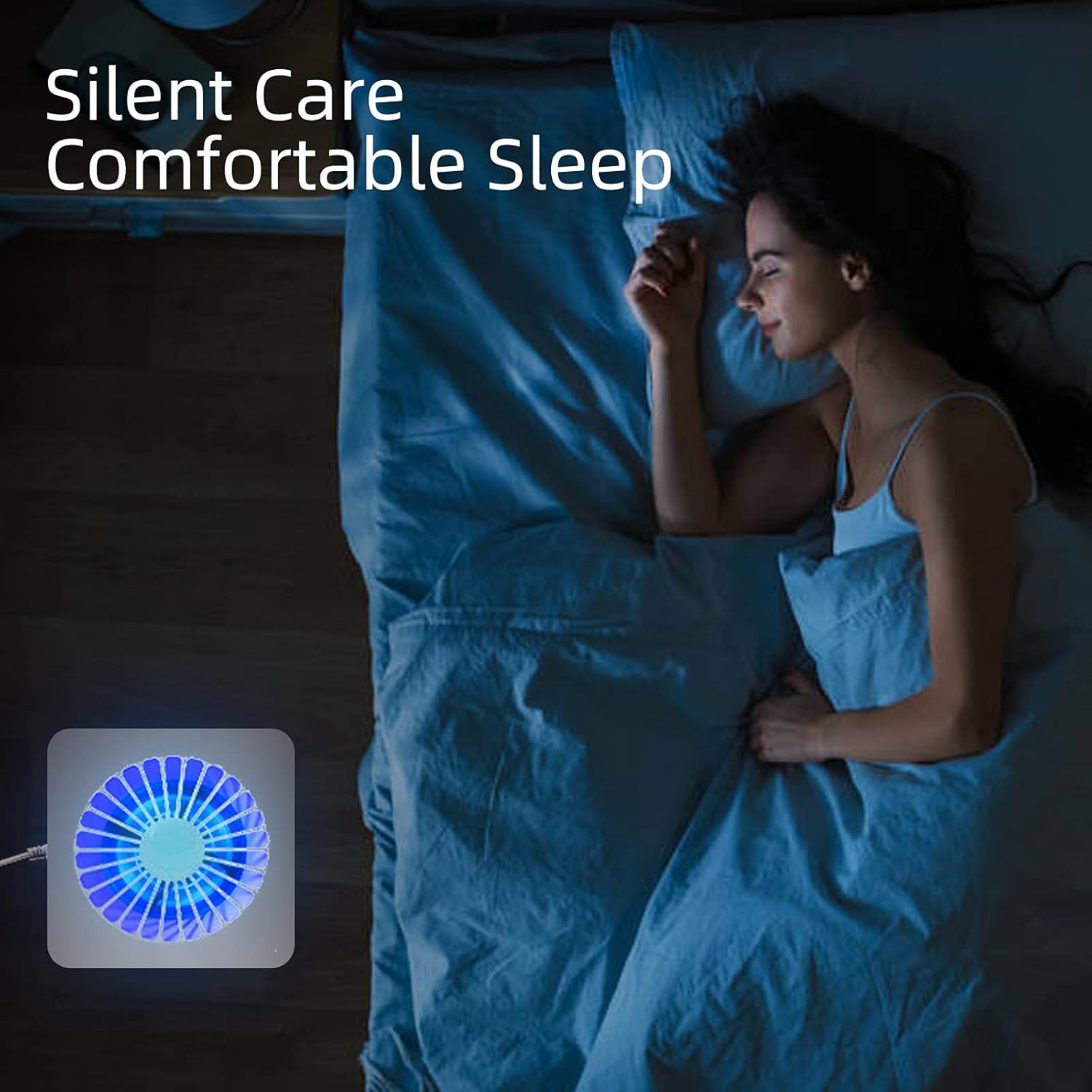
The air purifier operating quietly in a bedroom, highlighting its low noise level for undisturbed sleep.
7. Maintenance
Regular maintenance ensures optimal performance and extends the lifespan of your air purifier.
Filter Replacement:
The 3-stage filtration system includes a HEPA filter and activated carbon filters. For best results, it is recommended to replace the HEPA filter every 3-6 months, depending on usage and air quality. A dirty filter can reduce efficiency and airflow.
- Unplug the air purifier from its power source.
- Turn the unit upside down and twist the base counter-clockwise to unlock and remove the bottom cover.
- Carefully remove the old filter.
- Insert the new HEPA filter into the unit, ensuring it fits securely.
- Replace the bottom cover and twist clockwise to lock it into place.
- Plug in the air purifier and resume operation.
Replacement HEPA filters can be found using ASIN: B09NQ54LNF.

A close-up view of the cylindrical HEPA filter, which is a key component of the 3-stage filtration system and requires periodic replacement.
Cleaning the Unit:
- Unplug the air purifier before cleaning.
- Wipe the exterior surface of the unit with a soft, dry cloth.
- Do not use abrasive cleaners or solvents.
- Do not allow water to enter the interior of the unit.
8. Troubleshooting
If you encounter issues with your air purifier, refer to the following common problems and solutions:
| Problem | Possible Cause | Solution |
|---|---|---|
| Unit does not turn on | No power supply; USB cable not connected properly; Faulty power source. | Ensure the USB cable is securely connected to both the unit and a working USB power source. Try a different USB port or adapter. |
| Reduced airflow or purification efficiency | Filter is dirty or clogged; Air inlets/outlets are blocked. | Replace the HEPA filter. Ensure there is no obstruction around the air inlets and outlets. |
| Unusual noise during operation | Filter not installed correctly; Foreign object inside the unit; Unit not on a stable surface. | Check if the filter is properly seated. Unplug and gently shake the unit to dislodge any small objects. Place the unit on a flat, stable surface. |
| Blue light not working | Internal light malfunction. | The blue light is an indicator and night light. If the unit is purifying air but the light is off, it may be a minor light malfunction. Contact customer support if this is a concern. |
9. Specifications
| Feature | Specification |
|---|---|
| Model Number | FAW 20210002 |
| Product Dimensions | 4.5"D x 4.5"W x 6.89"H (11.43 x 11.43 x 17.5 cm) |
| Weight | 1 Pound (455g) |
| Power Input | USB Powered (Adapter not included) |
| Rated Power | 5 Watts |
| Coverage Area | Up to 161 sq. ft (15 sq. m) |
| Filtration Type | 3-Stage (HEPA + Activated Carbon) |
| Noise Level | Below 30dB |
| Certification | RoHS Certified |
10. Warranty and Support
frestar products are manufactured to high-quality standards. For any questions, concerns, or warranty claims, please contact frestar customer support through the retailer where the product was purchased or visit the official frestar website for assistance. Please have your model number (FAW 20210002) and purchase information ready.


