
1. Introduction
This manual provides essential information for the proper use and maintenance of your Bionaire True HEPA 360° Air Filter. This filter is designed to enhance air quality by capturing airborne particles and reducing odors.

2. Key Features
The Bionaire True HEPA 360° Air Filter incorporates a 3-stage filtration system to effectively clean the air:
- Pre-Filter: Captures larger particles such as hair, fur, lint, and fibers, extending the lifespan and effectiveness of subsequent filters.
- True HEPA Filter: Eliminates up to 99.97% of particles as small as 0.3 microns, including dust, pollen, mold spores, and pet dander.
- Carbon Filter: Helps to capture and reduce common household odors caused by pets, cooking, and smoke.


3. Compatibility
This Bionaire True HEPA 360° Air Filter (Model BAPF361) is compatible with the following air purifier model:
- Bionaire True HEPA 360° UV Air Purifier (Model BAP0041UVWH)
4. Installation and Replacement
To ensure optimal performance, replace the air filter according to the recommended schedule. The process is straightforward:
- Ensure the air purifier is turned off and unplugged from the power outlet.
- Locate the filter compartment, typically at the base of the unit.
- Twist or unlatch the cover to open the compartment.
- Carefully remove the used filter. Dispose of it properly.
- Unpack the new Bionaire True HEPA 360° Air Filter (Model BAPF361).
- Insert the new filter into the compartment, ensuring it is seated correctly.
- Close and secure the filter compartment cover.
- Plug the air purifier back into the power outlet.

Installation Videos:
This video demonstrates the process of replacing a cylindrical True HEPA 360° air filter in an air purifier. It shows how to open the unit, remove the old filter, and insert the new one, then close the unit.
This video illustrates the replacement of a HAPF360 Type J True HEPA filter in a Holmes True HEPA 360 Air Purifier. It details the steps for removing the base, extracting the used filter, and installing the new filter.
5. Operating Instructions (Air Purifier)
While this manual focuses on the filter, understanding the basic operation of your compatible Bionaire air purifier is important for optimal filter performance. Refer to your air purifier's specific manual for detailed operating instructions.
- Power On/Off: Use the power button to turn the unit on or off.
- Fan Speed: Adjust the fan speed (e.g., Low, Medium, High, Sleep) to control air circulation and noise level.
- Timer Function: Utilize the timer setting (e.g., 2H, 4H, 8H) to program the unit to operate for a specific duration before automatically shutting off.
General Filter Information Video:
This video provides a general overview of an advanced air purifier filter, highlighting its benefits for cleaner air and suitability for households with pets or smokers. It shows the filter being installed in a compatible air purifier.
6. Maintenance
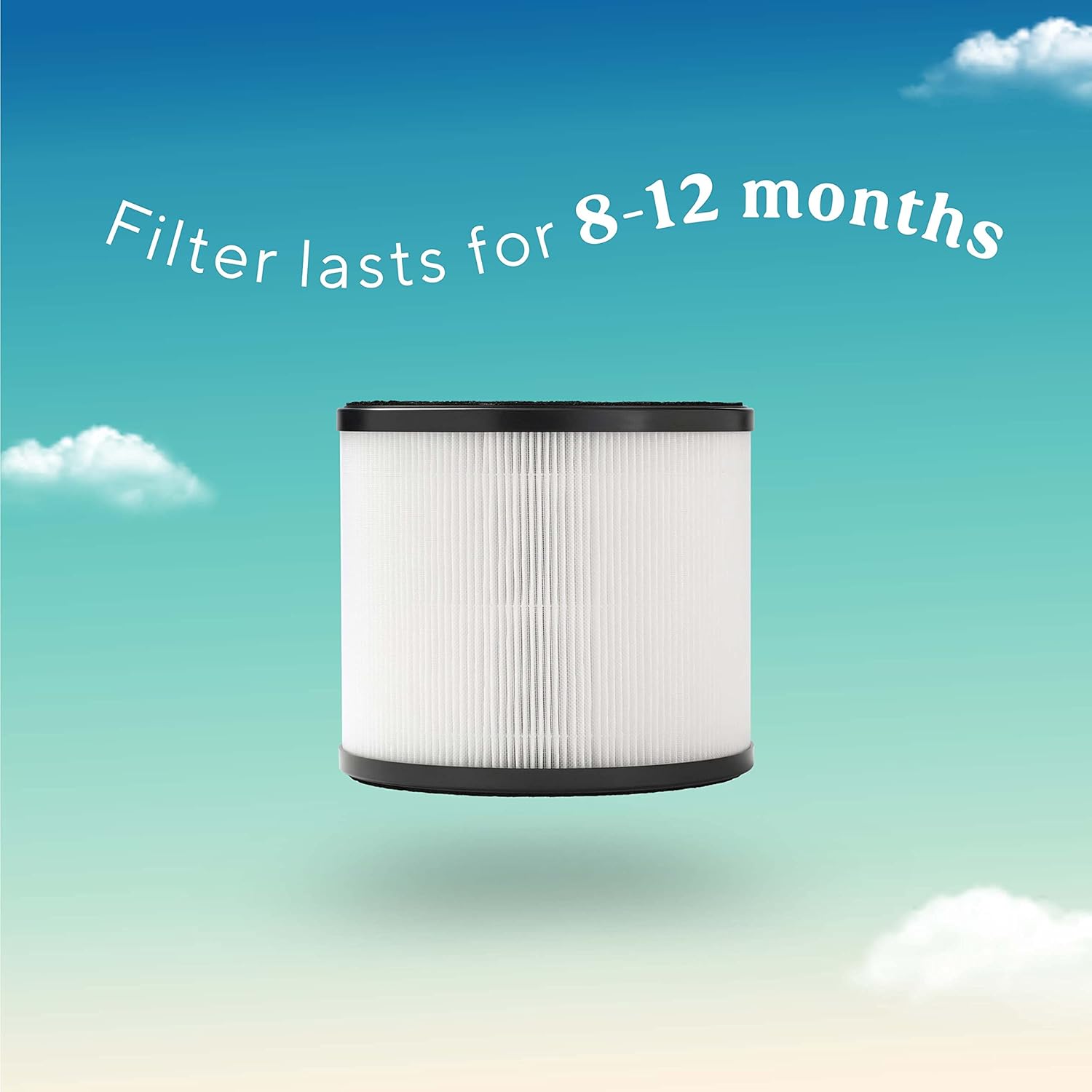
For optimal performance and air quality, it is recommended to replace the Bionaire True HEPA 360° Air Filter every 8-12 months. This interval may vary depending on usage frequency and air quality conditions in your environment.
7. Specifications
| Product Dimensions | 11.81 x 11.81 x 5.94 inches |
| Item Weight | 12 ounces |
| Manufacturer | Bionaire |
| Item Model Number | BAPF361 |
| Material | Plastic |
| Compatible Devices | Air Purifier (specifically Bionaire True HEPA 360° UV Air Purifier model BAP0041UVWH) |
| UPC | 053891163224 |
8. Warranty and Support
This Bionaire True HEPA 360° Air Filter (Model BAPF361) is sold without a manufacturer's warranty. For any product-related inquiries or support, please refer to the official Bionaire website or contact their customer service directly.