
1. Introduction
Thank you for choosing the Home Planet Gear Pink Retractable Utility Knife. This manual provides essential information for the safe and effective use, setup, and maintenance of your new tool. Please read these instructions carefully before use and retain them for future reference.

Image 1.1: The Home Planet Gear Pink Retractable Utility Knife with included blades.
2. Safety Information
This utility knife contains extremely sharp blades. Improper use can result in serious injury. Always follow these safety guidelines:
- Keep out of reach of children.
- Always wear appropriate personal protective equipment, such as gloves and eye protection, when using or changing blades.
- Ensure the blade is fully retracted when not in use.
- Cut away from your body and hands.
- Use a cutting mat or stable surface to protect underlying areas.
- Do not apply excessive force; let the sharp blade do the work.
- Dispose of used blades safely in a puncture-resistant container.
- Inspect the knife for damage before each use. Do not use if damaged.
3. Product Overview and Components
The Home Planet Gear Utility Knife features an ergonomic design for comfortable and efficient cutting. Key components include:
- Ergonomic TPR Rubber Grip: Provides a secure and comfortable hold.
- Retractable Blade Mechanism: Allows for safe storage and adjustable blade exposure.
- Blade Release Button: Facilitates quick and easy blade changes.
- 5 Locking Blade Settings: For precise control over cutting depth.
- Integrated Blade Storage: Conveniently stores spare blades within the handle.
- Durable Zinc-Alloy Body: Ensures longevity and robustness.

Image 3.1: Key features and components of the utility knife.
4. Setup: Blade Installation and Replacement
Your utility knife comes with 5 reversible SK5 steel blades. Follow these steps to install or replace a blade:
- Extend the Blade: Carefully slide the blade mechanism forward until the current blade is fully extended.
- Press Release Button: Locate the red blade release button (refer to Image 3.1) and press it firmly.
- Remove/Reverse Blade: While holding the button, carefully pull the blade out. You can either reverse the blade if the other edge is sharp, or replace it with a new one from the internal storage.
- Access Blade Storage: To access the internal blade storage, locate the storage button (refer to Image 3.1) and press it to open the compartment.
- Insert New Blade: Align the new or reversed blade with the slot and carefully push it in until it clicks securely into place. Ensure the blade is seated correctly.
- Retract Blade: Slide the blade mechanism back until the blade is fully retracted for safety.
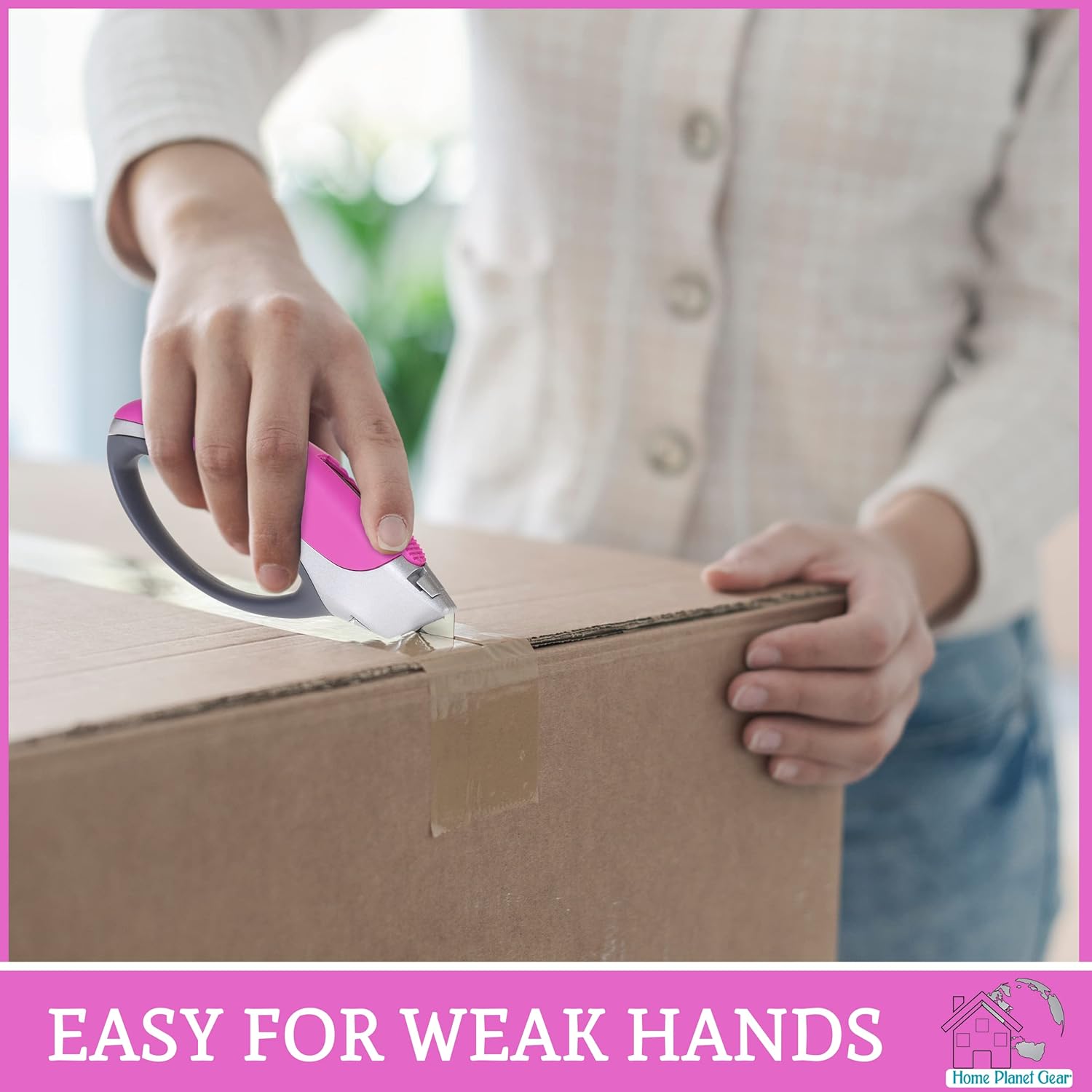
Image 4.1: Step-by-step guide for blade replacement.


Image 4.2: Details of the blade release button and internal blade storage.
5. Operating Instructions
This utility knife is designed for cutting various materials with ease. Always ensure you have a clear cutting path and a stable surface.
5.1. Extending and Retracting the Blade
- To extend the blade, push the slider button forward with your thumb until the desired blade length is exposed. The knife features 5 locking blade settings for precise control.
- To retract the blade, pull the slider button backward until the blade is fully enclosed within the handle. Always retract the blade when not actively cutting.
5.2. Cutting Various Materials
The utility knife is suitable for cutting materials such as cardboard, carpet, drywall, rope, vinyl, leather, and flooring. Adjust the blade extension based on the material thickness:
- Cardboard: Typically requires 1/2 inch blade exposure.
- Carpet: May require up to 1 inch blade exposure.
- Leather: Generally requires 3/4 inch blade exposure.
- Paper: A minimal 1/8 inch blade exposure is often sufficient.
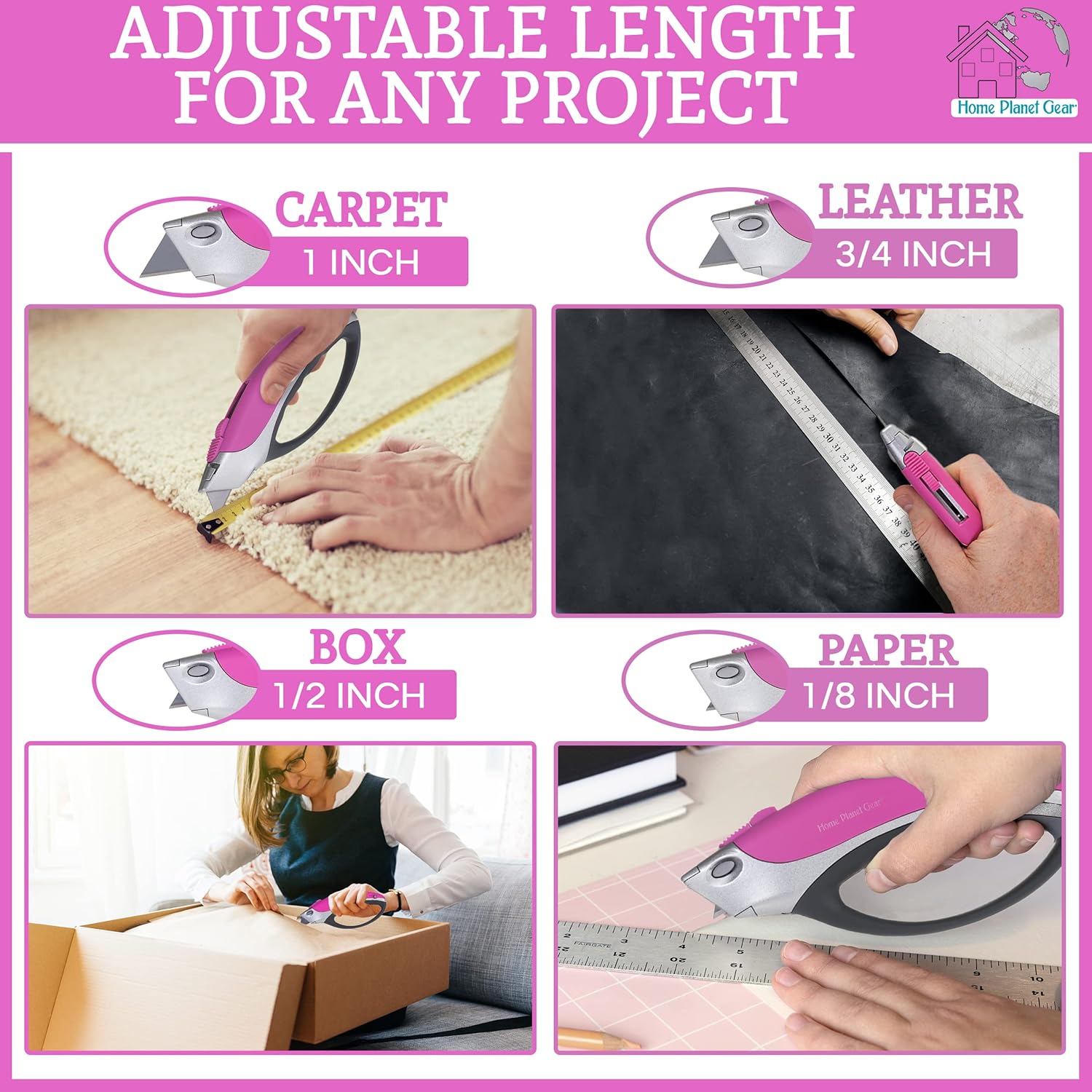
Image 5.1: Recommended blade lengths for different materials.
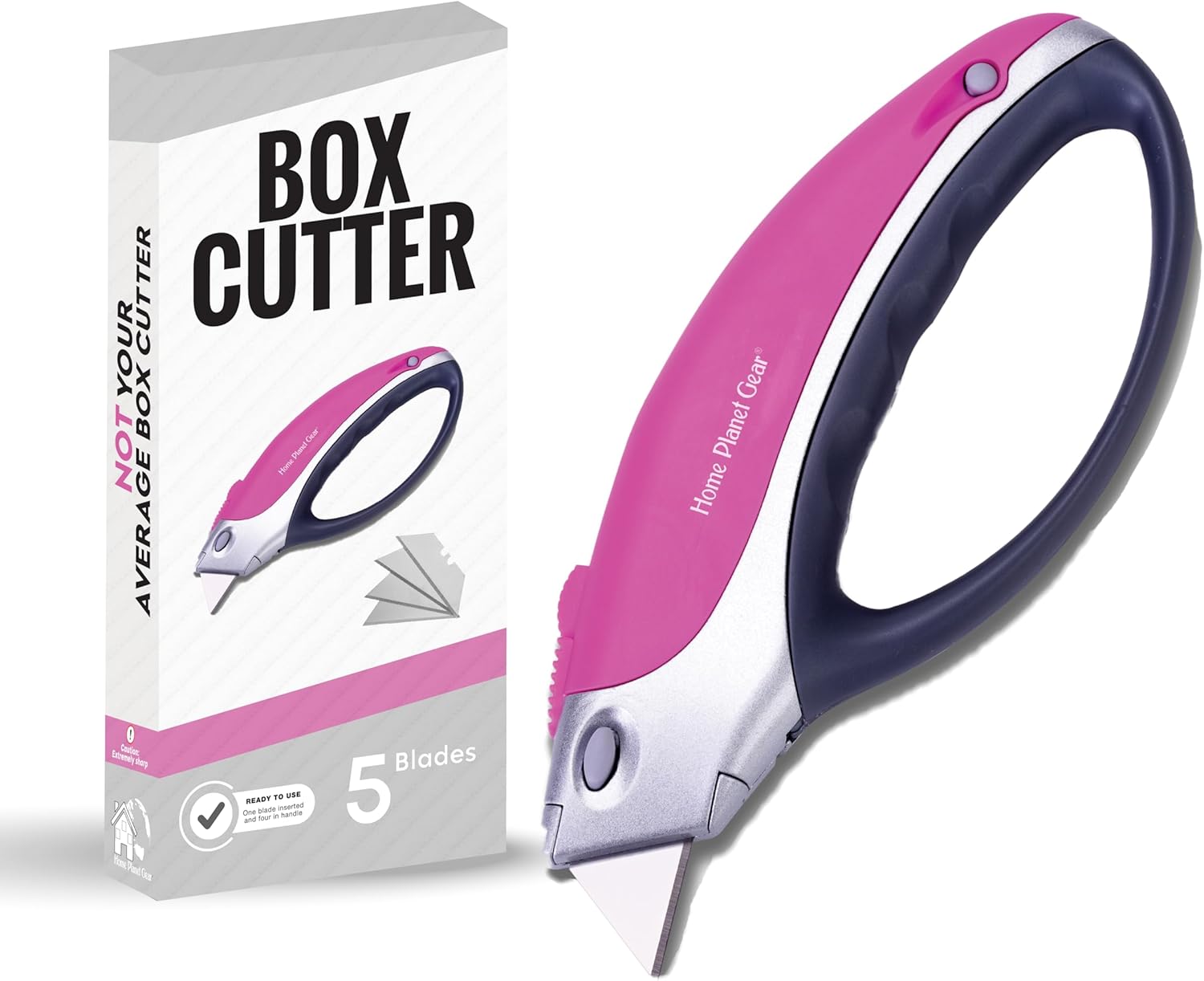
Image 5.2: Using the utility knife for opening boxes.


Image 5.3: Examples of the utility knife in use on various materials.
6. Maintenance
6.1. Blade Replacement
Regularly inspect your blade for dullness or damage. A dull blade requires more force and increases the risk of injury. Refer to Section 4 for detailed instructions on blade replacement.
6.2. Cleaning
Keep your utility knife clean and free of debris. Wipe the handle and blade (when retracted) with a dry cloth. Avoid using harsh chemicals or abrasive materials that could damage the tool.
7. Troubleshooting
- Blade not cutting effectively: The blade may be dull. Replace or reverse the blade as described in Section 4.
- Blade not retracting/extending smoothly: Check for debris in the blade channel. Clean the knife as described in Section 6.2. Ensure the blade is correctly seated.
- Blade feels loose: Ensure the blade is properly installed and clicked into place. If the issue persists, discontinue use and contact customer support.
8. Specifications
| Model Number | UK2P |
| Brand | Home Planet Gear |
| Color | Pink |
| Material | Zinc-alloy, TPR Rubber |
| Blade Material | Alloy Steel (SK5) |
| Item Length | 6.75 Inches |
| Blade Length | 3 Inches |
| Item Weight | 9.1 ounces |
| UPC | 869696000288 |
9. Warranty and Support
9.1. Lifetime Warranty
Home Planet Gear guarantees your Box Cutter / Utility Knife will be free of defects in materials and workmanship for the lifetime of the tool. In the event of defective materials or faulty workmanship, Home Planet Gear will either repair or replace the tool.
9.2. Customer Support
If you experience any issues with your Home Planet Gear product or have questions, please contact Home Planet Gear directly through Amazon messaging. We are committed to complete customer satisfaction.