1. Introduction
This manual provides comprehensive instructions for setting up, operating, maintaining, and troubleshooting your WAVLINK AX1800 WiFi 6 Router. Designed for home use, this dual-band router offers high-speed connectivity, extensive coverage, and support for numerous devices, ensuring a stable and efficient network experience.
Key features include:
- Dual-Core CPU & MU-MIMO+OFDMA: Enhances network efficiency for simultaneous device operation, supporting over 64 Wi-Fi connections for 4K streaming and gaming.
- Full WiFi Coverage & Mesh: Maximizes Wi-Fi range up to 1500 sq.ft and supports Mesh controller and proxy modes for seamless network expansion.
- Touch-Link Technology: Simplifies Wi-Fi connection by allowing secure access with a simple touch, eliminating the need to remember complex passwords.
- Advanced Security: Supports WPA2/WPA3 mix and IPv6 protocol for a secure Wi-Fi network.
2. Setup Guide
2.1 Initial Hardware Connection
- Connect your internet modem to the router's WAN port using an Ethernet cable.
- Connect the power adapter to the router's DC 12V port and plug it into a power outlet.
- Press the ON/OFF button to power on the router.
- Connect your computer or mobile device to the router via Wi-Fi (using the default SSID and password found on the router's label) or via an Ethernet cable to one of the LAN ports.

Figure 2.1: Easy Setup and Connection Diagram. This image illustrates the four simple steps to connect your WAVLINK AX1800 router: connecting to the modem and power, resetting and powering on, logging into the web management page, and configuring settings.
2.2 Web Management Access
- Open a web browser (e.g., Chrome, Firefox) on your connected device.
- In the address bar, type http://wifi.wavlink.com and press Enter.
- When prompted, enter the login password. The default initial password is "admin". Note: This is the router's management password, not your Wi-Fi password.
- Follow the on-screen wizard to complete the initial setup, including setting up your Wi-Fi network name (SSID) and password.
3. Operating Your Router
3.1 Wi-Fi Features
The WAVLINK AX1800 router supports the latest Wi-Fi 6 standard, offering enhanced performance and efficiency.
- Dual-Band Operation: The router operates on both 2.4GHz and 5GHz frequencies, providing flexibility for different device needs. The 2.4GHz band offers wider coverage, while the 5GHz band provides faster speeds for demanding applications.
- MU-MIMO and OFDMA: These technologies allow the router to communicate with multiple devices simultaneously, significantly reducing latency and improving overall network capacity, especially in environments with many connected devices.
- Target Wake Time (TWT): This feature helps connected devices consume less power by scheduling when they wake up to send or receive data, extending battery life for your devices.

Figure 3.1: AX1800 Wi-Fi 6 Wireless Mesh Router highlighting 5G (1201Mbps) and 2.4G (574Mbps) speeds.
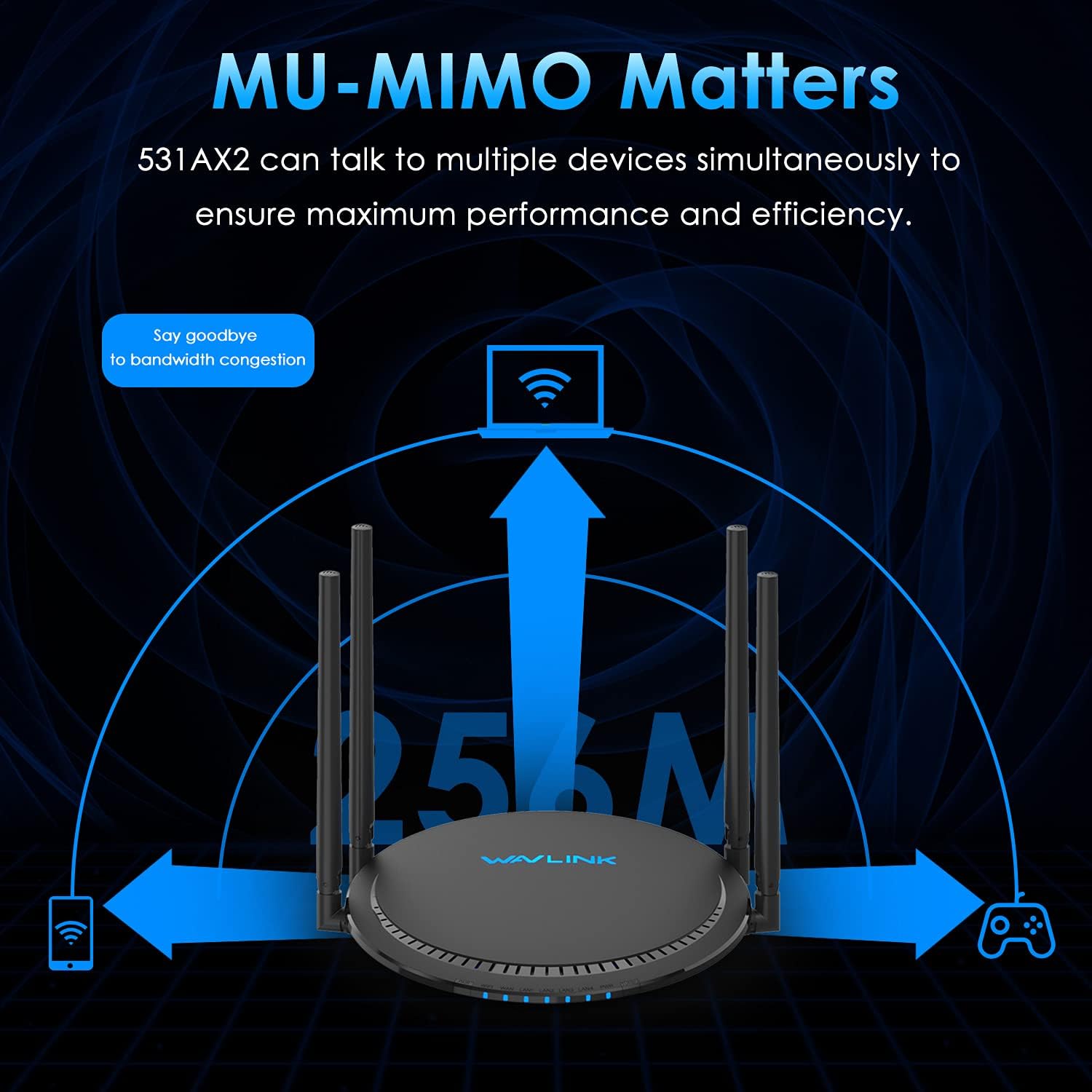
Figure 3.2: MU-MIMO Matters. This image illustrates how the 531AX2 router can communicate with multiple devices simultaneously, ensuring maximum performance and efficiency by reducing bandwidth congestion.

Figure 3.3: Save the Connected Device Battery Life. This image demonstrates how Wi-Fi 6 routers with TWT technology can effectively reduce the power consumption of terminal equipment compared to Wi-Fi 5 routers.
3.2 Mesh Networking
The WAVLINK AX1800 supports Mesh controller and Mesh proxy modes, allowing you to create a seamless whole-home Wi-Fi system by connecting multiple compatible devices.

Figure 3.4: Mesh Networking. This diagram illustrates various mesh networking configurations: via cable, via wireless, and a wireless & cable mix, enabling seamless and easy network creation.
3.3 Touch-Link Technology
This unique feature allows for secure and convenient Wi-Fi sharing. Simply touch the sensor pad on the router to allow guests to connect to your Wi-Fi network without needing to enter a password.
3.4 Parental Control
The router offers parental control features to manage internet access for specific devices. You can set time limits and block certain websites to ensure a safe online environment.
Video 3.1: Instructions on setting up parental control function on the WAVLINK 531AX2 router. This video demonstrates how to connect to the router's management interface, navigate to QoS settings, and configure parental controls including website blocking and time limits for specific client devices.
3.5 QoS (Quality of Service) Settings
QoS allows you to prioritize network traffic for different applications or devices, ensuring that critical activities like gaming or video streaming receive sufficient bandwidth. You can configure speed limits for individual devices or groups through the router's web management interface, as demonstrated in the parental control video.
4. Maintenance
To ensure optimal performance and longevity of your WAVLINK AX1800 router, consider the following maintenance tips:
- Placement: Place the router in a central location, away from obstructions and other electronic devices that may cause interference. Ensure adequate ventilation to prevent overheating.
- Regular Reboot: Periodically reboot your router (e.g., once a month) by unplugging it from the power source for 10-15 seconds and then plugging it back in. This can resolve minor connectivity issues and improve performance.
- Firmware Updates: Check the WAVLINK official website or the router's web management interface for available firmware updates. Keeping your firmware up-to-date ensures you have the latest features, security patches, and performance improvements.
- Cleaning: Gently clean the router's exterior with a soft, dry cloth. Avoid using liquid cleaners or abrasive materials.
5. Troubleshooting
If you encounter issues with your WAVLINK AX1800 router, try the following troubleshooting steps:
- No Internet Connection:
- Verify that your modem is working correctly and has an active internet connection.
- Check all Ethernet cable connections between the modem and router, and between the router and your devices.
- Reboot both your modem and router.
- Slow Wi-Fi Speed:
- Ensure your devices are connected to the appropriate Wi-Fi band (5GHz for faster speeds, 2.4GHz for wider range).
- Reduce interference by moving the router away from other electronic devices or large metal objects.
- Check QoS settings in the web management interface to ensure no unnecessary speed limits are applied to your devices.
- Consider updating the router's firmware.
- Frequent Disconnections:
- Adjust the router's antenna positions for better signal strength.
- Ensure the router's firmware is up-to-date.
- Check for overlapping Wi-Fi channels with neighboring networks and change your router's channel if necessary (via web management interface).
- Cannot Access Web Management Page:
- Ensure your device is correctly connected to the router (via Wi-Fi or Ethernet).
- Verify that you are typing the correct address: http://wifi.wavlink.com.
- Try clearing your browser's cache and cookies, or use a different browser.
- If you forgot the login password, you may need to perform a factory reset (refer to the full user guide for instructions, as this will erase all custom settings).
6. Specifications
| Feature | Detail |
|---|---|
| Product Dimensions | 8.66 x 7.68 x 7.68 inches |
| Item Weight | 1.96 pounds |
| Item Model Number | 531AX2 |
| Brand | WAVLINK |
| Special Feature | QoS, Parent Control |
| Frequency Band Class | Dual-Band |
| Wireless Communication Standard | 802.11ac, 802.11ax |
| Compatible Devices | Wi-Fi, Ethernet, USB 3.0 |
| Frequency | 5 GHz |
| Recommended Uses For Product | Business, Gaming, Home |
| Connectivity Technology | Wi-Fi |
| Color | AX 1800 WiFi 6 |
| Antenna Type | Retractable |
7. Warranty and Support
Your WAVLINK AX1800 WiFi 6 Router comes with a 1-year warranty, ensuring peace of mind regarding your purchase.
For any technical assistance, troubleshooting, or warranty claims, please contact WAVLINK support:
- Phone Support: +1 8889730883 (UTC -5) Mon - Fri 9AM - 6PM
- Email Support: Contact@wavlink.com
You can also visit the official WAVLINK Store on Amazon for more product information and resources.


