
Ovlaim 52YFT-809NW
Ovlaim 52 Inch Wood Ceiling Fan Instruction Manual
Model: 52YFT-809NW
Introduction
Thank you for choosing the Ovlaim 52 Inch Wood Ceiling Fan. This ETL Listed ceiling fan features a quiet DC motor, dimmable LED light, and smart control options for both indoor and outdoor use. This manual provides essential information for safe installation, operation, and maintenance of your new ceiling fan.
Important Safety Information
Please read and understand all instructions before beginning installation. Failure to follow these instructions could result in electric shock, fire, or personal injury.
- Always disconnect power at the main circuit breaker before installation or maintenance.
- All wiring must be in accordance with national and local electrical codes.
- Consult a qualified electrician if you are unfamiliar with electrical wiring.
- The mounting structure must be capable of supporting the weight of the fan (18.07 pounds).
- Ensure the fan blades are at least 7 feet (2.13 meters) from the floor.
- Do not operate the fan if any part is damaged.
- Avoid direct exposure of the fan to rain for outdoor use.
Package Contents
Verify that all components are present before proceeding with installation:
- Ceiling Fan Motor Assembly
- 3 Solid Wood Blades
- Remote Control with Wall Mount Base
- LED Light Kit
- 2 Down-rods (5-inch and 10-inch)
- Mounting Bracket
- Hardware Pack (screws, wire nuts, etc.)
- Instruction Manual
Setup and Installation
This section outlines the general steps for installing your Ovlaim ceiling fan. For detailed diagrams and specific wiring instructions, please refer to the included printed manual.
- Power Disconnection: Turn off power at the circuit breaker to avoid electrical shock.
- Mounting Bracket Installation: Secure the mounting bracket to the ceiling junction box. Ensure the junction box is adequately supported for the fan's weight. The fan can be installed on a ceiling with a maximum slope of 15 degrees.
- Down-rod Assembly: Choose the appropriate down-rod (5-inch or 10-inch) for your ceiling height. Attach the down-rod to the motor assembly.
- Wiring Connections: Connect the fan's electrical wires to the household wiring according to local codes. The terminal block simplifies connections: L (Line/Hot), N (Neutral), and + (Ground).
- Fan Assembly Mounting: Carefully lift the fan assembly and hang it from the mounting bracket.
- Blade Attachment: Secure the three solid wood blades to the motor housing.
- Light Kit Installation: Attach the dimmable LED light kit to the bottom of the fan motor housing.
- Canopy Installation: Secure the canopy to cover the wiring and mounting bracket.
- Power Restoration: Restore power at the circuit breaker.

Image: Ovlaim 52 Inch Wood Ceiling Fan with remote control and smart home device compatibility.

Image: Diagram showing the dimensions of the 52-inch fan and available mounting options (Downrod, Angled up to 15 degrees) with recommended room sizes.
Video: Official Ovlaim video demonstrating the 52 Inch Wood Ceiling Fan in operation. This video highlights the fan's aesthetic and functionality.
Operating Instructions
Your Ovlaim ceiling fan can be controlled via the included remote, a mobile app (Tuya Smart recommended), or voice commands (Alexa, Google Assistant).
Remote Control Functions:
- Power On/Off: Press the power button to turn the fan and light on or off.
- Fan Speed: Select from 6 speed settings (1-6) to adjust airflow.
- Reversible Function: Use the reversible button to change blade direction. Downward airflow for cooling in summer, upward airflow for circulating warm air in winter.
- Light Control:
- On/Off: Separate button for light control.
- Color Temperature: Adjust between 3000K (Warm White), 4500K (Natural Light), and 6000K (Cool White). The fan features a memory function to retain the last setting.
- Dimming: Adjust light brightness from 0% to 100%.
- Timer Function: Set the fan to turn off automatically after 1 hour or 4 hours.
Smart Control (App & Voice):
For advanced control, download the Tuya Smart app. Once configured, you can link it with Amazon Alexa or Google Assistant for voice control. This allows for full adjustment of light color, dimmability, and fan speeds.
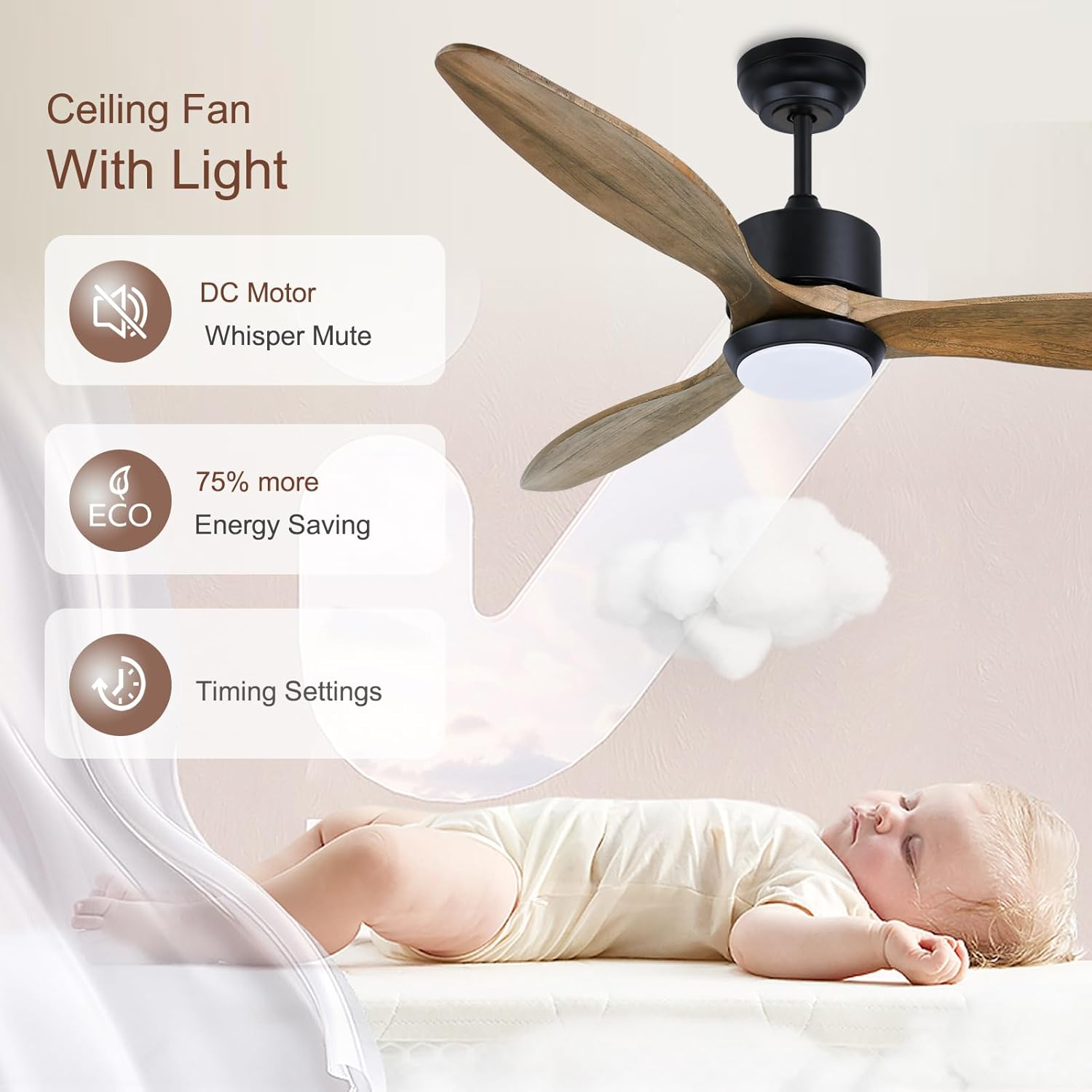
Image: The Ovlaim ceiling fan being controlled by a remote, a smartphone app, and voice assistants like Amazon Alexa and Google Assistant.

Image: Illustration of the fan's reversible function, showing downward airflow for cooling in summer and upward airflow for circulating warm air in winter.
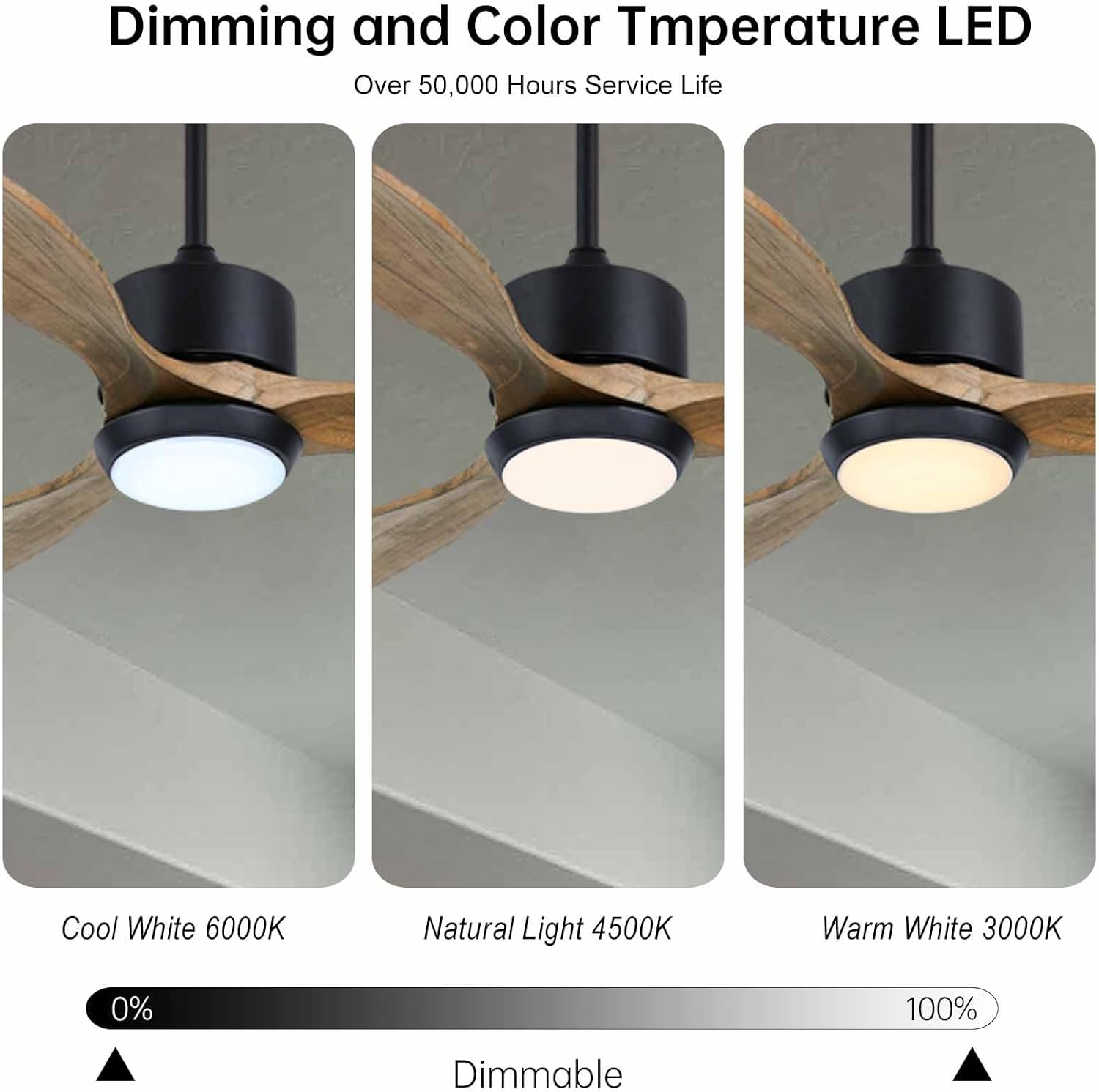
Image: Close-up of the fan's LED light, demonstrating dimming capabilities and three color temperature options: Cool White (6000K), Natural Light (4500K), and Warm White (3000K).
Maintenance
Regular maintenance ensures optimal performance and longevity of your ceiling fan.
- Cleaning: Use a soft, damp cloth to clean the fan blades and motor housing. Do not use abrasive cleaners or solvents.
- Blade Inspection: Periodically check the blade screws for tightness. Loose screws can cause wobbling and noise.
- Light Kit: The LED light is designed for over 50,000 hours of service life and does not require bulb replacement.
- Motor: The DC motor is sealed and requires no lubrication.
Troubleshooting
If you experience issues with your fan, refer to the following common problems and solutions:
| Problem | Possible Cause | Solution |
|---|---|---|
| Fan does not start | No power to the fan; loose wire connections; remote control battery low. | Check circuit breaker; ensure all wire connections are secure; replace remote control batteries. |
| Fan wobbles | Loose blade screws; unbalanced blades; improper mounting. | Tighten all blade screws; use balancing kit (if necessary); ensure mounting bracket is secure. |
| Noisy operation | Loose screws; motor hum; fan rubbing against canopy. | Check and tighten all screws; ensure canopy is not touching the fan motor. DC motors are generally quiet, but slight air movement sound is normal. |
| Light does not work | Loose wire connection to light kit; remote control battery low. | Check light kit wiring; replace remote control batteries. |
| Remote control not working | Battery low or incorrectly installed; remote not paired. | Replace batteries, ensuring correct polarity; refer to remote pairing instructions in the full manual. |
Specifications
| Feature | Detail |
|---|---|
| Brand | Ovlaim |
| Model Name | 52YFT-809NW |
| Size | 52 Inch |
| Color | Nature Wood |
| Style | Downrod Mount |
| Product Dimensions | 52"D x 52"W x 19.1"H |
| Number of Blades | 3 |
| Blade Material | Solid Wood |
| Motor Type | Silicon Steel DC Motor |
| Air Flow Capacity | 5977 Cubic Feet Per Minute (CFM) at fast gear |
| Number of Power Levels | 6 |
| Wattage | 20 watts |
| Voltage | 120 Volts |
| Light Type | Dimmable LED (3000K-4500K-6000K) |
| Control Method | Remote, App (Tuya Smart), Voice (Alexa, Google Assistant) |
| Indoor/Outdoor Usage | Indoor, Outdoor (IP44 Damp Rated) |
| Certification | ETL Listed |
| Item Weight | 18.07 Pounds |
| UPC | 724725215593 |
Warranty and Support
Ovlaim is committed to providing excellent customer service. If you encounter any problems during installation or use, our after-sales team is available to assist you and provide necessary accessories. Please refer to your purchase documentation for specific warranty details or contact Ovlaim customer support directly.
For further assistance, visit the Ovlaim Store on Amazon.
Ask a question about this manual
Ask about setup, troubleshooting, compatibility, parts, safety, or missing instructions. Manuals+ will review the question and use this page’s manual context to help answer it.