
1. Product Overview
The aqxreight Solar/USB Car Tire Pressure Monitoring System (TPMS) is designed to provide real-time monitoring of your vehicle's tire pressure and temperature. This system helps enhance driving safety by alerting you to abnormal tire conditions, reducing tire wear, preventing tire blowouts, and optimizing fuel efficiency.
The main unit features a color LCD digital display for clear visibility day and night, and supports both solar and USB charging for continuous operation. The wireless sensors are easy to install and provide accurate data.
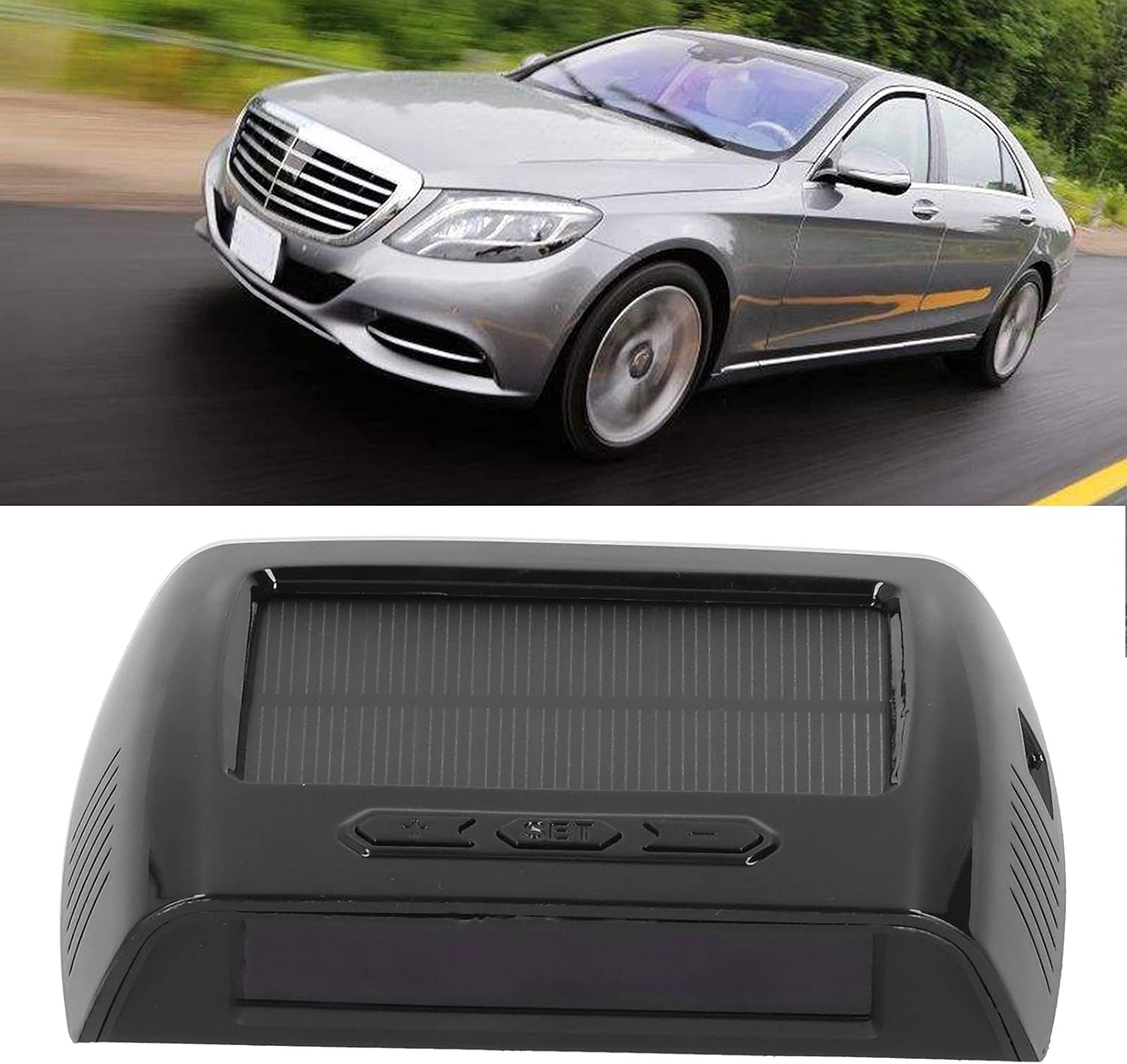
Image: The aqxreight TPMS main unit, a black rectangular device with a solar panel on top, shown in front of a silver car on a road, illustrating its use in a vehicle.
2. Package Contents
Please verify that all items listed below are included in your package:
- 1 x Tire Pressure Monitor Host
- 4 x External Sensors
- 1 x User Manual (this document)
- 1 x Wrench
- 4 x Hexagonal Nuts
- 1 x Adhesive Sheet
3. Specifications
Host Parameters:
- Built-in Lithium Battery: 500 mAh (Model 402040)
- Display: Pressure, Temperature, Air Leakage Alarm
- Frequency: 433.92 MHz ± 20.00 MHz
- Operating Temperature: -20℃ to 80℃ (-4°F to 176°F)
- Storage Temperature: -30℃ to 85℃ (-22°F to 185°F)
- Charging Method: USB + Solar
- Charging Voltage: DC 5V
- Default High/Low Pressure Values: 3.0 Bar - 2.0 Bar (Adjustable)
- Operating Current: ≤ 5mA
- Factory Default Temperature Setting: 68℃ (154.4°F)
- Installation Location: Center Console
Sensor Parameters:
- Button Battery: 60 mAh (Model CR1632, included)
- Waterproof and Dustproof Rating: IP67
- Frequency: 433.92 MHz ± 20.00 MHz
- Sensor Pressure Range: 0-3.5 BAR
- Storage Temperature: -30℃ to 86℃ (-22°F to 186.8°F)
- Pressure Accuracy: +/- 0.1 Bar
- Temperature Accuracy: +/- 3℃
- External Operating Temperature: -20℃ to 80℃ (-4°F to 176°F)
- Built-in Operating Temperature: -40℃ to +120℃ (-40°F to 248°F)

Image: Top view of the aqxreight TPMS main unit, showing the solar panel, control buttons (M, SET, arrow keys), and a USB charging port.
4. Setup and Installation
The TPMS host unit can be placed on your car's dashboard or center console. Ensure the solar panel faces upwards to receive sunlight for charging. The sensors are installed on the tire valves.
Sensor Installation Steps:
- Unscrew Dust Cap: Remove the original dust cap from the air valve of the tire.
- Thread Hexagonal Nut: Thread one of the hexagonal nuts onto the air valve stem. Do not tighten it yet.
- Screw on Sensor: Screw the corresponding sensor (marked for each tire position, e.g., FL for Front Left) onto the air valve stem until it is hand-tight.
- Secure with Wrench: Use the provided wrench to tighten the hexagonal nut against the sensor in the negative (counter-clockwise) direction to secure the sensor and prevent theft.
- Check for Leaks: Apply soapy water around the valve stem and sensor to check for any air leaks. If bubbles appear, re-tighten the sensor and nut.
Repeat these steps for all four tires. Ensure each sensor is installed on its designated tire position for accurate readings.

Image: Side view of the aqxreight TPMS main unit, showing its compact design and the solar panel on top.
5. Operating Instructions
The system is designed for "Plug and Play" operation. Once the sensors are installed and the host unit is powered on, it will automatically detect and display tire data.
Display Information:
- The LCD screen will show real-time pressure and temperature for all four tires.
- Alarms will be triggered for conditions such as low air pressure, high temperature, air leakage, or low sensor battery.
Charging the Host Unit:
- Solar Charging: Place the host unit where its solar panel can receive direct sunlight. This is the primary charging method during daytime driving.
- USB Charging: For charging in low light conditions or when the battery is very low, connect the host unit to a 5V USB power source using a compatible cable (not explicitly listed but implied by USB charging).
Adjusting Settings (if applicable):
While specific button functions are not detailed, typically TPMS units have buttons (e.g., 'SET', 'M', arrow keys) to:
- Enter setting mode to adjust high/low pressure thresholds.
- Adjust high temperature alarm threshold.
- Switch between pressure units (e.g., Bar, PSI).
- Switch between temperature units (e.g., ℃, ℉).
Refer to the on-screen prompts or a more detailed digital manual (if available) for specific button press sequences to modify settings.

Image: A top-down view of the aqxreight TPMS main unit, highlighting the solar panel and the control buttons for operation.
6. Maintenance
- Cleaning: Wipe the host unit and sensors with a soft, dry cloth. Avoid using abrasive cleaners or solvents.
- Solar Panel: Ensure the solar panel on the host unit is kept clean and free from obstructions to maximize charging efficiency.
- Sensor Batteries: The sensors use CR1632 button batteries. If a low battery alarm for a sensor is triggered, replace the battery promptly. Refer to a professional if unsure how to replace sensor batteries.
- Storage: If storing the system for an extended period, ensure the host unit is fully charged and store it in a cool, dry place.
7. Troubleshooting
| Problem | Possible Cause | Solution |
|---|---|---|
| No Display/Unit Not Turning On | Low battery in host unit. | Charge the host unit via solar panel or USB cable. |
| Sensor Data Not Displaying | Sensor battery low or sensor not properly installed/paired. | Check sensor installation. Replace sensor battery if necessary. Re-pair sensors if the issue persists (refer to specific pairing instructions if available). |
| Low Air Pressure Alarm | Tire pressure is below the set threshold. | Check the tire for punctures or leaks. Inflate the tire to the recommended pressure. |
| High Temperature Alarm | Tire temperature is above the set threshold. | Pull over safely and inspect the tire. Allow the tire to cool down. Avoid aggressive driving. |
| Air Leakage Alarm | Rapid pressure drop detected. | Immediately and safely pull over. Inspect the tire for significant damage or a rapid leak. Seek professional assistance. |
| Inaccurate Readings | Sensors not properly calibrated or faulty. | Ensure sensors are correctly installed and tightened. Compare readings with a reliable tire gauge. If discrepancies persist, contact support. |
8. Safety Information
- Do not attempt to disassemble or modify the TPMS host unit or sensors.
- Always ensure sensors are securely tightened to prevent detachment during driving.
- While the TPMS provides valuable information, it does not replace regular manual tire pressure checks.
- Pay attention to all alarms and address them promptly to ensure driving safety.
- Keep the device away from extreme temperatures outside its operating range.
9. Warranty and Support
Information regarding product warranty and customer support was not provided in the available product details. Please refer to the retailer or manufacturer's official website for warranty terms and contact information for support inquiries.